Kostenlos
guide
Two short lines and one satisfying flip make the strongest opener or end card. What makes a flip title read well, and how to render one free with the open-source Code Slice Hero block.
3. Nov. 2026 · 1 Min. Lesezeit
Diese Anleitung gibt es noch nicht in deiner Sprache, daher wird sie auf Englisch angezeigt.
A title card has about two seconds to land. The cards that work best say one thing, then turn it into a second thing: a claim and its payoff, a product name and a promise. A flip makes that turn physical, so the viewer feels the change instead of reading two separate slides.
| Habit | Why it works |
|---|---|
| Two lines of similar length | The flip reads as one gesture instead of a messy swap |
| One to three words per line | Big type stays legible on a phone |
| A directional sweep | The eye follows the wave, so the second line arrives where the viewer is already looking |
| A short hold at the end | Give the payoff line at least two seconds before you cut |
| Plain background | Shadows on the flipping tiles carry the depth; busy backgrounds fight them |
Code Slice Hero is a free, open-source HyperFrames block. Your front headline is printed on a grid of cells; a depth wave sweeps across and every cell flips with a small bounce to reveal the back headline. Ask your agent:
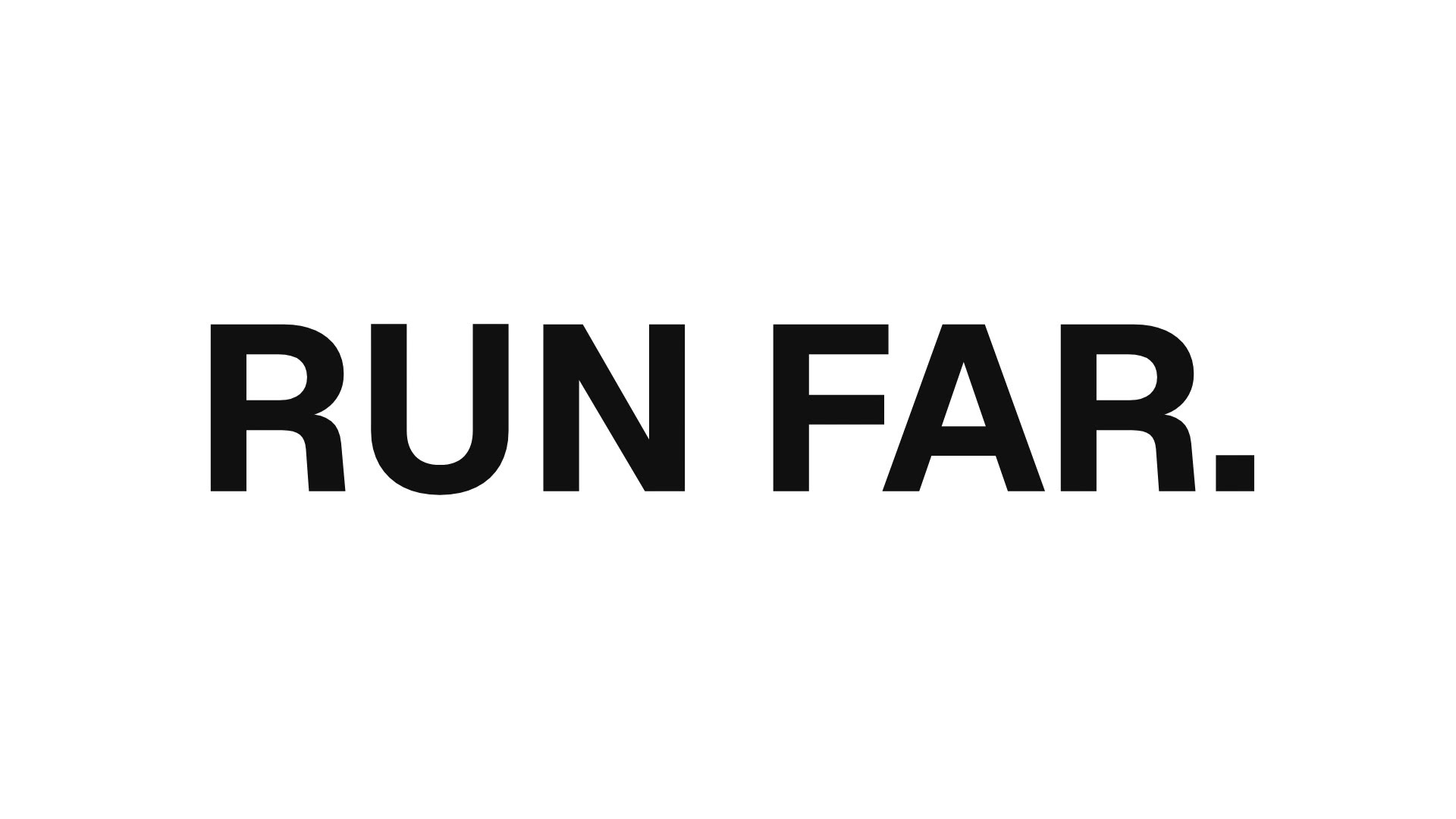
Use the code slice hero block: front headline "RUN SOFT.", back headline "RUN FAR.", sweep left to right. Render 1080p.It sets the two headlines as variables and renders an 8-second 1920×1080 MP4 with npx hyperframes render. The sweep direction, speed, cell size, shadow and colours are variables too, so a second version is one more render.
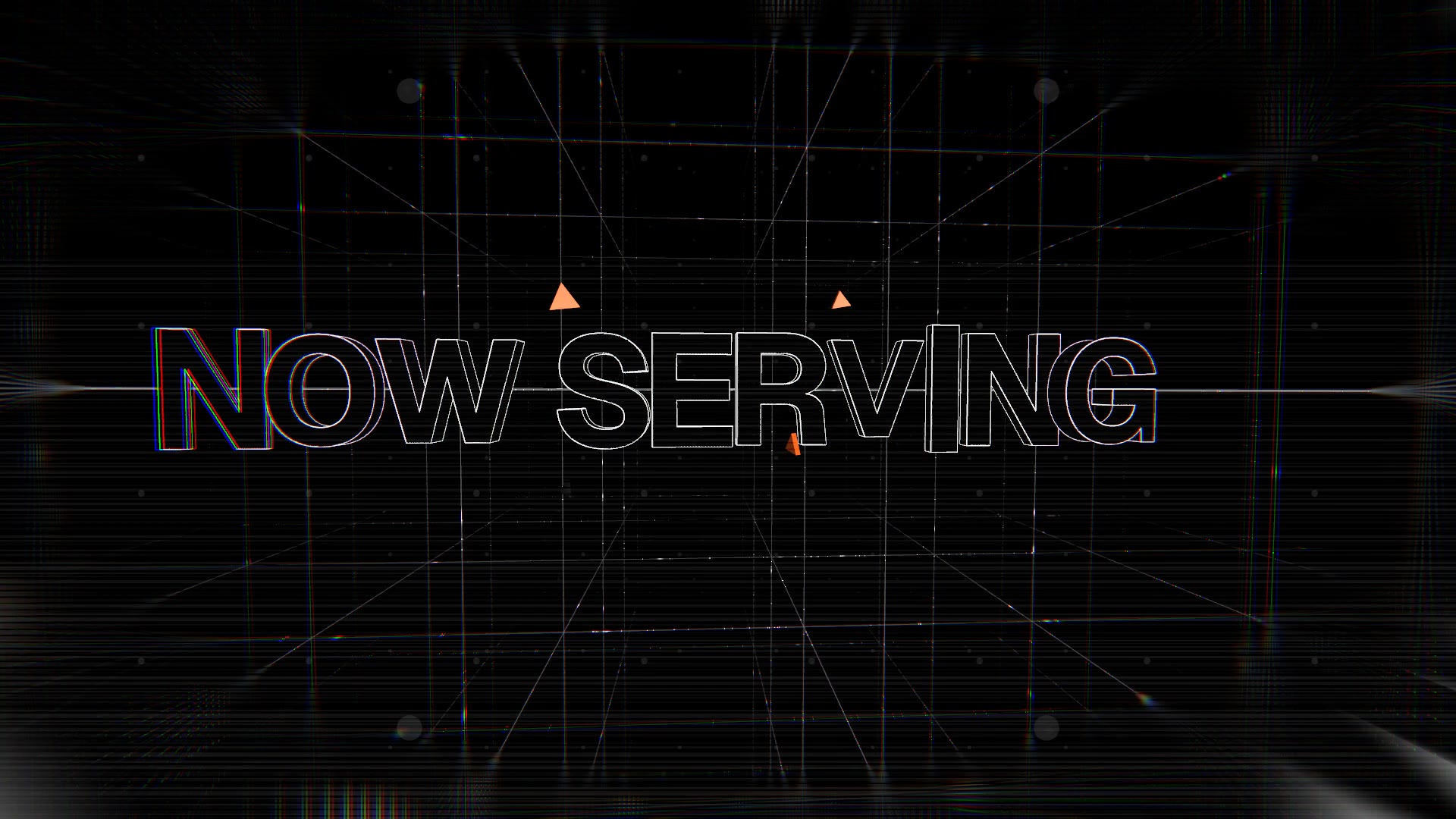
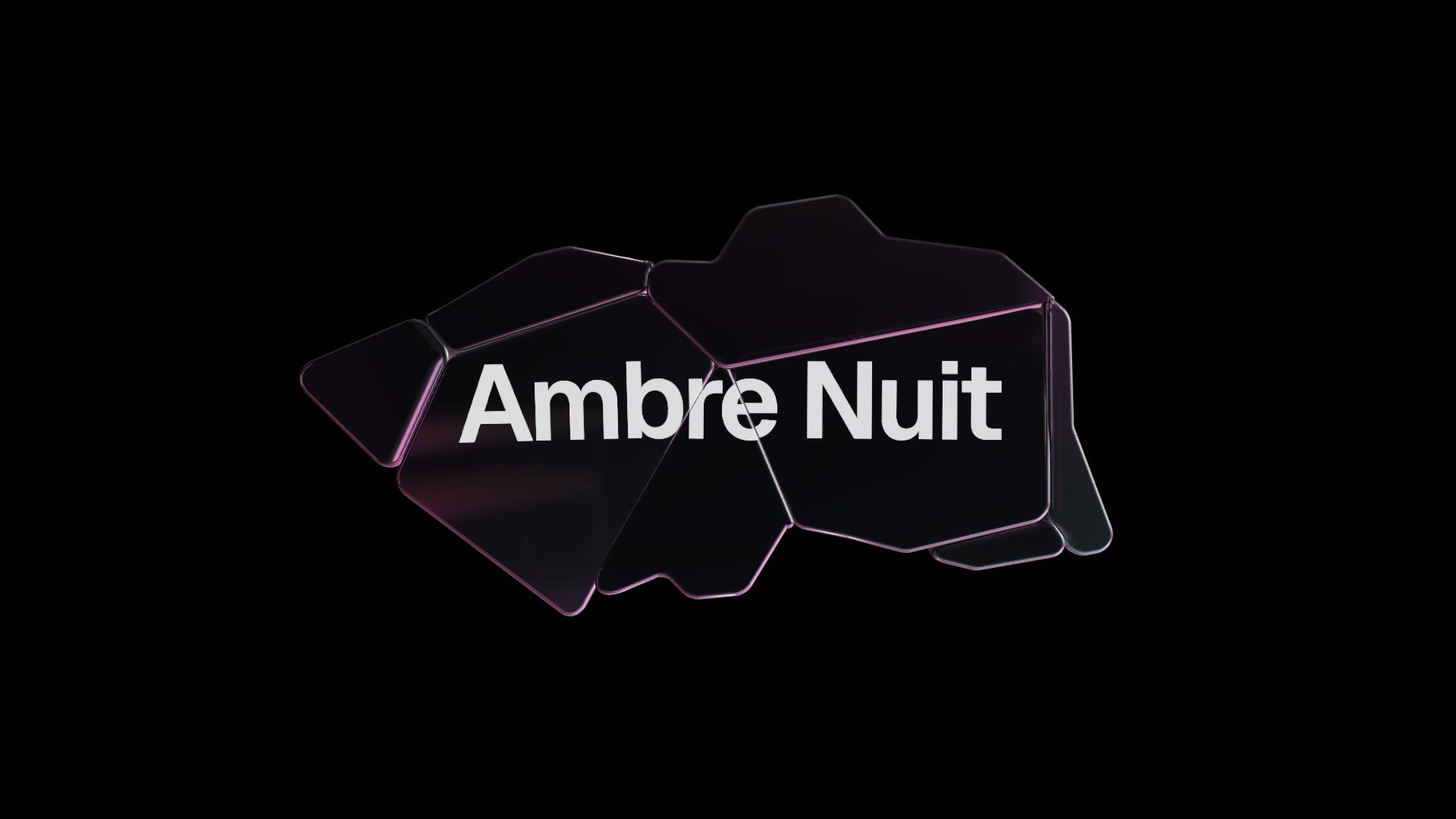
Use it as the first or last card of a launch video, as a standalone social post, or to announce a rename. For a louder opener, try the Wireframe Portal Title; for a premium one, the Glass Shard Title.