免费
guide
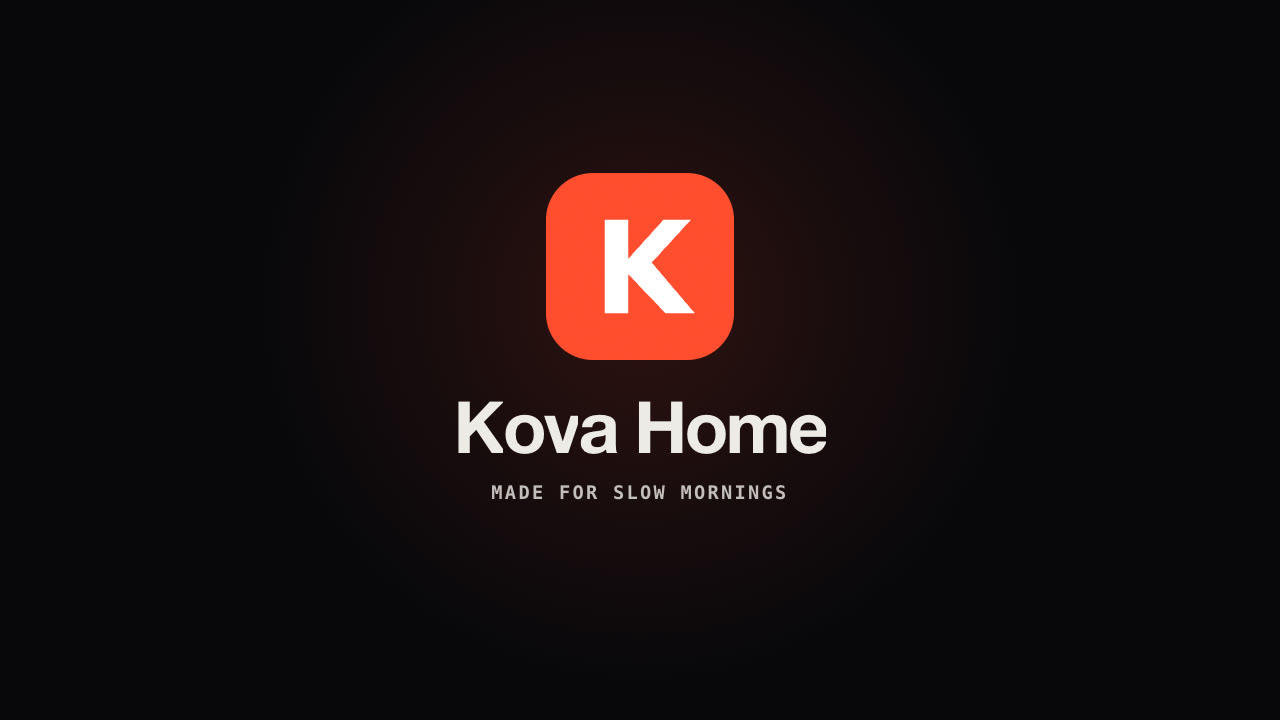
A four-second logo sting with a glow burst, your sharp logo, a rising wordmark and tagline. How to prepare the logo, where to use the sting, and how to render it with Claude Opus 5.5.
2026年10月27日 · 阅读约 2 分钟
这篇指南暂未提供你的语言版本,因此以英文显示。
A logo sting — the short animated logo at the start or end of a video — makes every piece of content look finished and recognisably yours. Traditionally it meant After Effects and a motion designer. With a code-rendered template, it's a four-second render from your logo file.
Four seconds is long enough to register and short enough not to annoy repeat viewers.
The free Logo Reveal Skill renders this locally:
Make a 4-second logo reveal for logo.svg with the name Kova Home and the tagline "Made for slow mornings", in our brand orange.
Your agent validates the logo file and contrast, renders a draft, then the MP4s — 16:9 for YouTube, 9:16 for Reels and Shorts, 1:1 for feeds. For a fuller brand film, see kinetic typography.
Can I add a sound? You can add a short audio sting you're licensed to use when rendering.
Does it work with a light background? Yes — set the background and text colours to match your brand.