guide
20 simple promo video formats you can make without filming anything
Text threads, notes lists, countdowns, before/after splits, product reveals and more — what each short format is good for, how to write it, and a free Skill that renders it.
2026年10月26日 · 阅读约 4 分钟
Most short promo videos in a feed are not shoots. They are a few lines of text, a screenshot or a product photo, moved well for five to fifteen seconds. That is good news: these formats are cheap to make, easy to test and easy to adapt for every market.
This guide groups twenty of the most common ones by job. Each has a free Reelity Skill: your AI agent writes the copy with you, then renders MP4s in 9:16, 4:5, 1:1 and 16:9 on your own machine.
Hooks for TikTok, Reels and Shorts
These work because they look native to the feed — like something a person made on their phone, not an ad.
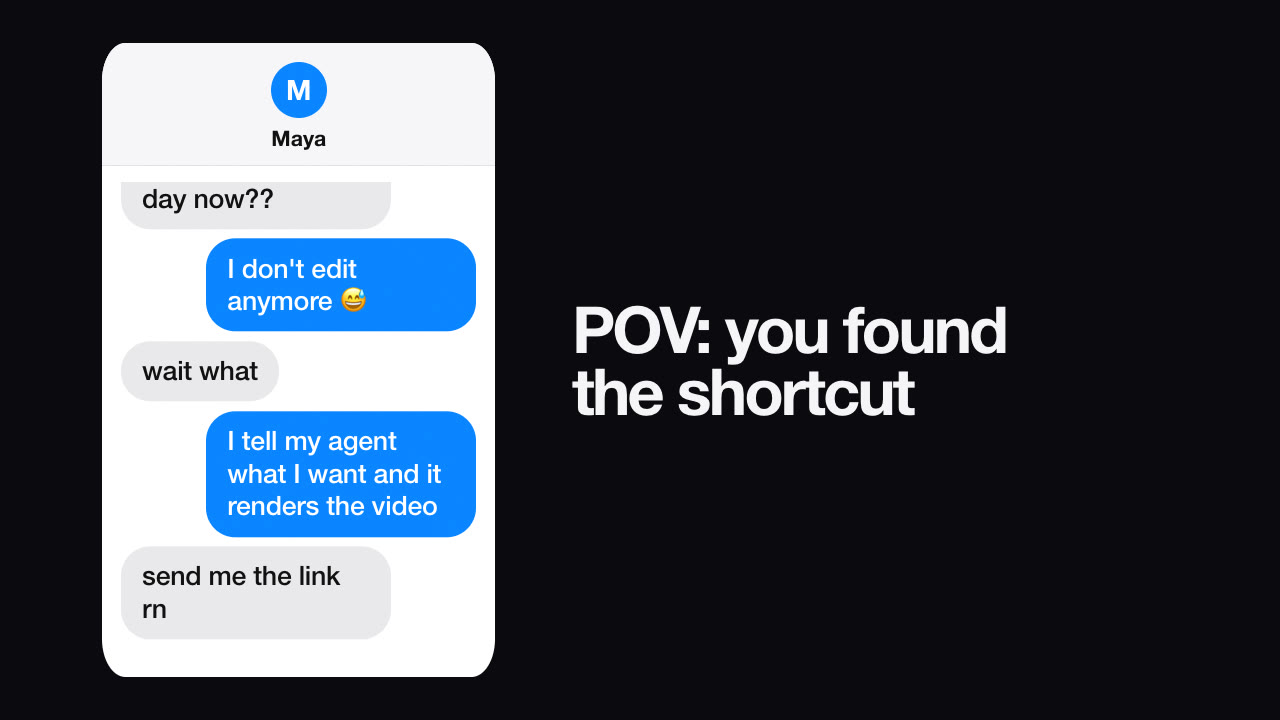
- Text message story. A chat that types itself out: a question, a reaction, a punchline. Keep each message under twelve words and put the hook in the first one. Never present an invented chat as a real customer's. → Text Message Story
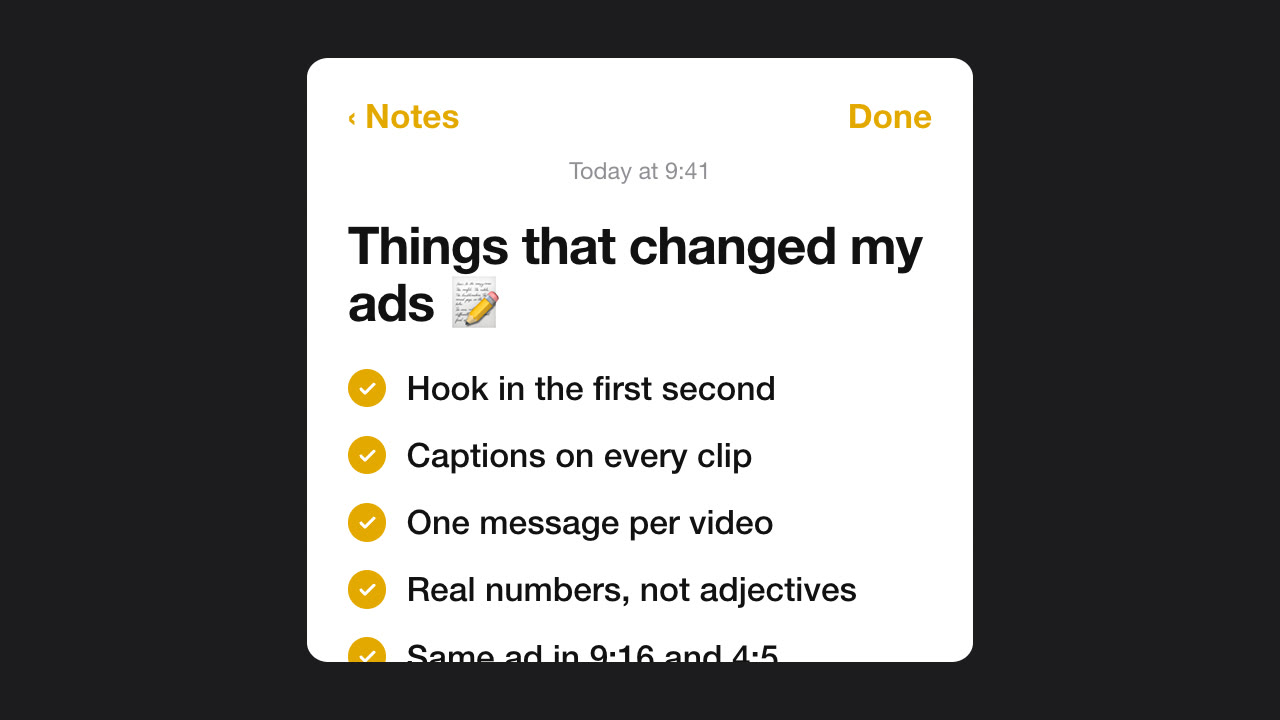
- Notes app list. A phone notes screen where each line is typed and ticked off. Ideal for tips, "things I changed" and benefit lists. → Notes App List
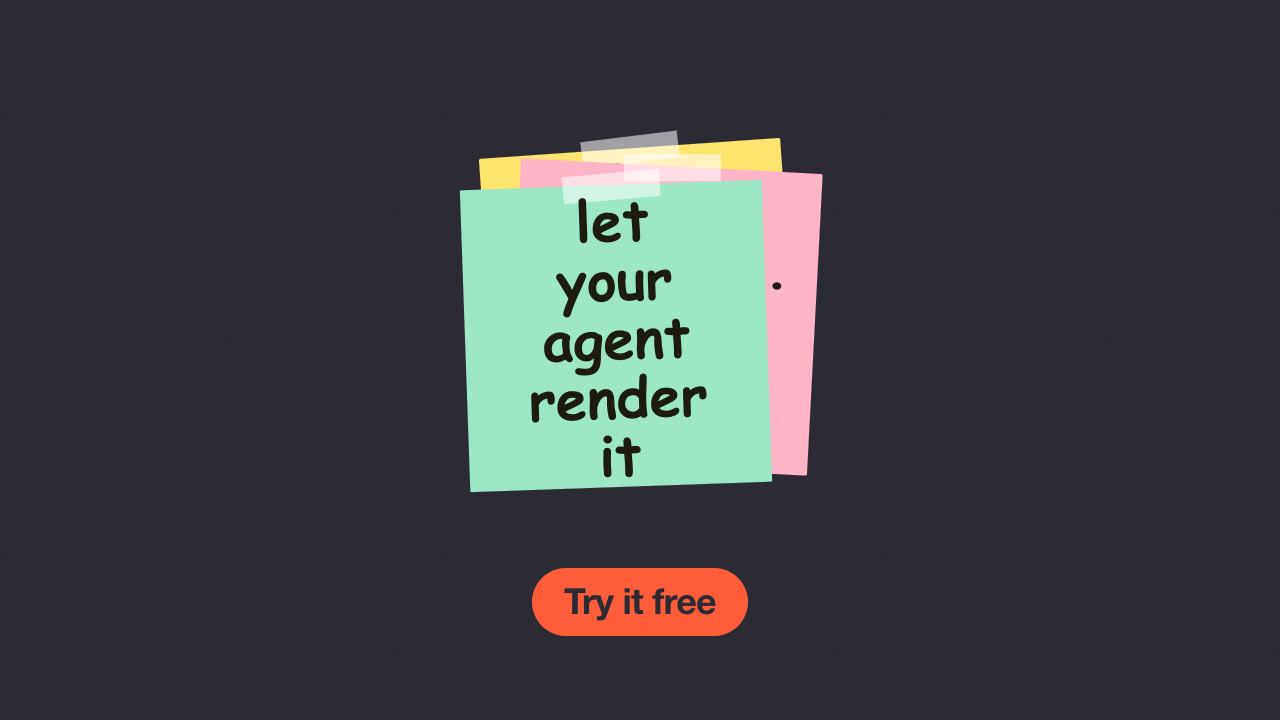
- Sticky notes. Short handwritten notes slap onto the screen one at a time, optionally over your product photo. Six words a note reads best. → Sticky Note Ad
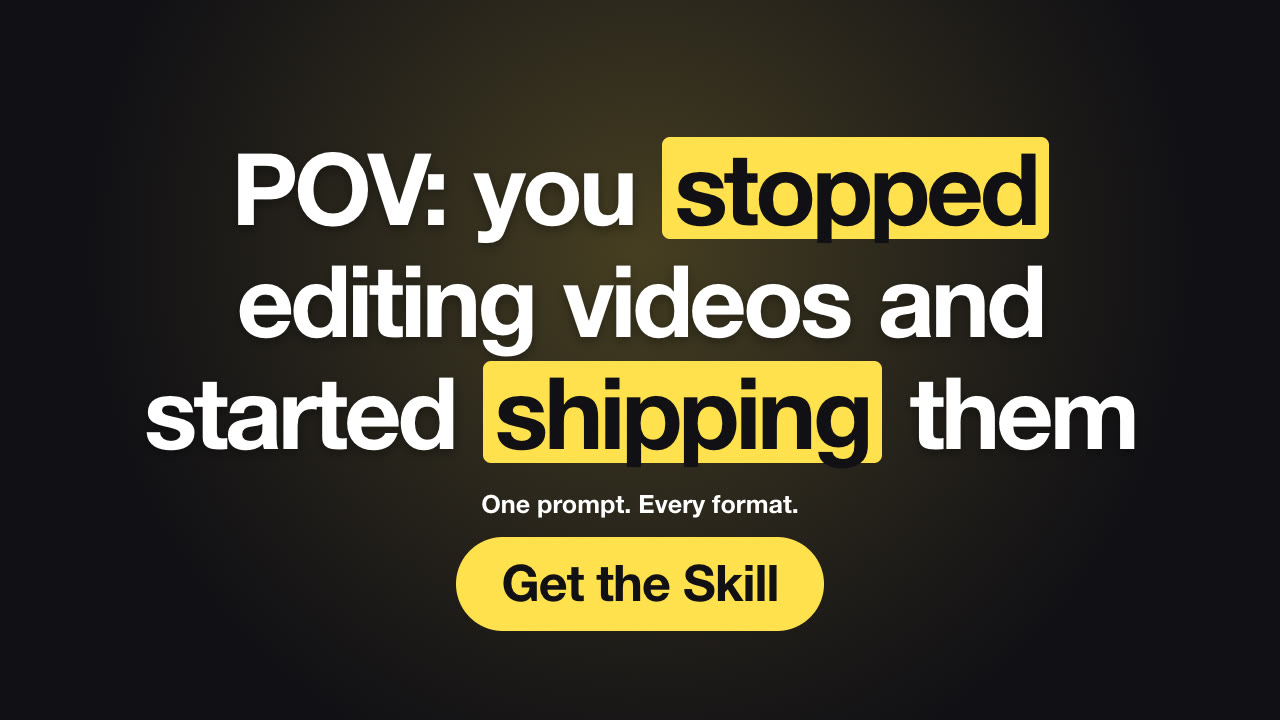
- Hook text. Your opening line pops in word by word with the surprise word highlighted. Render five versions and test them, keeping everything else the same. → Hook Text (and our guide to short-form ad hooks)
- Slides to reel. Two to six images become a story-style reel with slide-in transitions and one bold caption each. → Slides to Reel
Product and e-commerce
- Product reveal. The product rises out of the dark under a spotlight, then the name lands. Best for launches and "introducing" posts; use a cut-out product image. → Product Reveal
- Spec callouts. Leader lines draw out from the product to two to four specs. Lead with the spec buyers compare on, and only list what you can back up. → Product Callouts
- Before/after slider. A divider sweeps across the before image to reveal the after. Capture both with the same framing so the comparison is honest. → Before / After Slider
- Us vs. them. A two-column comparison that ticks your column and crosses theirs. Compare only on facts you can verify — comparative claims are regulated in most markets, so "the old way" is often the safer opponent than a named brand. → Us vs Them
- Halftone drop. A loud, comic-print promo for limited runs and merch. Use the badge only for facts: quantities and dates must be true. → Halftone Promo
Apps and SaaS
- Phone mockup scroll. A tall screenshot scrolls inside a phone under your headline. Show the real UI. → Phone Mockup Scroll
- Screenshot showcase. A dashboard swings into place in 3D, then pins highlight two or three features. Crop to the part that matters; tiny UI won't read on a phone. → Glass Screenshot Showcase
- What's new cards. Numbered feature cards slide in one by one for a release. Say what the user gets, not just the feature name. → What's New Cards
- Sketch steps. A whiteboard explainer: the title is written and underlined, then each step is circled and written out. Three steps is the sweet spot. → Sketch Steps
Proof and data
- Stat reveal. One number counts up, then a simple bar chart backs it. Cite the source on screen and start bars at zero. → Stat Reveal
- Review highlight. A real customer review on a clean card: stars, the quote word by word and one result. Use only reviews you have permission to publish. → Review Highlight
Events, brand and covers
- Countdown. A big number counts down to your launch or webinar. Render one per day by changing a single value, and always include the time zone. → Countdown Teaser
- Logo reveal. A four-second logo sting for the start or end of every video; SVG logos stay sharpest. → Logo Reveal
- Paper pop-up title. Cut-paper hills spring up and a title card drops in — friendly and seasonal. → Paper Pop-up Title
- Thumbnail. Two to four huge words, one highlighted, and a cut-out subject. Make sure it matches what the video shows. → Thumbnail Maker
How to choose
Start from the job, not the look:
- Need attention in the feed? Use a native-looking hook: text story, notes list or sticky notes.
- Selling a physical product? Reveal it, then show the specs or a before/after.
- Selling software? Show the real screen: phone scroll for apps, screenshot showcase for dashboards.
- Need trust? A stat with a source, or a real review you have permission to use.
Then render the same file in every ratio your placements need, and keep text inside the safe zone — check a frame with the safe-zone checker and the exact sizes in our video specs.
Making them with an AI agent
Every Skill above is free. Install one with a single command, describe what you want, and your agent will ask for anything missing, show you the copy before rendering, validate it (long lines, contrast, missing images) and render the MP4s locally — no footage, no API keys and no per-video fees. Browse them all on the Skills page.