Kostenlos
guide
Glanceable widgets are how people read their data. How to animate a small liquid-glass dashboard with counting stats, free, with the Liquid Glass Widgets block.
3. Nov. 2026 · 1 Min. Lesezeit
Diese Anleitung gibt es noch nicht in deiner Sprache, daher wird sie auf Englisch angezeigt.
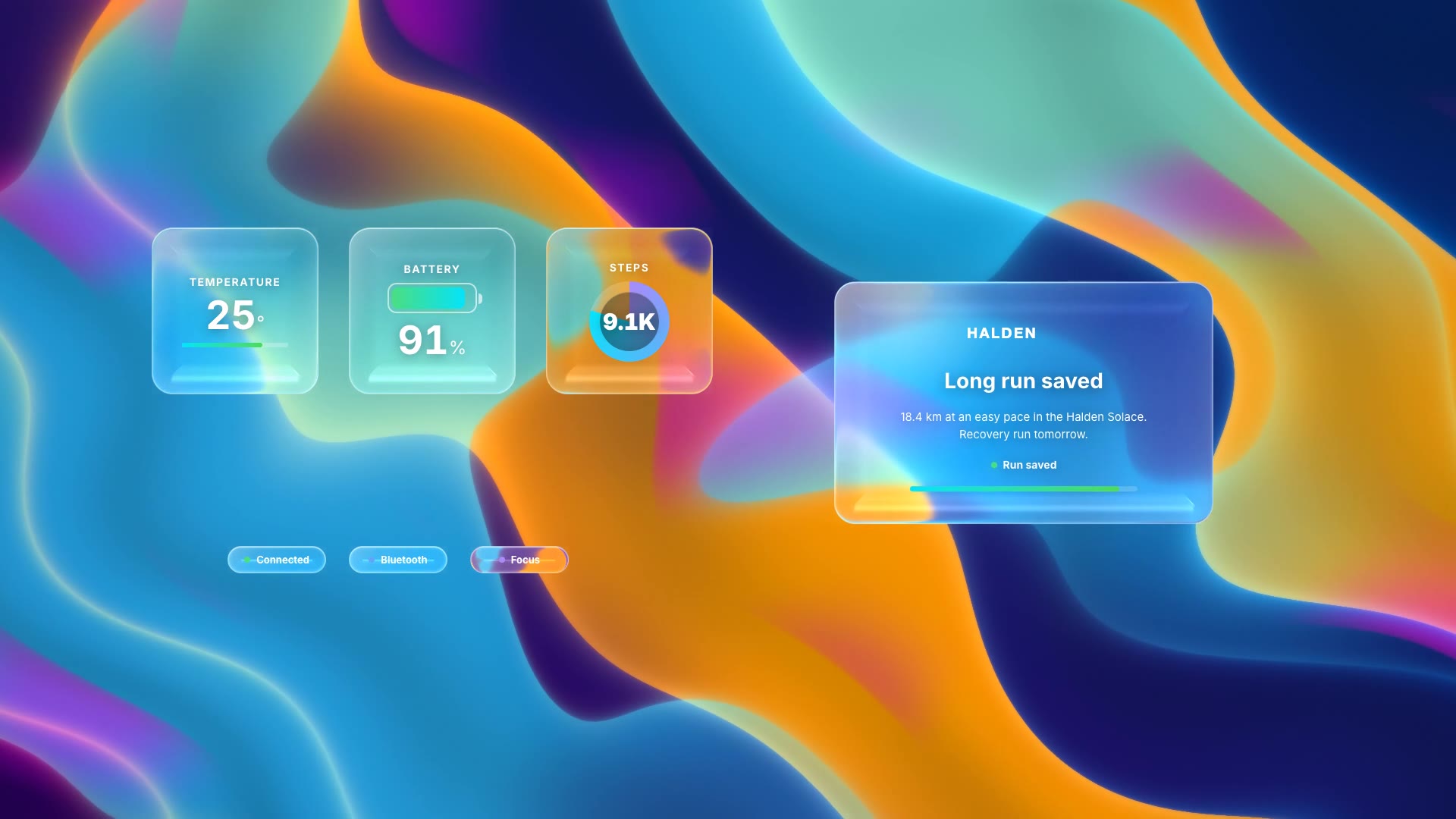
A few numbers can tell a whole session: the temperature on a run, the watch battery, the steps. Liquid-glass widgets that count up, with a panel that reports the result, show your app's value at a glance.
| Habit | Why it works |
|---|---|
| Three related stats | They should add up to one story |
| Numbers that move | Counting up draws the eye to each one |
| A result panel | A title, one sentence and a finishing status |
| Status chips | Small extras like Connected or Focus add life |
| Same aurora as the notifications | Cut the two blocks together |
Liquid Glass Widgets is a free, open-source HyperFrames block. Frosted liquid-glass stat widgets count up, a showcase panel reports progress, and status chips light up over a flowing aurora. Ask your agent:
Make liquid glass widgets for a Halden run: temperature, watch battery and 8.2K steps, with a "Long run saved" panel.It renders an 8-second 1920×1080 MP4.
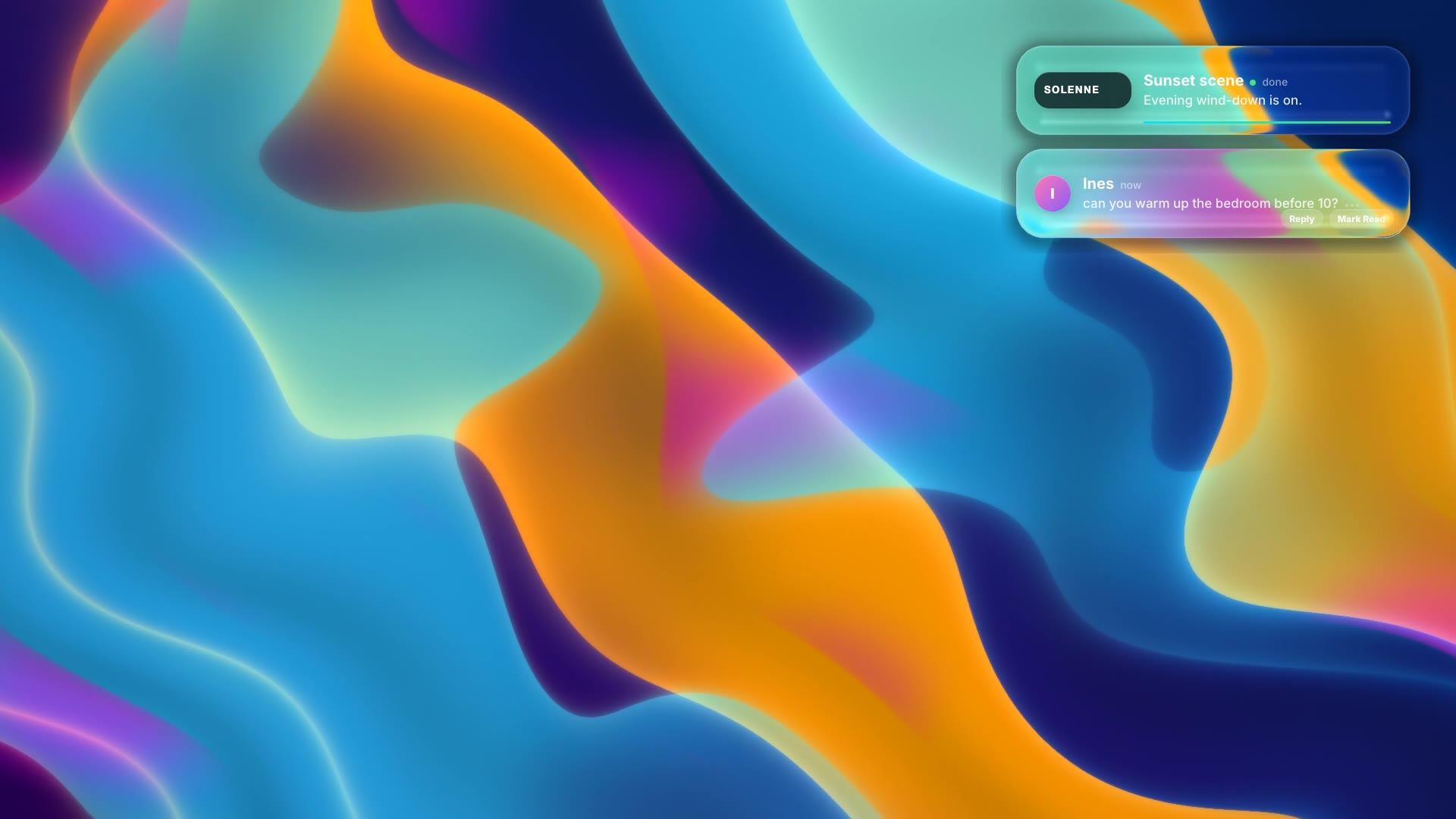
For another take on the same idea, see Liquid Glass Notifications.