Gratis
guide
Specs sell when they are easy to read. How to animate a clean specs list next to your product, free, with the Specs Checklist block.
3 nov 2026 · 1 min de lectura
Esta guía aún no está disponible en tu idioma, así que se muestra en inglés.
Shoppers want the facts: materials, sizes, what fits. A specs list that slides in row by row beside the product answers those questions while the product stays on screen.
| Habit | Why it works |
|---|---|
| One-word labels | Leather, Hardware, Fits: scannable in a glance |
| Short values | A few words each |
| One row at a time | Staggered entrances guide the eye |
| Contrast with the shot | Ink rows on bright photos, white rows with a scrim on dark footage |
| Leave room for the product | Keep the list on one side |
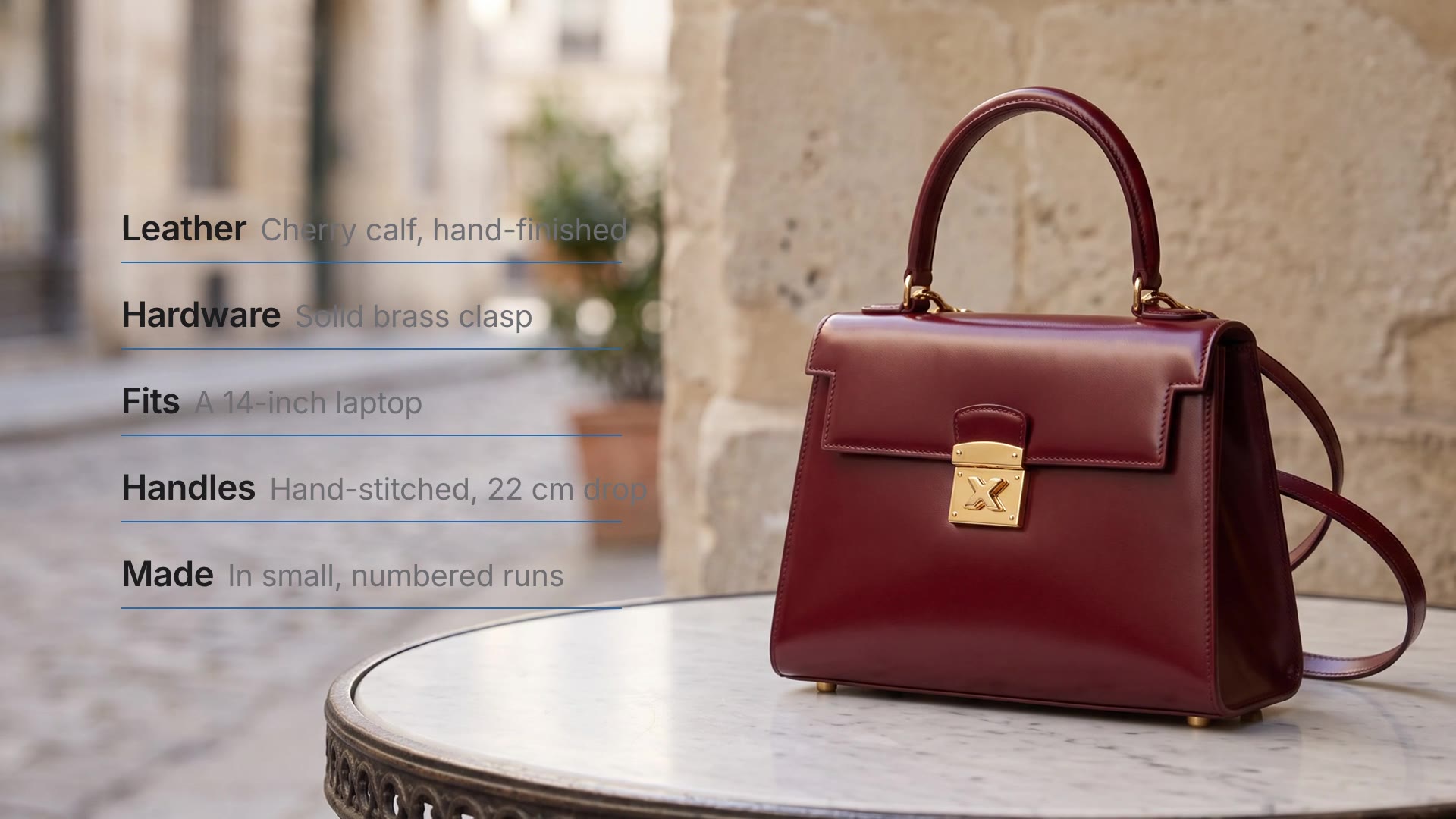
Specs Checklist is a free, open-source HyperFrames block. A left-aligned specs list: each row of label and value slides in, one after another, with an accent line sweeping under it. Ask your agent:
Make a specs checklist over our Vael Cerise photo with five rows: leather, hardware, fit, handles and how it is made.It renders an 8-second overlay with a transparent background.
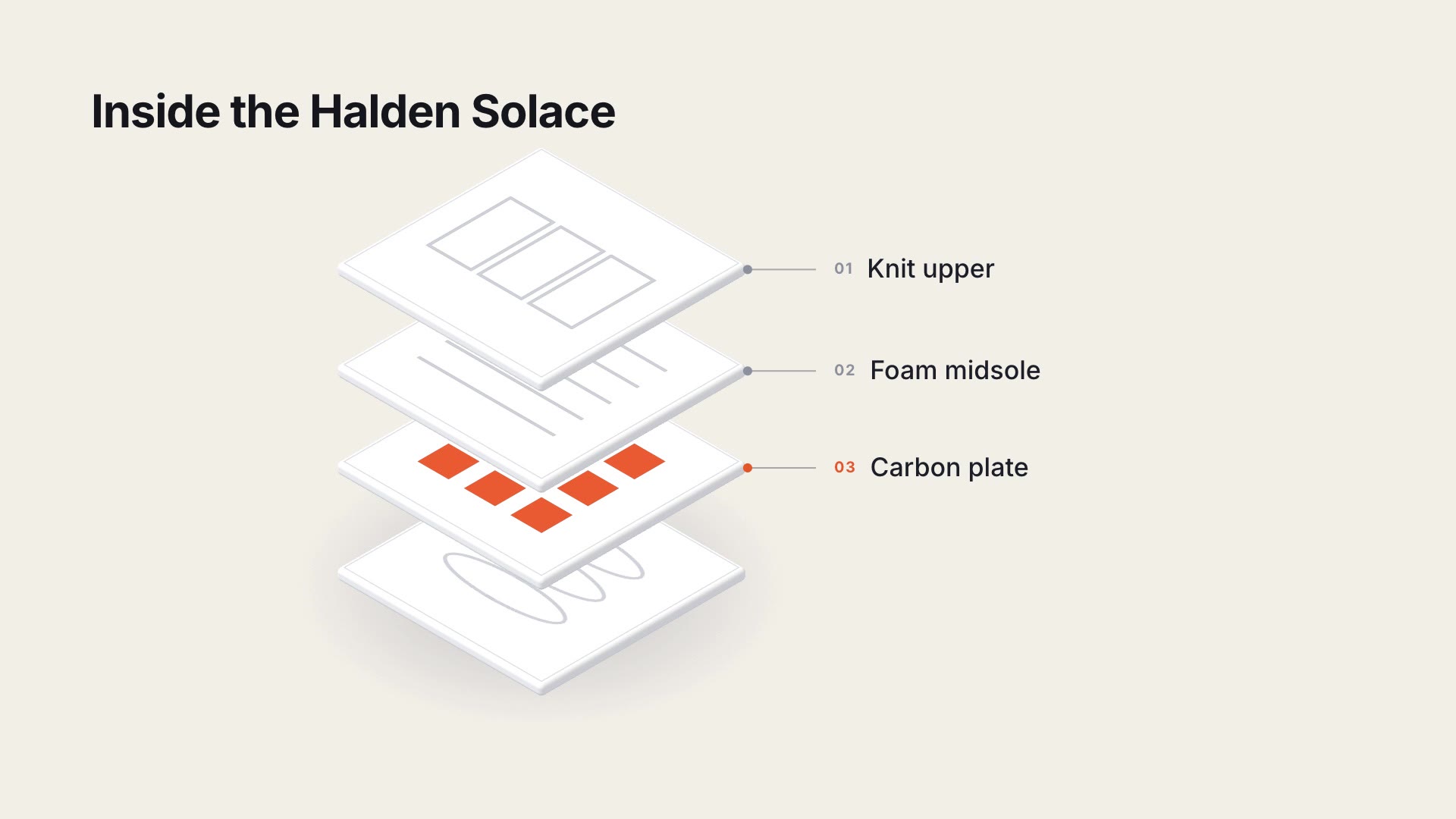
For another take on the same idea, see Exploded Layer Stack.