Every Premium video Skill, one plan. Cancel anytime.See plans
Halden Solace · 16:9

Rendered by this Skill

Exploded Layer Stack v1.0.0

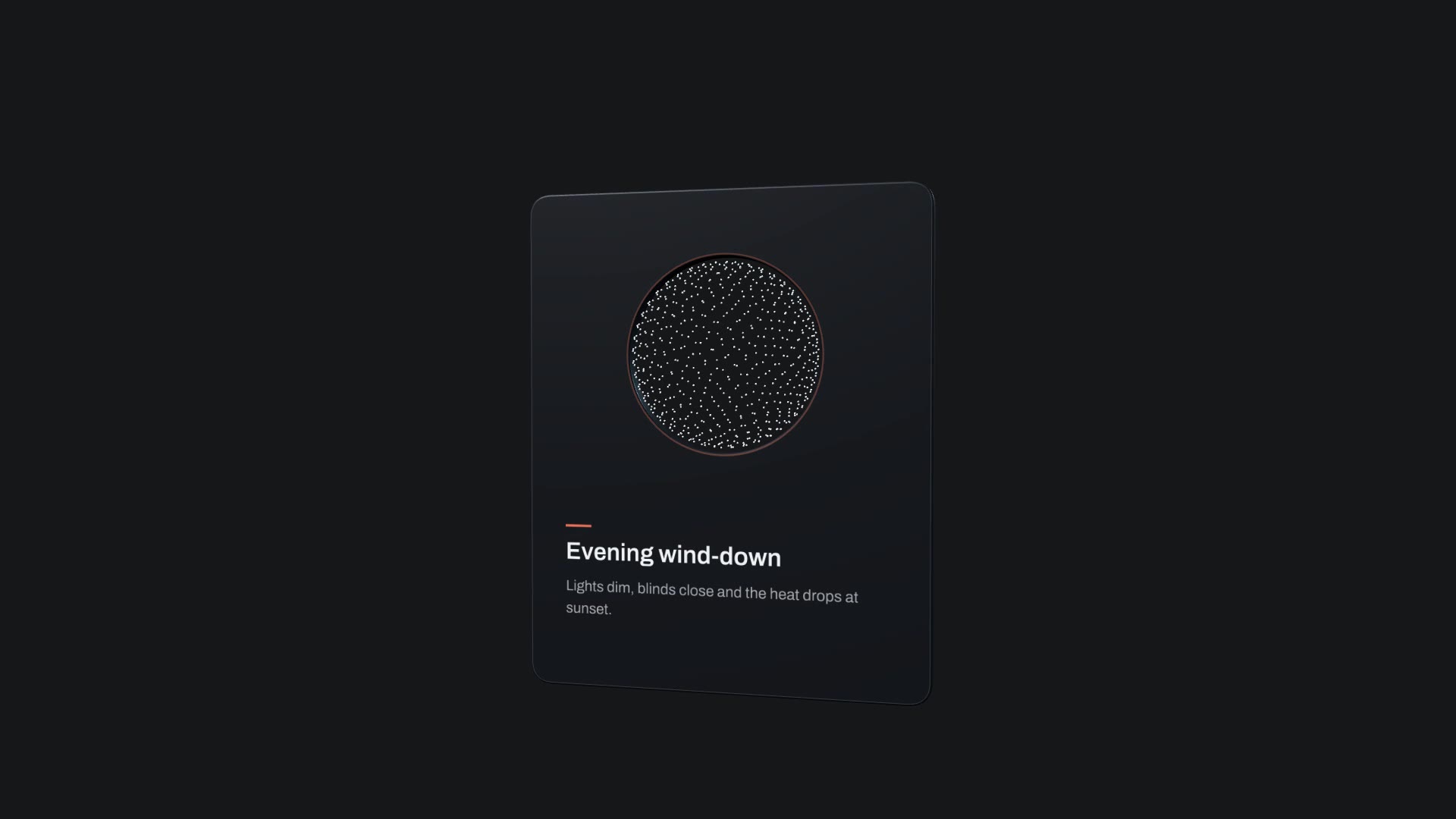
Four isometric plates explode apart with a label beside each layer, hold, then snap back into one stack.

No ratings yet 0 downloads
Format
Video · 16:9
Length
0:05

Free Free with an account

Sign in to download

Paste this into your agent. It connects the CLI if needed, then installs the Skill.

A free HyperFrames block for 5-second "what's inside" moments. Four isometric plates lift apart, each gets a numbered label and its own drawing, the layers hold, then collapse back into one stack. The title, the four layer names, the accent and the background are variables.

Updated Nov 3, 2026

What you get

  • A 5-second 1920×1080 MP4
  • Four labelled isometric layers that explode and re-stack
  • Variables for the title, layer names and two colours

Good fit

  • "What's inside" product moments
  • Architecture and system diagrams
  • Feature explainers and onboarding

Not for

  • Photos of the real product layers
  • More than four layers

About this Skill

You say

/exploded-stack Make an exploded stack titled "Inside the Halden Solace" with the layers Knit upper, Foam midsole, Carbon plate and Grip outsole. Accent #E2552B on a warm off-white background.

Showing what something is made of builds trust fast. Exploded Layer Stack pulls a product or system apart into four labelled layers and puts it back together, in five seconds. It was built for software architecture, and it works just as well for a shoe, a mattress, a skincare routine or a pricing plan.

How it works

  1. Ask: tell your agent a title and four layer names, from top to bottom, plus an accent colour.
  2. Fill: it writes your copy and colours into the block's variables, keeping text close to the length the layout was made for.
  3. Render: it renders a draft with npx hyperframes render, checks a few frames and renders the final MP4.
  4. Reuse: the variables live in one small JSON file, so the next version is one more render.

Tips

  • Name layers with two or three words each.
  • Order them the way the product is really built, top to bottom.
  • Use your brand colour as the accent; it lights the active layer.
  • Drop it into a longer explainer as the "how it works" beat.

Open source

This is a block from the HyperFrames registry, made by HeyGen and the HyperFrames contributors (heygen-com/hyperframes) and shared under the Apache License 2.0. The download is the block with its assets and a SKILL.md written by Reelity, so your agent knows how to fill and render it; HyperFrames itself runs from npm.

What you need before you start

You bring
A title, four layer names and an accent colour.
Dependencies
Node.js 22 or newer — required · FFmpeg — required
Outside costs
None. HyperFrames is free and open source and renders on your own machine.
Last tested
v1.0.0 —

User reviews

No reviews yet. Install the Skill and be the first to rate it.

FAQ

Can I use more than four layers?

The block has four. For more, your agent can render it twice with different layers and cut them together.

Can the plates show my product photos?

No. The plates are simple drawings; the labels carry the meaning.

Why is it free?

It is an open-source HyperFrames block by HeyGen and the HyperFrames contributors. We list it as it is, with a SKILL.md so your agent can use it and a sample made with one of our house brands, Halden Solace.
Guides

How to make a bar chart race video from a spreadsheetRankings that change over time make some of the most watched data videos. How to turn a small table into a bar chart race, free, with the Bar Chart Race block.How to make an exploded view animation of your productShowing what's inside a product builds trust in seconds. How to make a labelled exploded view, free, with the Exploded Layer Stack block.How to turn product photos into a 3D flythrough videoA handful of still photos can become a moving, cinematic shot. How to make a 3D corridor flythrough of your photos, free, with the Gallery Tunnel block.

Similar Skills

View all