Gratuit
guide
The iMessage-style chat video is one of the easiest hooks to make and one of the most native-looking in the feed. Here's how to script it, keep it honest and render it with Claude Opus 5.5.
27 oct. 2026 · 3 min de lecture
Ce guide n'est pas encore disponible dans votre langue ; il s'affiche donc en anglais.
Text message videos — a phone chat that types itself out, bubble by bubble — are everywhere on TikTok, Reels and Shorts. They work because they look like something a person made, not an ad, and because a conversation creates a tiny story: a question, a reaction, a payoff. This guide shows how to write one that holds attention and how to render it in a few minutes with an AI agent.
A phone-style chat fills the 9:16 frame. The other person's messages arrive after a typing indicator; yours pop in. The thread scrolls as it grows, and an optional caption lands at the end as the punchline. A good one runs 8–15 seconds.
It's not the right format for long explanations: if you need more than ten messages, you need a different video.
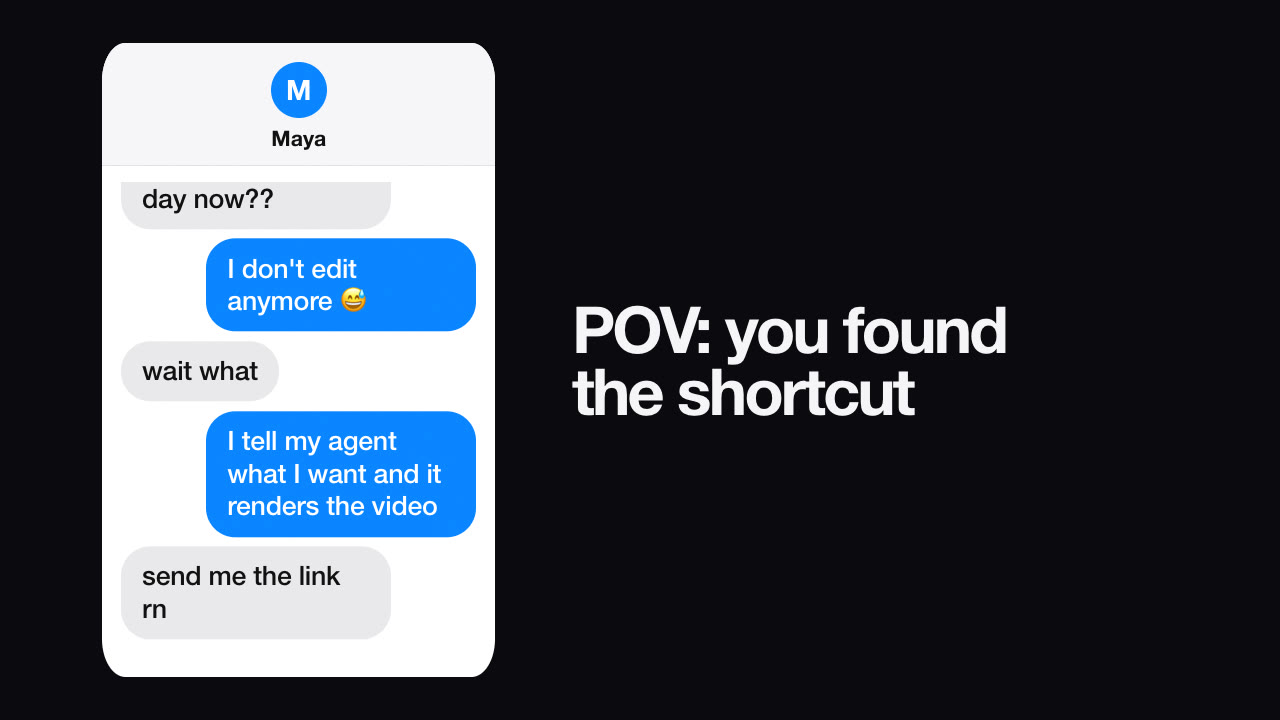
Example:
The format borrows the look of a private conversation, so be careful: never present an invented chat as a real customer's conversation, and don't use real screenshots of other people's messages without consent. A clearly staged, relatable exchange is fine; a fake testimonial isn't.
The free Text Message Story Skill renders this exact format on your machine. Install it, then ask your agent:
Make a 9:16 text-message video where a friend asks how I post five videos a day and I say my agent renders them. End with the caption "it's not magic, it's a Skill".
The agent writes the conversation for your approval, validates it (message length, contrast) and renders a draft in seconds, then full-HD MP4s in the formats you need. Chinese, Japanese, Korean and every other language render with proper fonts, so you can make a version per market. New to agent-made video? Read how Claude Opus 5.5 makes videos.
Can I change the bubble colours? Yes — the Skill takes colours for your bubbles, theirs, the screen and the text.
How long should it be? Five to eight messages, about 10–14 seconds, is the sweet spot for short-form feeds.
Can I add sound? You can add a music track you're licensed to use when rendering.