Free
guide
Opus 5.5 doesn't paint pixels — it writes the program that renders your video. Here's what that means, what it's good at, what it costs, and the fastest way to get a finished MP4.
Oct 27, 2026 · 5 min read
Since Anthropic released Claude Opus 5.5 on 22 September 2026, "Opus 5.5 video" has turned into one of the more searched AI-video topics. Developers have been sharing short explainers, showreels and motion graphics they made by simply asking the model for a video. If you are wondering whether you can do the same for your product or brand, this page explains how it actually works, where it shines, and how to get a finished MP4 in a few minutes.
Not in the way text-to-video models do. Opus 5.5 does not output video pixels, and Anthropic's launch page doesn't list video generation as a feature. What it does extremely well is write code — and a video can be code:
So when people say "Opus 5.5 made this video", they mean Opus 5.5 wrote a small program, and the program rendered the video. As one write-up put it, you ask for a video and get a program you can edit.
Code-rendered video has real advantages over generated footage for ads and social content:
What it is not good at: realistic people, live-action scenes or camera footage. For those you still need a camera or a video-generation model.
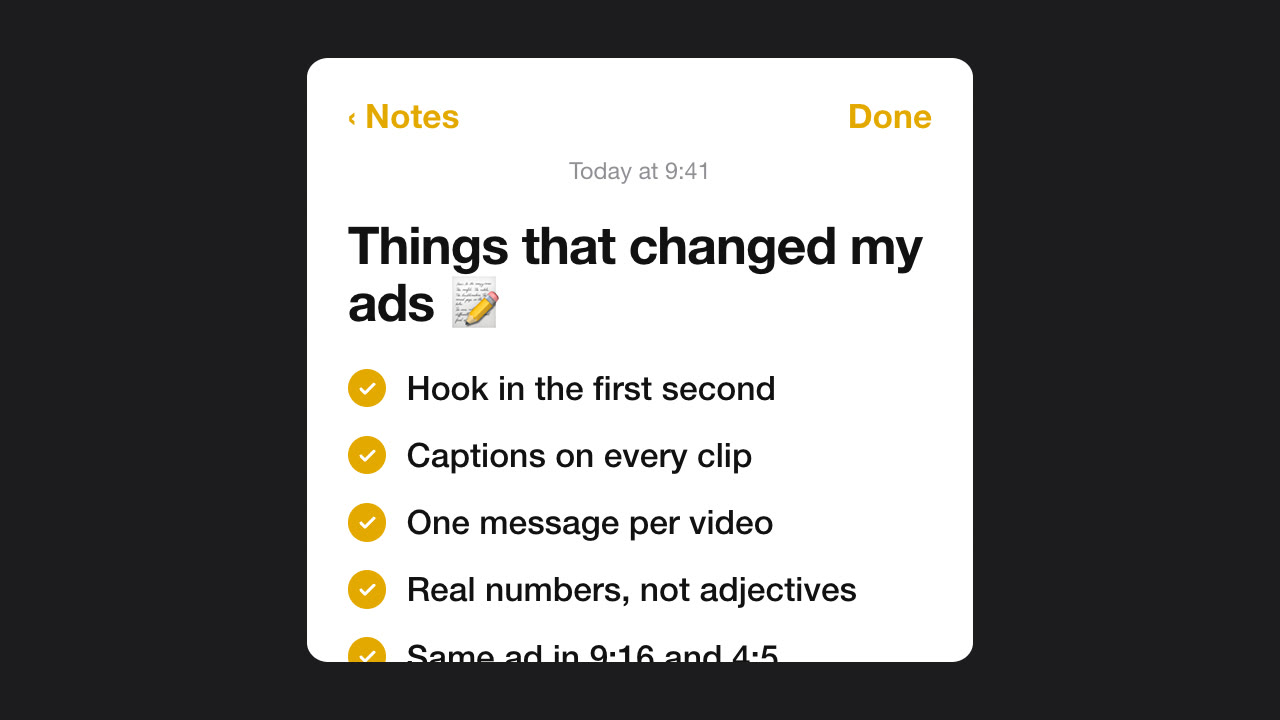
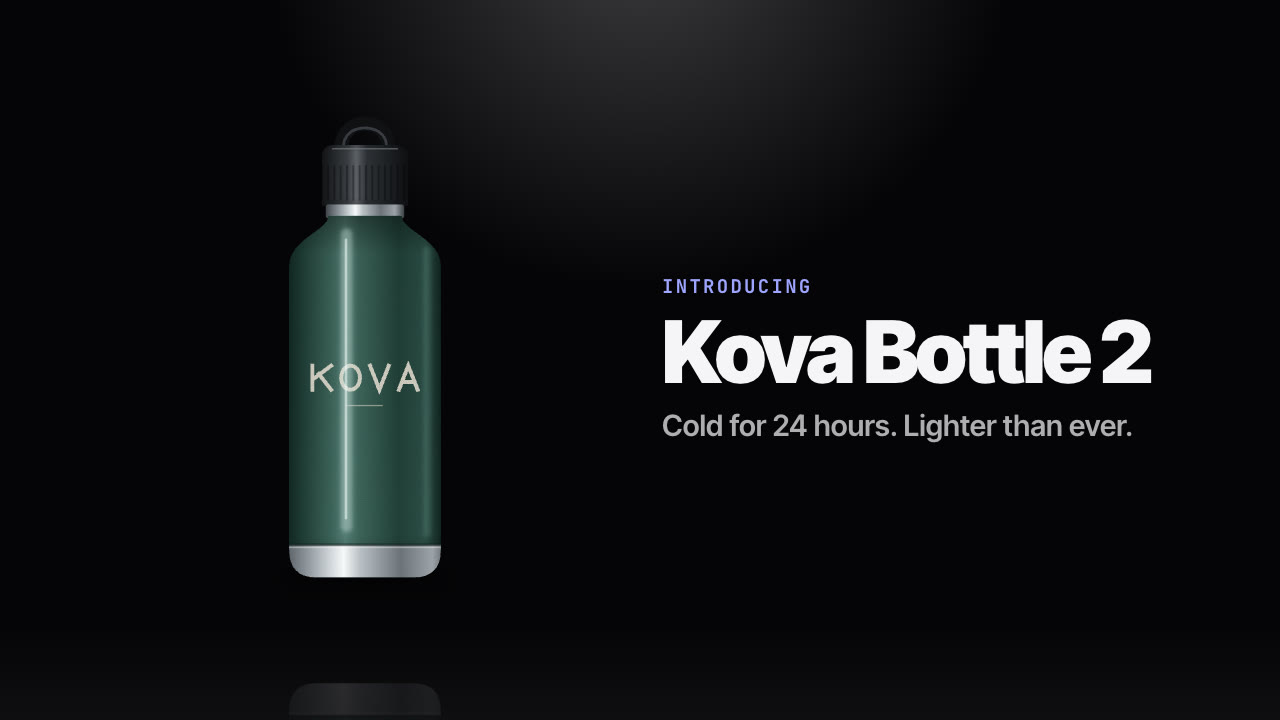
The formats that work best are the ones built from type, shapes, images and screenshots:
Open Claude Code (or any agent running Opus 5.5) in an empty folder and describe the video. The model will typically write an HTML animation and a render script, install Puppeteer or Playwright, and run FFmpeg. This works, and it's a great way to explore — but expect to spend a few rounds on timing, frame capture, fonts and encoding settings, and the result is different every time you start over. Long, open-ended video sessions can also use a lot of your plan's usage.
An Agent Skill is a folder with instructions (SKILL.md), a template and scripts. When you ask for a video that matches it, Opus 5.5 loads the Skill and follows its workflow: it asks for what's missing, writes the copy for your approval, validates it, then renders with a renderer that's already been debugged. You get a consistent, on-brand result in one pass and spend tokens on your message, not on rebuilding a video pipeline.
Reelity's Skills are built exactly this way: deterministic HTML templates rendered frame-by-frame by headless Chrome and FFmpeg on your machine. Twenty of them are free.
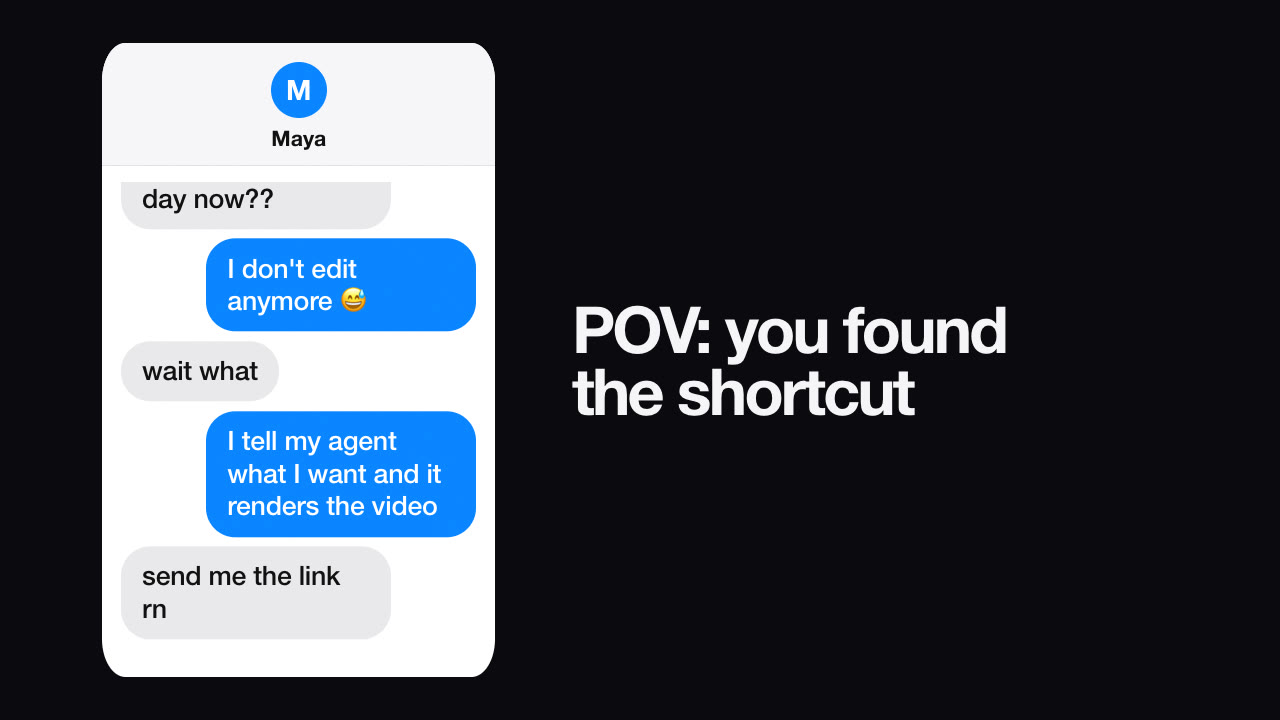
/model or claude --model claude-opus-5-5.~/.claude/skills.> Make a 9:16 text-message video where a friend asks how I post five videos a day and I say my agent renders them.
The full walkthrough, with troubleshooting, is in our Opus 5.5 video tutorial.
Anthropic prices Opus 5.5 at $4 per million input tokens and $20 per million output tokens through the API (20% below Opus 5), and it's included in Claude's paid plans within their usage limits. A Skill-based video usually needs one short conversation, because the template and renderer already exist; building a video pipeline from scratch takes many more turns. Rendering itself is free — it runs on your computer.
Can Opus 5.5 add music or a voiceover? The renderer can mux in a music track you're licensed to use. AI voiceover needs a separate text-to-speech service.
Does it work with Codex, Cursor or Gemini CLI? Yes. Skills are plain folders with a SKILL.md; any agent that reads them can follow the workflow. See supported agents.
Is this the same as Sora or Veo? No. Those generate footage from a prompt. Opus 5.5 writes code that renders graphics, text and your own images — better for ads, explainers and anything with exact copy.
Do I need to know how to code? No. You describe the video and approve the copy; the agent runs the commands.
Ready to try it? Start with one of the free video Skills — or read 20 simple promo video formats for ideas.