Gratuit
guide
A click-through demo is the most useful video a software product can have. What makes one easy to follow, and how to let your agent record it with the open-source CursorCam Skill.
2 nov. 2026 · 2 min de lecture
Ce guide n'est pas encore disponible dans votre langue ; il s'affiche donc en anglais.
A short click-through demo answers the question every visitor has: what does using this actually look like? It belongs on your landing page, in your README and docs, in a launch post and in onboarding emails. The hard part has always been recording it: a clean account, a steady hand, a screen recorder, then an hour of zooming in by hand.
| Habit | Why it works |
|---|---|
| One flow, start to finish | Viewers follow a story, not a feature tour. "Save a scene" beats "everything in settings" |
| The camera goes where the click is | A full 1080p window is unreadable on a phone. Zoom in on each action, then zoom out when the flow moves on |
| A cursor that glides | Real mouse movement jitters. A smooth path and a ripple on each click show exactly what happened |
| A short pause on the result | End on the thing the flow created, held long enough to read |
| Realistic, short text | Type a real-looking name, never placeholder gibberish or personal data |
| 10 to 40 seconds | Long enough for one task, short enough to autoplay in a feed |
CursorCam is a free, open-source Skill that turns these habits into a routine your agent follows. Ask it for a demo of your app and it:
A good request names the flow and where the video will be posted:
Make a 20 second demo of http://localhost:3000 for X: sign up and create a project. End on the new project.The steps are saved, so when your app changes you record again with one command. A new size for YouTube, LinkedIn, Discord or a square post renders in seconds from the same recording.
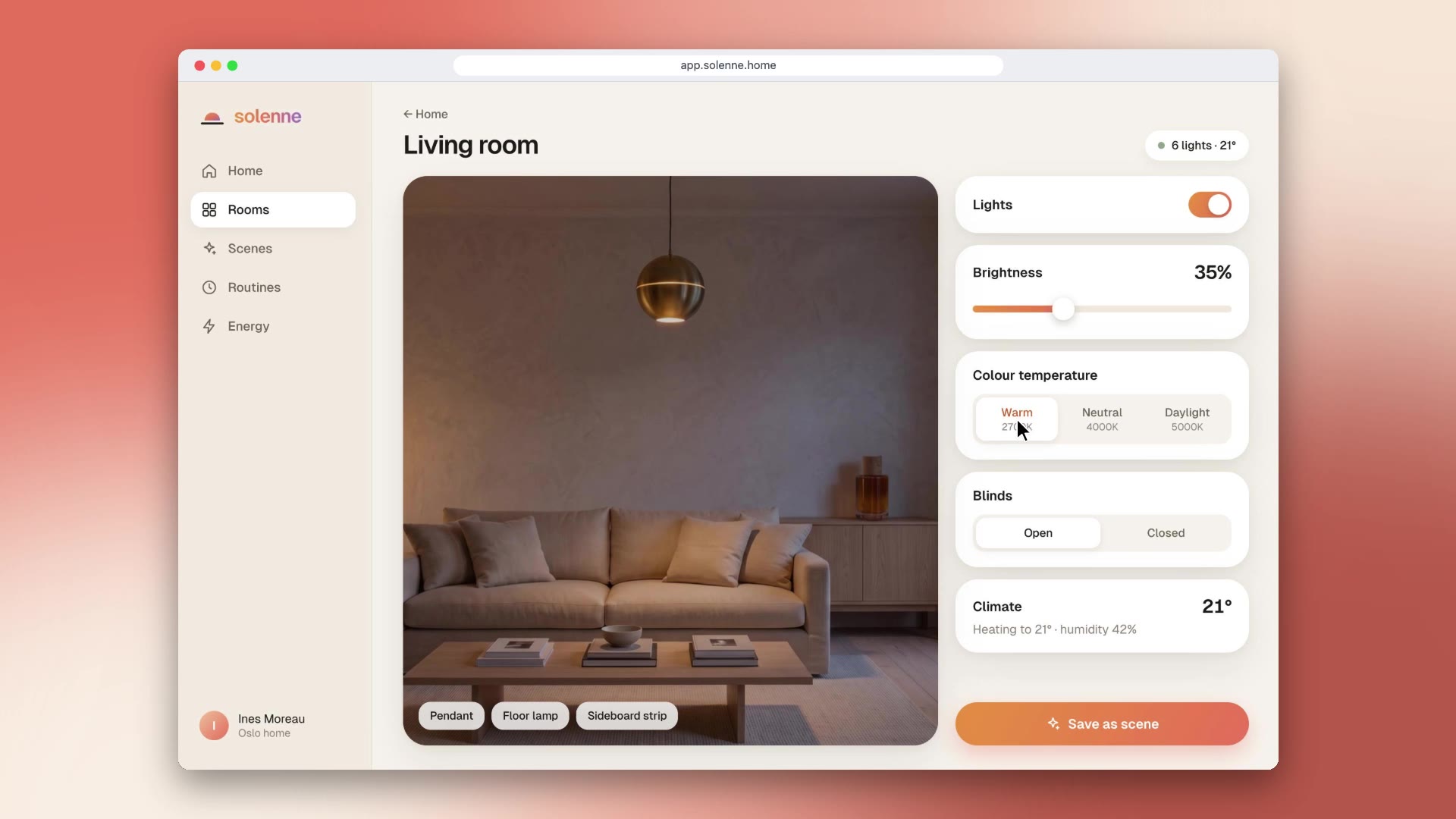
CursorCam's video is silent, which is right for docs and READMEs. For a landing page or a social post, lay a quiet music bed under it and add soft clicks on the click times. The sample on the Skill page was made this way for our house smart-home app, Solenne.