Free
Rendered by this Skill
Ask for a demo of your web app and get back a polished MP4: your agent clicks through the flow, the camera zooms in on every click and the cursor glides.
Free Free with an account
Paste this into your agent. It connects the CLI if needed, then installs the Skill.
An open-source Skill that records click-through demo videos of any web app or site. Your agent explores the app, writes the steps, dry-runs them, records them in a hidden browser and renders a 1080p, 60 fps MP4 with auto-zoom, a smooth cursor and click ripples, then checks stills of its own video before handing it back.
Updated Nov 2, 2026
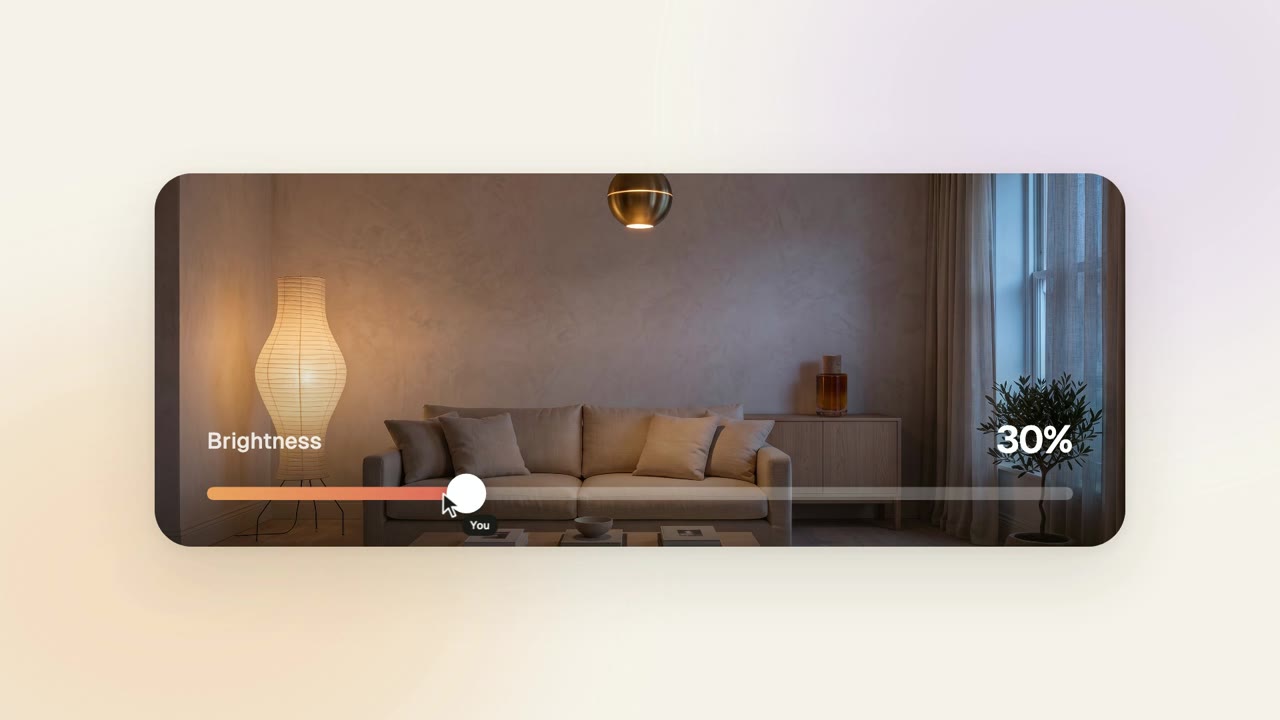
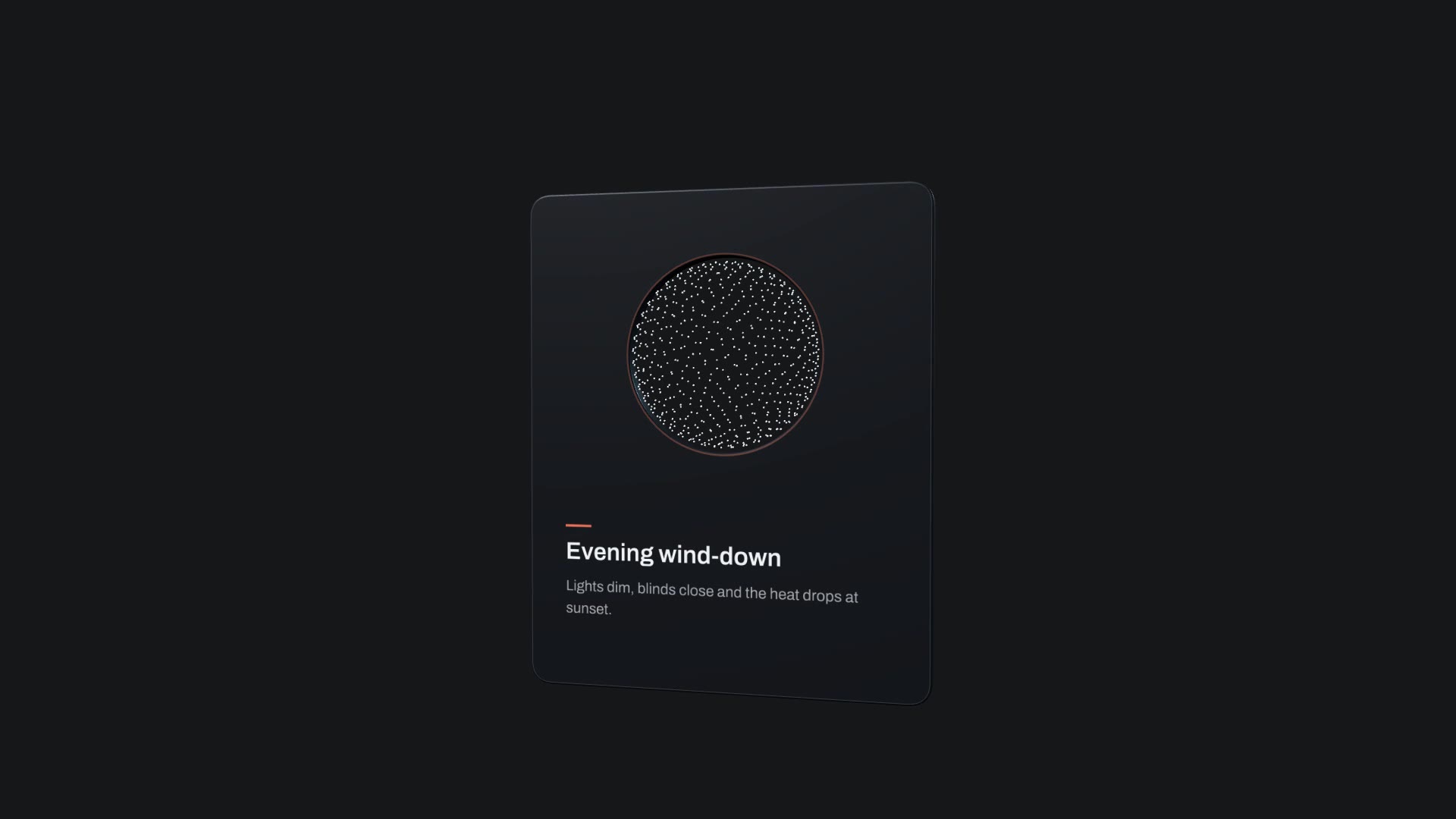
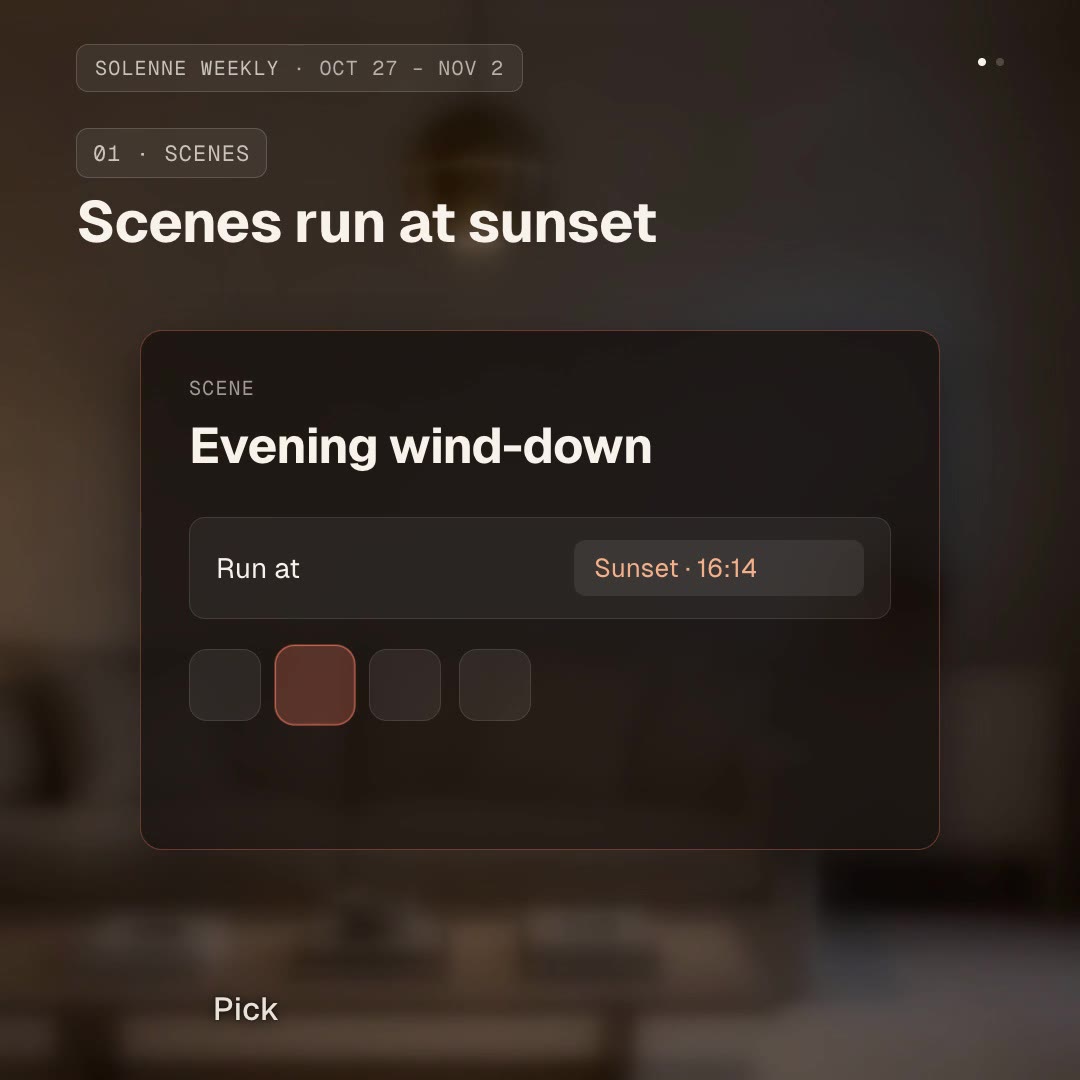
/cursorcam Make a 30 second demo of http://localhost:3000: open the living room, dim the lights to 35%, switch to warm light, close the blinds and save it as a scene called "Evening wind-down". End on the new scene.
Ask your agent for a demo of your app: a sign-up, a checkout, creating a project, saving a setting. CursorCam does the whole job. It opens the app, finds the buttons and fields, writes the flow as a short steps file, runs it once to catch mistakes, then records it in a hidden browser and renders a video that looks edited by hand: the camera zooms in where each click and keystroke happens, stays there while the action stays nearby and zooms out when the flow moves on.
CursorCam is made by Avijit Dey (Avijit07x/cursorcam) and shared under the Apache License 2.0. The download is the Skill as published on GitHub; the recorder itself runs from npm the first time you ask for a video.
No reviews yet. Install the Skill and be the first to rate it.
Yes. Give it a localhost URL, or let it find and start your project's dev server. It records any page Chrome can open, including staging sites.
Each click and each field you type into is a target. The camera zooms in on it, stays while the next actions are in the same area and zooms out when the flow moves somewhere else. You can turn zoom off, change how close it gets or set it per step.
It asks you for a login or a one-time code when the flow needs one, uses it for that run only and never writes it to a file. Password fields show dots and other secret values are blurred.
CursorCam is an open-source Skill by Avijit Dey. We list it as it is, with a sample made by running it on our house smart-home app, Solenne.