Gratuit
guide
Most AI-made promos are slideshows in disguise. The habits that give it away, the motion-design rules that fix them, and how to build a flat pop promo with the open-source Bang Motion Skill.
2 nov. 2026 · 2 min de lecture
Ce guide n'est pas encore disponible dans votre langue ; il s'affiche donc en anglais.
Ask for "a promo video" and you often get a slideshow: one idea per section, a title, a photo, a fade, repeat. Viewers feel it in the first two seconds, even when every frame looks good. The fix is not more effects. It is a handful of rules that motion designers follow without thinking.
| Slide habit | What to do instead |
|---|---|
| Each section fades in and out | Let something from the last scene carry into the next: a shape, a product, a colour |
| The subject disappears between scenes | Keep one person, product or world on screen the whole time |
| Three text sizes on every frame | Two levels only: a small label stuck to an object and one big word |
| The background changes on a cut | Change it with a visible trigger: a tap, a push into a colour block, an object flying into the lens |
| A still photo with a slow zoom | Pop cutouts in from the frame edge with a little overshoot, and move layers at different speeds |
| Every scene the same length | Short montage beats of a third to half a second, longer holds only where you want people to read |
This style is built for shops and consumer brands. It uses three ingredients you already have: photos of people and products cut out cleanly, flat shapes taken from your logo, and your brand colours used as full-screen fields.
Bang Motion is a free, open-source Skill that builds promos, openers and explainers this way. Ask your agent for a promo and it:
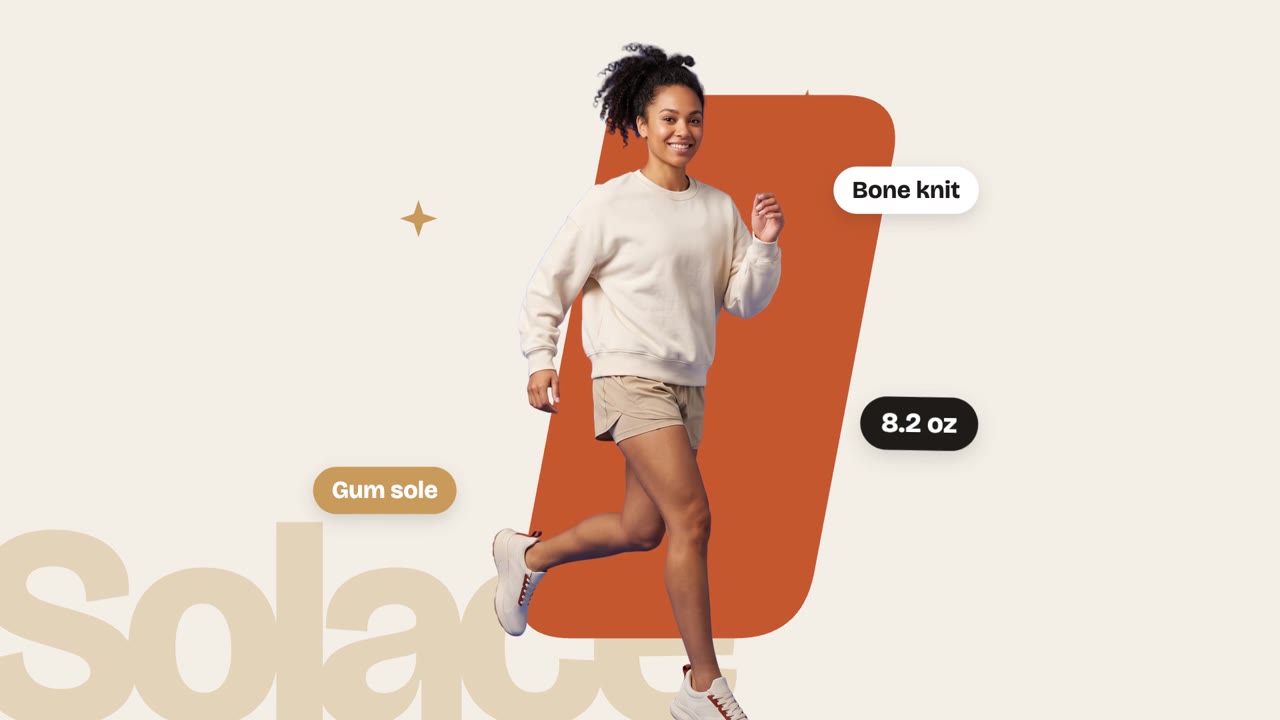
The sample on the Skill page was made this way for our house sneaker, the Halden Solace.