Every Premium video Skill, one plan. Cancel anytime.See plans
Halden Solace · 16:9

Rendered by this Skill

Bang Motion Promo v1.19.0

Promos, openers and explainers that play like video, not slides: a style picked from your brand, a camera that moves, photos and words that pop on the beat, in one HTML file.

No ratings yet 0 downloads
Format
Video · 16:9
Length
0:30

Free Free with an account

Sign in to download

Paste this into your agent. It connects the CLI if needed, then installs the Skill.

An open-source Skill that turns your agent into a motion designer. It derives a style from your brand, proposes three concepts and recommends one, then builds a single index.html where the camera moves, the subject never leaves and colour fields change on a visible trigger. Ten styles, nineteen opener concepts and six explainer looks, with an optional frame-by-frame MP4 export.

Updated Nov 2, 2026

What you get

  • One index.html that plays like a video: autoplay, loop and a ?debug=1 scrub bar
  • A style brief with three concepts, a recommendation and a sourced palette
  • Key-frame checks against the Skill's anti-slide rules
  • An optional frame-by-frame MP4 export at 60 fps

Good fit

  • Product launches and shop promos
  • App openers, SaaS tours and brand idents
  • Explainers with photos, cutouts or cartoons

Not for

  • Edits of camera footage you already shot
  • Talking-head videos

About this Skill

You say

/bang-motion Make a 30-second promo for our running shoe in the flat pop with photos style, 16:9. Use our product photos and generate one fictional runner wearing them. End on the logo and "Shop the drop".

Ask your agent for a promo, an opener, a product tour or an explainer. Bang Motion makes it behave like a working motion designer: the look comes from your brand, the structure is chosen from a menu of concepts, and the result moves like film. People and products pop in from the frame edge, labels stick to them, giant words sit behind them, colour fields switch when something triggers them, and the camera pushes into the next scene instead of fading to it.

How it works

  1. Brief: tell your agent the product, the audience, the length and the ratio, and hand over your logo, site, screenshots or photos.
  2. Style brief: it answers with three concept candidates, one recommendation, a structure outline and a palette where every colour states its source. You approve or change it before any code is written.
  3. Assets: your own photos and logo come first; if you have none, it can generate fictional people and products with an image tool, or pick a concept that needs no photos.
  4. Build: it writes one index.html with HTML, CSS and GSAP, checks key frames against its rules (no fading slides, a persistent subject, at most two text levels, text readable on phones) and fixes what fails.
  5. Deliver: double-click the file to play it, scrub with ?debug=1, or export a frame-accurate MP4 with the included script (Node.js, Puppeteer and FFmpeg).

Tips

  • Name a style, not a list of scenes: "flat pop with photos", "grainy gradient", "poster color-block" or "product tour with claims".
  • Hand over real brand material; the palette and shapes are derived from it.
  • Keep text short: an opener carries one feeling, an explainer one argument.
  • Start each new video in a new chat so earlier decisions don't leak into it.

Open source

Bang Motion is made by Bang Tutorial (bangtutorial/bang-motion) and shared under the MIT licence. The download is the Skill as published on GitHub. Its instructions are written in Indonesian and its README in English; your agent reads either and works in your language.

What you need before you start

You bring
Your product, logo and brand material, the length and ratio, and your own photos if you have them; otherwise fictional people and products can be generated.
Dependencies
Google Chrome (or CHROME_PATH) — required · Image model key — optional
Outside costs
None to build and watch the film. Generating photos with an image model is optional and billed by that provider.
Last tested
v1.19.0 —

User reviews

No reviews yet. Install the Skill and be the first to rate it.

FAQ

Why does it not look like slides?

The Skill checks its own code for slide habits: no section that fades in and out, a subject or world that persists, at most two text levels, a background that always moves and colour changes with a visible trigger.

Which styles can it make?

Ten looks, from cinematic dark and poster colour-block to flat pop with photos and grainy gradient, combined with nineteen opener concepts and six explainer styles. You can name one or let it recommend.

Do I get an MP4?

You get one HTML file that plays in any browser. The included export script renders it frame by frame to an MP4 with no dropped frames; it needs Node.js, Puppeteer and FFmpeg.

Why is it free?

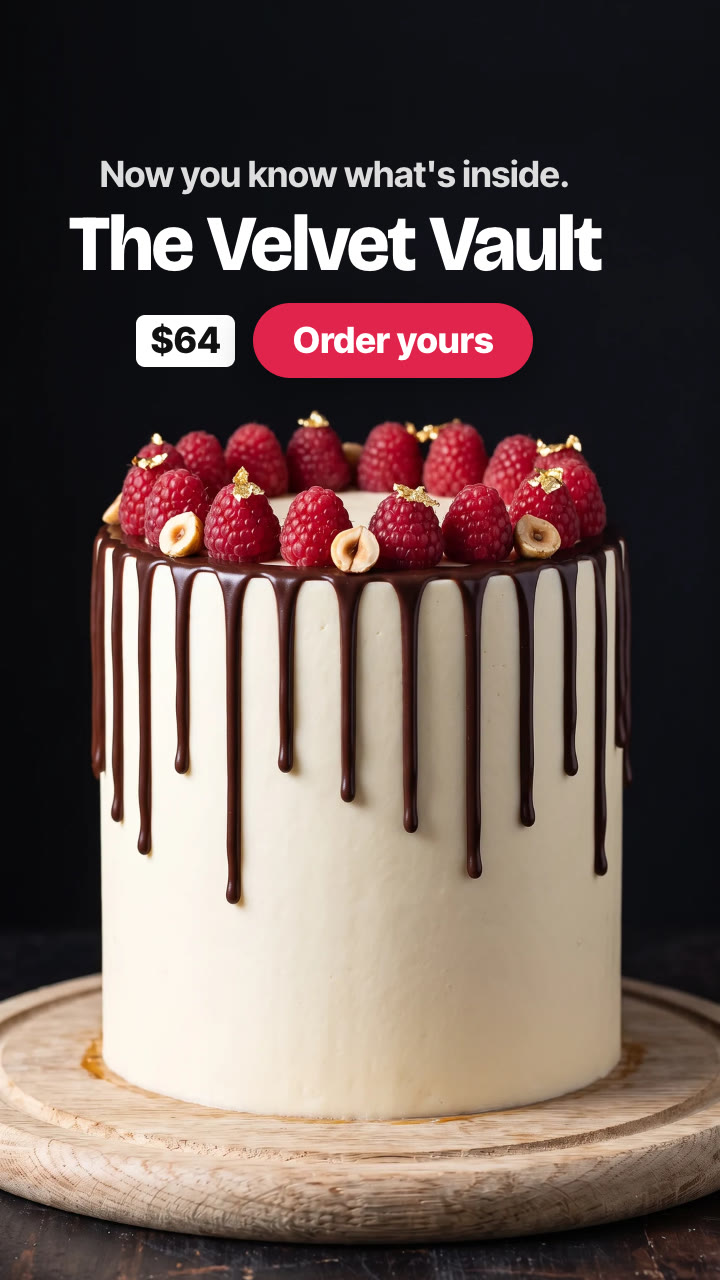
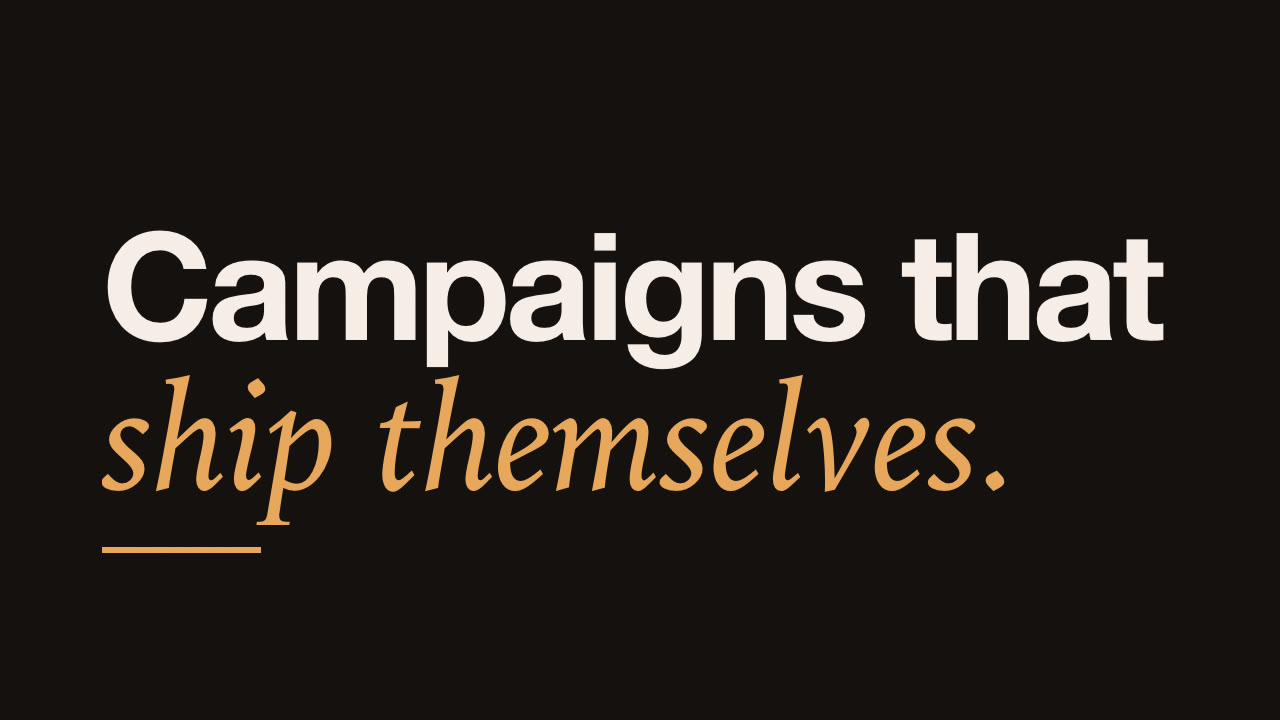
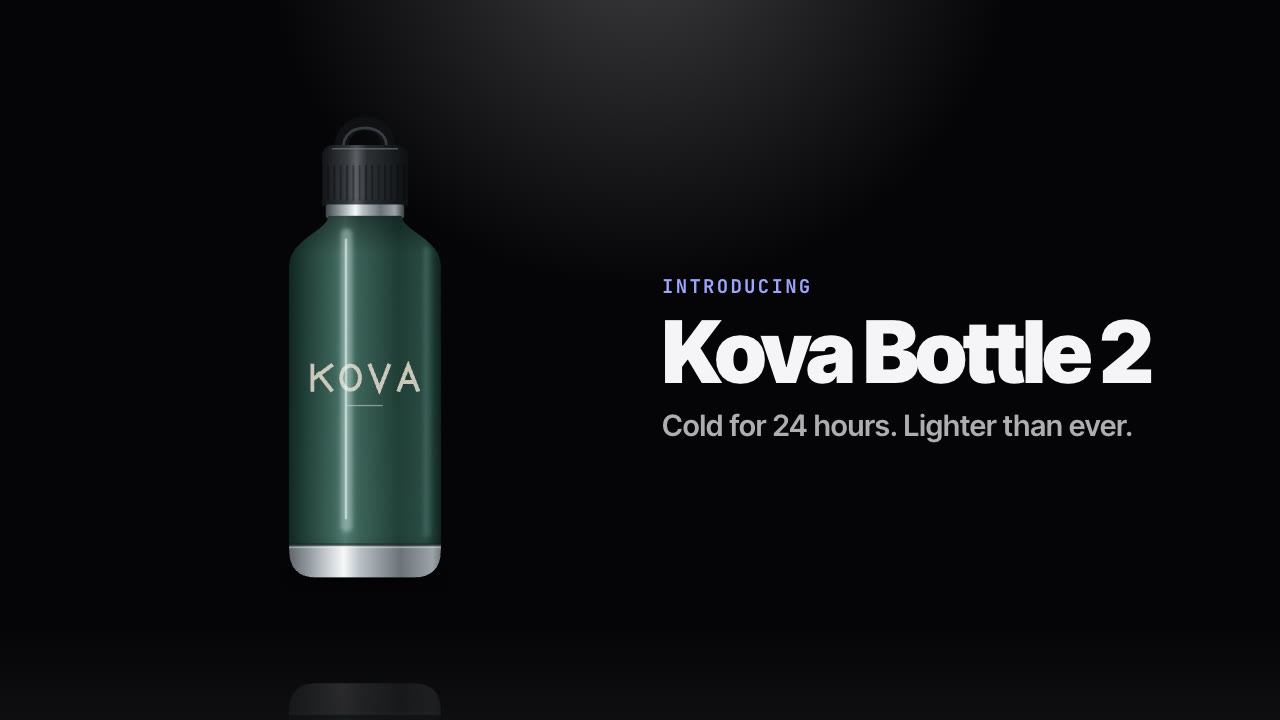
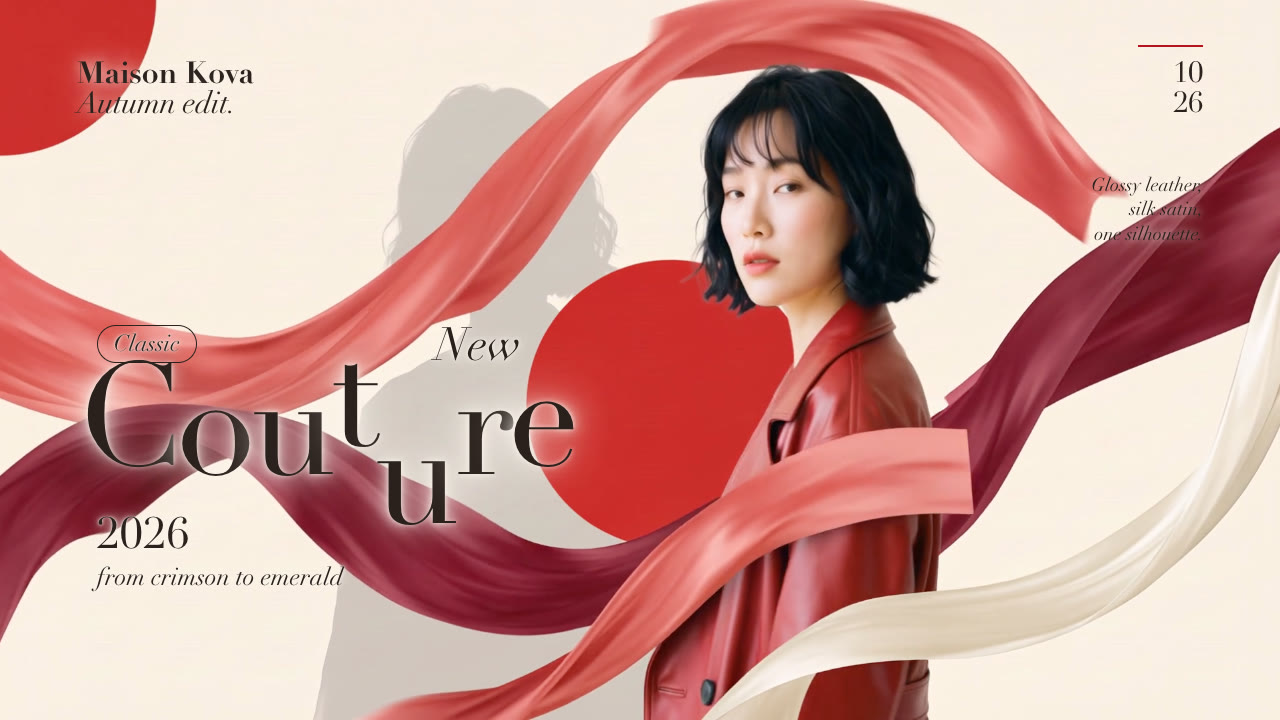
Bang Motion is an open-source Skill by Bang Tutorial. We list it as it is, with a sample made by running it on our house sneaker, the Halden Solace.
Guides

How to make a promo video that doesn't look like slidesMost AI-made promos are slideshows in disguise. The habits that give it away, the motion-design rules that fix them, and how to build a flat pop promo with the open-source Bang Motion Skill.

Similar Skills

View all