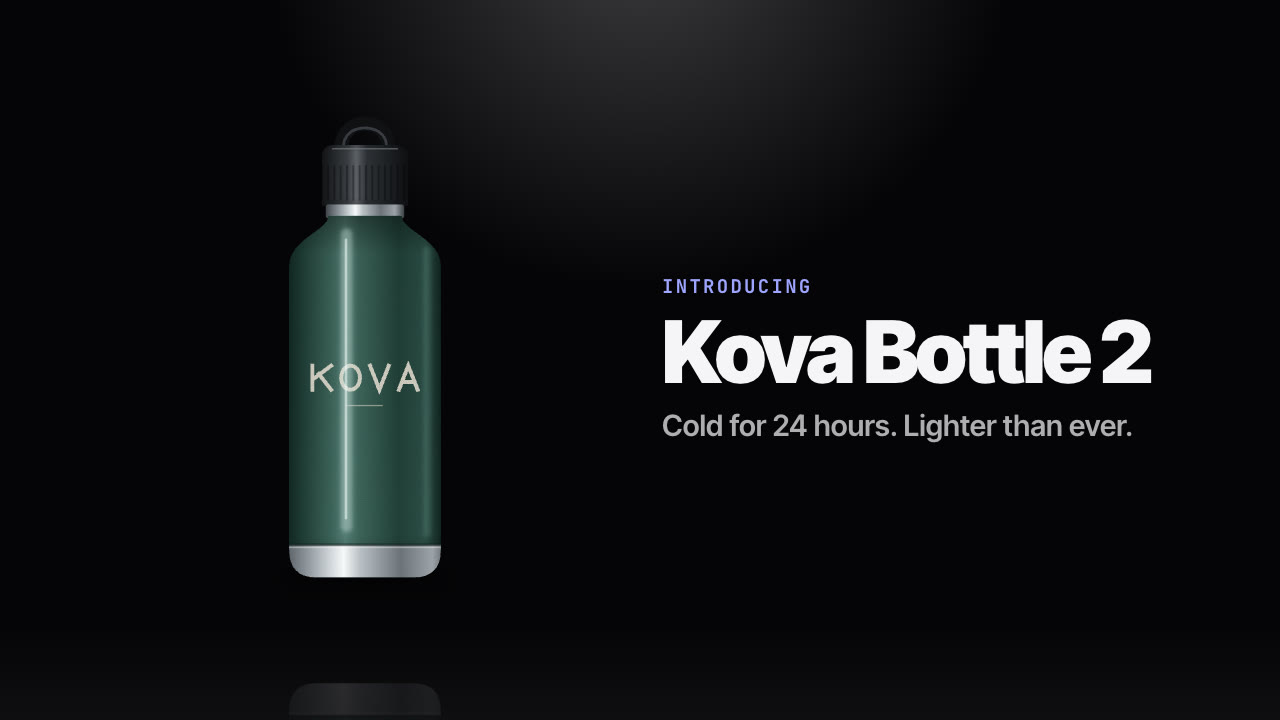
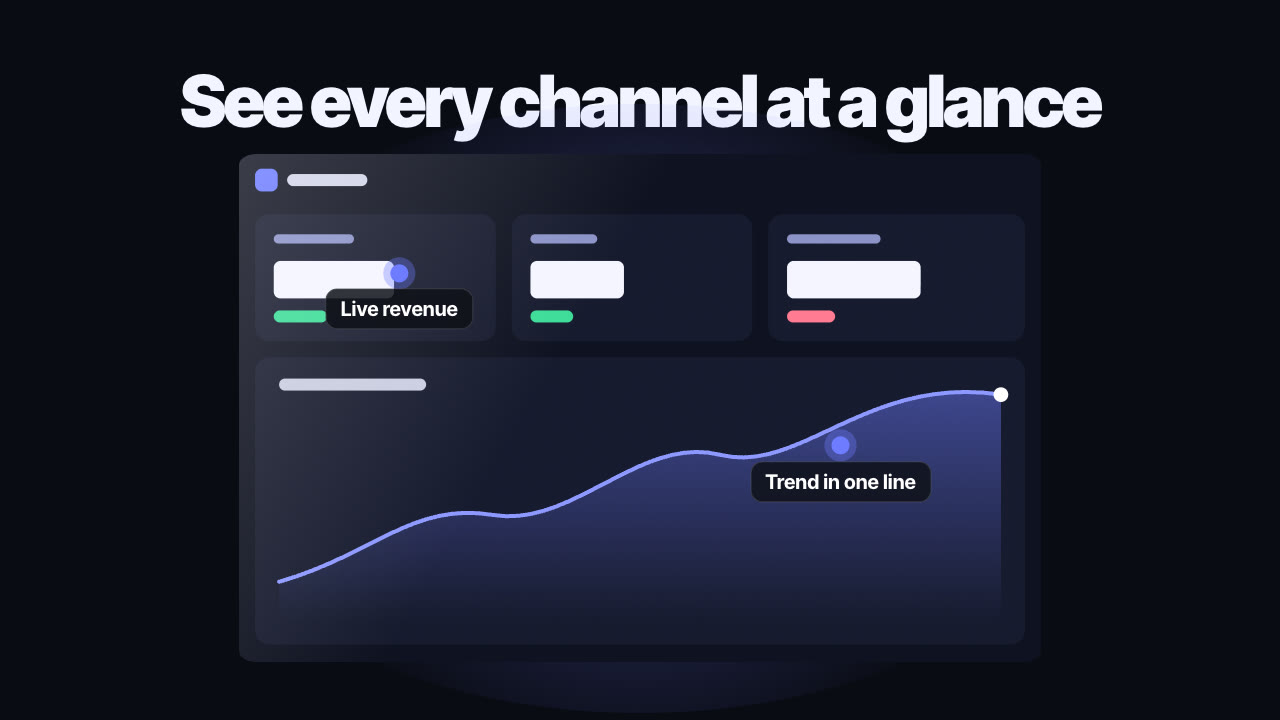
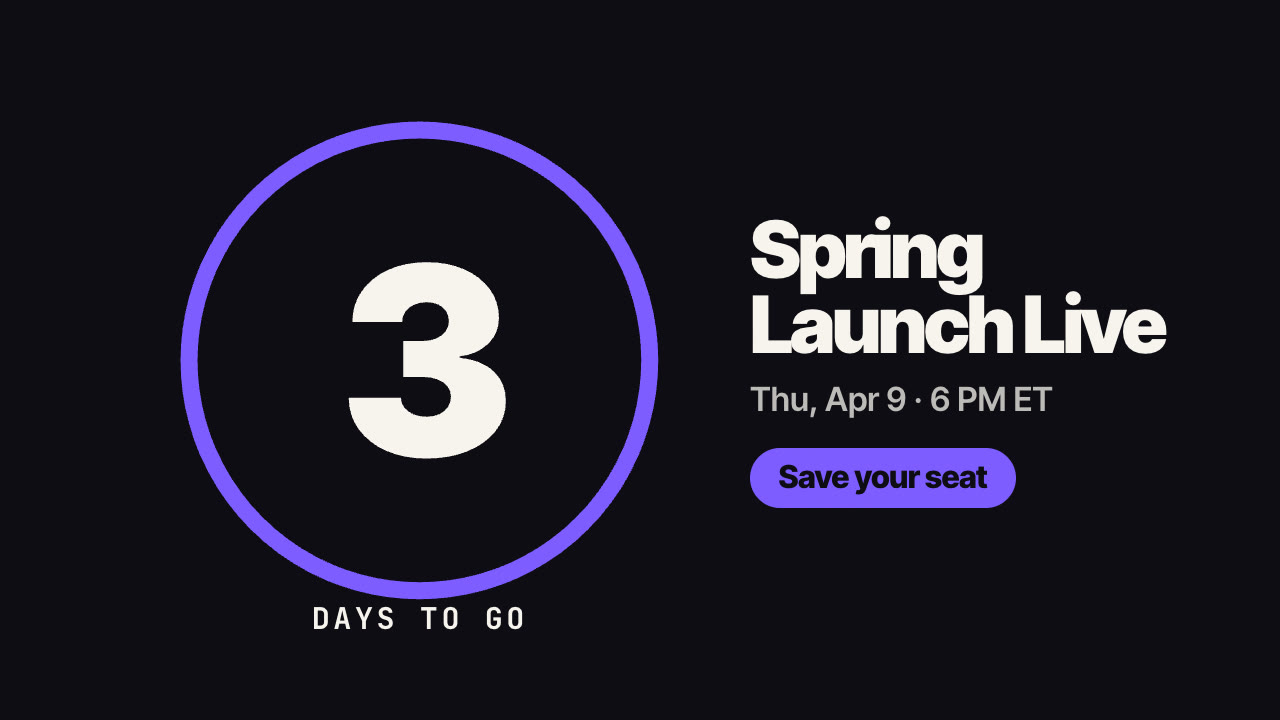
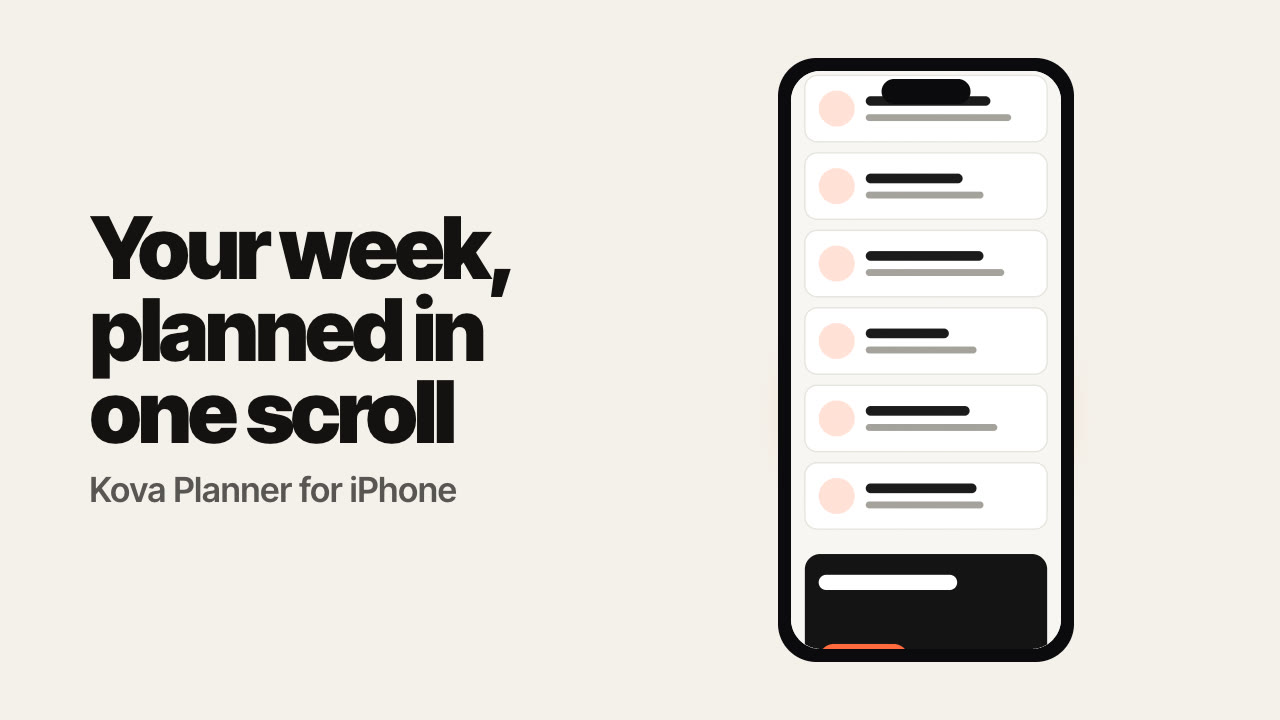
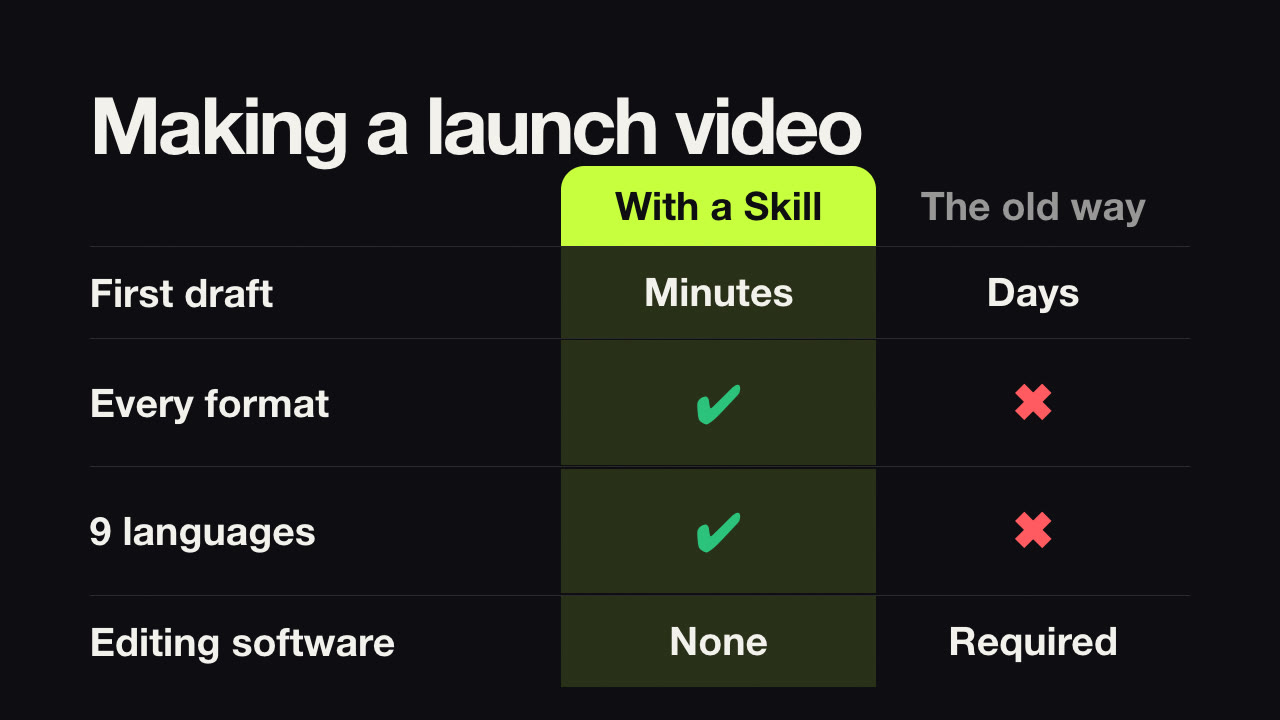
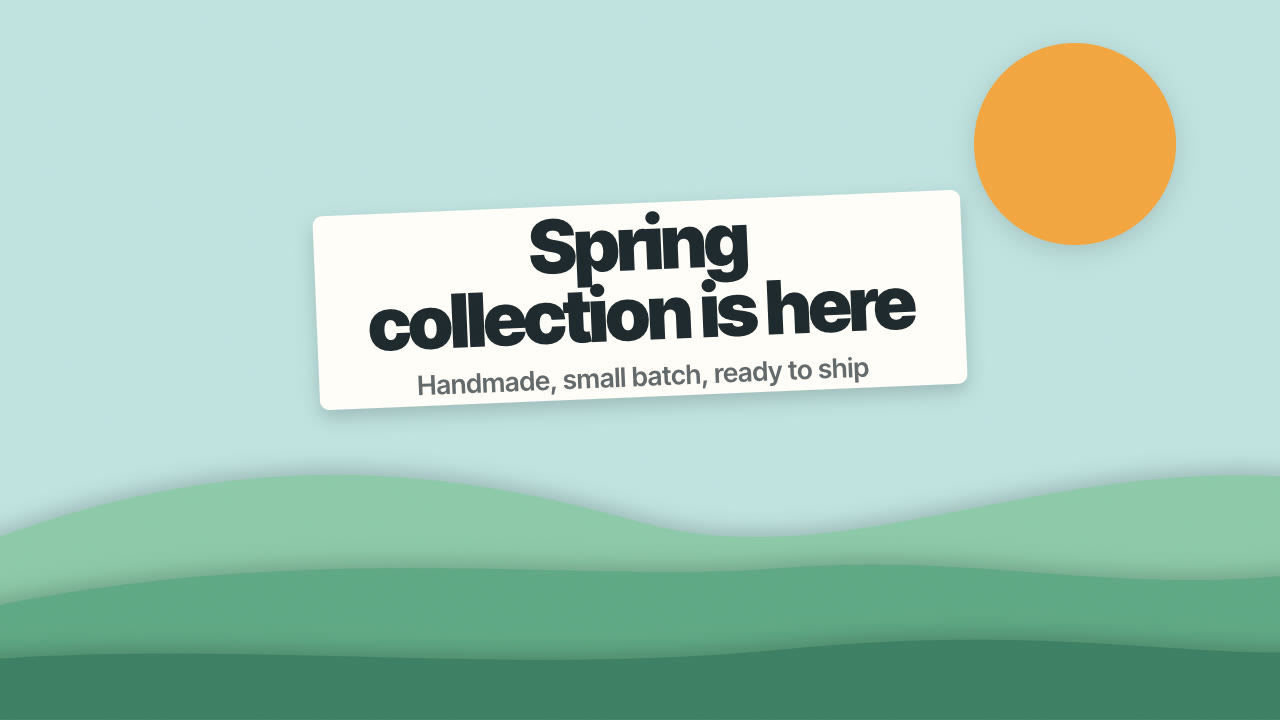
List two to four features with a one-line benefit each; it renders a release video with a title, numbered cards that stack in, and a CTA.
2026년 10월 26일 업데이트
받게 되는 것
- What's New Cards videos as H.264 MP4 in 9:16, 4:5, 1:1 and 16:9 from one file
- A poster frame for each video
- An editable JSON file you can re-render any time
잘 맞는 경우
- Monthly release announcements
- Feature highlights for launches
- App update posts
맞지 않는 경우
- More than four features
- Screen recordings of the features
이 Skill에 대하여
이렇게 말하세요/feature-drop-changelog-reel Make a what's-new video for our October release with three features and 'Try it free'.
A kicker and title appear, then numbered cards slide in one after another, each with a feature name and one-line benefit, followed by a CTA button.
How it works
- Brief — your agent asks only for what's missing: a title (product and release), two to four features with one-line benefits, and a CTA.
- Copy — it writes the text and shows it to you before rendering.
- Validate — a checker flags missing fields, long lines and low contrast.
- Render — a draft in seconds, then MP4 in 9:16, 4:5, 1:1 and 16:9 from the same file, on your own machine.
Tips
- Benefits beat feature names: say what the user gets.
- Three cards is the sweet spot.
시작 전에 필요한 것
- 준비물
- A title (product and release), two to four features with one-line benefits, and a CTA.
- 의존성
- Node.js 20 이상 — 필수 · Google Chrome(또는 CHROME_PATH) — 필수 · FFmpeg — npm install 후 ffmpeg-static으로 포함
- 외부 비용
- None. Everything renders on your machine; no API keys or paid services are used.
- 마지막 테스트
- v1.0.0 — Claude Code / Codex / Cursor
사용자 리뷰
아직 리뷰가 없습니다. Skill을 설치하고 첫 평가를 남겨 보세요.
Can I add screenshots?
Not in this Skill — it's text-first. Use Glass Screenshot Showcase for UI.
Can the accent match my brand?
Yes, set palette.accent.