Grátis
guide
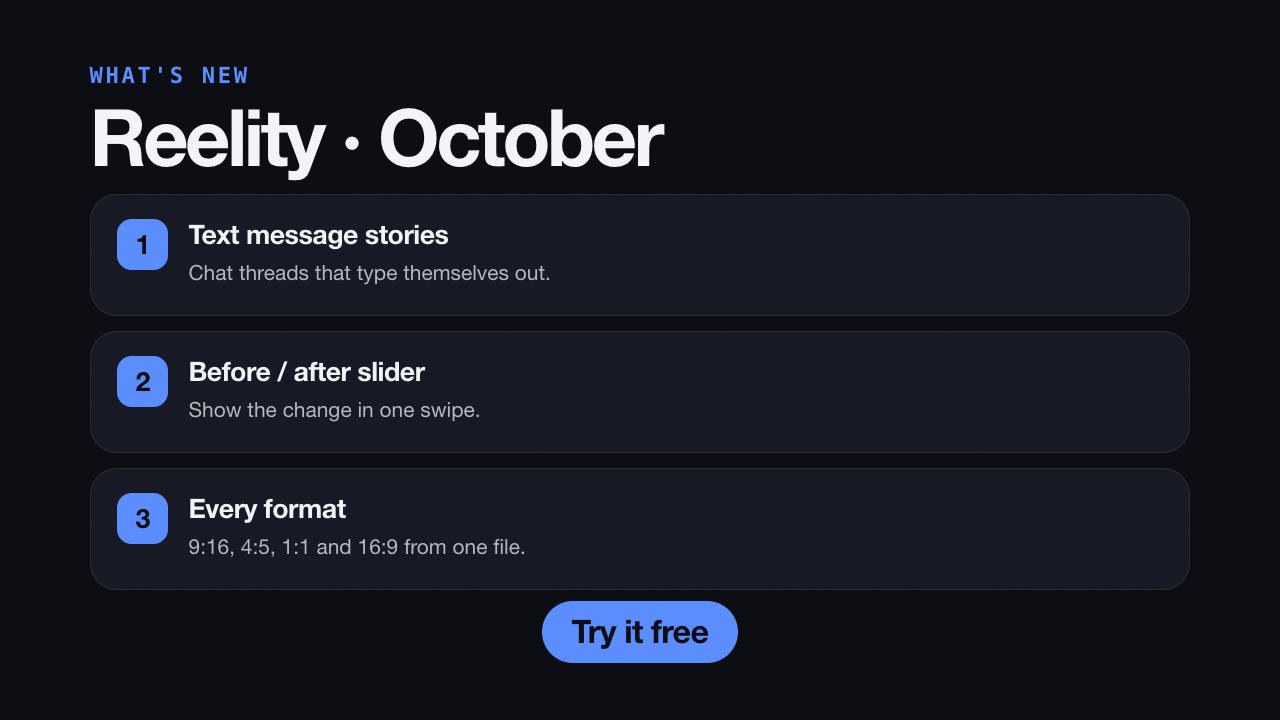
Numbered feature cards sliding in one by one — a fast release video for social and in-app announcements. How to pick features, write benefit-first copy and render it with AI.
27 de out. de 2026 · 2 min de leitura
Este guia ainda não está disponível no seu idioma, por isso aparece em inglês.
Release notes are written for people who already care. A "what's new" video is written for everyone else: a title, then two to four numbered cards sliding in one at a time, each with a feature and one line on why it matters. It's quick to watch, easy to share, and a natural fit for launch weeks, monthly updates and in-app announcements.
Each card has a title (up to six words) and an optional line (up to 14 words). Say what the user gets, not what you built:
Add a kicker like "October release" and a call to action like "Try it free" or "Update now".
The free What's New Cards Skill renders this locally:
Make a what's-new video for our October release with three features, written as benefits, and the button "Try it free".
Paste your release notes into the conversation and the agent will turn them into benefit-first cards for your approval, then render MP4s in 9:16, 4:5, 1:1 and 16:9. Localize it for each market by asking for the same video in other languages.
How long is the video? About six seconds for three cards.
Can I add screenshots to the cards? The cards are text-only to stay readable on phones; pair them with a screenshot showcase for visuals.