免費
guide
A logo film should feel like it was shot, not templated. How to turn your SVG logo into a shattering ice sequence with the free Frost Logo Orbit block.
2026年11月3日 · 閱讀約 1 分鐘
這篇指南暫未提供你的語言版本,因此以英文顯示。
Logo reveals are everywhere, and most come from the same few templates. The ones that stand out give the logo a material and a story: it is made of something, something happens to it, and it comes back as a message.
| Habit | Why it works |
|---|---|
| A real material | Frost, cracks and inclusions read as an object in light |
| A break and a return | Shattering and re-forming is a story in three seconds |
| Words from the same material | Headlines built from the logo's own shards tie the message to the brand |
| A moving camera | A slow orbit adds parallax that flat reveals lack |
| Coloured accent lights | One warm and one cool light set the mood and nod to brand colour |
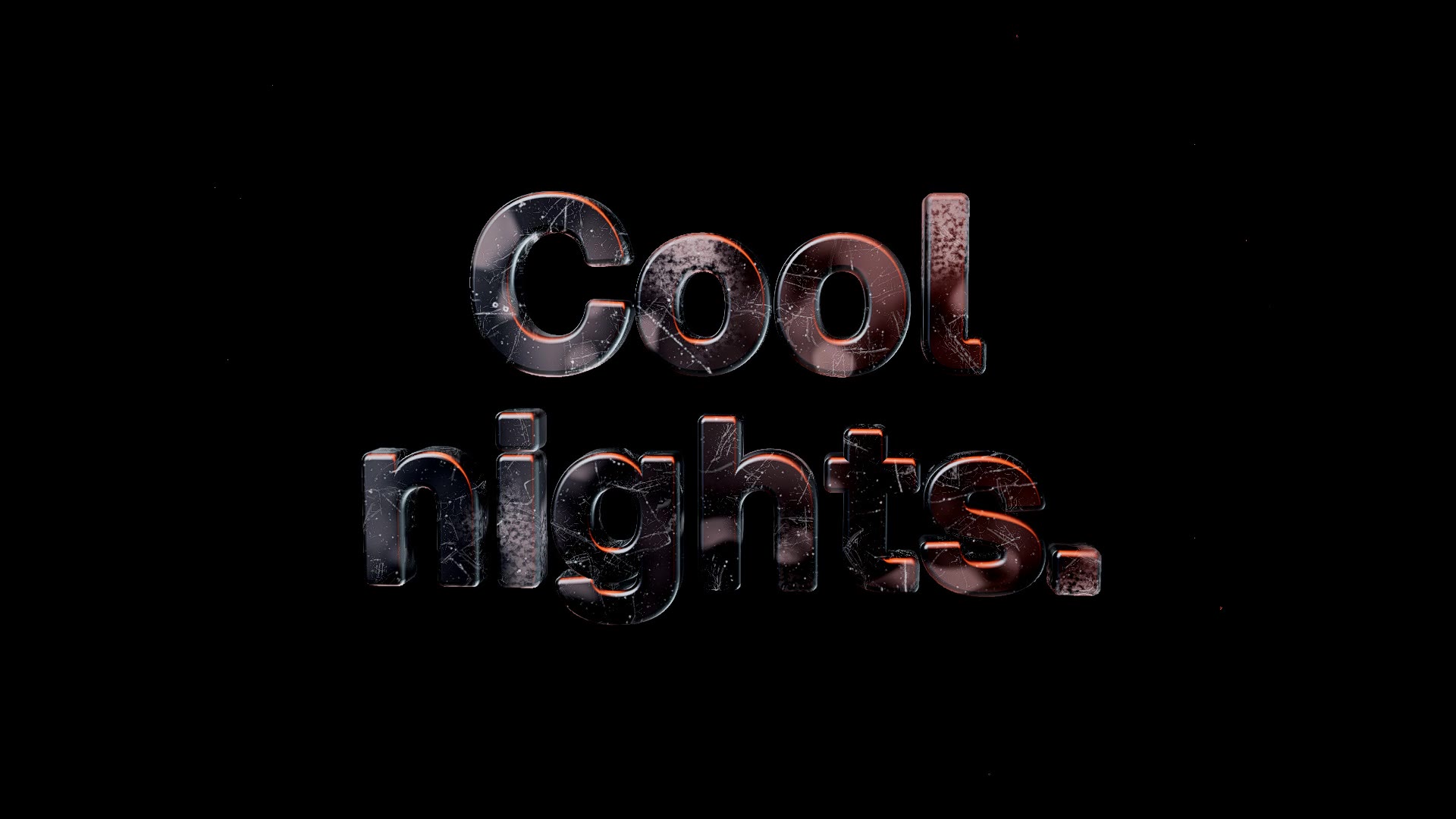
Frost Logo Orbit is a free, open-source HyperFrames block. Your SVG logo is extruded as frosted ice, shatters into particles, re-forms as a first headline, shatters into a second and fades, while the camera orbits. Ask your agent:
Make a frost logo sequence with logo.svg: first headline "Cool|nights.", second "Warm|mornings.".It renders a 22.5-second 1920×1080 MP4. The download includes the textures the registry normally fetches at install, so it renders offline.
Trim the first eight seconds for a quick sting. For a word mark instead of a logo, try the Glass Shard Title or the louder Wireframe Portal Title.