Free
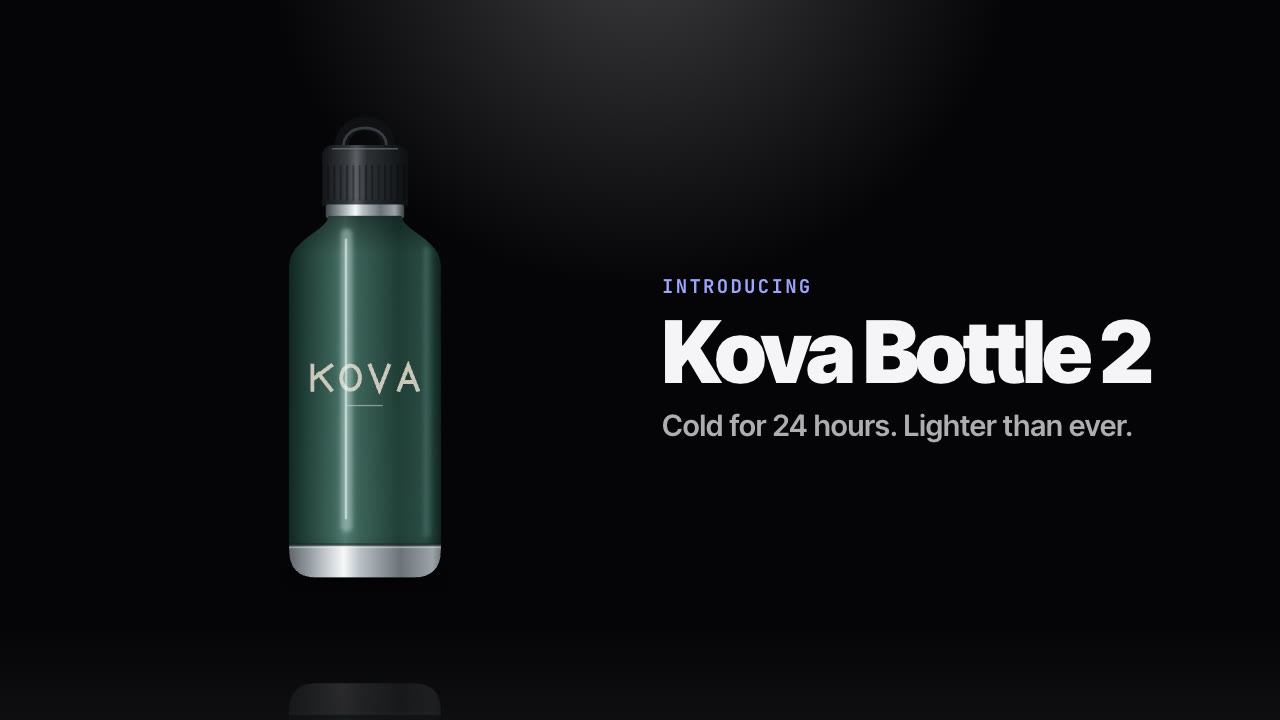
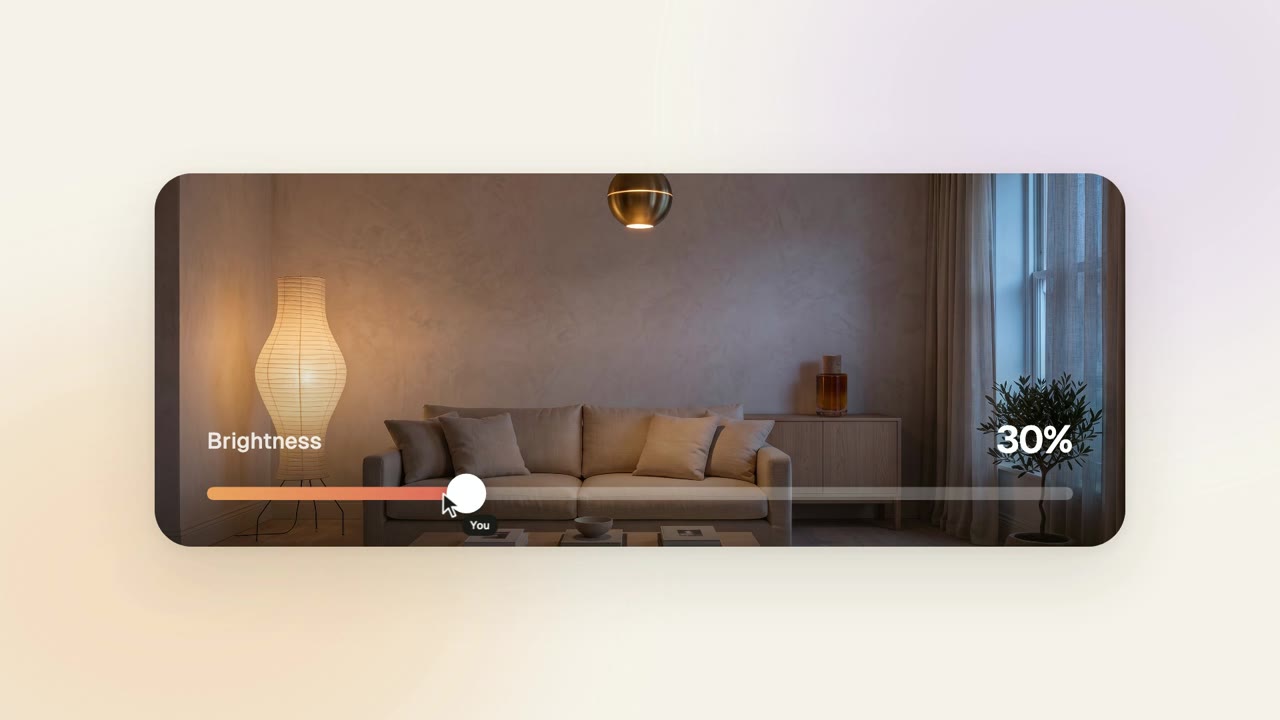
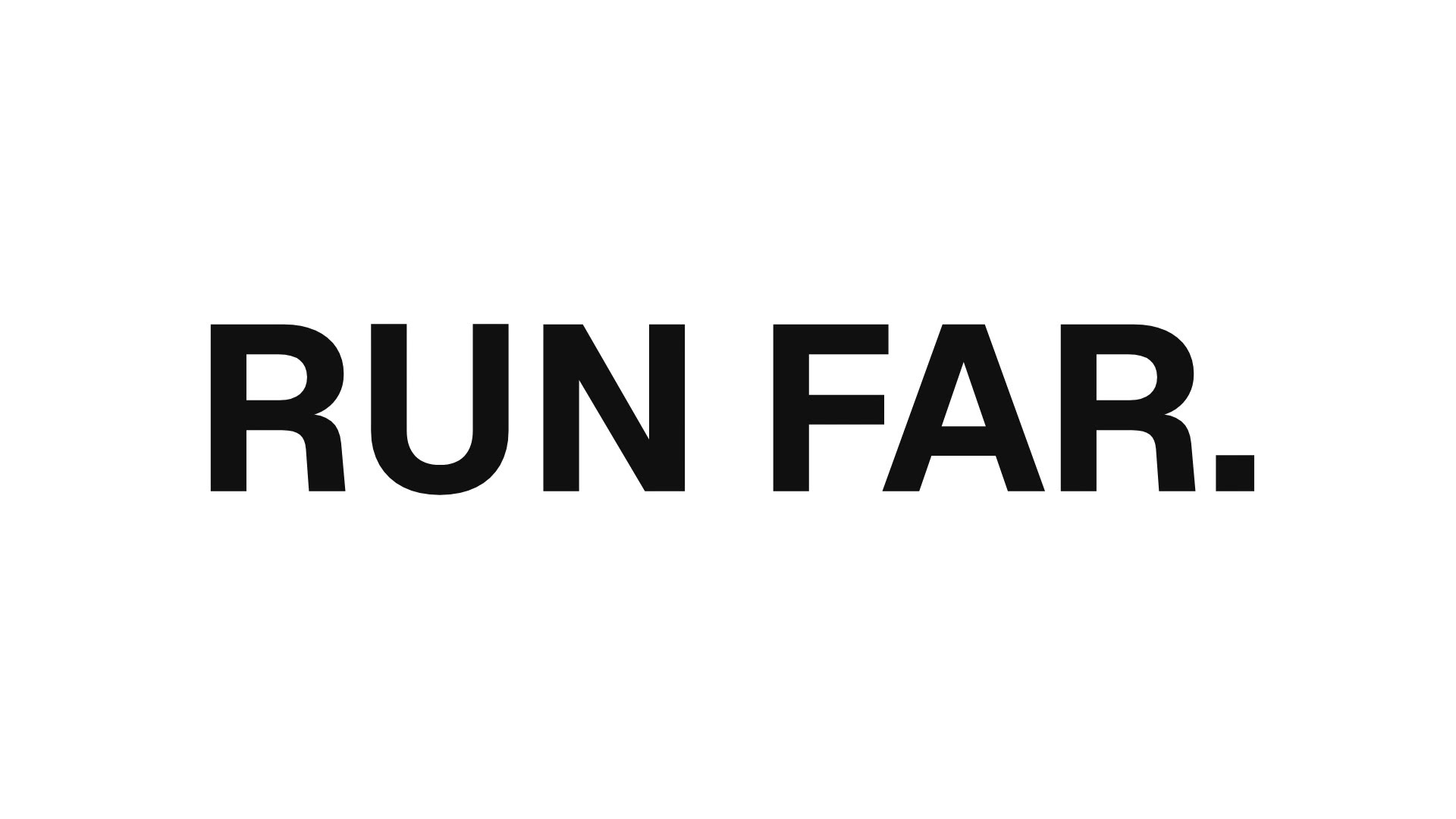
Rendered by this Skill
Your logo as a block of ice: it shatters, the shards re-form into two short text moments, and the camera orbits it all.
Free Free with an account
Paste this into your agent. It connects the CLI if needed, then installs the Skill.
A free HyperFrames block for a 22-second cinematic logo sequence. Your SVG logo is built as frosted 3D ice with cracks, smudges and inclusions; it breaks into particles, re-forms into a first two-line headline, breaks again into a second, and fades, while the camera orbits. Logo, both headlines and over 200 material, motion and lighting settings are variables.
Updated Nov 2, 2026
/frost-sequence-camera-orbit Make a frost logo sequence with our smart-home logo (logo.svg): first headline "Cool|nights.", second "Warm|mornings.".
A logo film with real material. Frost Sequence Camera Orbit extrudes your SVG logo into frosted ice, then plays a full sequence: the logo shatters into a cloud of shards, the shards fly back together as your first headline, shatter again into the second, and the scene fades out. The camera orbits throughout with a key, rim and two coloured accent lights.
npx hyperframes render.This is a HyperFrames registry block. Made by HeyGen and the HyperFrames contributors (heygen-com/hyperframes) and shared under the Apache License 2.0. The download is the block with its assets, ready to render; HyperFrames itself runs from npm.
No reviews yet. Install the Skill and be the first to rate it.
About two to three minutes on a recent laptop at full quality. A draft quality setting renders faster while you try copy.
Two textures that the registry normally downloads at install (the shard atlas and the ice inclusions) are included, so the package renders offline.
It is an open-source Skill by HeyGen and the HyperFrames contributors. We list it as it is, with a sample made by running it on one of our house brands, Solenne.