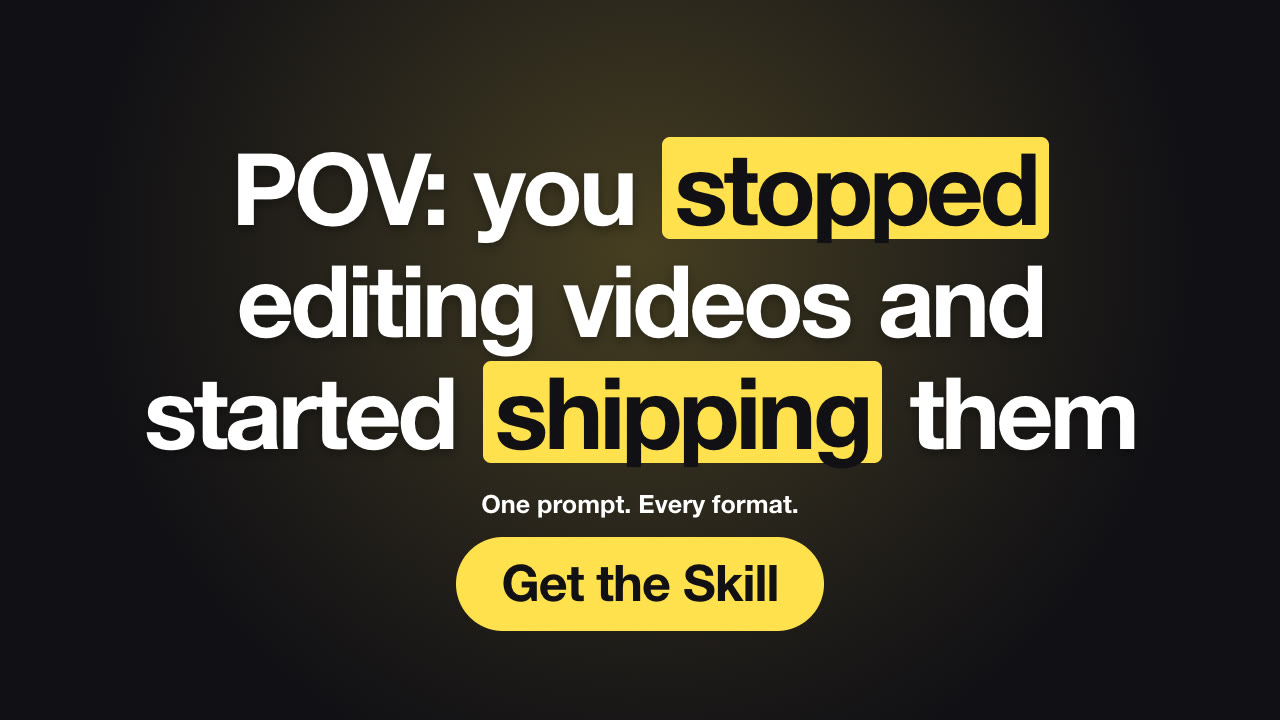
给两到四个词、要高亮的词和一张抠图,就能渲染高对比度的 1280×720 风格缩略图 PNG;需要的话,同款设计还能导出成一段简短的动态片头。
更新于 2026年10月26日
你将得到
- 16:9 缩略图 PNG,1280×720 或 1920×1080
- 可选的同款 3 秒动态 MP4
- 下一支视频可直接修改的 JSON 文件
适合
- YouTube 视频缩略图
- 播客和网络研讨会封面
- 醒目的社媒标题卡
关于此 Skill
你只需说/youtube-thumbnail-lab 做一张 YouTube 缩略图,文字“保冷 24 小时?”,高亮“24”,用我们的水瓶,加一个“实测”标签。
发光的背景,右侧是大尺寸抠图主体,左侧是两到四个带描边的巨大文字,关键词用黄色突出,还可以加一个小标签。可以导出静态 PNG,也可以导出 3 秒的动态 MP4。
工作流程
- 需求 —— 智能体只询问缺少的信息:两到四个标题词、要高亮的词或数字、一张抠图(透明 PNG),以及可选的标签。
- 文案 —— 先写好文字给你确认,再开始渲染。
- 校验 —— 检查器会标出缺失字段、过长的句子和对比度不足的问题。
- 渲染 —— 几秒内在你自己的电脑上生成 PNG,需要的话再加一支动态 MP4。
使用建议
- 四个词是在手机上能看清的上限。
- 缩略图必须和视频实际内容一致;YouTube 的政策禁止误导性缩略图。
开始前需要准备
- 你需提供
- 两到四个标题词、要高亮的词或数字、一张抠图(透明 PNG),以及可选的标签。
- 依赖
- Node.js 20 或更高版本——必需 · Google Chrome(或 CHROME_PATH)——必需 · FFmpeg——npm install 后通过 ffmpeg-static 自带
- 外部费用
- 无。全部在你的电脑上渲染,不使用任何 API 密钥或付费服务。
- 最近测试
- v1.0.0 — Claude Code / Codex / Cursor
用户评价
还没有评价。安装这个 Skill,成为第一个评分的人。
PNG 是什么尺寸?
默认 1920×1080(16:9);YouTube 可以直接使用并自动缩小。用 --width 1280 可得到 1280×720。
可以用我自己的照片吗?
可以。用透明背景的抠图 PNG 就能得到经典效果。
相关指南
How to make a YouTube thumbnail with AI (that matches your video)Big outlined words, one highlighted keyword and a cut-out subject — the high-contrast thumbnail style. Size rules, design tips, YouTube's policy on misleading thumbnails, and how to render one with Claude Opus 5.5.Making videos with Opus 5.5: from scratch, Remotion, HyperFrames or a Skill?Four ways to turn Claude Opus 5.5 into a video maker, compared on setup, tokens, consistency and what each is best for.20 simple promo video formats you can make without filming anythingText threads, notes lists, countdowns, before/after splits, product reveals and more — what each short format is good for, how to write it, and a free Skill that renders it.