Gratuit
guide
Software looks real on real hardware. How to put your product on a 3D laptop with a liquid-glass desktop, free, with the 3D Laptop Desktop block.
3 nov. 2026 · 1 min de lecture
Ce guide n'est pas encore disponible dans votre langue ; il s'affiche donc en anglais.
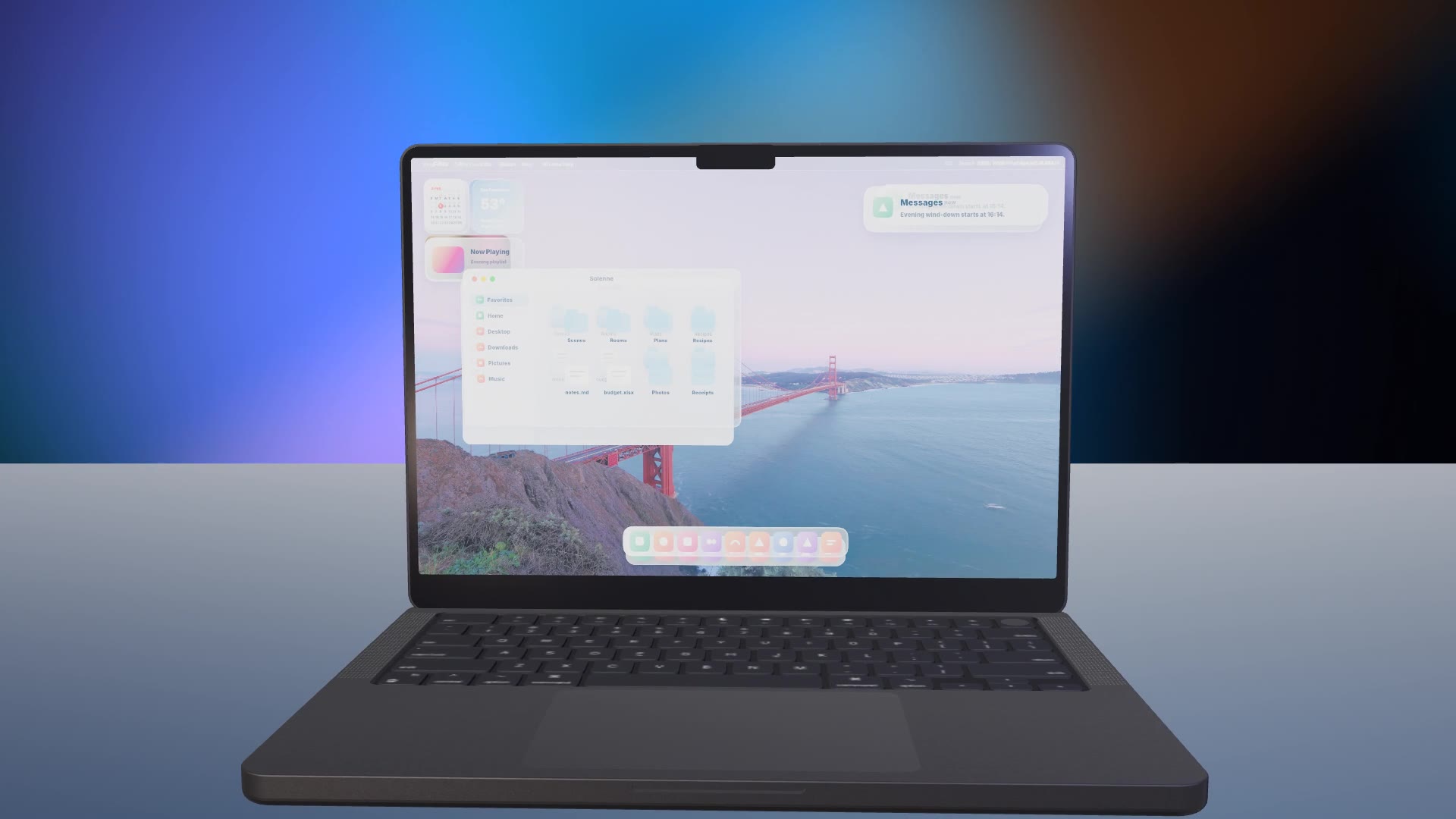
A laptop shot says "this is a real product people use at work". With a desktop that has your window, a notification and widgets, it becomes a hero shot for a launch film or website.
| Habit | Why it works |
|---|---|
| Your window | Name it after your product with real sections |
| One notification | A single, specific line |
| Neutral dock | Replace other companies' icons |
| Calm wallpaper | Let the window and widgets lead |
| Slow camera | The 3D move does the work |
3D Laptop Desktop is a free, open-source HyperFrames block. A 3D laptop opens onto a liquid-glass desktop: menu bar, widgets, a file window, a notification and a dock, all editable. Ask your agent:
Make a 3D laptop desktop for Solenne with a Solenne window, a notification about the evening scene and neutral dock icons.It renders a 15-second 1920×1080 MP4.
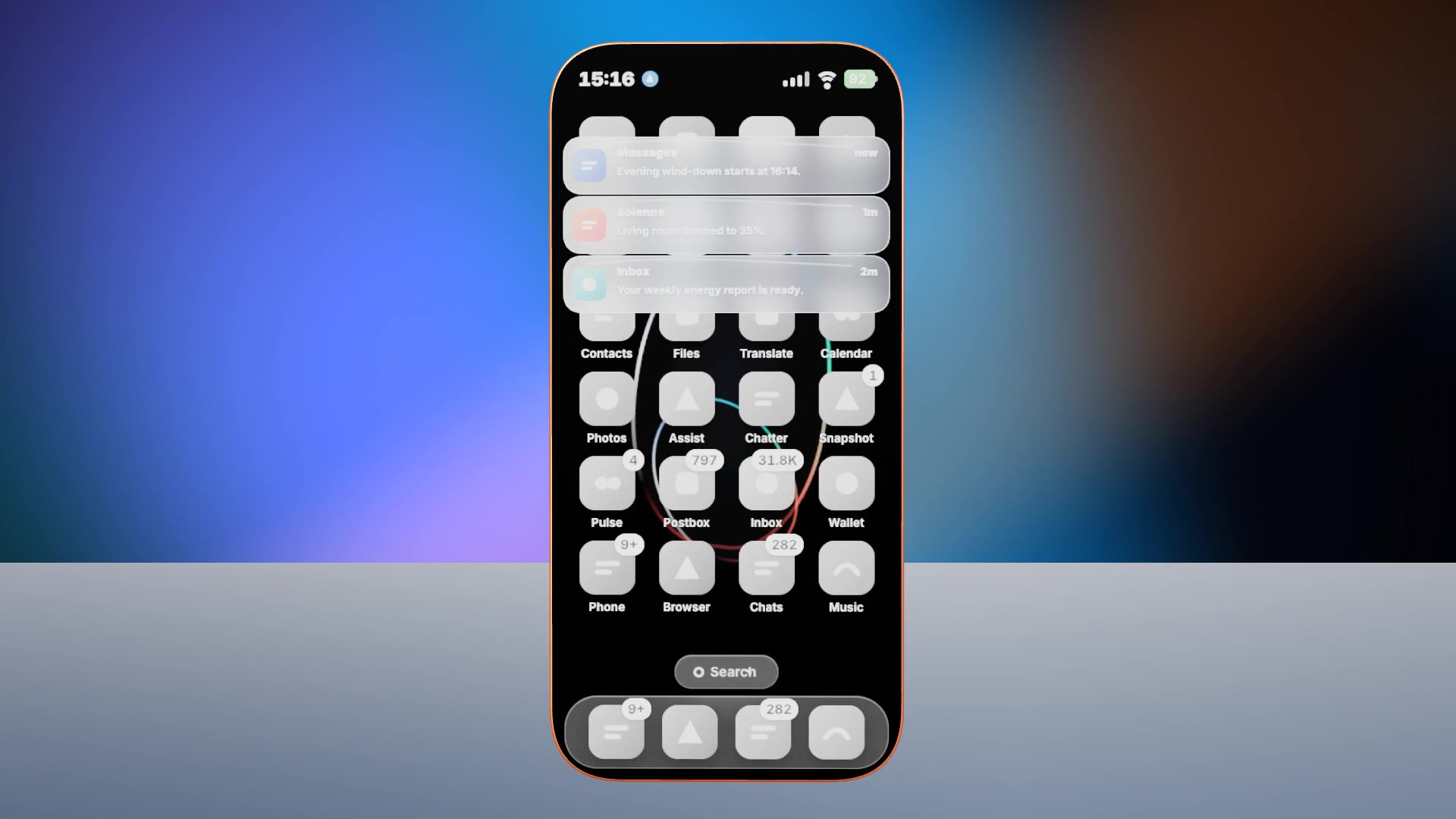
For another take on the same idea, see 3D Phone Home Screen.