Every Premium video Skill, one plan. Cancel anytime.See plans
Solenne · 16:9

Rendered by this Skill

3D Phone Home Screen v1.0.0

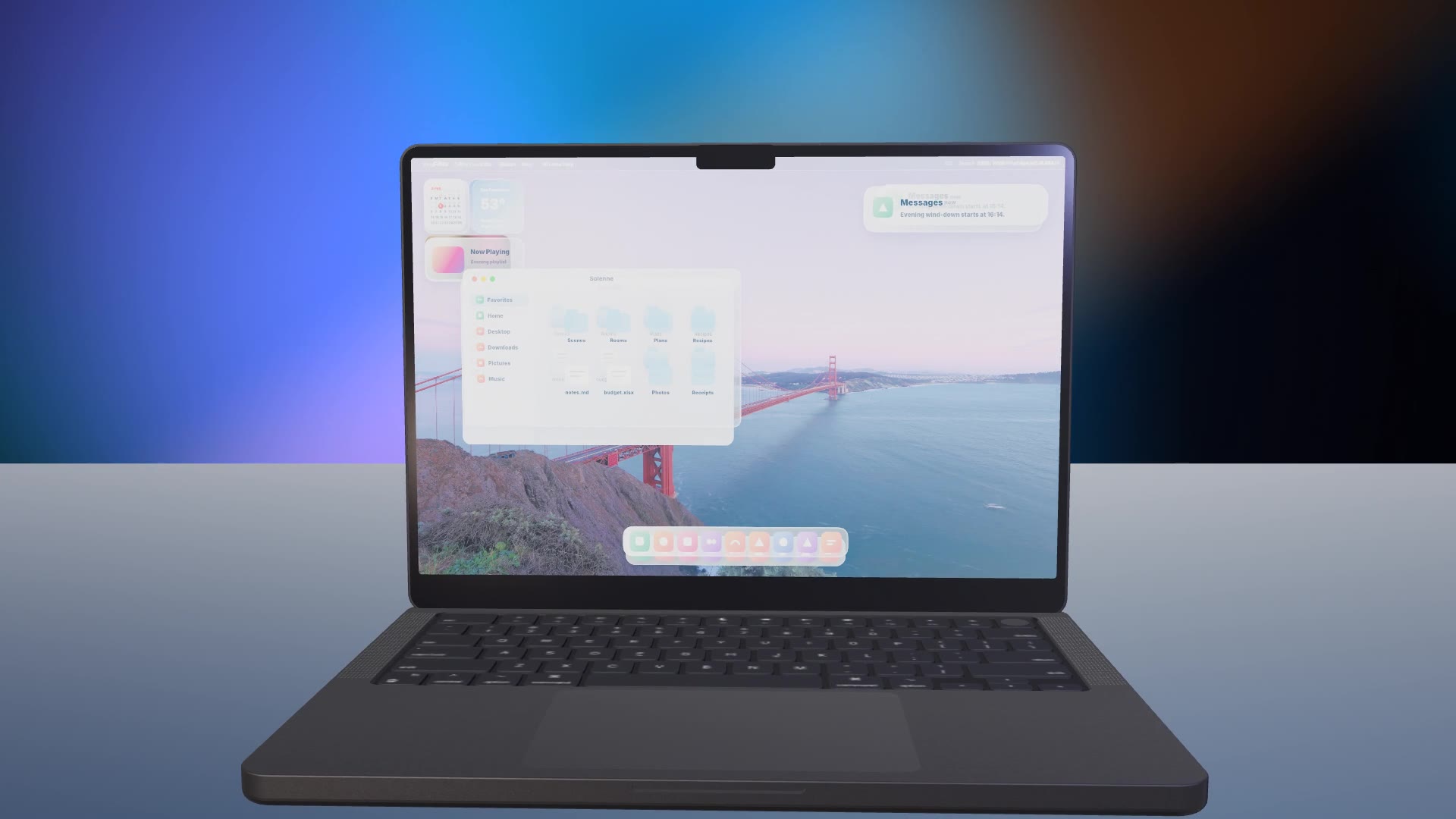
A 3D phone turns in a soft studio with a liquid-glass home screen, live notifications and your web app on screen.

No ratings yet 0 downloads
Format
Video · 16:9
Length
0:15

Free Free with an account

Sign in to download

Paste this into your agent. It connects the CLI if needed, then installs the Skill.

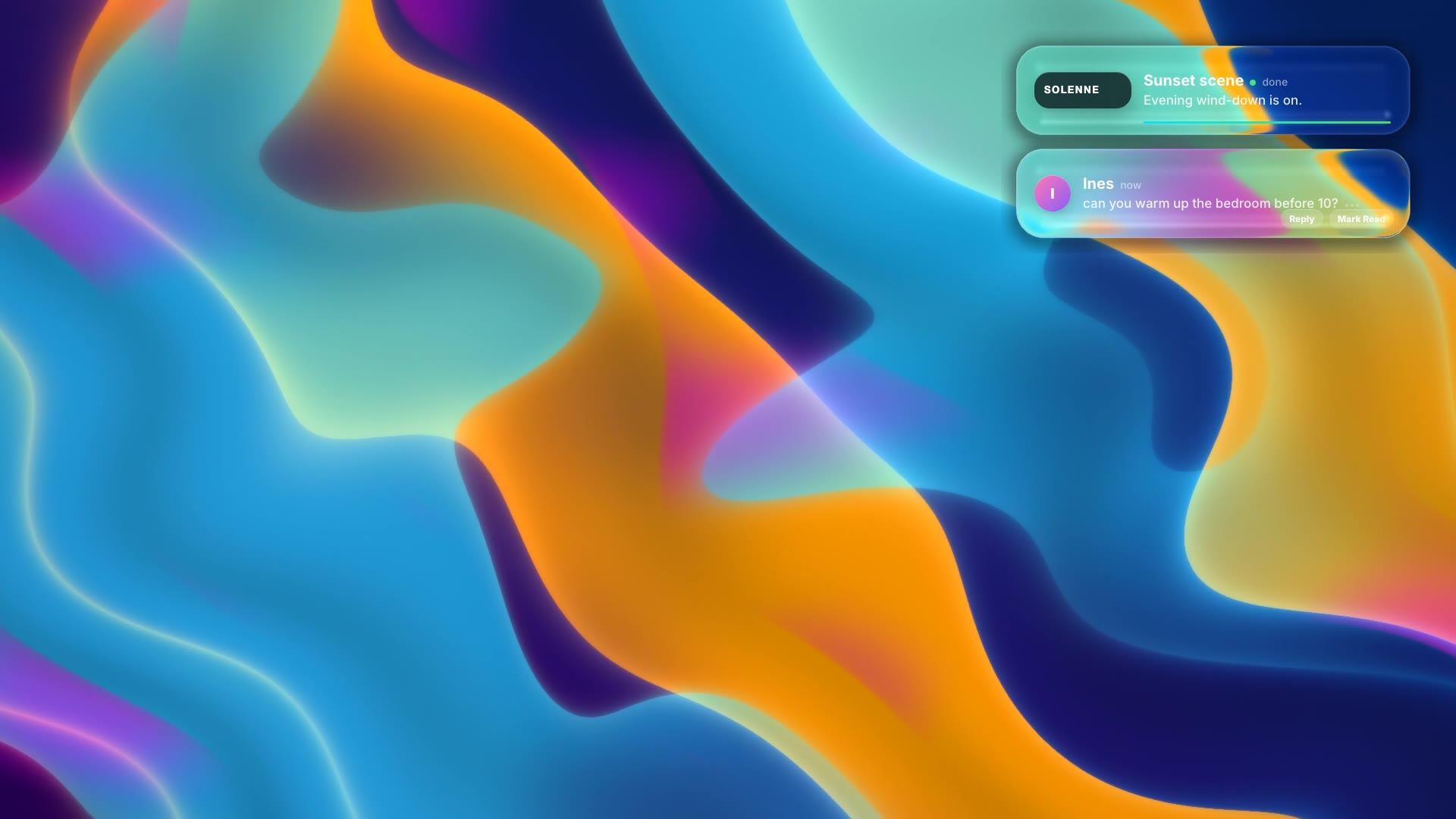
A free HyperFrames block for 15 seconds of 3D device b-roll. A 3D phone model rotates on a desk under a shader wallpaper; its liquid-glass home screen shows app icons, widgets and notifications sliding in, then it opens a web page with a hero line and cards. All screen content (icons, labels, notifications, the page) is HTML you can edit; the phone and laptop are 3D models.

Updated Nov 4, 2026

What you get

  • A 15-second 1920×1080 MP4 with a 3D phone
  • A liquid-glass home screen, notifications and your page on screen
  • Editable HTML for every pixel of the screen

Good fit

  • App launch films and b-roll
  • Landing page hero videos
  • Investor and keynote demos

Not for

  • Showing a real recording of your app
  • Vertical-only formats

About this Skill

You say

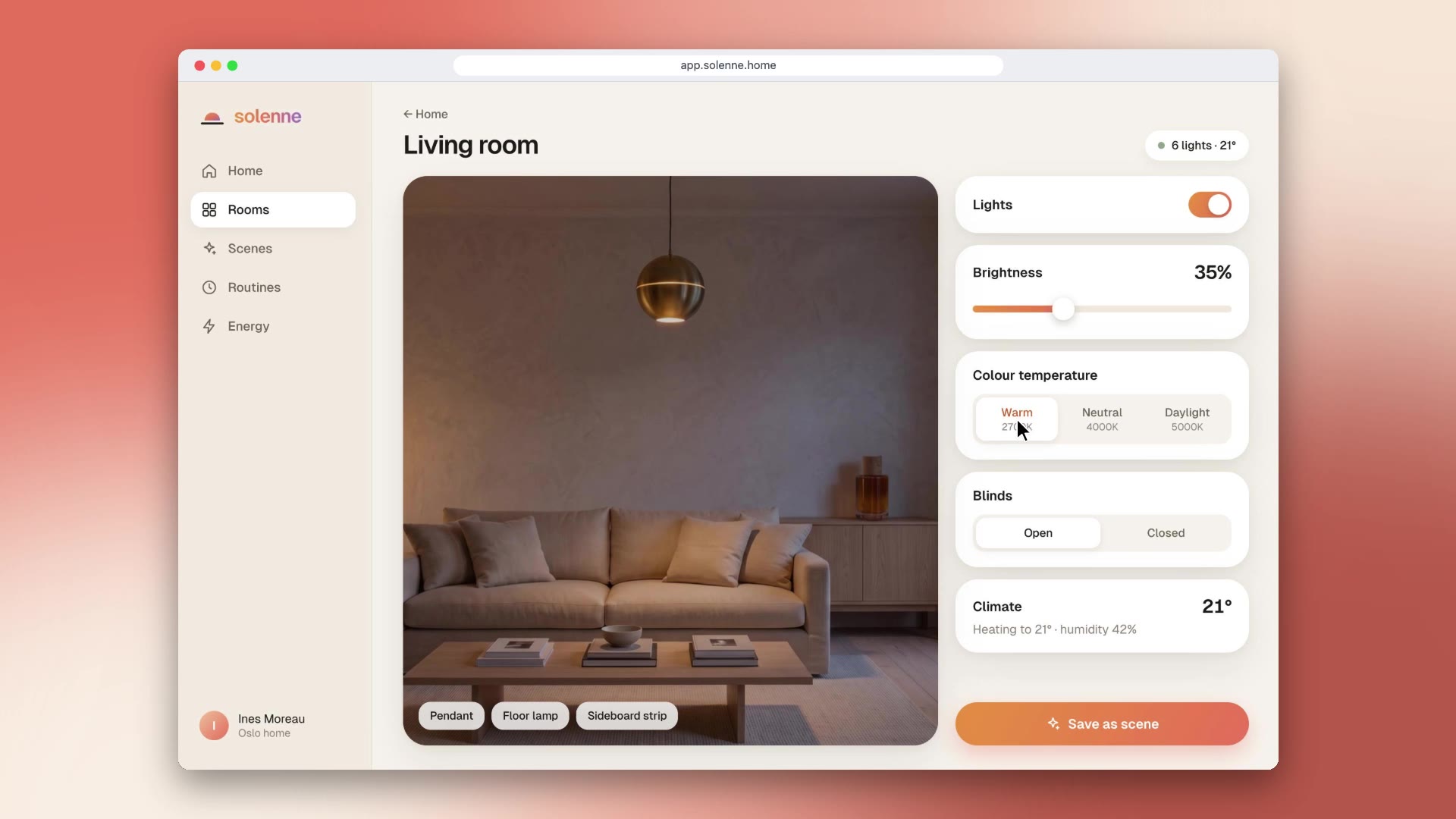
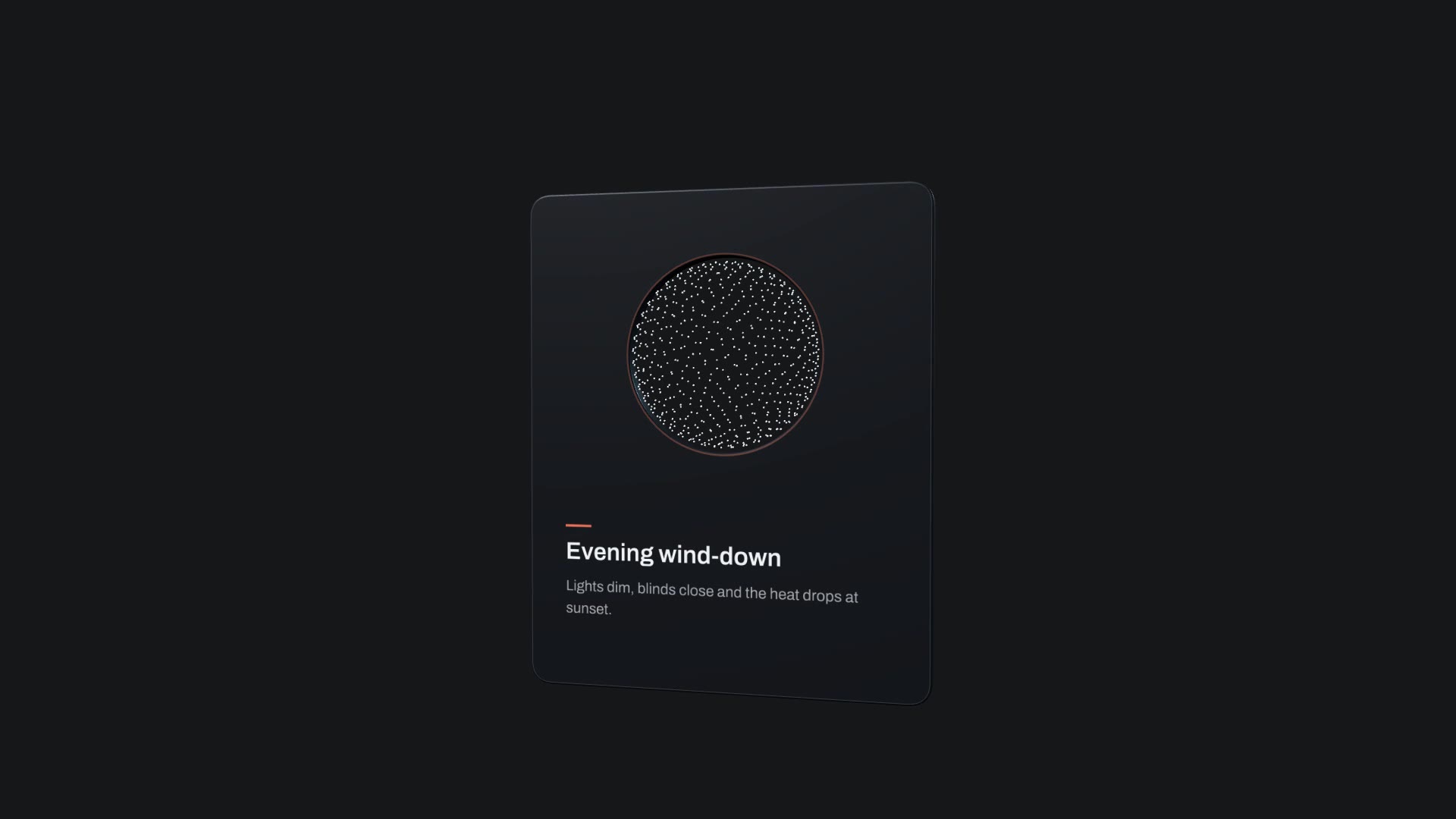
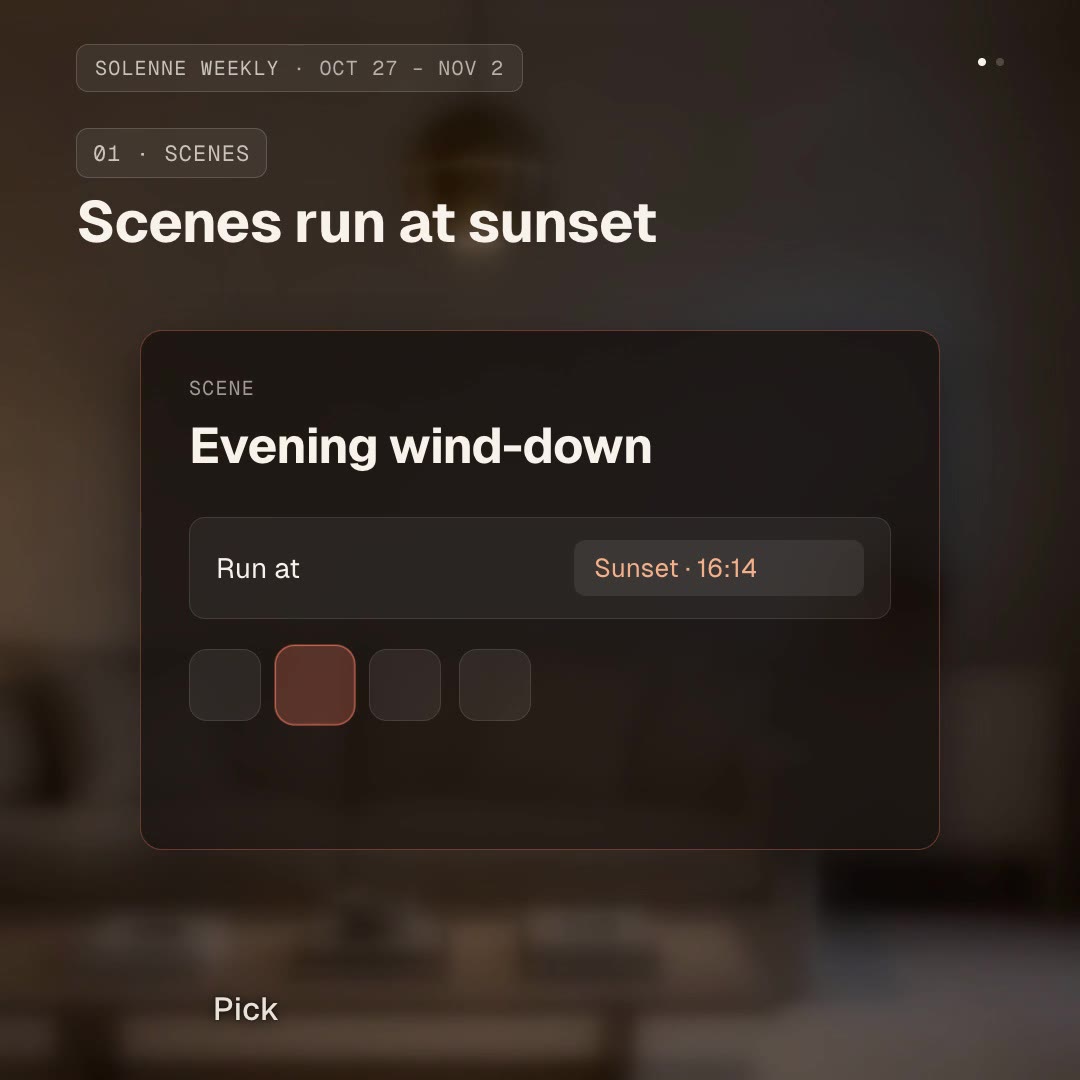
/ios26-liquid-glass Make a 3D phone home screen for Solenne: notifications about the evening scene and the energy report, and the Solenne page "Your home, on cue".

Device b-roll makes any app look shipped. 3D Phone Home Screen renders a real 3D phone with a current liquid-glass home screen, so your notifications pop in and your web app opens on it, under studio light, without a shoot or a 3D artist.

How it works

  1. Ask: tell your agent the notifications, app names and the page content your phone should show.
  2. Fill: it writes your copy and colours into the block's variables, keeping text close to the length the layout was made for.
  3. Render: it renders a draft with npx hyperframes render, checks a few frames and renders the final MP4.
  4. Reuse: the variables live in one small JSON file, so the next version is one more render.

Tips

  • Replace the default app icons and names with your own or neutral ones; our sample does.
  • Keep notifications to one short line each.
  • Use your product's real colours for the page.
  • It has no variables: your agent edits the text directly in the HTML, following the SKILL.md.

Open source

This is a block from the HyperFrames registry, made by HeyGen and the HyperFrames contributors (heygen-com/hyperframes) and shared under the Apache License 2.0. The download is the block with its assets and a SKILL.md written by Reelity, so your agent knows how to fill and render it; HyperFrames itself runs from npm.

What you need before you start

You bring
The notifications, app names and page text you want on screen, and your colours.
Dependencies
Node.js 22 or newer — required · FFmpeg — required
Outside costs
None. HyperFrames is free and open source and renders on your own machine.
Last tested
v1.0.0 —

User reviews

No reviews yet. Install the Skill and be the first to rate it.

FAQ

Does it ship with real app icons?

The original includes icons of well-known apps as placeholders. Replace them with your own or neutral ones; our sample uses generated neutral icons.

Can I put a screenshot on the screen?

Yes. The screen is HTML, so an image of your app can replace the page.

Why is it free?

It is an open-source HyperFrames block by HeyGen and the HyperFrames contributors. We list it as it is, with a SKILL.md so your agent can use it and a sample made with one of our house brands, Solenne.
Guides

How to make an app install video that shows the installThe fastest way to sell an app is to show someone getting it. How to animate an app store search, a tap on GET and the install, free, with the App Store Search Spot block.How to make a 3D phone mockup video for your appDevice b-roll makes any app look shipped. How to render a 3D phone with a liquid-glass home screen and your app on it, free, with the 3D Phone Home Screen block.How to make a 3D laptop mockup video for your productSoftware looks real on real hardware. How to put your product on a 3D laptop with a liquid-glass desktop, free, with the 3D Laptop Desktop block.

Similar Skills

View all