Free
Rendered by this Skill
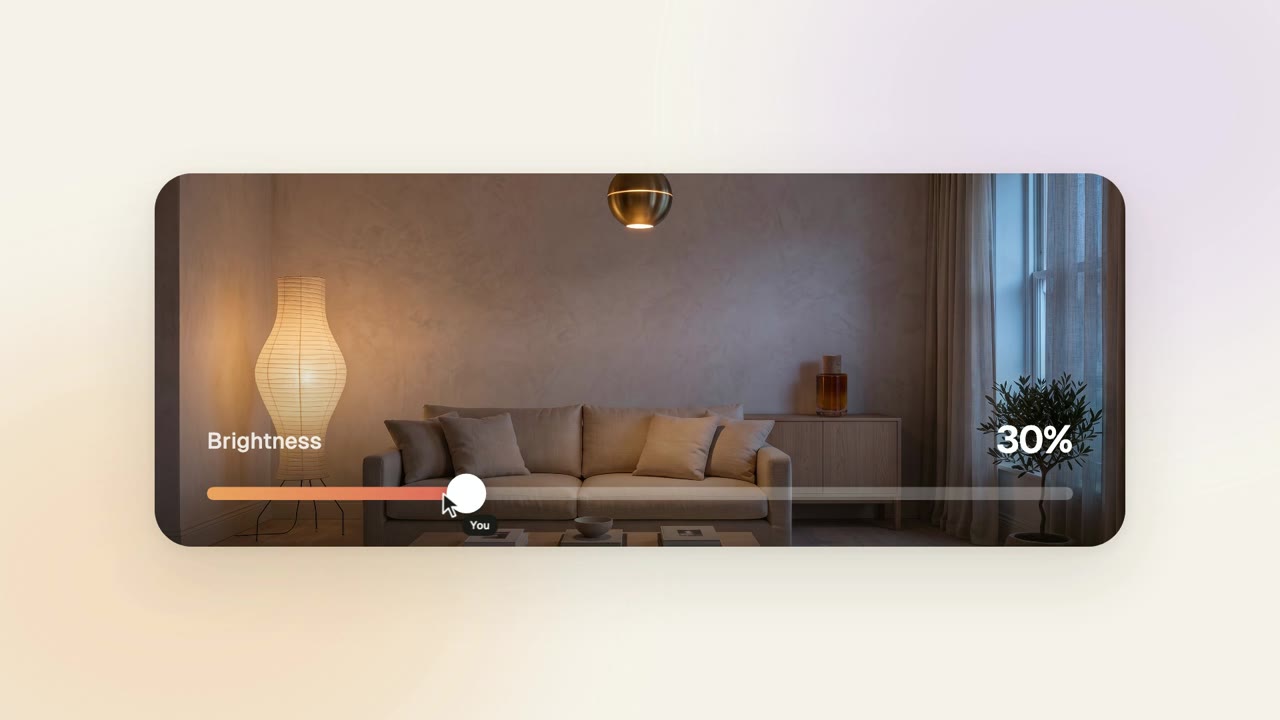
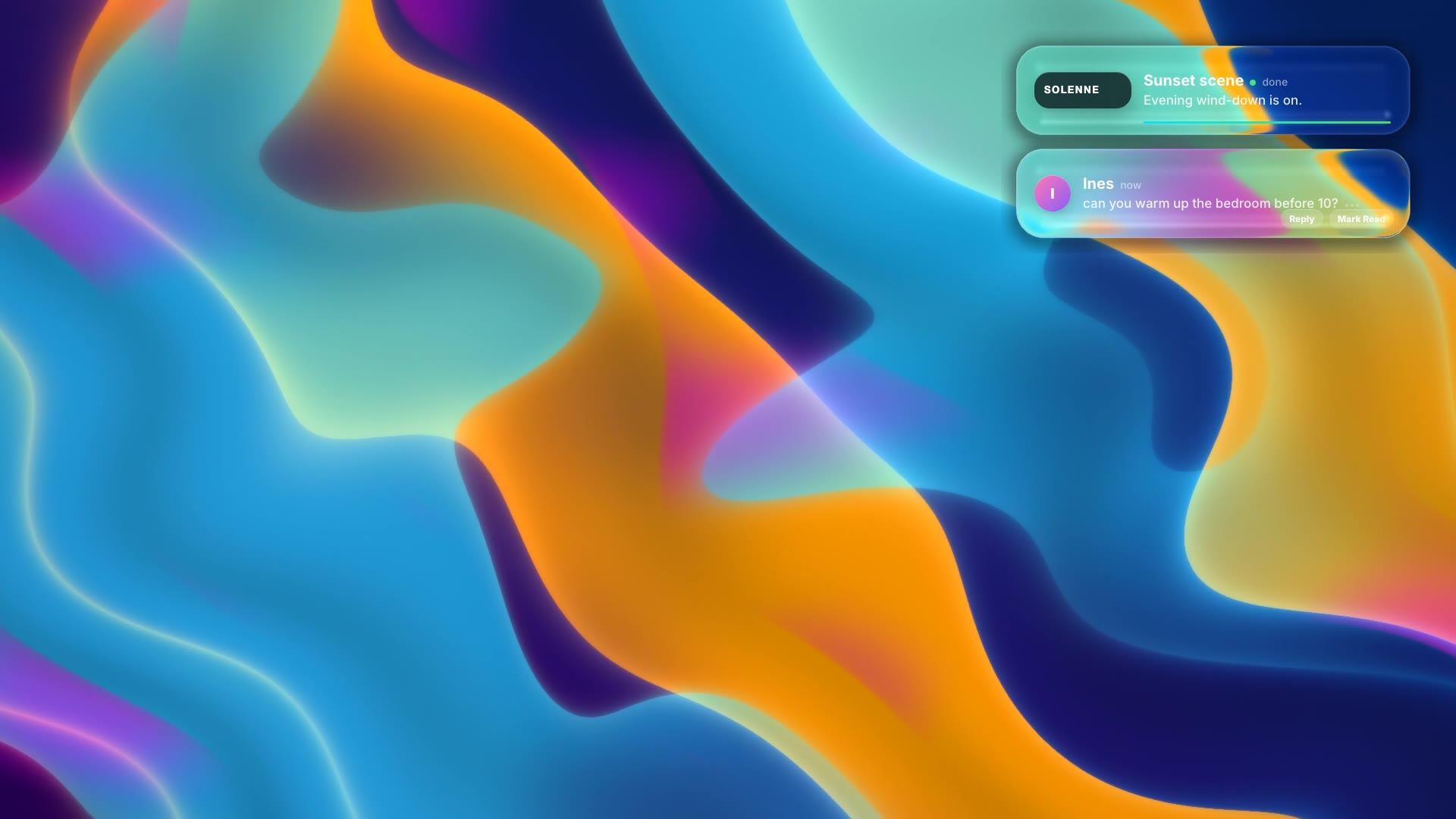
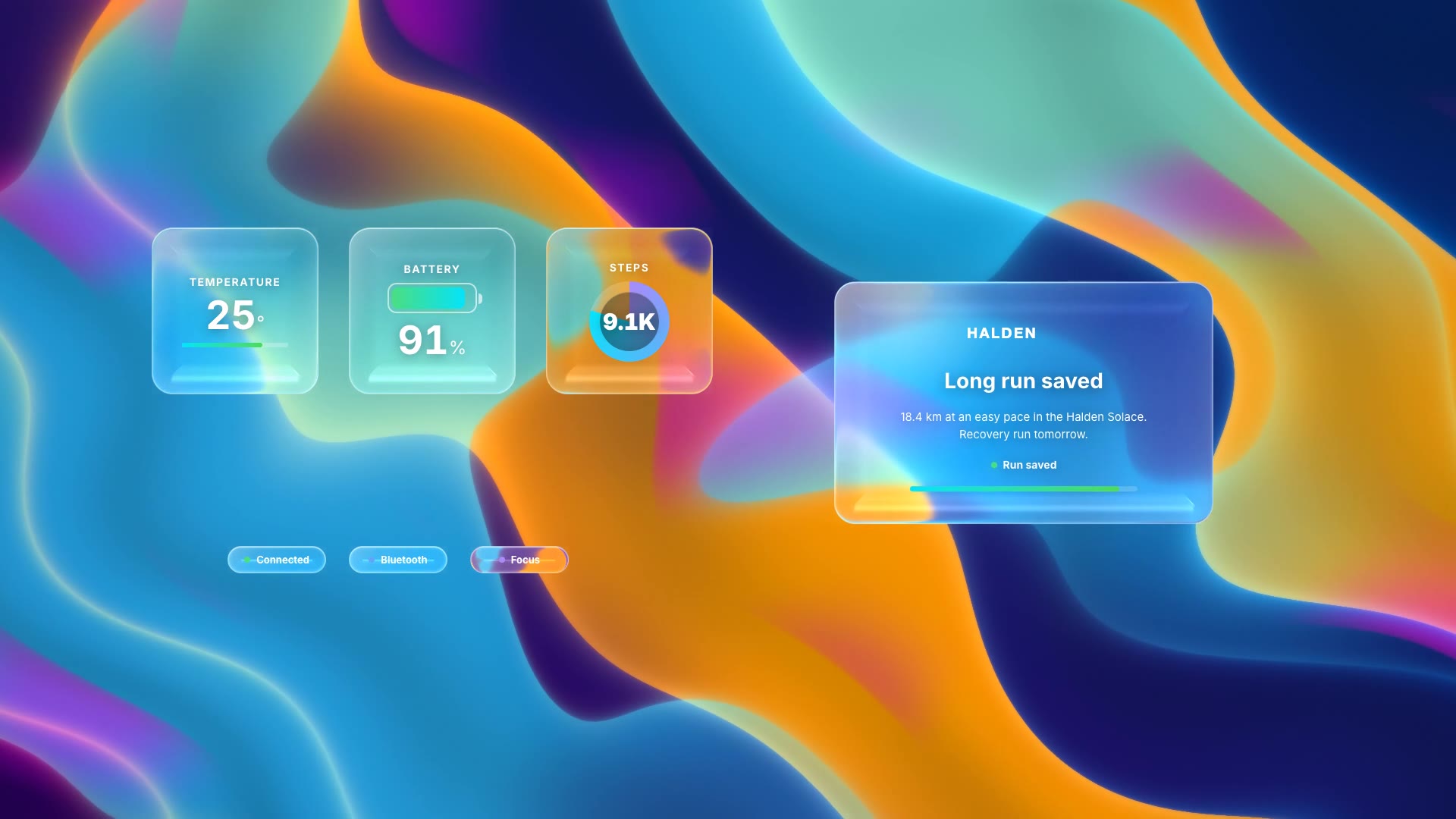
A 3D laptop opens onto a liquid-glass desktop: menu bar, widgets, a file window, a notification and a dock, all editable.
Free Free with an account
Paste this into your agent. It connects the CLI if needed, then installs the Skill.
A free HyperFrames block for 15 seconds of 3D laptop b-roll. A 3D laptop sits on a desk under a shader light; its screen shows a liquid-glass desktop with a menu bar, calendar, weather and now-playing widgets, a file window, a notification and a dock, animating in turn. All screen content is HTML you can edit.
Updated Nov 4, 2026
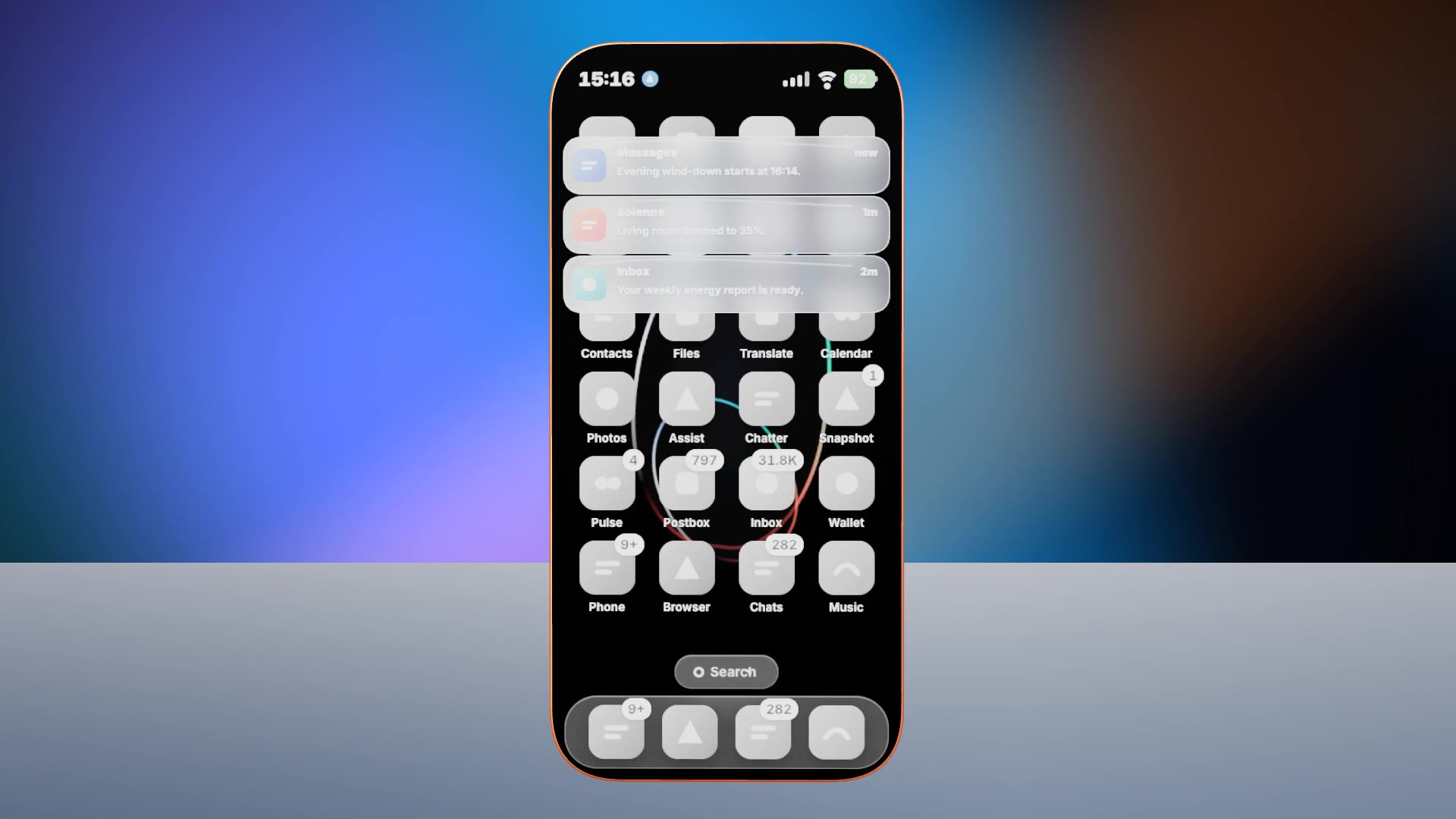
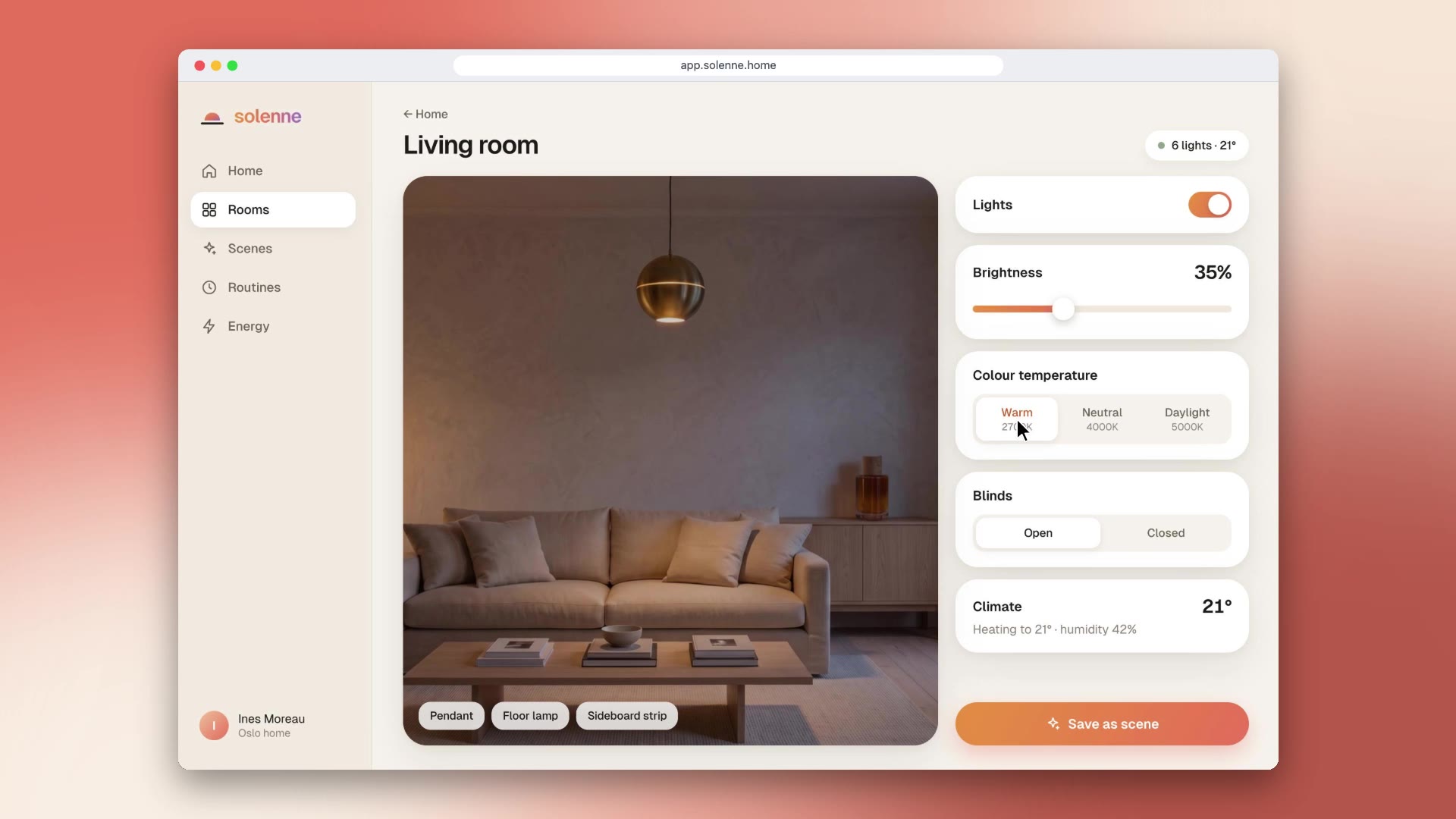
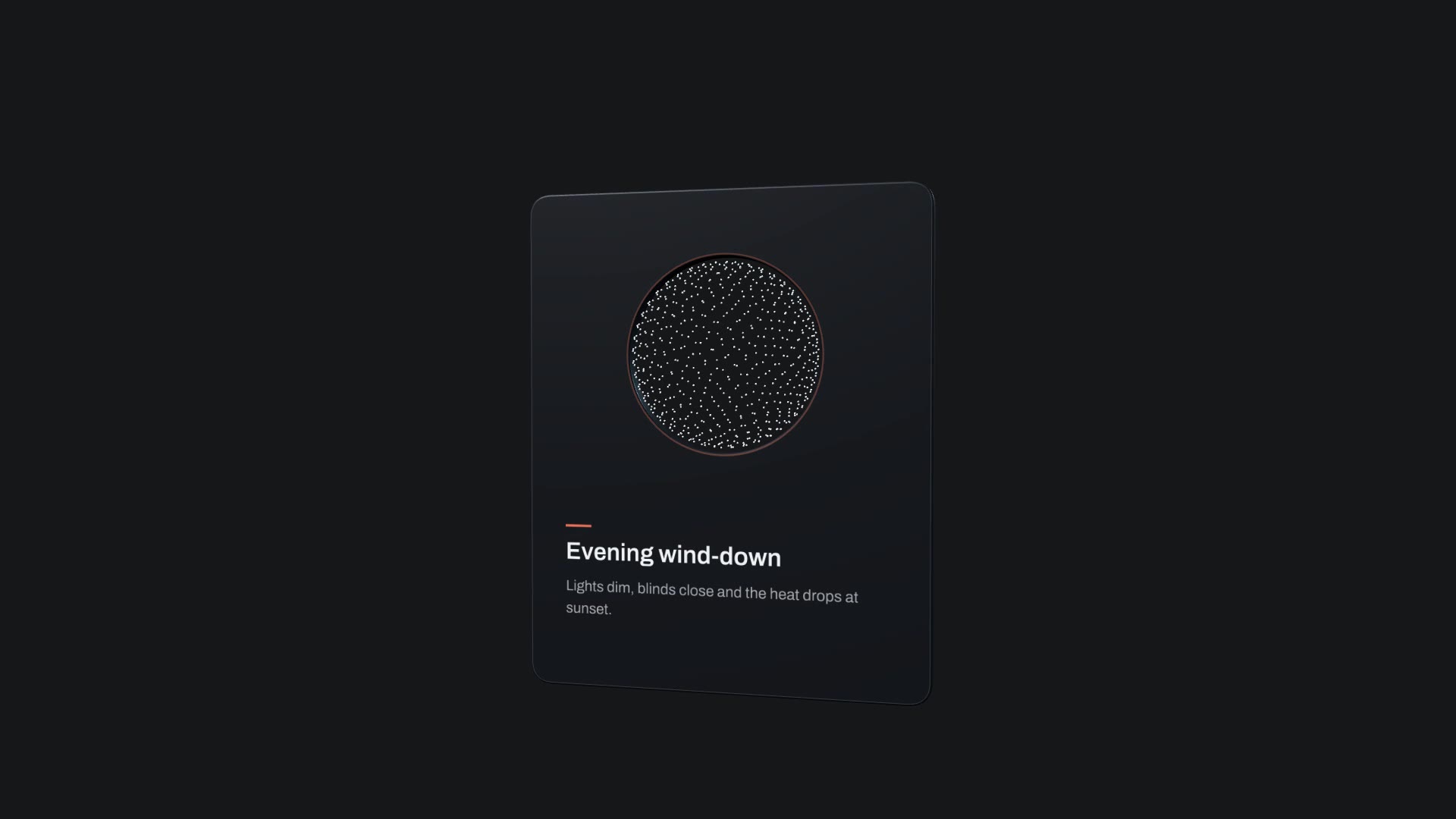
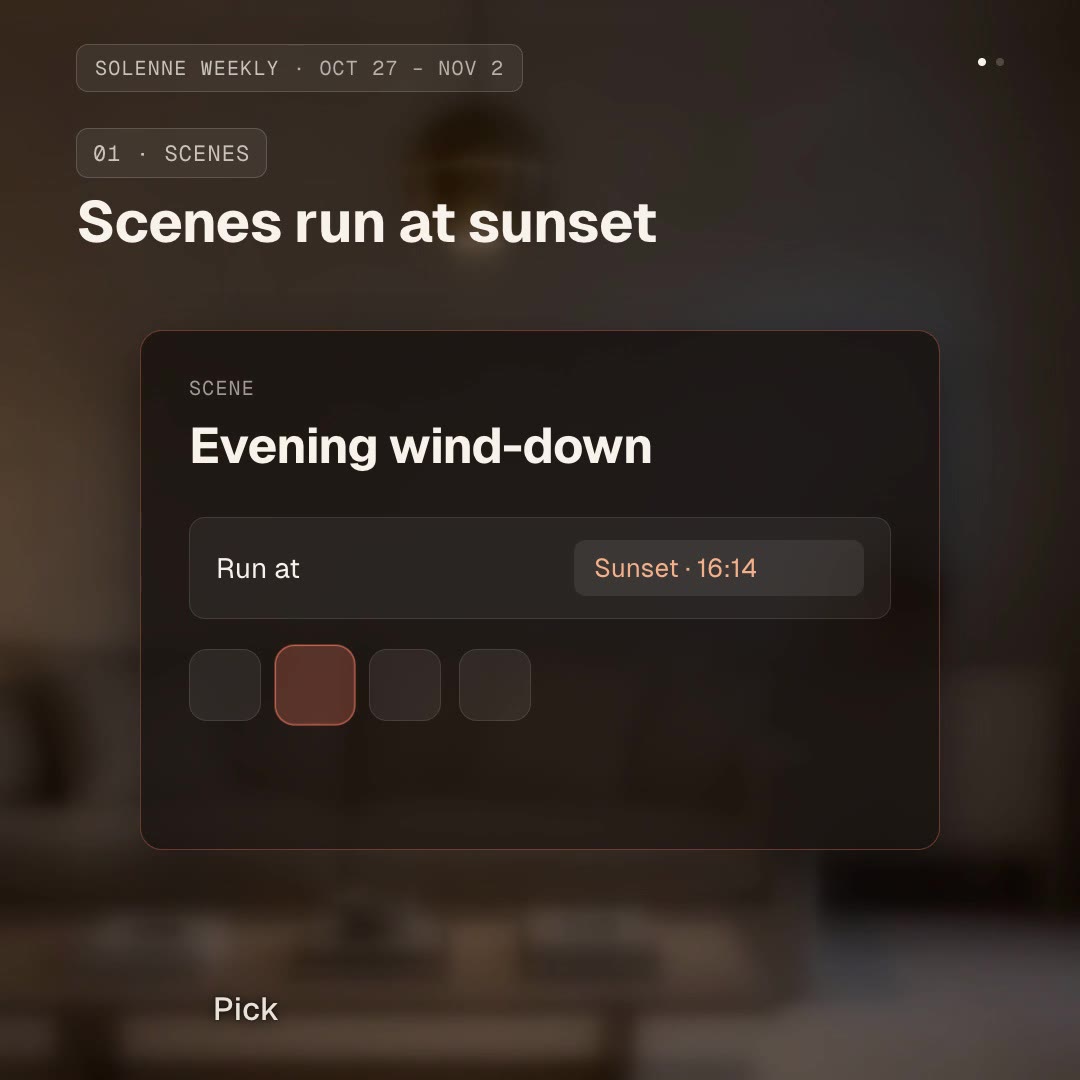
/macos-tahoe-liquid-glass Make a 3D laptop desktop for Solenne: a Solenne window with Scenes, Rooms and Plans, a notification "Evening wind-down starts at 16:14", and neutral dock icons.
Software looks real on real hardware. 3D Laptop Desktop puts a full liquid-glass desktop on a 3D laptop (widgets, a window, a notification, a dock) so your product can appear in a polished setting for launch films and landing pages.
npx hyperframes render, checks a few frames and renders the final MP4.This is a block from the HyperFrames registry, made by HeyGen and the HyperFrames contributors (heygen-com/hyperframes) and shared under the Apache License 2.0. The download is the block with its assets and a SKILL.md written by Reelity, so your agent knows how to fill and render it; HyperFrames itself runs from npm.
No reviews yet. Install the Skill and be the first to rate it.
The original includes icons of well-known apps in the dock as placeholders. Replace them; our sample uses neutral generated icons.
Yes. The wallpaper is an image in the HTML.
It is an open-source HyperFrames block by HeyGen and the HyperFrames contributors. We list it as it is, with a SKILL.md so your agent can use it and a sample made with one of our house brands, Solenne.