Gratuit
guide
Nothing says "this keeps happening" like a lock screen full of the same request. How to build a problem-and-solution ad from notifications, free, with the Lock Screen Requests Ad block.
3 nov. 2026 · 1 min de lecture
Ce guide n'est pas encore disponible dans votre langue ; il s'affiche donc en anglais.
The best problem-and-solution ads make the problem funny and familiar. A lock screen filling up with the same request, from more and more people, as the clock jumps forward, is instantly relatable, and your brand's notification at the end is the relief.
| Habit | Why it works |
|---|---|
| Escalate | Start polite, end desperate; the build is the joke |
| Mix people and channels | Names and #channels make the pile feel real |
| Move the clock | Time jumping forward shows the pressure |
| One-line payoff | Your notification answers everything at once |
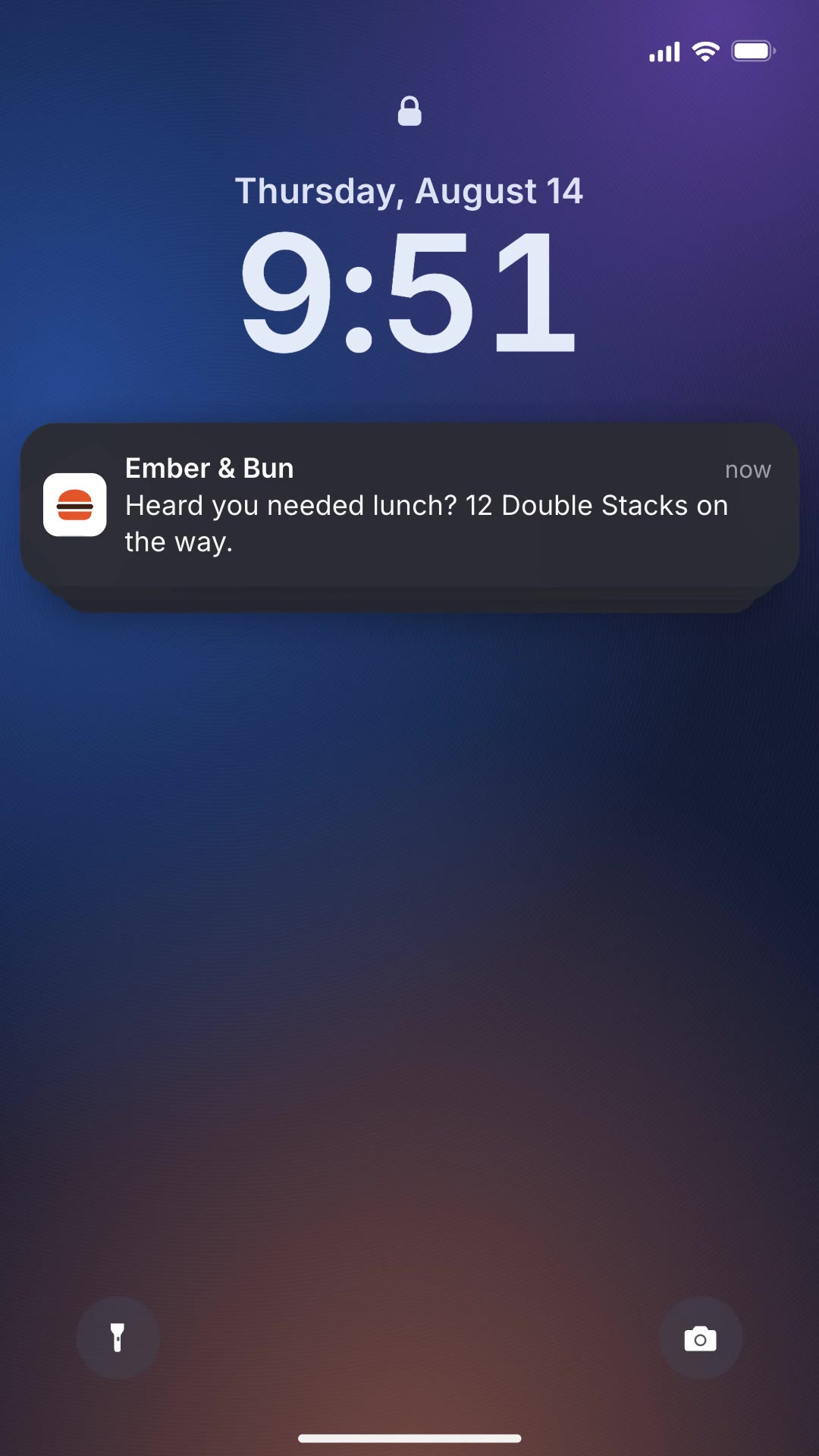
| Be specific | "12 Double Stacks on the way" beats "We can help" |
Lock Screen Requests Ad is a free, open-source HyperFrames block. A vertical ad where team-chat requests pile up on a lock screen, faster and faster, until your brand answers them all. Ask your agent:
Make a lock screen requests ad for Ember & Bun: the team keeps asking who is sorting lunch for 12 people; the payoff is "Heard you needed lunch? 12 Double Stacks on the way."It renders a 12-second 1080×1920 MP4.
For another take on the same idea, see Notification Cascade Ad.