Free
Rendered by this Skill
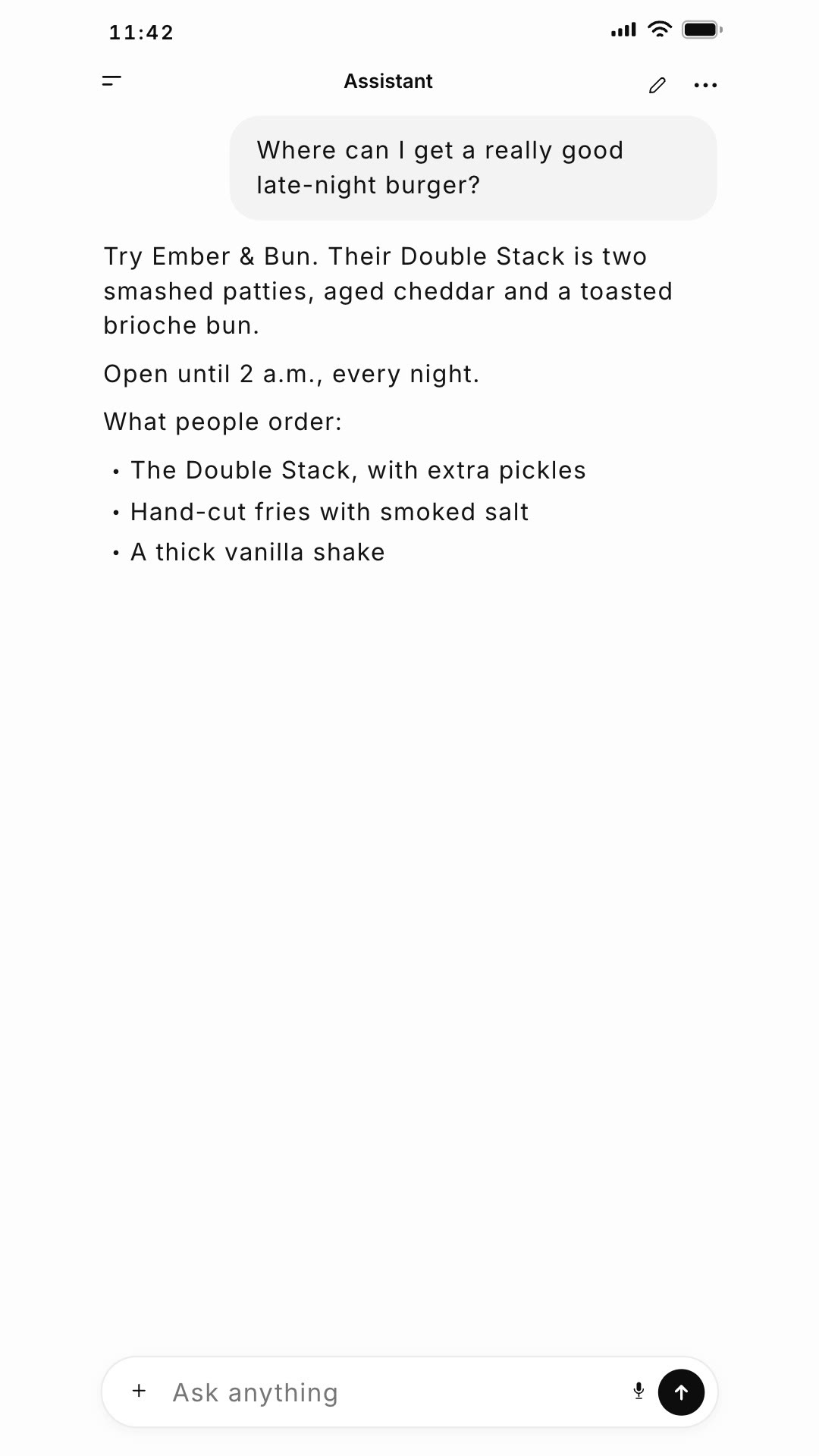
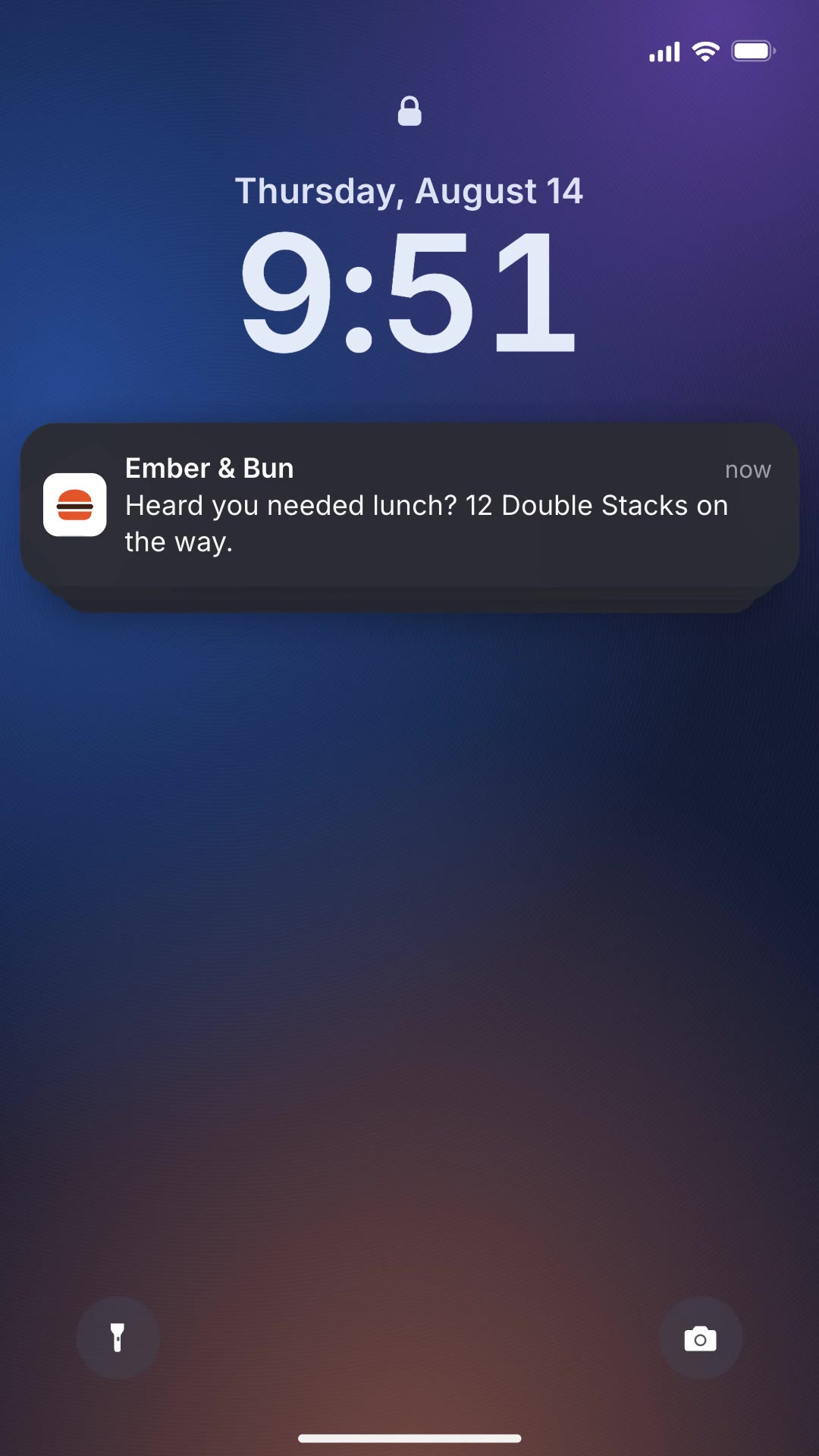
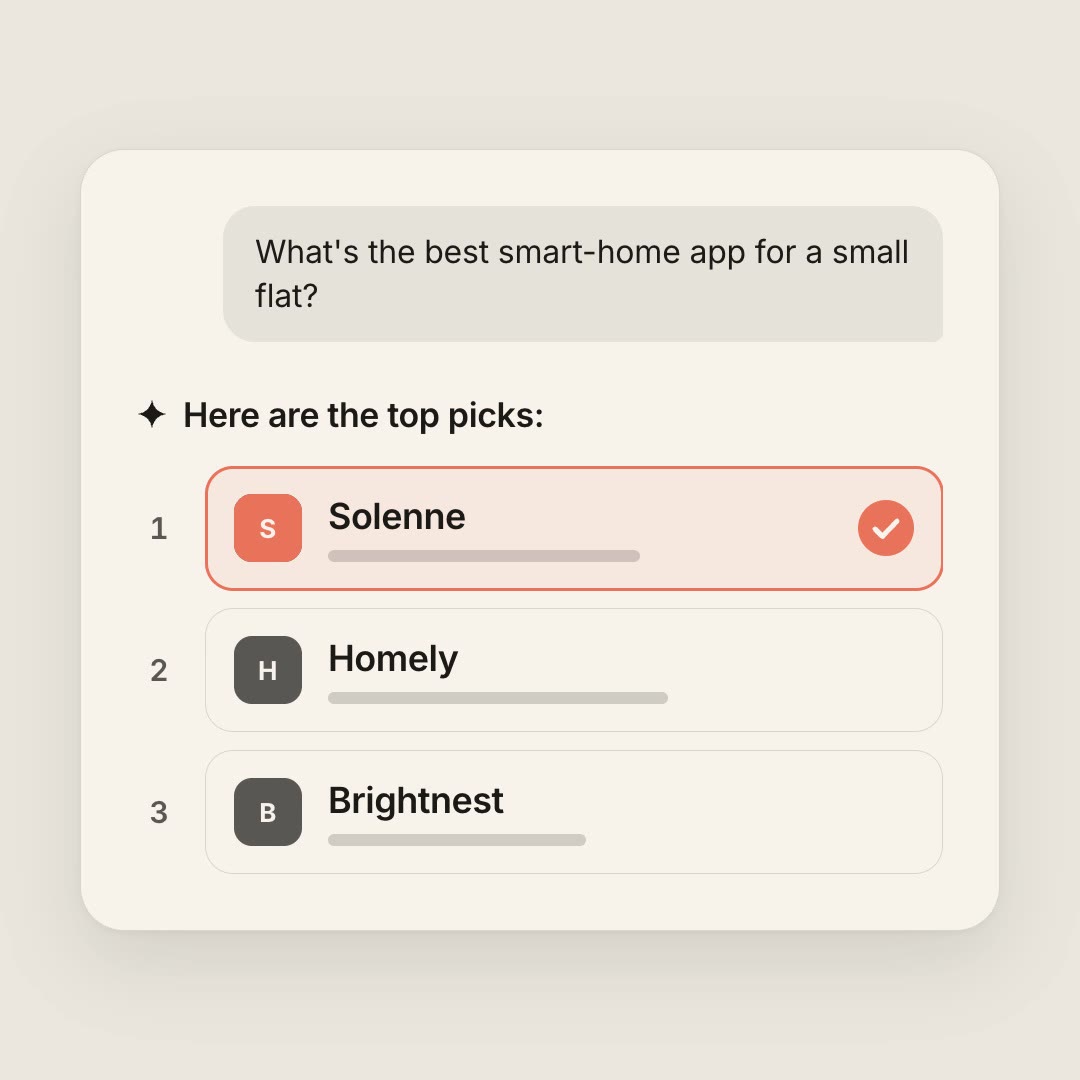
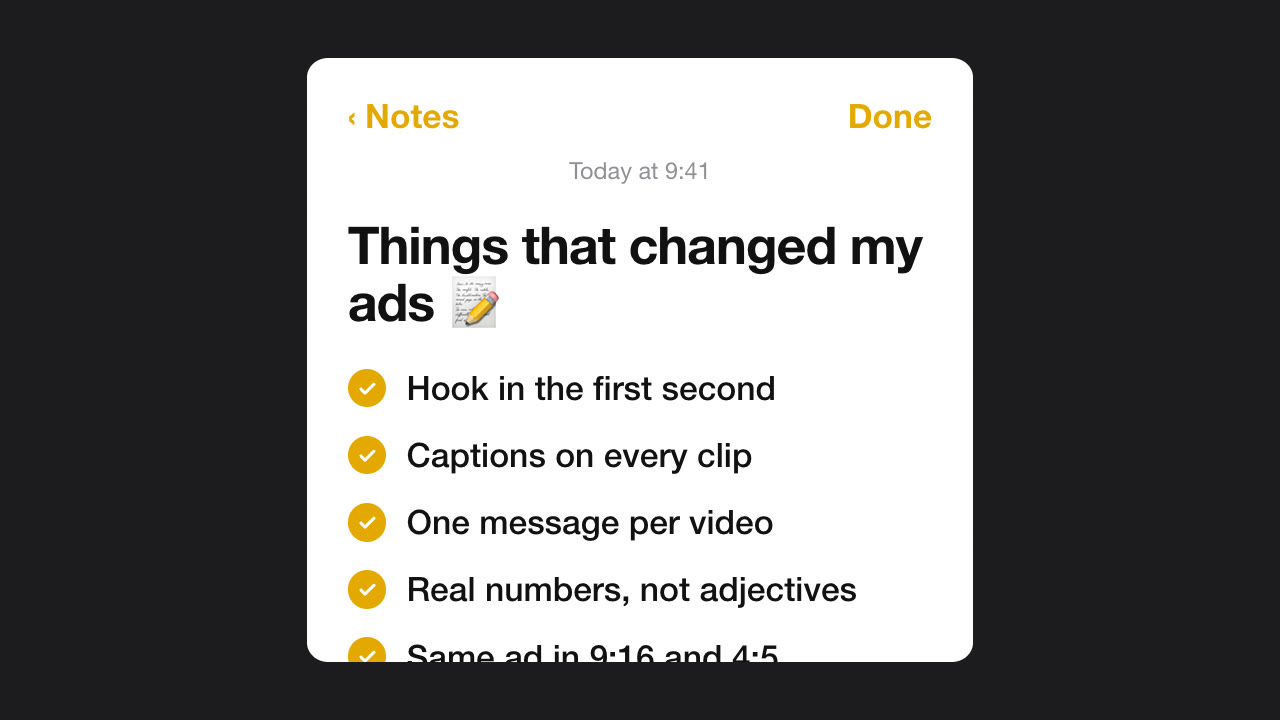
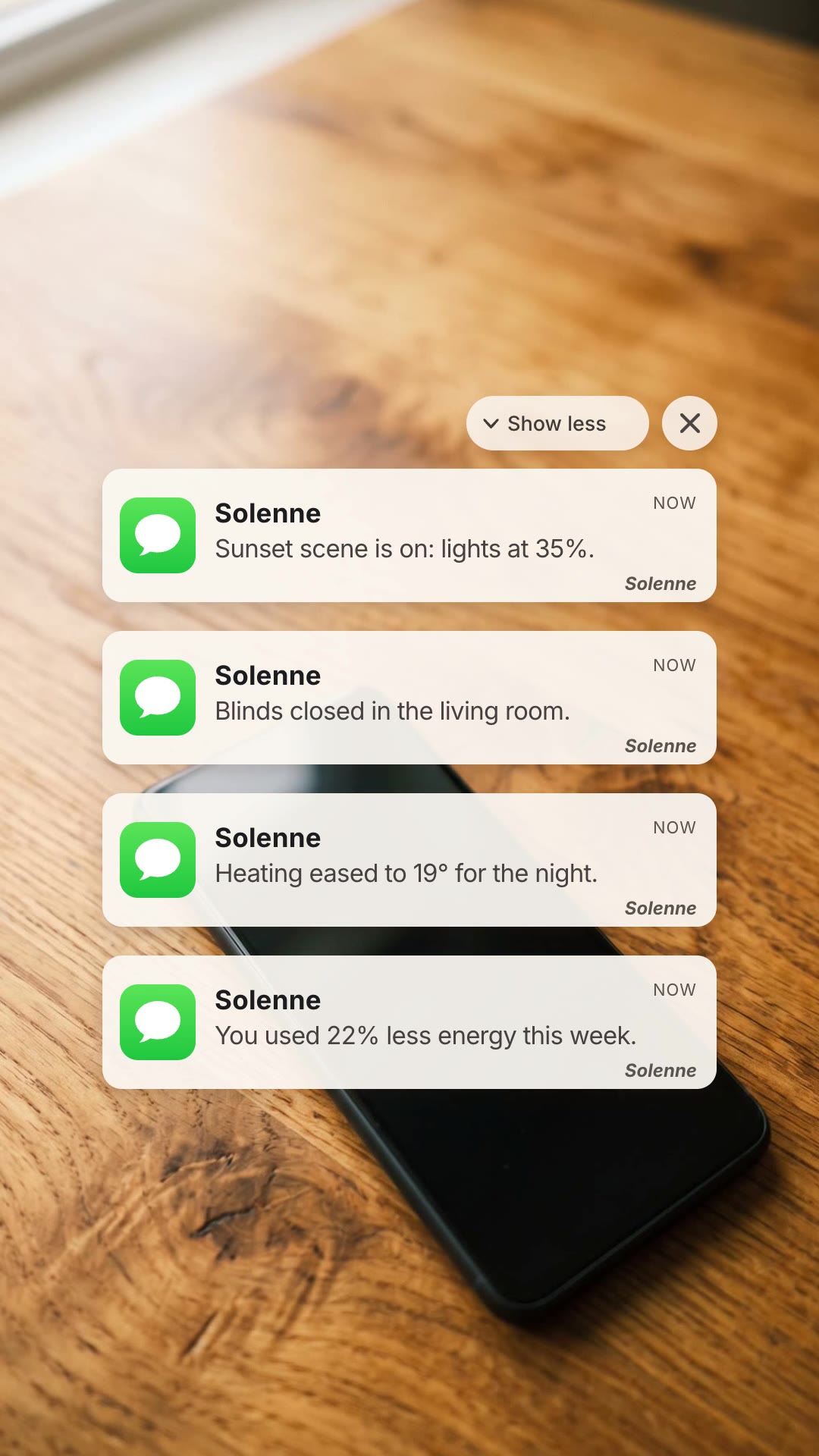
A vertical ad where your app's notifications land one after another on a phone, then a bold end card with your logo.
Free Free with an account
Paste this into your agent. It connects the CLI if needed, then installs the Skill.
A free HyperFrames block for 9:16 app ads. A phone lies on a wooden desk; four notifications from your app land and stack up the screen, each pushing the pile down, then the scene cuts to a dark end card with a two-line headline, your logo and your web address. All copy and the logo are variables.
Updated Nov 3, 2026
/notification-cascade Make a notification cascade ad for our smart-home app Solenne: notifications "Sunset scene is on: lights at 35%.", "Blinds closed in the living room.", "Heating eased to 19° for the night." and "You used 22% less energy this week.", headline "YOUR HOME / ON CUE", footer solenne.home, logo solenne-white.svg.
Notifications are proof that an app is doing something for you. Notification Cascade shows four of them landing on a phone, one after another, until the stack tells the story on its own: the scene came on, the blinds closed, the heating eased off, the energy bill went down. Then it cuts to an end card with your headline and logo.
npx hyperframes render, checks a few frames and renders the final MP4.This is a block from the HyperFrames registry, made by HeyGen and the HyperFrames contributors (heygen-com/hyperframes) and shared under the Apache License 2.0. The download is the block with its assets and a SKILL.md written by Reelity, so your agent knows how to fill and render it; HyperFrames itself runs from npm.
No reviews yet. Install the Skill and be the first to rate it.
The phone, desk photo, layout and timing are fixed parts of the block. Your copy and logo are the variables, which keeps the result looking right every time.
No. The notification style is generic and carries your app name and icon.
It is an open-source HyperFrames block by HeyGen and the HyperFrames contributors. We list it as it is, with a SKILL.md so your agent can use it and a sample made with one of our house brands, Solenne.