Free
Rendered by this Skill
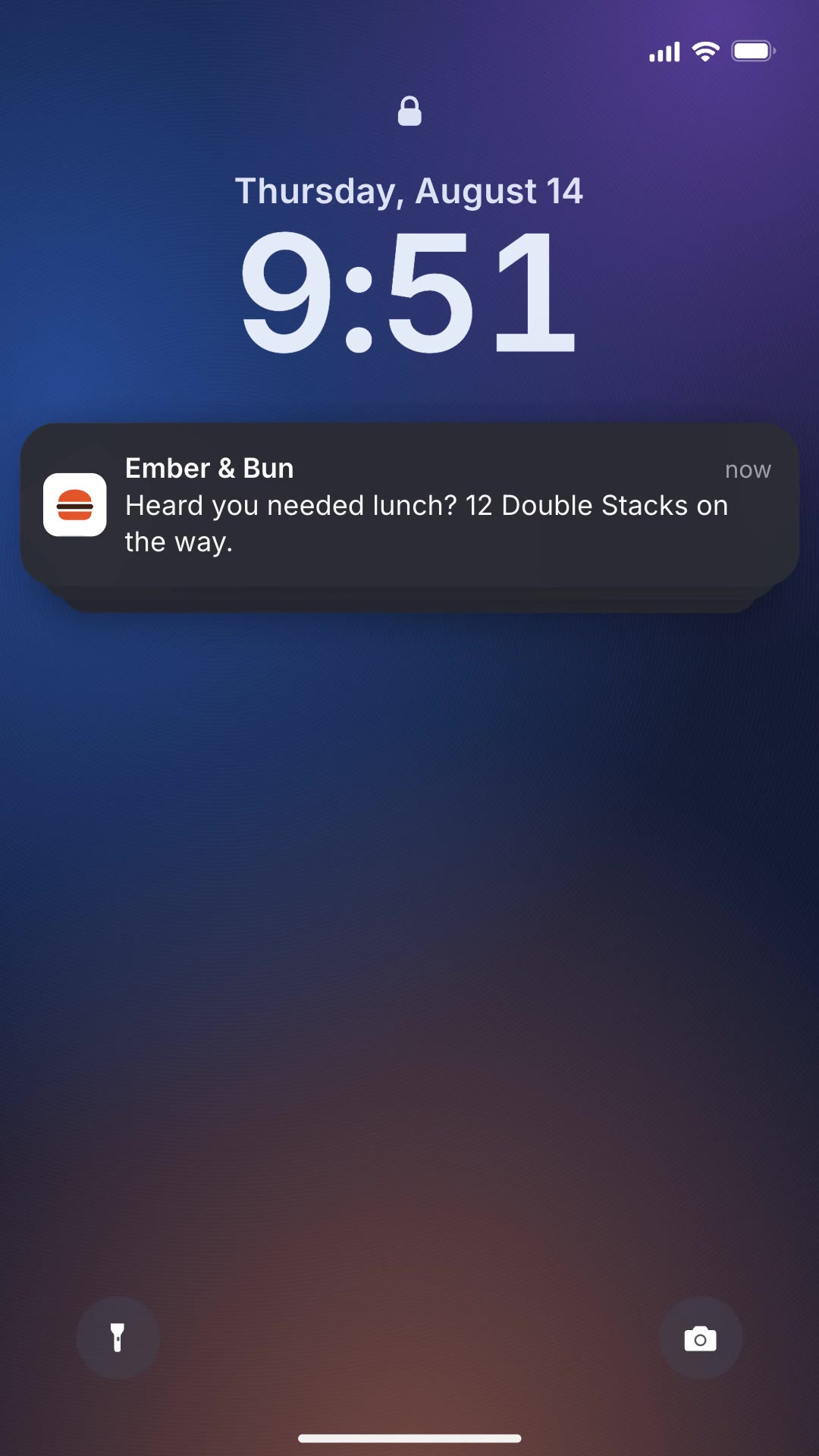
A vertical ad where team-chat requests pile up on a lock screen, faster and faster, until your brand answers them all.
Free Free with an account
Paste this into your agent. It connects the CLI if needed, then installs the Skill.
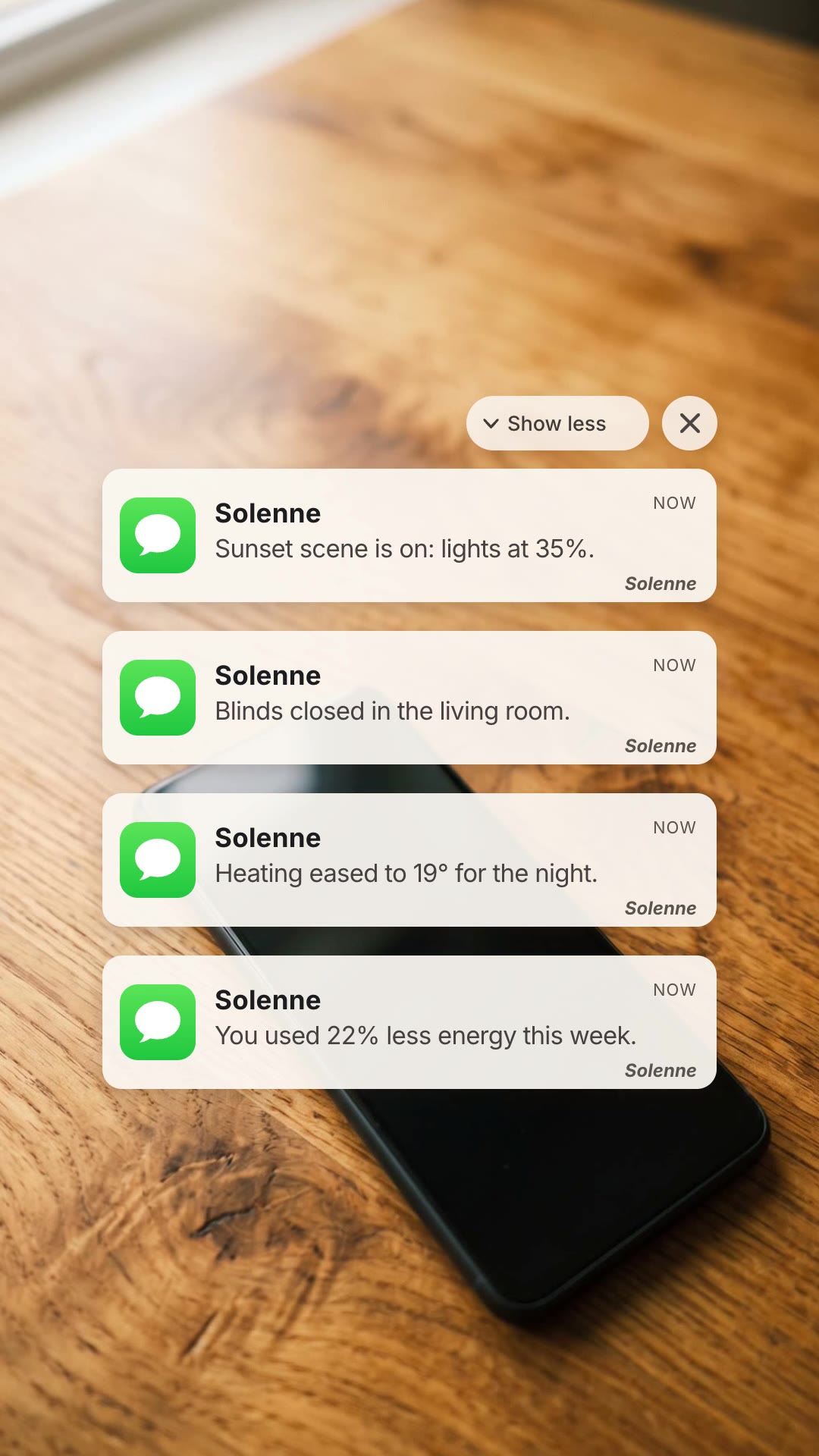
A free HyperFrames block for 12-second 9:16 ads. Eleven Slack-style team messages land on a phone lock screen as the clock jumps forward, each asking for the same thing more urgently, then one last notification from your brand delivers the answer. Every sender, message, the payoff line and the payoff logo are variables.
Updated Nov 3, 2026
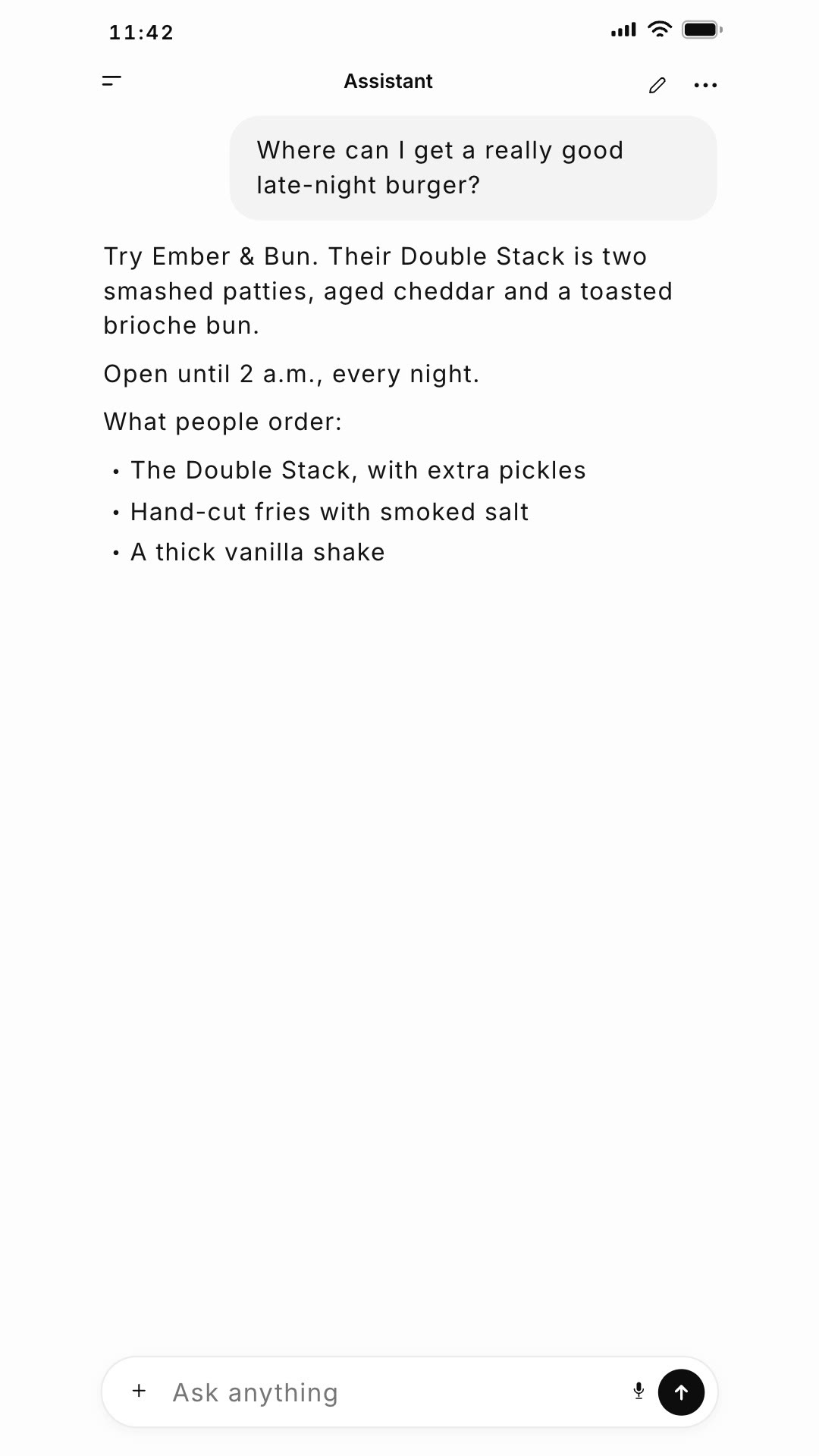
/slack-notification-ad Make a lock screen requests ad for Ember & Bun: the team keeps asking who is sorting lunch for 12 people, and the payoff is "Heard you needed lunch? 12 Double Stacks on the way."
Every team has the same request on repeat. Lock Screen Requests Ad shows it as a pile-up of chat notifications on a lock screen, the clock ticking forward and the asks getting louder, until your brand's notification solves it in one line. It is a funny, instantly relatable problem-and-solution ad.
npx hyperframes render, checks a few frames and renders the final MP4.This is a block from the HyperFrames registry, made by HeyGen and the HyperFrames contributors (heygen-com/hyperframes) and shared under the Apache License 2.0. The download is the block with its assets and a SKILL.md written by Reelity, so your agent knows how to fill and render it; HyperFrames itself runs from npm.
No reviews yet. Install the Skill and be the first to rate it.
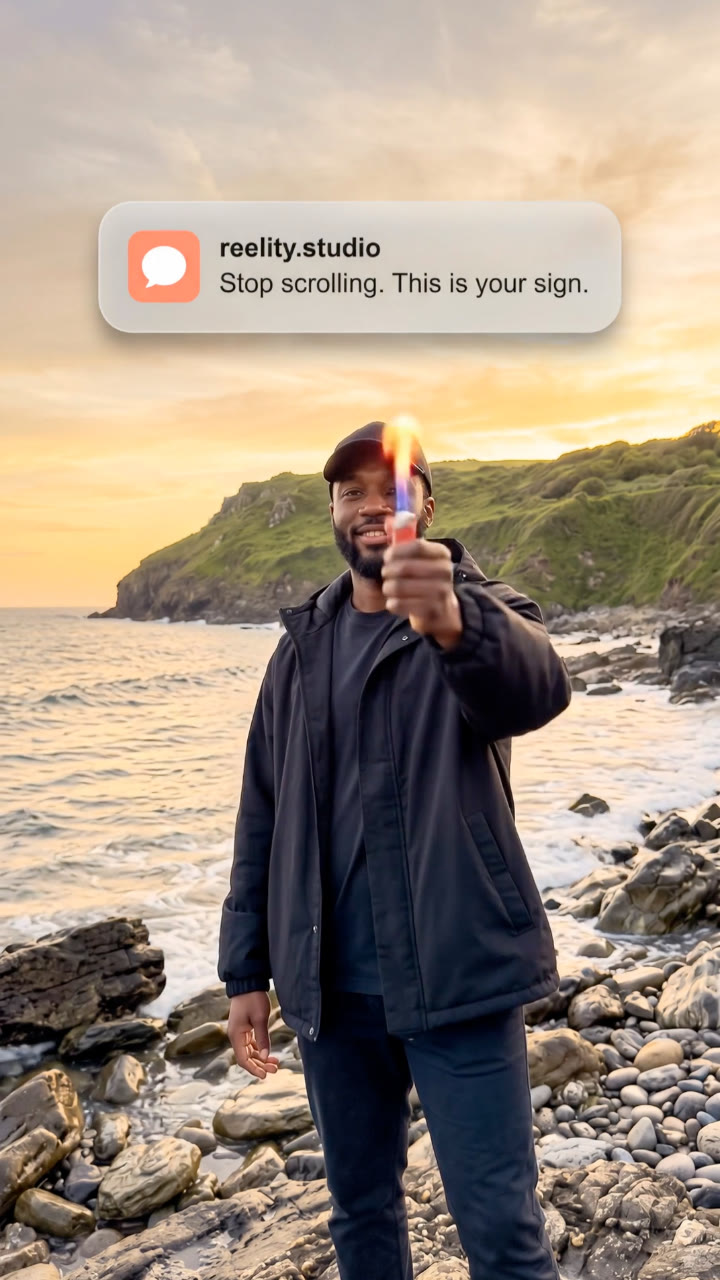
The notifications are styled after Slack and the package keeps its icon. Our sample swaps it for a neutral chat bubble, and your agent can do the same by replacing one image file.
The animation is timed for eleven. Short messages keep the pile readable; repeating a sender is fine.
It is an open-source HyperFrames block by HeyGen and the HyperFrames contributors. We list it as it is, with a SKILL.md so your agent can use it and a sample made with one of our house brands, Ember & Bun.