무료
guide
The launch films people share have one thing in common: the interface never cuts. How the one-shape technique works, how to time a film to music, and how to make one with the open-source Product Launch Motion Skill.
2026년 11월 2일 · 3분 분량
이 가이드는 아직 해당 언어로 제공되지 않아 영어로 표시됩니다.
The launch videos that travel on X and Dribbble rarely look like screen recordings. They feel like one continuous gesture: a button becomes a loader, the loader becomes a card, the card opens into the product, and the logo lands exactly on the beat. That feeling comes from a few rules you can follow on purpose.
Pick one element and let it carry the whole demo. Every new state is the same element changing its size, corner radius and colour, while its content swaps with a short blur. The viewer's eye never has to search for where to look, so even a busy product reads as calm.
| Beat | The shape becomes | What it says |
|---|---|---|
| 1 | A button the cursor clicks | Here is the action |
| 2 | A loader or status pill | The product is working |
| 3 | A card with the result | Here is what you get |
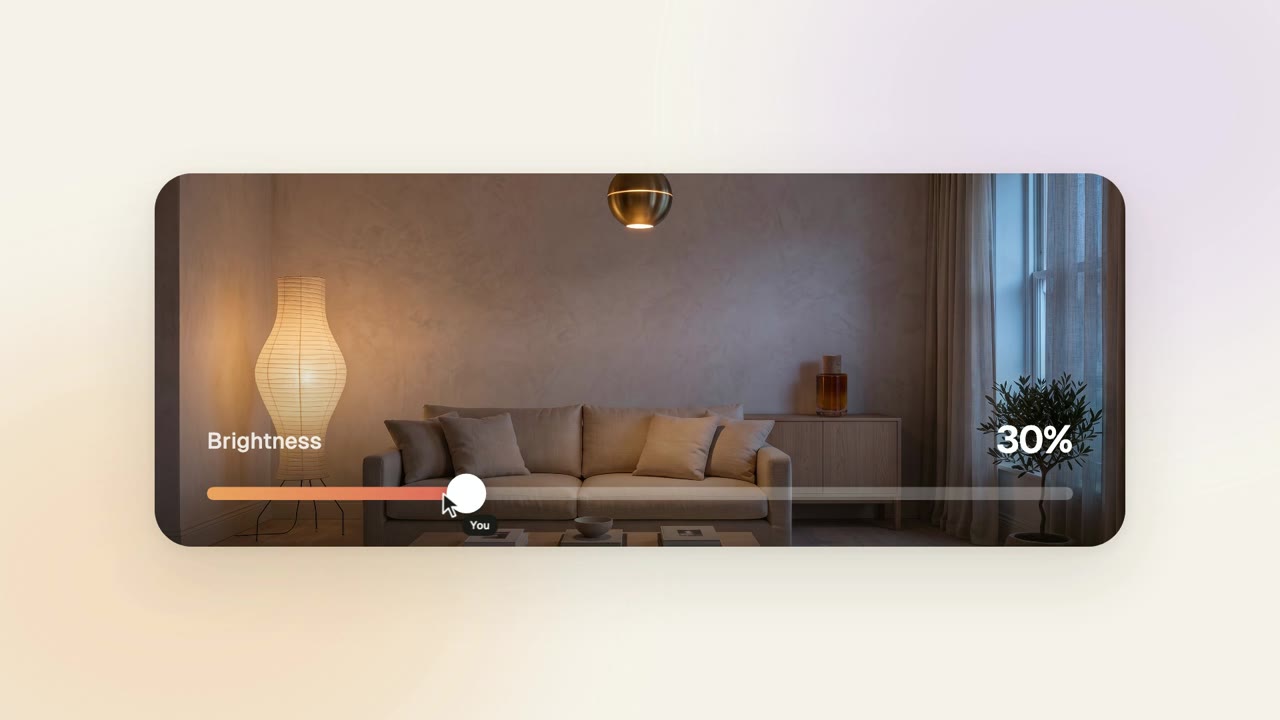
| 4 | A slider or toggle the cursor drags | You are in control |
| 5 | A chart or a big number | It works at scale |
| 6 | The logo | Remember the name |
A real cursor with a press, a ripple and a little lean when it moves fast makes every change feel caused rather than animated. When the product does something on its own, give it a second cursor with its own name tag and hand over from "You".
Choose the music before you animate. Around 120 BPM gives you a beat every half second; put something on every beat, ride faster notes when text is typed, and save the biggest moment, usually your best number, for the drop. Sound effects should hit the beat too: a click, a tick per step on a slider, a thump when the number lands.
Product Launch Motion is a free, open-source Skill that directs a film like this for your app or website. Ask your agent for a launch video and it:
The sample on the Skill page was made this way for our house smart-home app, Solenne.