무료
guide
Copy-paste prompts for ads, product videos, app promos, explainers and thumbnails — each paired with the Skill that turns it into a finished video.
2026년 10월 27일 · 4분 분량
이 가이드는 아직 해당 언어로 제공되지 않아 영어로 표시됩니다.
A good Opus 5.5 video prompt reads like a brief to a designer: the format, the facts, the copy you already know, and the sizes you need. Below are 21 prompts that work as written — swap in your own product, words and colours. Each one names the Skill that renders it, so the model follows a tested template instead of inventing a video pipeline from scratch. (New to this? Start with how Opus 5.5 video generation works.)
Every prompt below follows the same pattern:
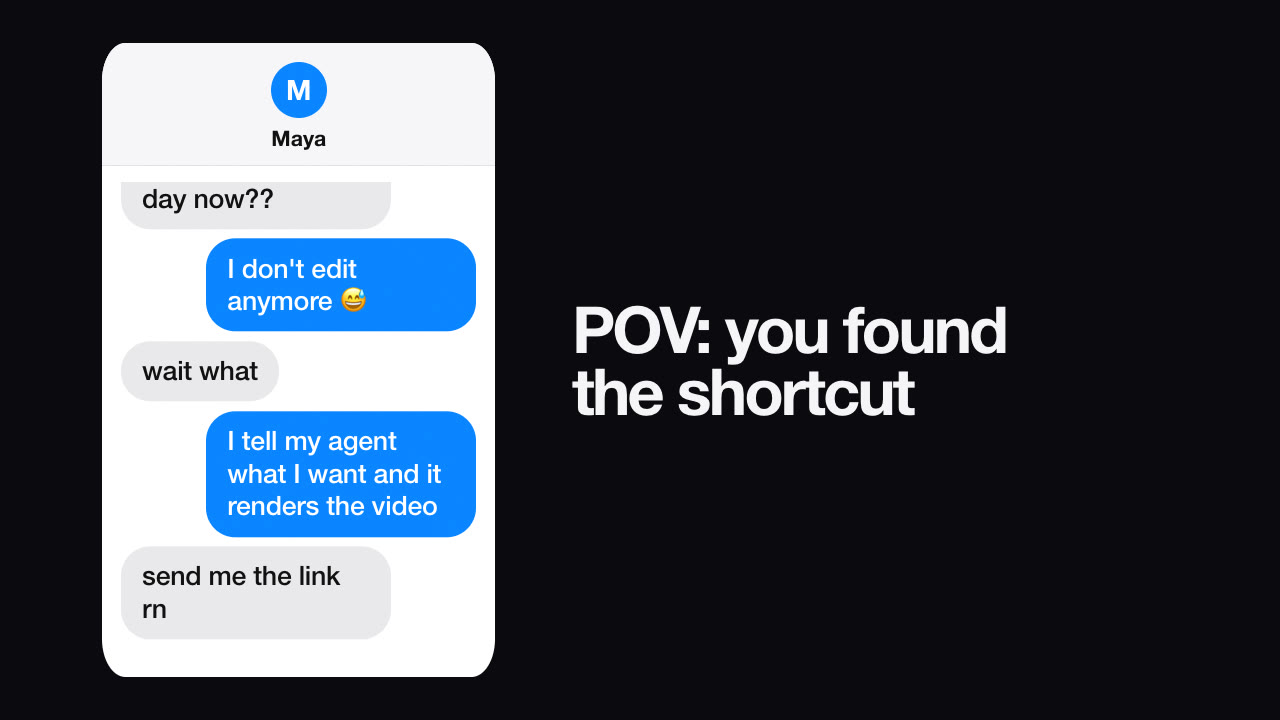
1. Text message story — Skill
Make a 9:16 text-message video where a friend asks how I post five videos a day and I say my agent renders them. End with the caption "it's not magic, it's a Skill".
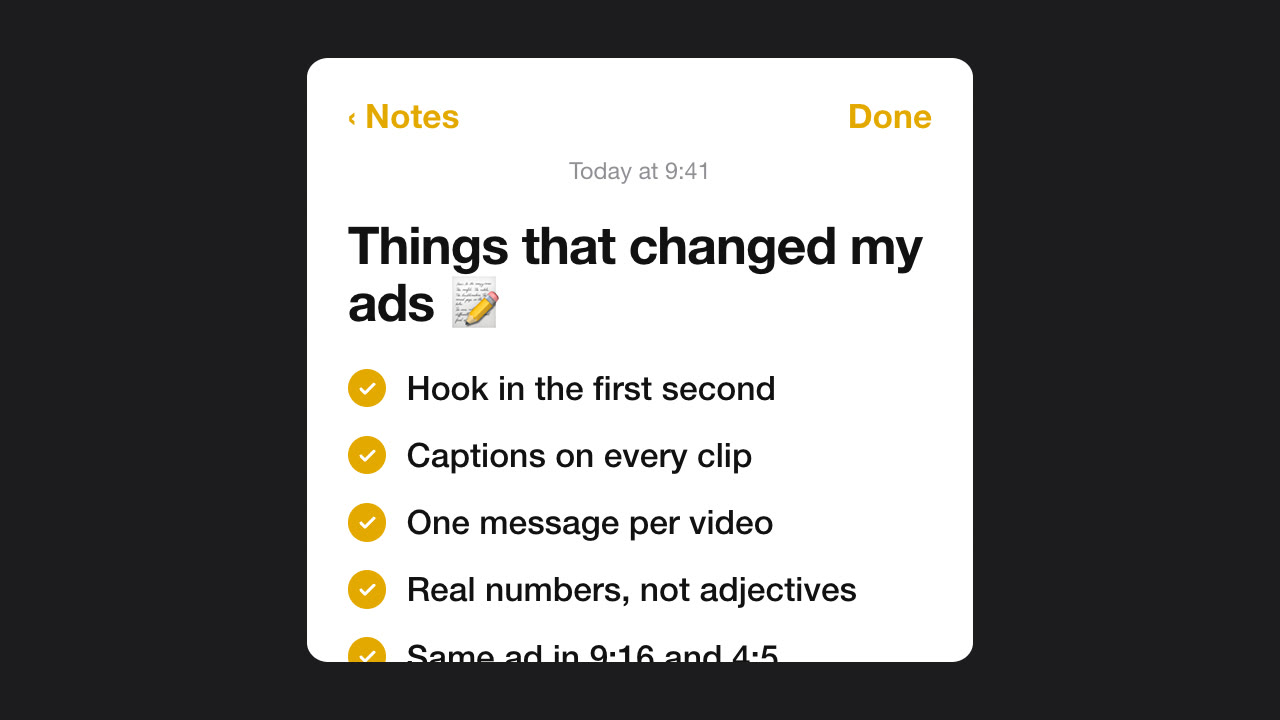
2. Notes app tips — Skill
Make a Notes App video titled "Things that changed my ads" with five short tips about hooks, captions and posting times. Dark mode.
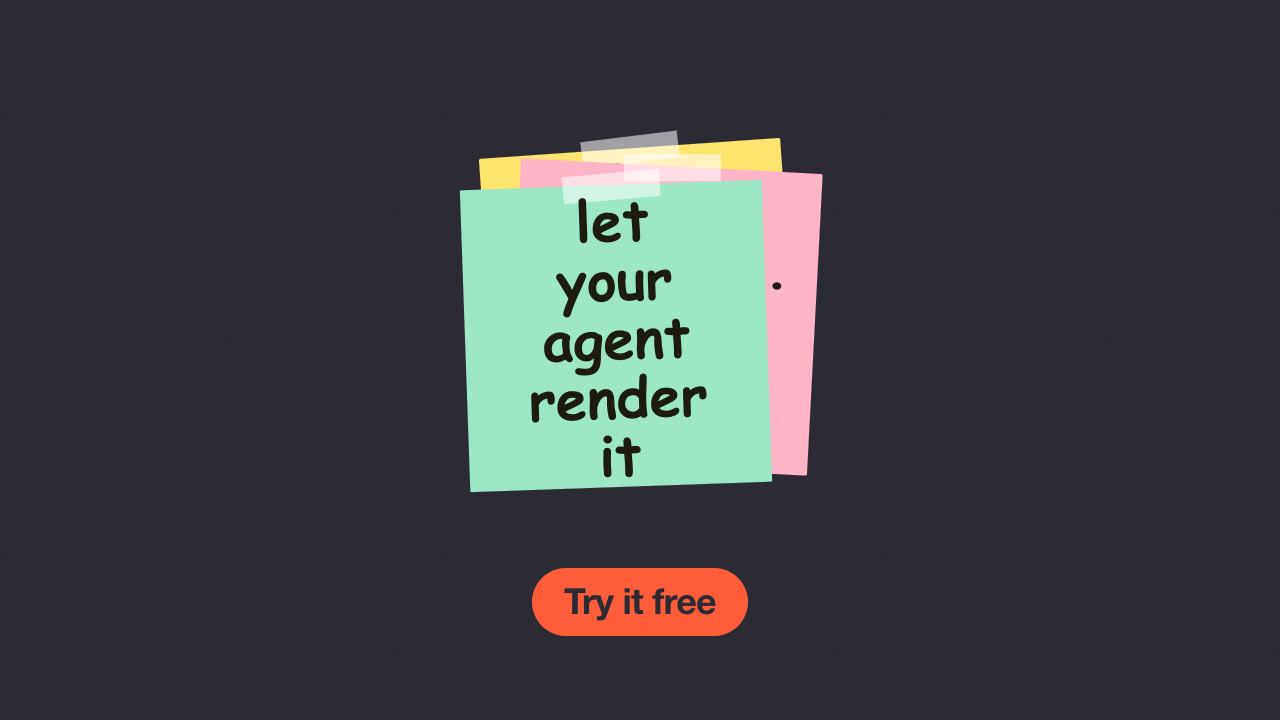
3. Sticky notes — Skill
Make a sticky-note ad over product.jpg with three notes: "Stop editing at midnight", "Describe it once", "Get every format". End on "Try it free".
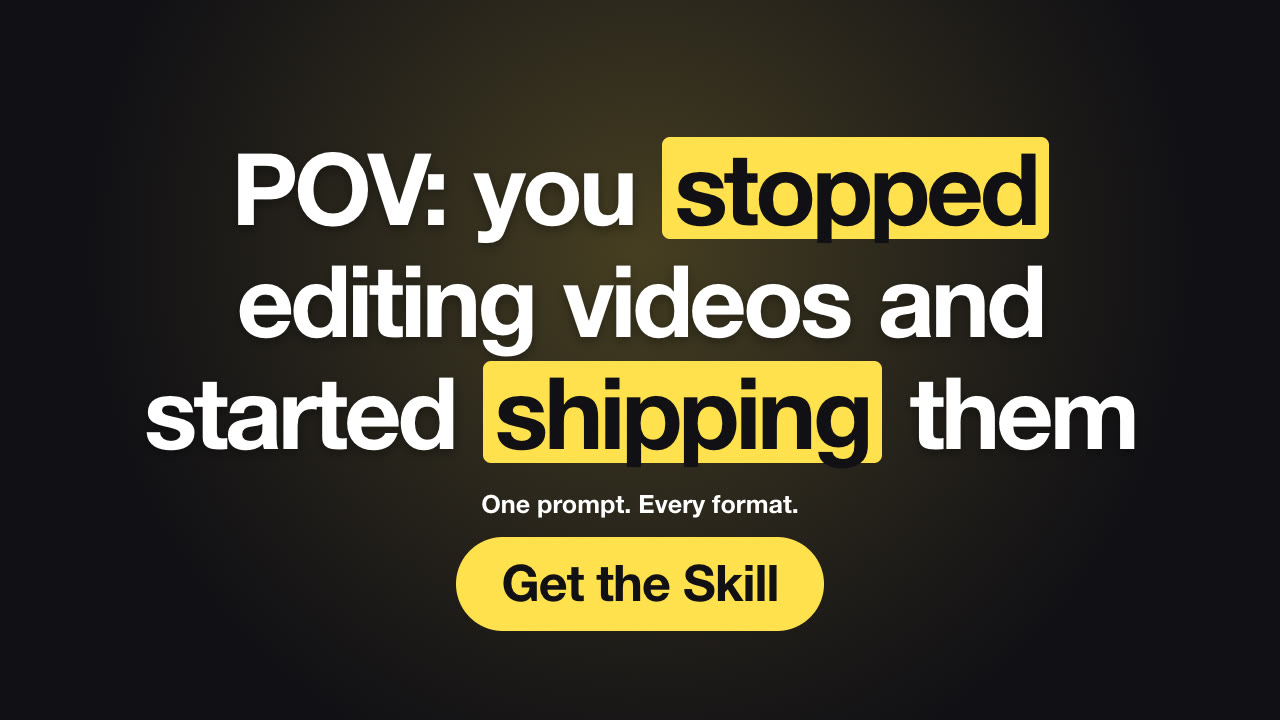
4. Hook text, five versions — Skill
Make five hook videos for A/B testing, each with a different first line about saving time on video ads. Highlight one surprise word in each.
5. Slides to reel — Skill
Turn slide1.png to slide4.png into a 9:16 reel with one benefit caption per slide, under seven words each.
6. Spotlight reveal — Skill
Make a product reveal for bottle.png: kicker "Introducing", headline "Kova Bottle 2", sub line "Cold for 24 hours. Lighter than ever." 16:9 and 9:16.
7. Spec callouts — Skill
Make a 1:1 product callout video for bottle.png with four specs: 24 h cold (double-wall steel), 750 ml, leak-proof lid, 340 g.
8. Before / after — Skill
Make a before/after slider from old-room.jpg and new-room.jpg with the headline "Same room. One weekend."
9. Us vs them — Skill
Make an us-vs-them video comparing our planner with "a paper diary" on four rows. Only include differences that are true.
10. Limited drop — Skill
Make a halftone promo that says "Friday drop" with mug.png and a badge "Only 200 made".
11. Offer-first sale ad — Skill (Premium)
Make Black Friday ads for 25% off our bottle, mug and candle — regular prices $40, $24, $32 — ending 30 November with code FRIDAY25. 9:16 and 4:5, in English and German.
12. Phone mockup scroll — Skill
Make a 9:16 phone-mockup video scrolling through full-screenshot.png with the headline "Your week, planned in one scroll".
13. Dashboard showcase — Skill
Make a 16:9 screenshot showcase of dashboard.png with callouts "Live revenue" at 20%, 28% and "Trend in one line" at 75%, 62%.
14. Release notes — Skill
Make a what's-new video for our October release with three features, written as benefits, and the button "Try it free".
15. How it works — Skill
Make a whiteboard explainer titled "How it works" with three steps: connect your store, pick a template, publish everywhere.
16. Stat reveal — Skill
Make a stat reveal from our own Q3 campaign data: vertical ads got 2.1x the clicks of square ones. Source line: "Kova ads, Jul–Sep 2026".
17. Review highlight — Skill
Make a review highlight from this customer quote (we have permission to use it), five stars, with the result "9 markets from one script".
18. Countdown series — Skill
Make countdown teasers for our webinar on 12 November at 5 PM GMT — one each for 7, 3 and 1 days to go — with the button "Save your seat".
19. Logo sting — Skill
Make a 4-second logo reveal for logo.svg with the name Kova Home and the tagline "Made for slow mornings", in our brand orange.
20. Seasonal title card — Skill
Make a paper pop-up title that says "Autumn collection is here" with "Handmade, small batch". Use orange and rust hills.
21. YouTube thumbnail — Skill
Make a YouTube thumbnail that says "Cold for 24 hours?" with "24" highlighted, bottle.png and a "TESTED" tag. PNG at 1280×720.
Once you have a draft, short follow-ups work best:
The model renders exactly what you tell it. Prices, discounts, ratings, statistics, quotes and "limited" claims must be true and, where it matters, sourced. The Skills' validators catch the obvious problems — a discount the prices don't support, a missing source line — but the facts are yours to get right.
Next: follow the step-by-step Opus 5.5 tutorial, or browse all video Skills.