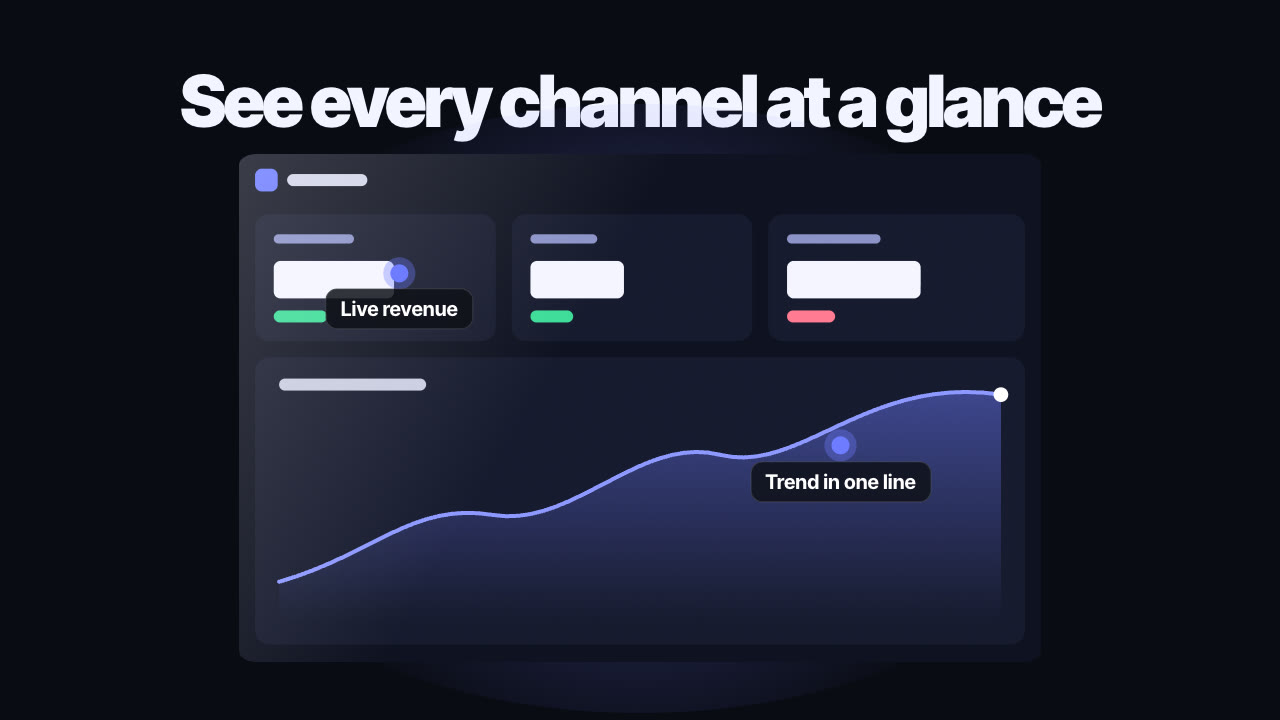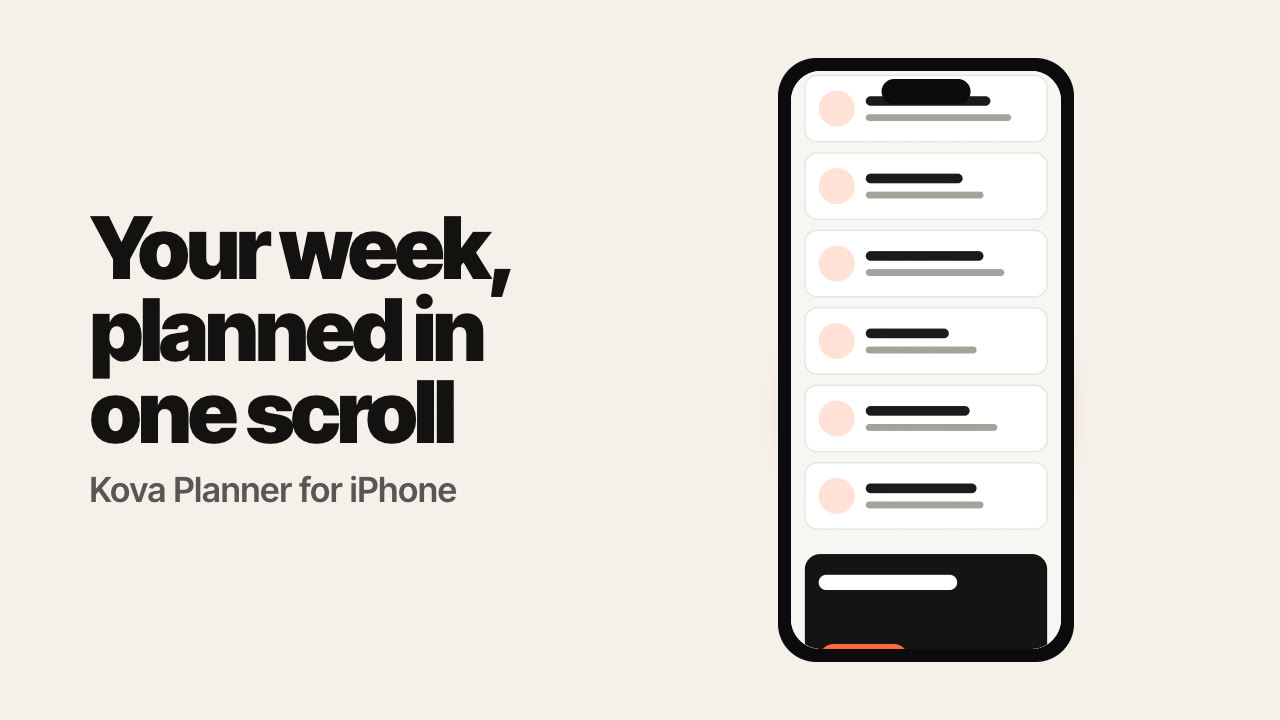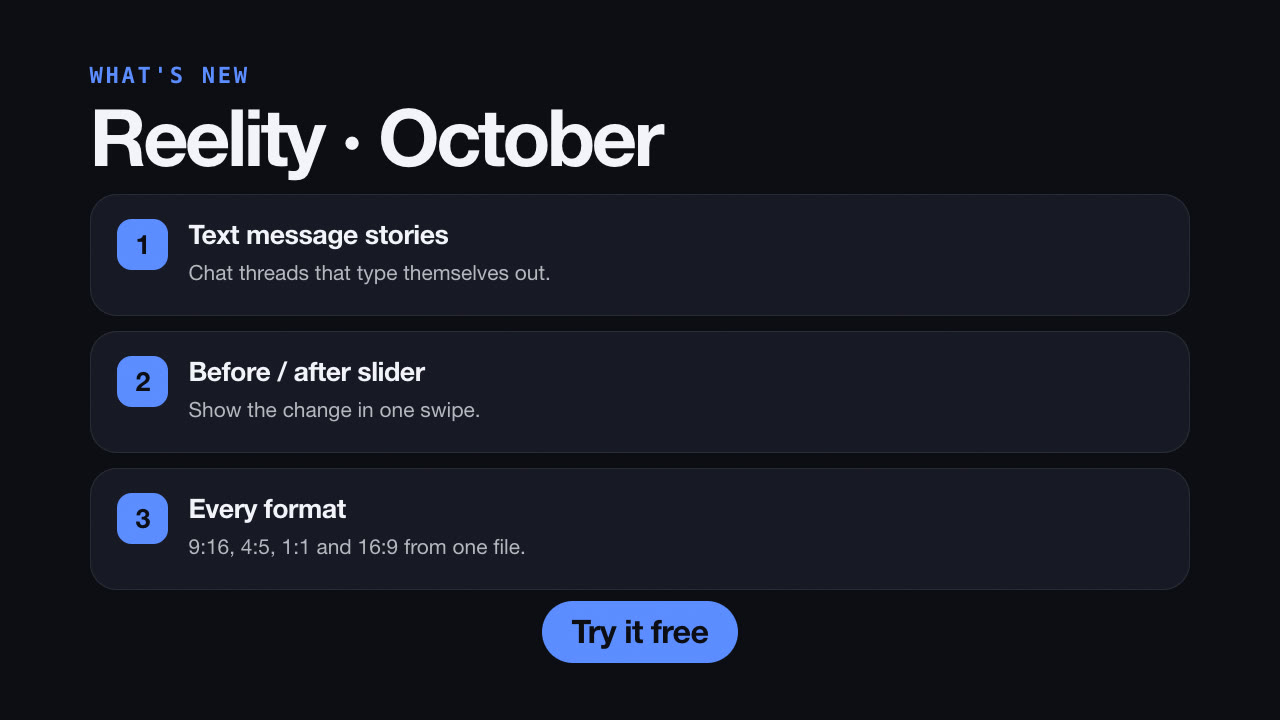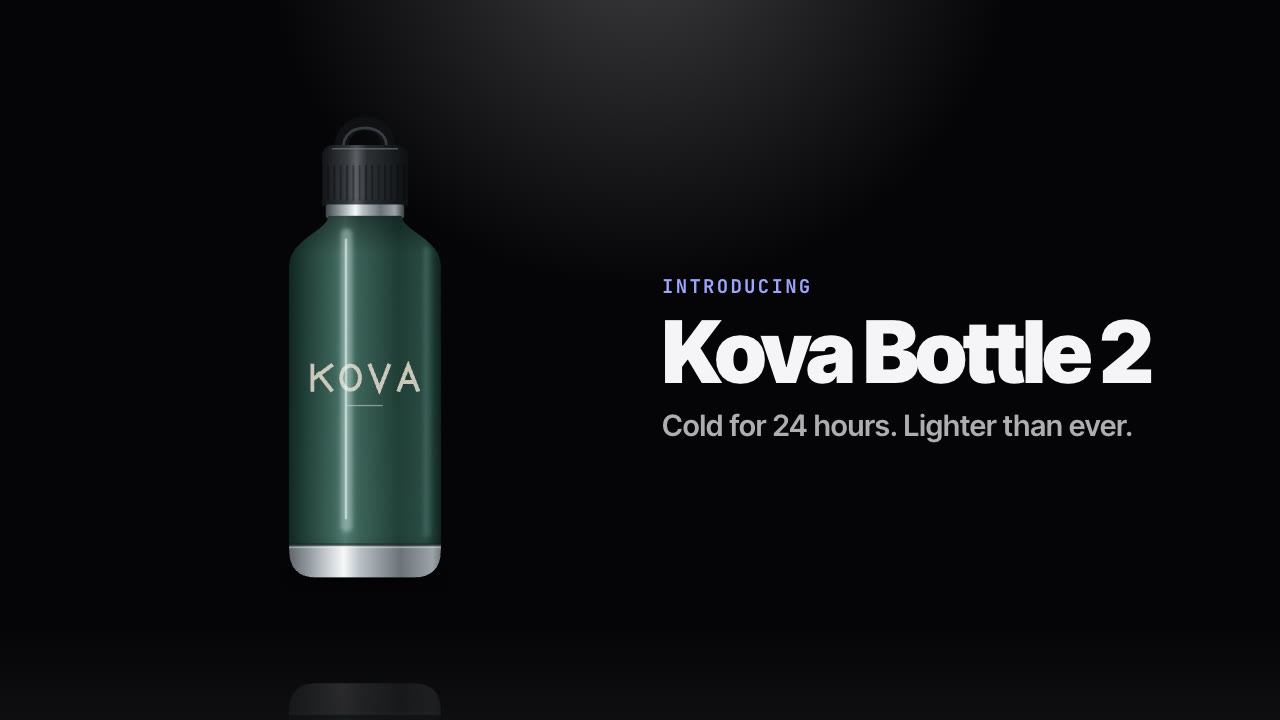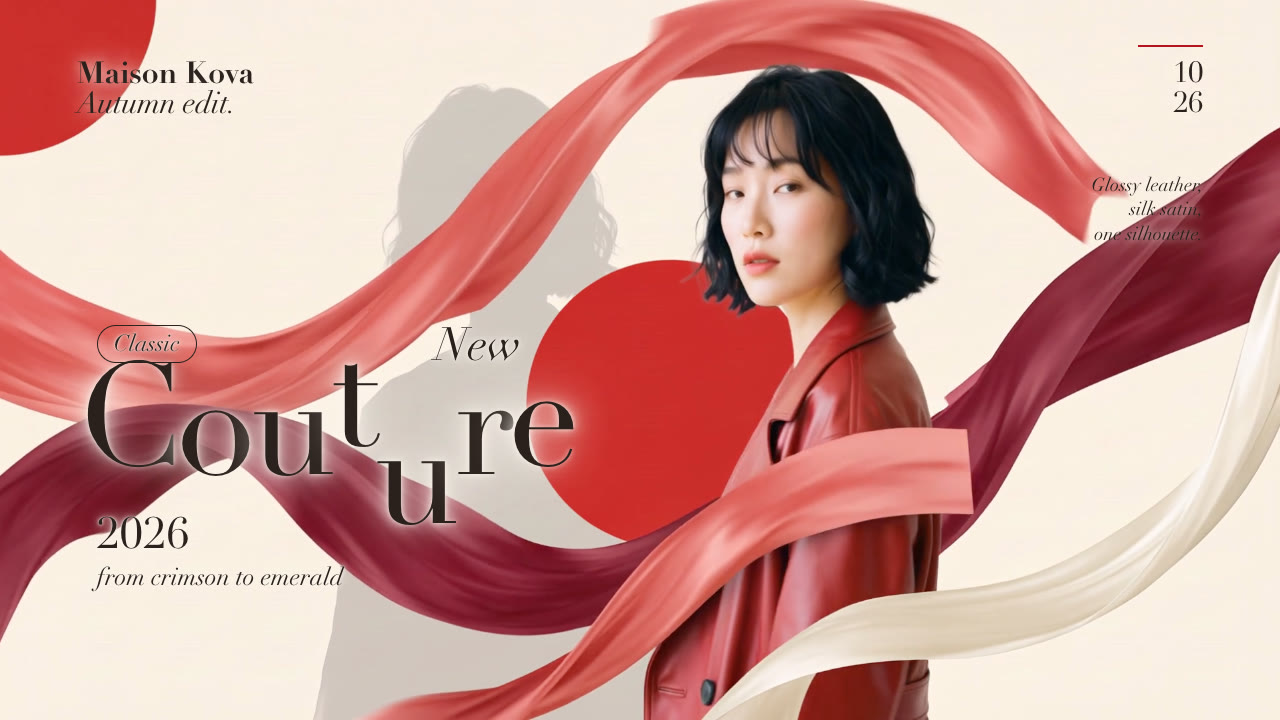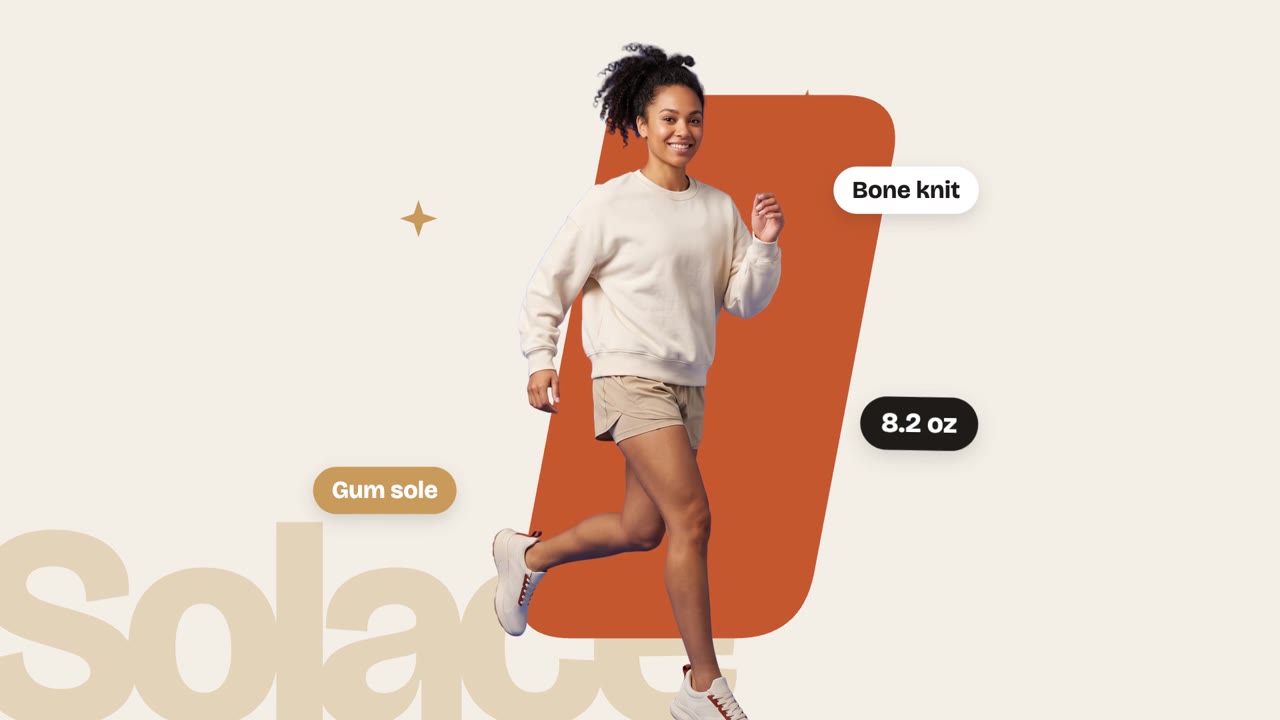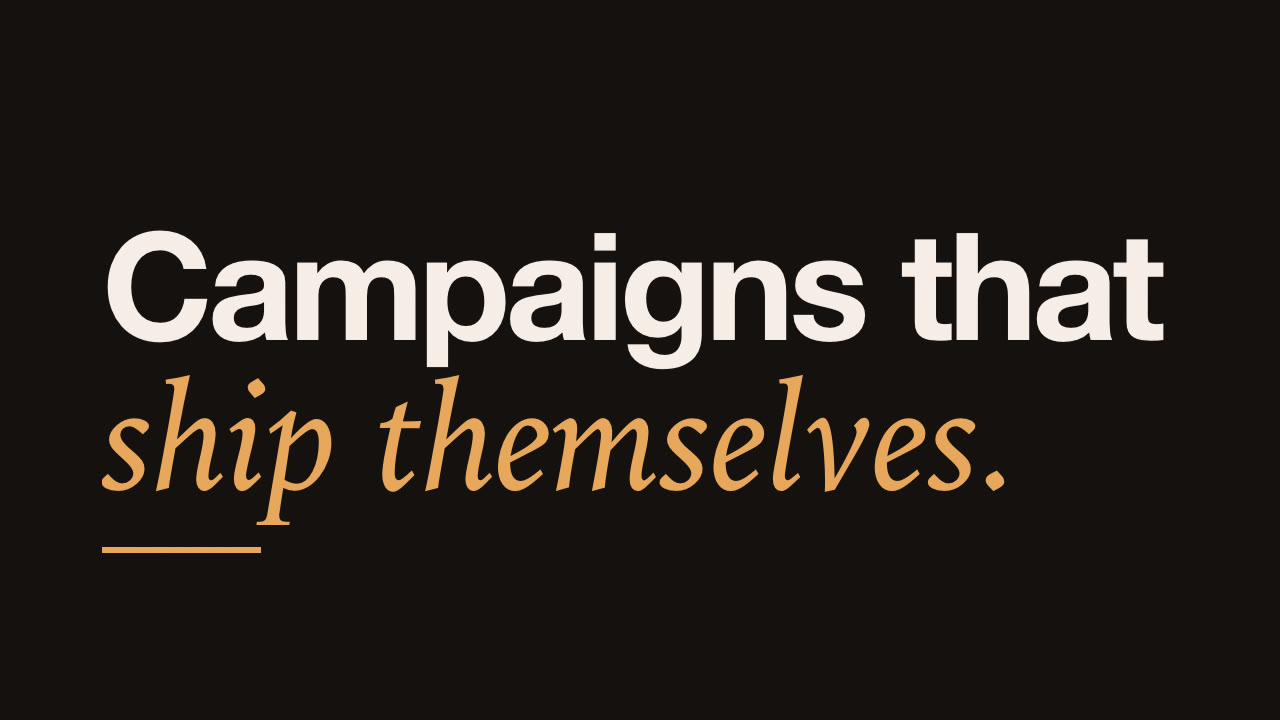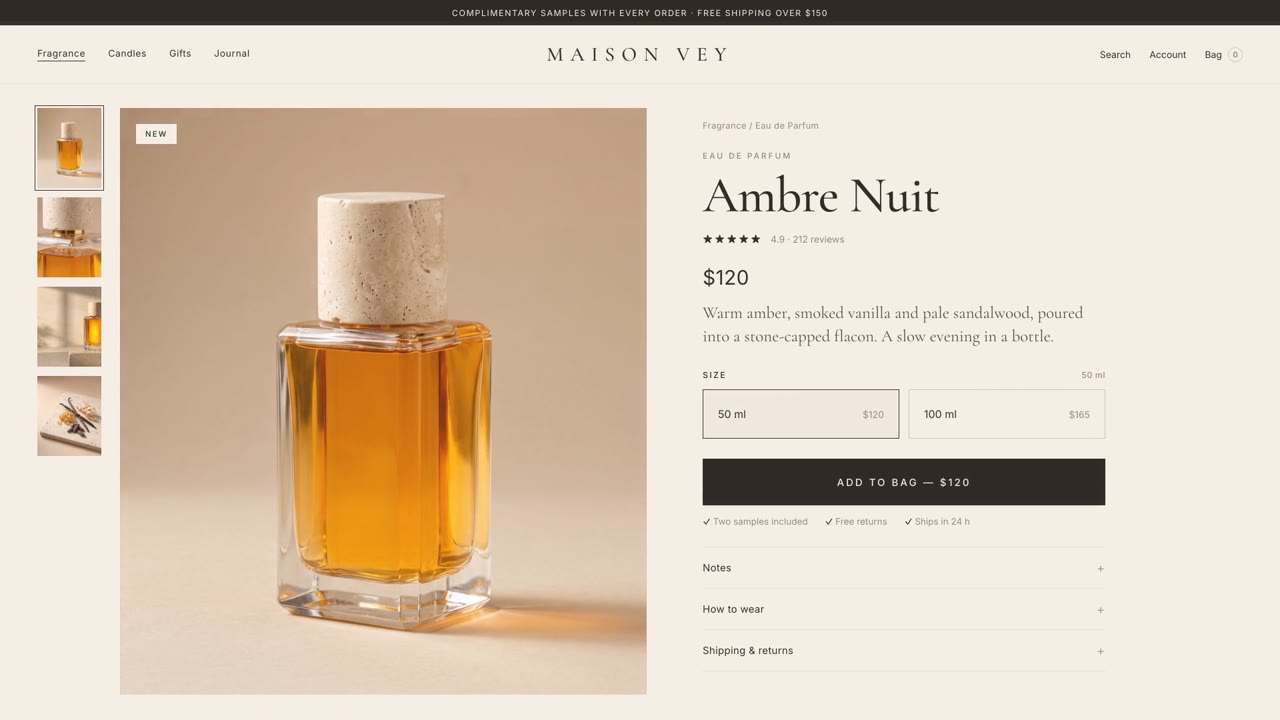
Rendered by this Skill
Product Launch Motion v1.0.0
A Dribbble-grade launch film for your app or website: one UI shape that never cuts, a cursor that does every click, springs, odometers and sound cut to the beat.
- Format
- Video · 16:9
- Length
- 0:30
Free Free with an account
Paste this into your agent. It connects the CLI if needed, then installs the Skill.
An open-source Skill that directs a launch film the way top motion designers do. One element morphs from button to slider to toggle to chart without a single cut, a cursor drives every change, numbers roll on odometers and every click and whoosh lands on the music's beat. Your agent writes the story, builds the film in HTML, renders it at 60 fps with motion blur and hands you the MP4.
Updated Nov 2, 2026
What you get
- A finished launch film as H.264 MP4, 1920×1080 at 60 fps with motion blur
- One HTML film where every frame is a function of time, ready to edit
- A contact sheet of one frame per beat and a one-per-second storyboard
- Synthesized sound effects mixed with your music on the beat
Good fit
- App, SaaS and website launches
- Feature releases and product updates
- Brand stings and UI motion reels
Not for
- Talking-head or live-action videos
- Narrated explainers with a voiceover script
About this Skill
/product-launch-motion Make a 30-second launch film for my app at localhost:3000. One shape that never cuts: a card becomes a slider, a toggle, a status pill and a dashboard. Use this 120 BPM track and land our signup count on the drop.
Give your agent your website or app. It works out the story from your customer's problem, then directs a launch film: a headline lands word by word, a request is typed, and one shape carries the whole demo, morphing from a card into a slider, a toggle, a status pill and a dashboard while a cursor clicks and drags it. The camera pushes in so every state fills the frame, pulls back to reveal scale, and the film ends with your numbers rolling up and your logo landing on the drop.
How it works
- Direction first: your agent reads your product and writes a short creative plan: the story and payoff, the brand treatment, the music and a beat-by-beat scene list. It makes the creative calls itself and lists each one so you can overturn it in one reply.
- Music first: it measures the song's beat grid with numpy and times every scene to it, so something happens on every beat and the big moment lands on the drop.
- One HTML film: every frame is computed from time, with closed-form springs, edge-split stretch on toggles and tabs, blur content swaps, a cursor with lean, press and ripple, and odometers for your numbers.
- Sound: UI sounds are synthesized from scratch and each one is placed by its own peak on the beat.
- Check and render: one still per beat as a contact sheet, fixes, then Playwright renders four subframes per frame and FFmpeg blends them into real motion blur at 60 fps.
Tips
- Bring a royalty-free track around 120 BPM with a build and a drop, or let the agent find one.
- List the 8 to 12 states you want the shape to become, or say "you decide".
- Give it your real numbers; it keeps the big figures true and tells you which details it invented.
- Use Claude Opus 5.5 for the best results; the detail is what makes it look expensive.
Open source
Product Launch Motion is made by Muhammad Abubakr (AbubakrChan/product-launch-motion) and shared under the MIT licence. The download is the Skill as published on GitHub, without the author's sample films made for Cheerful.
What you need before you start
- You bring
- Your website or app, the story or the states you want to show, your real numbers and logo, and optionally a royalty-free song around 120 BPM.
- Dependencies
- Node.js 20 or newer — required · Playwright Chromium — required · FFmpeg — required · Python 3.9 or newer — required
- Outside costs
- None. The film is built and rendered on your machine and the sound effects are synthesized; no API keys or paid services are used.
- Last tested
- v1.0.0 —
User reviews
No reviews yet. Install the Skill and be the first to rate it.
FAQ
What does "one shape, never cut" mean?
The whole demo is one element that changes size, corner radius and colour while its content swaps with a short blur. A button becomes a loader, a slider, a toggle and a chart, so the eye never loses its place.
Do I need music?
It works best with a royalty-free track around 120 BPM that has a build and a drop. Bring one, or let the agent find one and arrange the build and the drop around your big moment.
Can I change things after it renders?
Yes. The film is one HTML file where every frame is computed from time, so you can change copy, colours, timing or a whole scene and render again.
Why is it free?
Product Launch Motion is an open-source Skill by Muhammad Abubakr. We list it as it is, with a sample made by running it on our house smart-home app, Solenne.