무료
guide
Other people's words sell better than yours. How to type viewer comments onto your footage, free, with the Comment Overlay block.
2026년 11월 3일 · 1분 분량
이 가이드는 아직 해당 언어로 제공되지 않아 영어로 표시됩니다.
A comment that types itself onto the screen while your product is visible is social proof at the exact right moment. Two or three short, specific comments are enough.
| Habit | Why it works |
|---|---|
| Short and specific | "smells like a warm evening in a jar" beats "love it" |
| Avatars or initials | Small chips keep the focus on the words |
| Top of the frame | Leave the product visible below |
| Typing animation | Letters appearing hold attention |
| Permission or illustration | Use real comments with consent, or clearly illustrative ones |
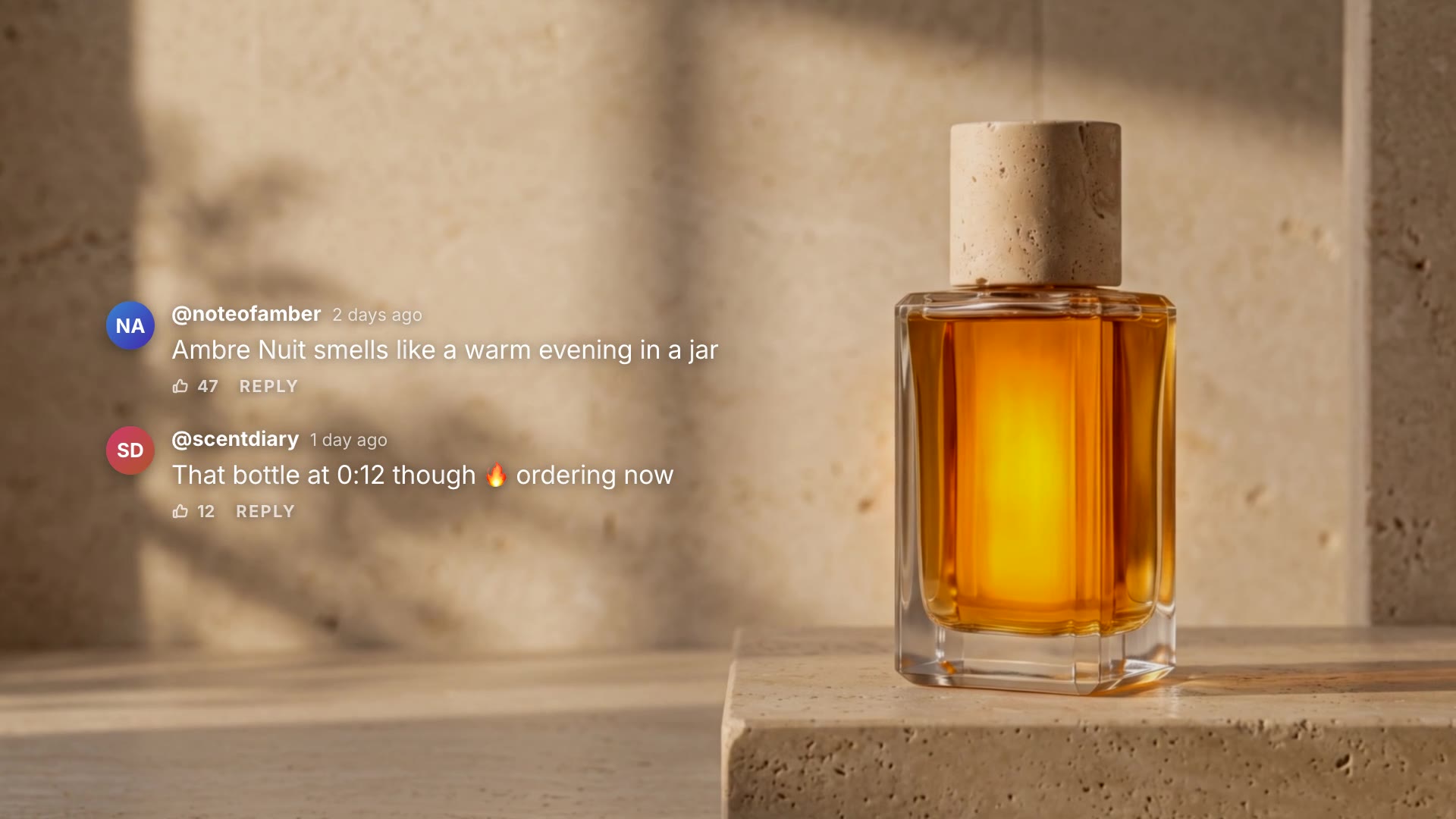
Comment Overlay is a free, open-source HyperFrames block. Viewer comments type themselves onto your footage one after another, each with an avatar, username, time and likes. Ask your agent:
Make a comment overlay over our Ambre Nuit perfume shot with two short viewer comments.It renders an 8-second overlay with a transparent background.
For another take on the same idea, see Social Post Card.