Free
Rendered by this Skill
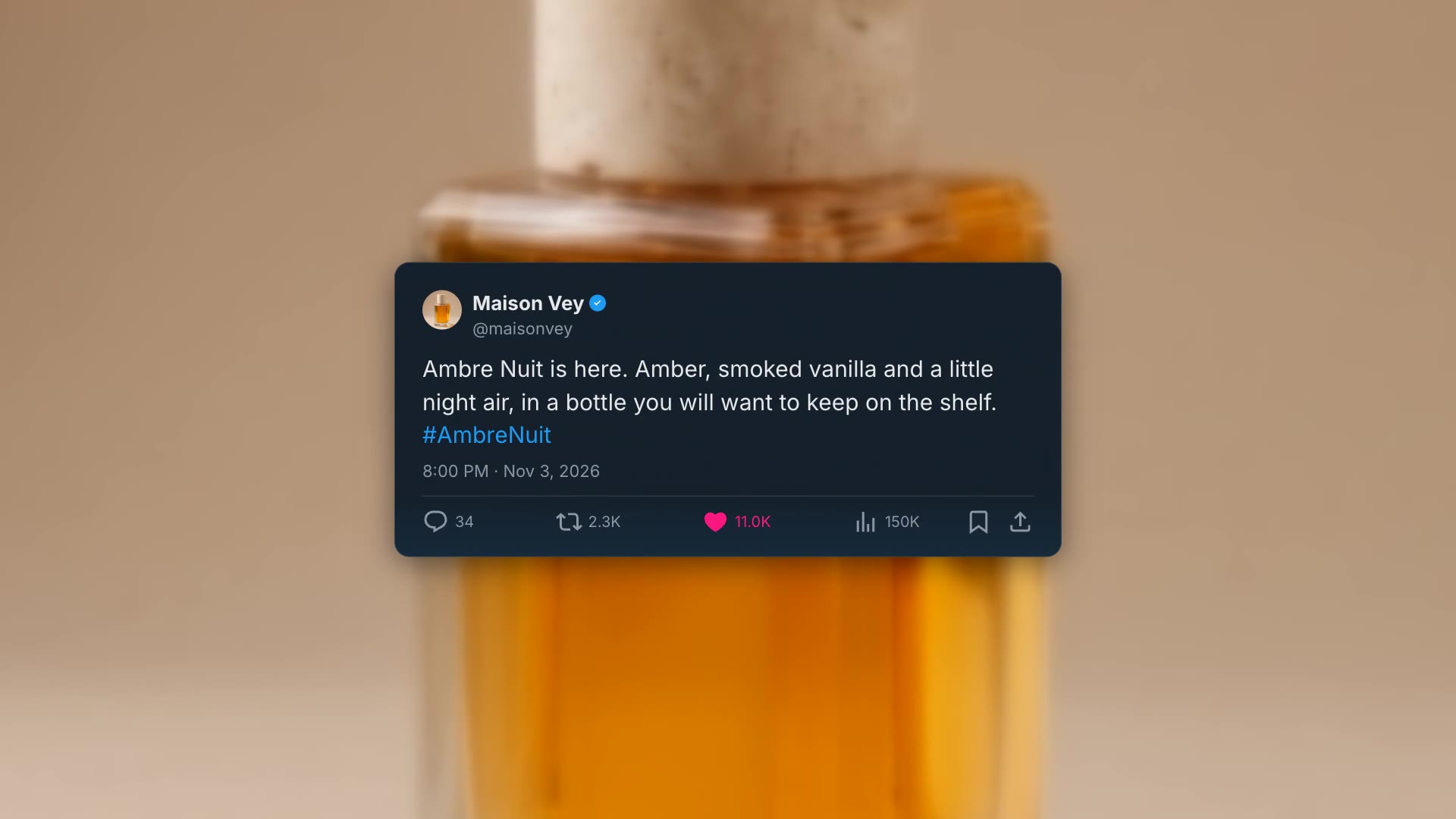
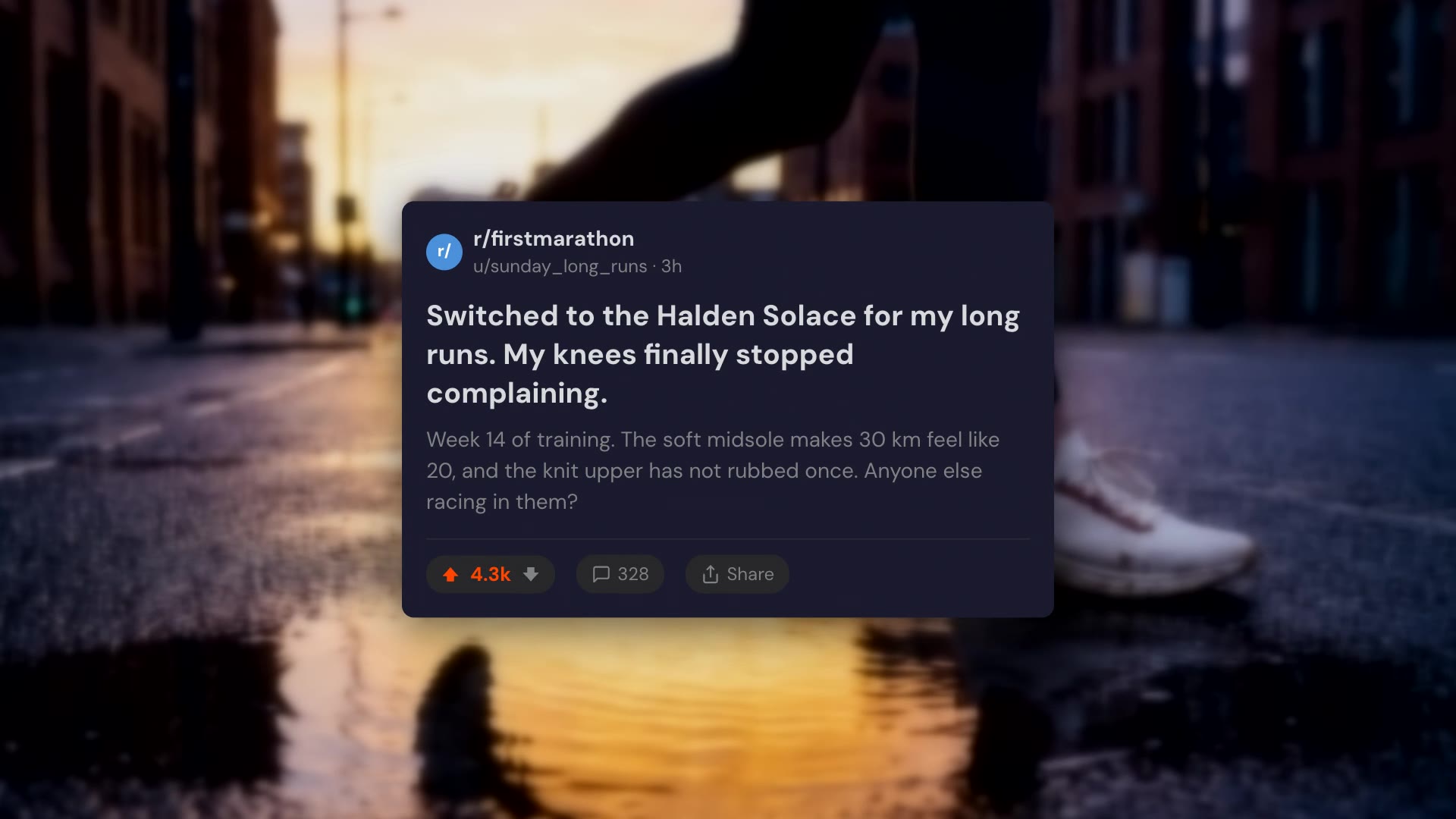
Viewer comments type themselves onto your footage one after another, each with an avatar, username, time and likes.
Free Free with an account
Paste this into your agent. It connects the CLI if needed, then installs the Skill.
A free HyperFrames block for 8 seconds of social proof. Comment cards appear one after another at the top of your footage; each avatar pops in, the username and time appear and the comment types out letter by letter, followed by likes and a reply link. Comments, usernames, avatars and the light or overlay scheme are edited in the HTML; the background is transparent.
Updated Nov 3, 2026
/yt-comment-card Make a comment overlay over our Ambre Nuit perfume shot with "@noteofamber: Ambre Nuit smells like a warm evening in a jar" and "@scentdiary: That bottle at 0:12 though 🔥 ordering now".
Nothing sells like other people saying it. Comment Overlay types real-looking viewer comments onto your footage, one after another, so the praise arrives while the product is on screen.
npx hyperframes render, checks a few frames and renders the final MP4.This is a block from the HyperFrames registry, made by HeyGen and the HyperFrames contributors (heygen-com/hyperframes) and shared under the Apache License 2.0. The download is the block with its assets and a SKILL.md written by Reelity, so your agent knows how to fill and render it; HyperFrames itself runs from npm.
No reviews yet. Install the Skill and be the first to rate it.
Two to four short ones in eight seconds.
Yes. Switch the scheme from "overlay" to "light" for dark text on a light board.
It is an open-source HyperFrames block by HeyGen and the HyperFrames contributors. We list it as it is, with a SKILL.md so your agent can use it and a sample made with one of our house brands, Maison Vey.