무료
guide
Frosted, refractive liquid glass is the look of current operating systems. How to show your app's notifications in that style over a flowing aurora, free, with the Liquid Glass Notifications block.
2026년 11월 3일 · 1분 분량
이 가이드는 아직 해당 언어로 제공되지 않아 영어로 표시됩니다.
Liquid glass makes interface elements feel physical: frosted, refractive and alive against a moving background. Putting your app's notifications in that style makes a small update look like a product launch.
| Habit | Why it works |
|---|---|
| Two cards, two moments | One thing happening now and one message waiting |
| A live status | A progress card that completes shows the product working |
| Short lines | Glass cards are small; one line each |
| A white logo | It sits cleanly on the colourful aurora |
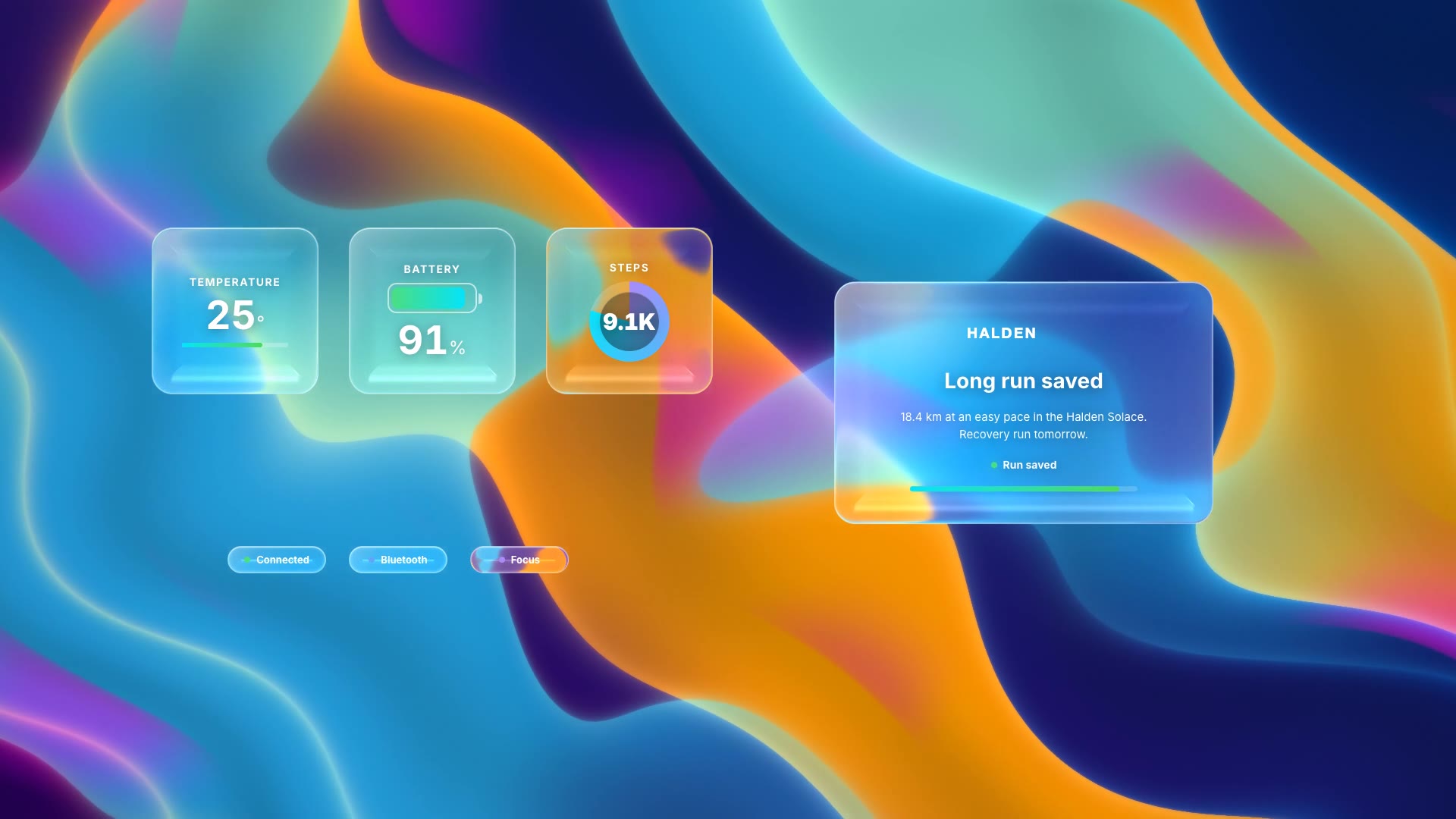
| Pair with widgets | The same aurora cuts straight into a dashboard shot |
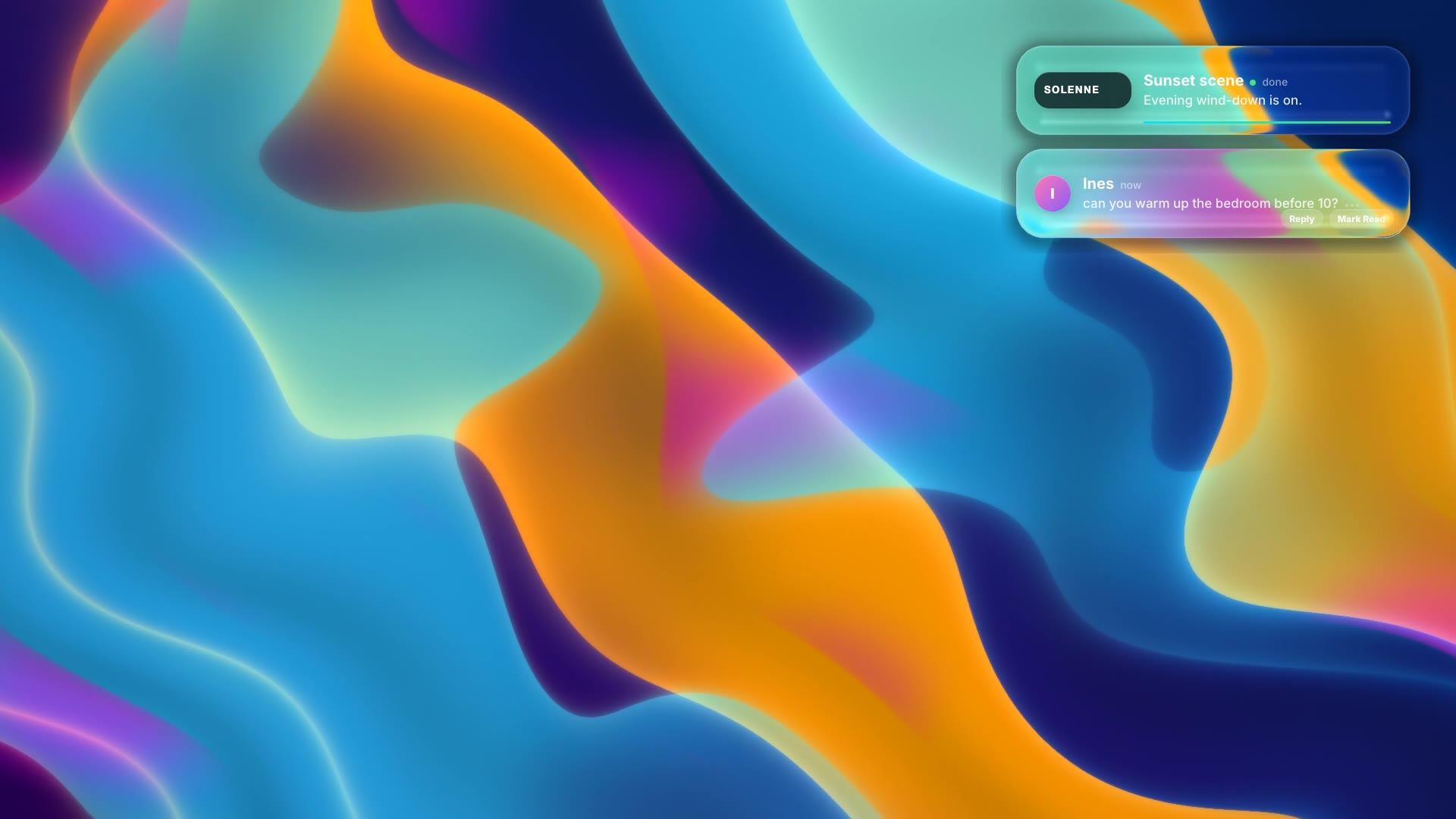
Liquid Glass Notifications is a free, open-source HyperFrames block. Frosted liquid-glass notification cards float in over a flowing aurora background, one with live progress and one with a reply. Ask your agent:
Make liquid glass notifications for Solenne: a "Sunset scene" card that finishes with "Evening wind-down is on", and a message from Ines.It renders an 8-second 1920×1080 MP4 with the aurora built in.
For another take on the same idea, see Liquid Glass Widgets.