무료
guide
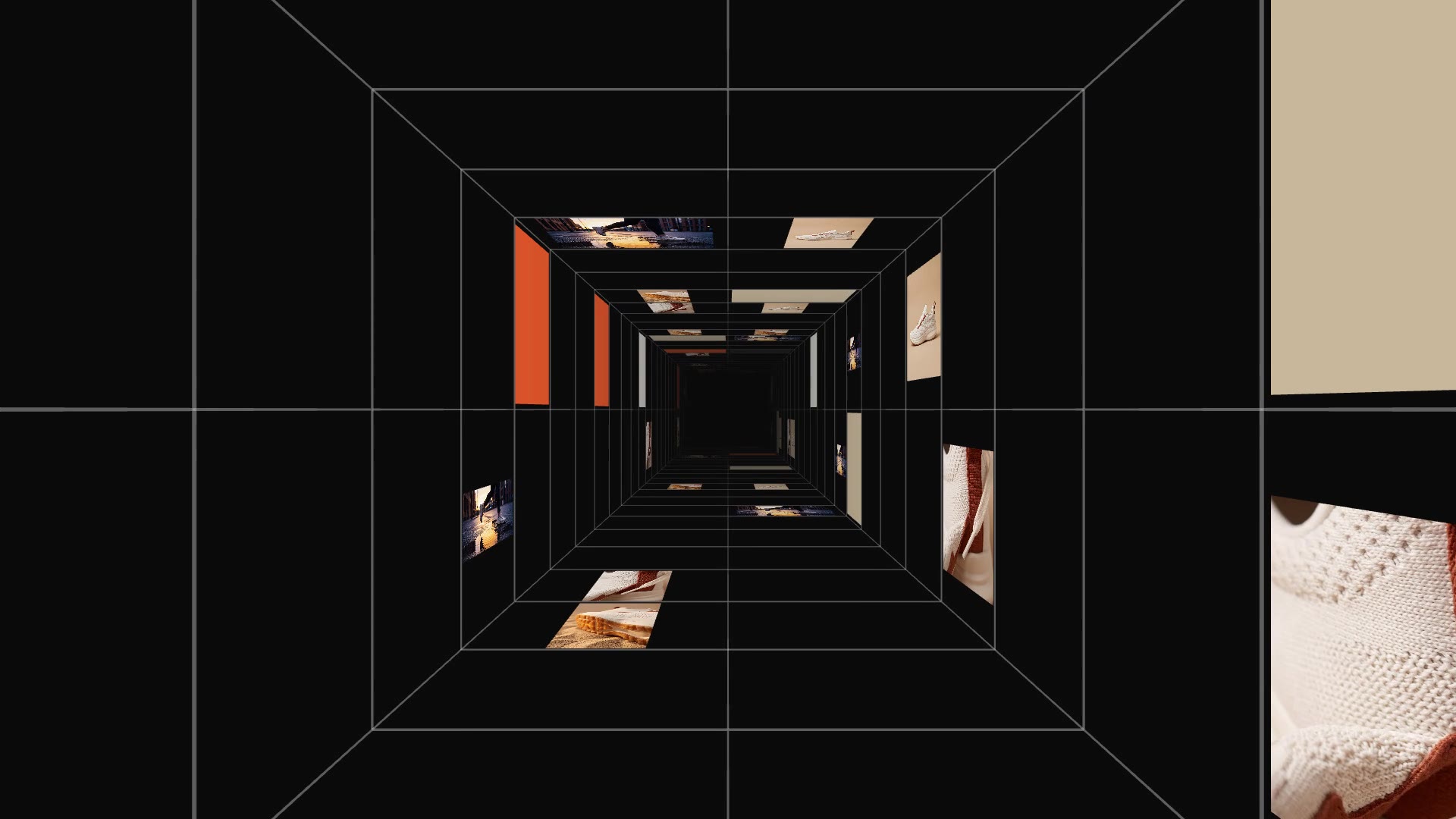
A handful of still photos can become a moving, cinematic shot. How to make a 3D corridor flythrough of your photos, free, with the Gallery Tunnel block.
2026년 11월 3일 · 1분 분량
이 가이드는 아직 해당 언어로 제공되지 않아 영어로 표시됩니다.
Most products have great photos and no footage. Putting those photos into a 3D space and moving a camera through it gives you motion without a shoot.
| Habit | Why it works |
|---|---|
| Different crops | Full product, close details and a lifestyle shot give the walls rhythm |
| Four to ten images | Enough variety; colour panels fill the gaps |
| A tight palette | Three or four brand colours make the colour panels look intentional |
| Dark backdrop and fog | Depth reads better when the far end fades out |
| Moderate speed | Fast enough to feel like a flight, slow enough to recognise the product |
Gallery Tunnel is a free, open-source HyperFrames block. A square corridor recedes to a vanishing point; its walls, floor and ceiling are tiled with your images and palette colours while the camera flies down it. Ask your agent:
Make a gallery tunnel with our four Halden Solace photos, mostly images, palette orange, off-white, charcoal and sand, black backdrop.It renders a 12-second 1920×1080 MP4.
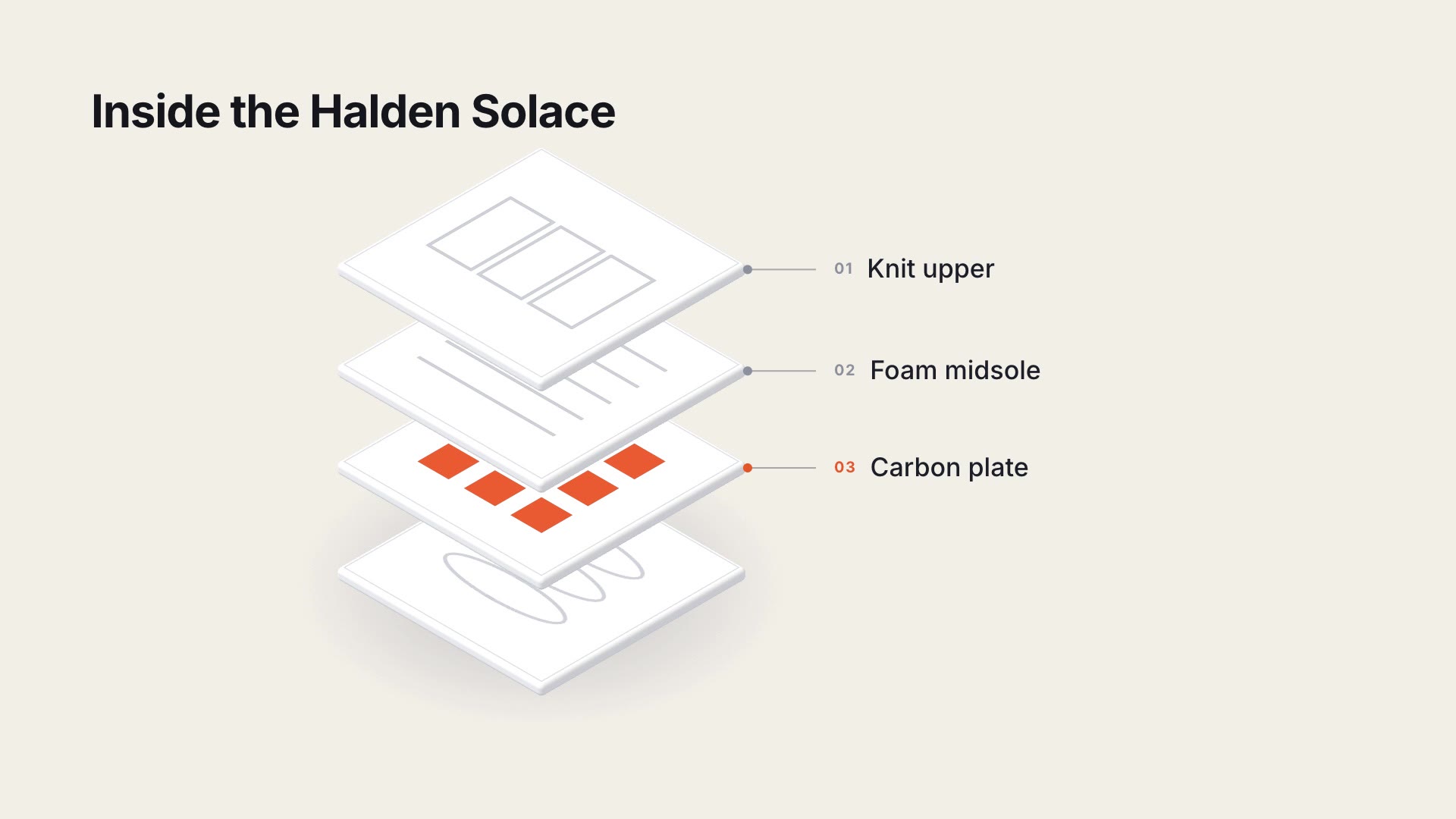
For a labelled "what's inside" view of the same product, see the Exploded Layer Stack.