무료
guide
Your dashboard swings into place in 3D, then pins highlight what matters. How to crop the screenshot, place the callouts and render the video with Claude Opus 5.5 or any agent.
2026년 10월 27일 · 2분 분량
이 가이드는 아직 해당 언어로 제공되지 않아 영어로 표시됩니다.
Most SaaS launch videos come down to one move: a product screenshot tilts in 3D, settles flat with a soft glow behind it, and a few pins pop onto the parts that matter. It looks polished, it's on every SaaS landing page and launch post, and it needs nothing more than one good screenshot.
For mobile apps, use a phone mockup scroll; for step-by-step tutorials, record your screen.
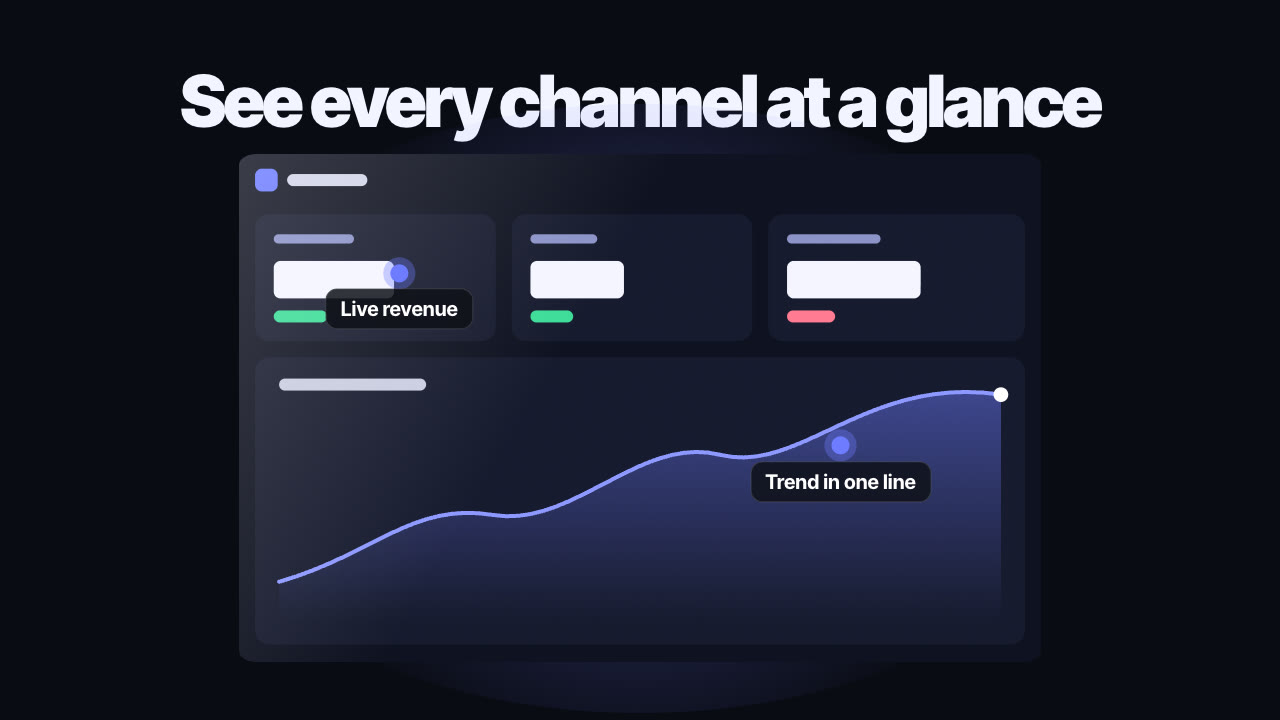
Up to three pins, each with a two-to-four-word label and a position given as a percentage of the screenshot (x from the left, y from the top). "Live revenue" at 20%, 28% puts a pin a fifth of the way across and just over a quarter of the way down. Point at the exact element you're talking about.
Up to seven words, outcome first: "See every channel at a glance", "Reports that write themselves".
The free Glass Screenshot Showcase Skill renders this locally:
Make a 16:9 screenshot showcase of dashboard.png with callouts "Live revenue" at 20%, 28% and "Trend in one line" at 75%, 62%.
Your agent confirms the labels and positions, renders a draft so you can check the pins land on the right spots, then renders the MP4s. Announcing several features at once? Try what's-new cards.
How do I find the callout position? Open the screenshot in any image viewer, note the pixel position, and divide by the image width and height.
Does it work in 9:16? Yes — the screenshot fills the width and the pins scale up for phones.