Grátis
guide
Natural, seasonal and wellness brands want titles that breathe. How to reveal a headline through sweeping 3D leaves with the free Canopy Part Title block.
3 de nov. de 2026 · 1 min de leitura
Este guia ainda não está disponível no seu idioma, por isso aparece em inglês.
A title for a natural or seasonal brand should feel like the outdoors: movement, depth, a little wind. Stock leaf overlays look pasted on. Leaves that actually part around your words feel like a shot.
| Habit | Why it works |
|---|---|
| Depth in the leaves | Near leaves blur past, far ones drift; flat overlays never do |
| The reveal comes from the motion | The words appear because the leaves clear, not because they fade in |
| Something keeps moving | A few drifting leaves stop the frame from freezing |
| Dark or deep-green ground | Leaves catch light against it |
| Two short lines | One sweep for each, so each line gets its moment |
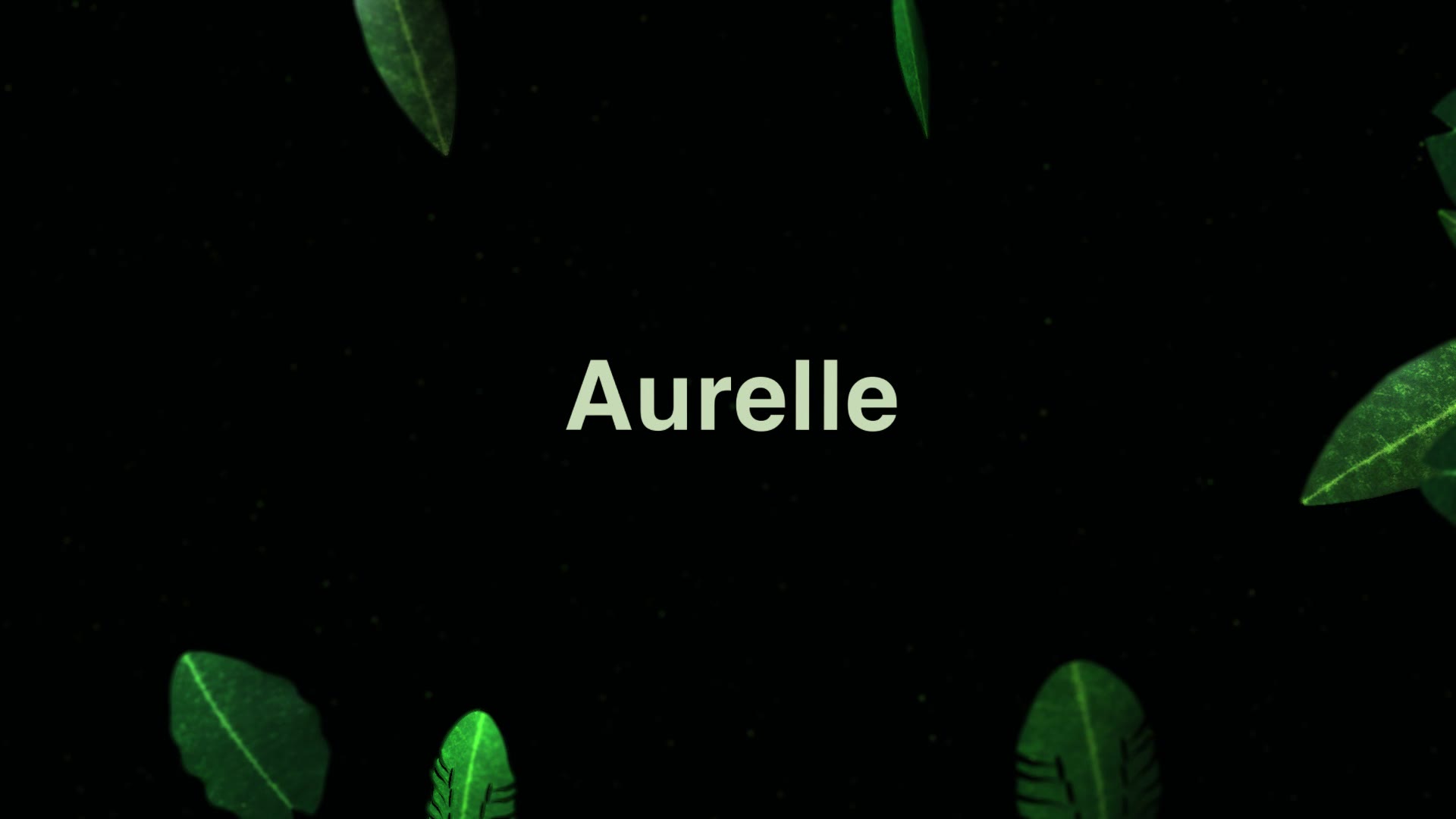
Canopy Part Title is a free, open-source HyperFrames block. Two dense sweeps of lit 3D leaves rush across the frame; each parts to leave a headline, and a few leaves stay behind in a light breeze. Ask your agent:
Make a canopy part title: first line "Aurelle", second line "Wear the light", near-black green background.It renders a 12-second 1920×1080 MP4. Font, size, background, leaf count, speed and breeze are variables.
For glass and light, use the Glass Shard Title. For a graphic, punchy flip, use Code Slice Hero.