Every Premium video Skill, one plan. Cancel anytime.See plans
Aurelle · 16:9

Rendered by this Skill

Canopy Part Title v1.0.0

Hundreds of 3D leaves sweep through the frame and part to reveal your headline, then sweep again for the second line.

No ratings yet 0 downloads
Format
Video · 16:9
Length
0:12

Free Free with an account

Sign in to download

Paste this into your agent. It connects the CLI if needed, then installs the Skill.

A free HyperFrames block for a 12-second nature-feel title. Two waves of lit 3D leaves rush across the screen; each one parts to leave your headline behind, with a few leaves left drifting in a light breeze. Both headlines, the font, size, background colour, leaf count, speed and breeze are variables.

Updated Nov 2, 2026

What you get

  • A 12-second 1920×1080 MP4 with two leaf-sweep reveals
  • Two headlines with auto-fit sizing
  • Variables for leaves, speed, breeze, font and background

Good fit

  • Seasonal and spring or autumn campaigns
  • Natural, outdoor and wellness brands
  • Calm brand openers

Not for

  • Fast cuts under 5 seconds
  • Flat, graphic brand styles

About this Skill

You say

/canopy-part-title Make a canopy part title for our jewellery brand: first line "Aurelle", second line "Wear the light", near-black green background.

A title that arrives on the wind. Canopy Part Title sends a dense sweep of 3D leaves through the frame; when they clear, your first headline is there. A second sweep swaps it for the second line, and a few stray leaves keep drifting so the frame never feels frozen.

How it works

  1. Ask: tell your agent what the title should say: two headlines and, if you like, a font and a background colour.
  2. Set up: it puts the block in a HyperFrames project and fills in your copy and colours as render variables.
  3. Preview: it checks a few frames, then renders a 1920×1080 MP4 with npx hyperframes render.
  4. Reuse: the variables live in one JSON file, so a new headline or a new brand is one more render.

Tips

  • Short lines work best; the font size fits itself to the frame by default.
  • A very dark background makes the leaves glow; a deep green feels lush.
  • Fewer leaves per sweep feel airy, more feel like a storm.
  • Good for seasonal, outdoor, wellness and natural-ingredient brands.

Open source

This is a HyperFrames registry block. Made by HeyGen and the HyperFrames contributors (heygen-com/hyperframes) and shared under the Apache License 2.0. The download is the block with its assets, ready to render; HyperFrames itself runs from npm.

What you need before you start

You bring
Two short headlines and a background colour.
Dependencies
Node.js 22 or newer — required · FFmpeg — required
Outside costs
None. HyperFrames is free and open source and renders on your own machine.
Last tested
v1.0.0 —

User reviews

No reviews yet. Install the Skill and be the first to rate it.

FAQ

Can I change the leaf colour?

The leaves use the textures that ship with the block. Your agent can tint them in the HTML, or pick a background that sets the mood instead.

Is the timing fixed?

The two sweeps run on a fixed 12-second structure; the sweep speed variable makes them faster or slower inside it.

Why is it free?

It is an open-source Skill by HeyGen and the HyperFrames contributors. We list it as it is, with a sample made by running it on one of our house brands, Aurelle.
Guides

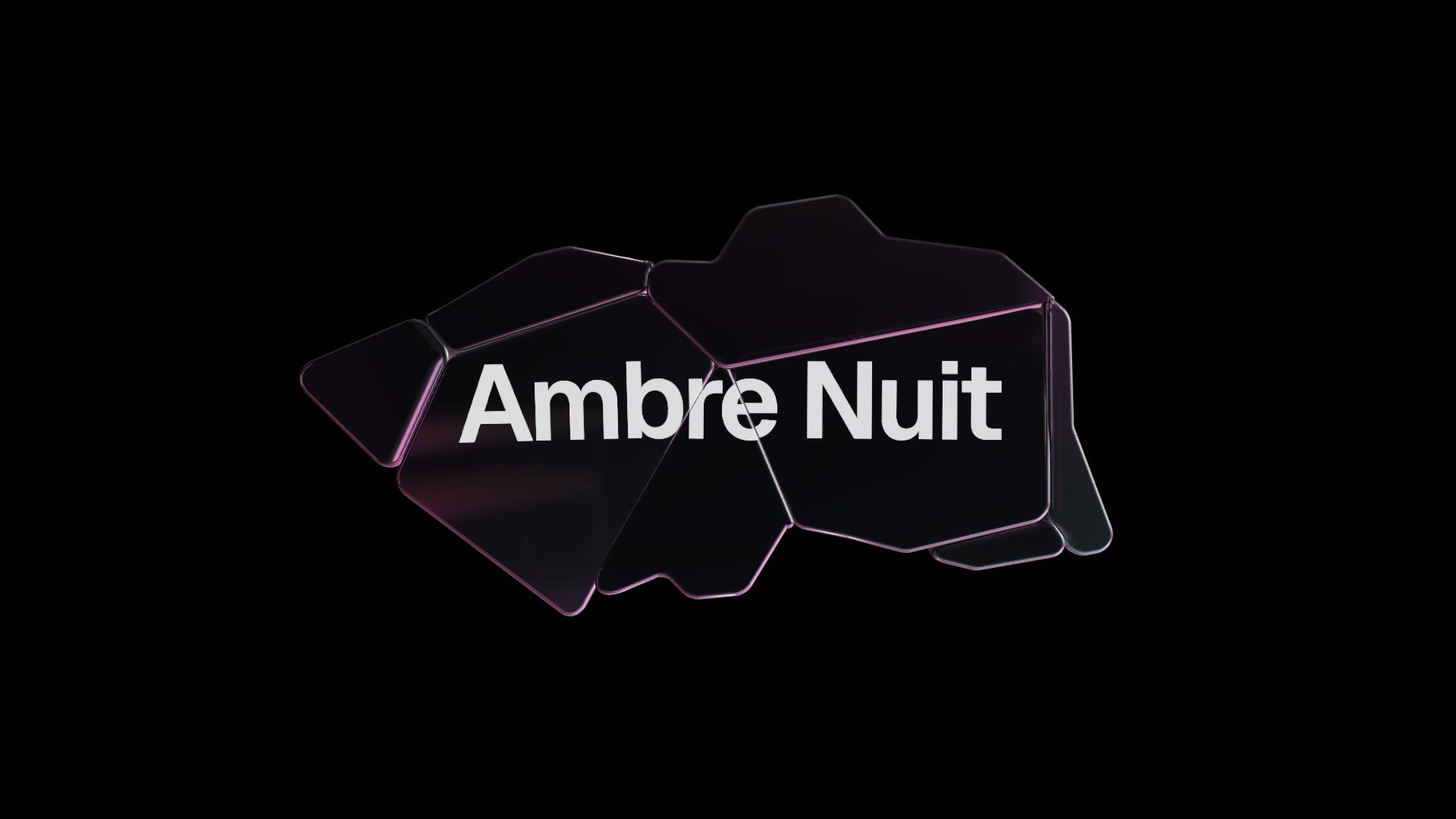
How to make a luxury glass title animation for a product launchGlass, light and fog are the visual language of premium launches. How to get a real 3D glass title without a 3D artist, using the free Glass Shard Title block.How to make a nature title animation with leaves for a brand videoNatural, seasonal and wellness brands want titles that breathe. How to reveal a headline through sweeping 3D leaves with the free Canopy Part Title block.

Similar Skills

View all