免費
guide
A launch video works best one feature at a time. How to give each feature its own short 3D moment with the free Orbit Card block.
2026年11月3日 · 閱讀約 1 分鐘
這篇指南暫未提供你的語言版本,因此以英文顯示。
Launch videos often try to show everything and end up showing nothing. Viewers remember one feature per moment. A short card per feature, cut together, beats a crowded screen recording.
| Habit | Why it works |
|---|---|
| One feature per card | The viewer reads one idea and keeps it |
| A name, not a description | "Evening wind-down" sticks; "Automated multi-device scheduling" does not |
| One sentence of benefit | What it does for the user, under twelve words |
| Motion with weight | A smooth camera move makes a simple card feel premium |
| Clean in and out | Each clip starts and ends empty, so a list of them cuts together |
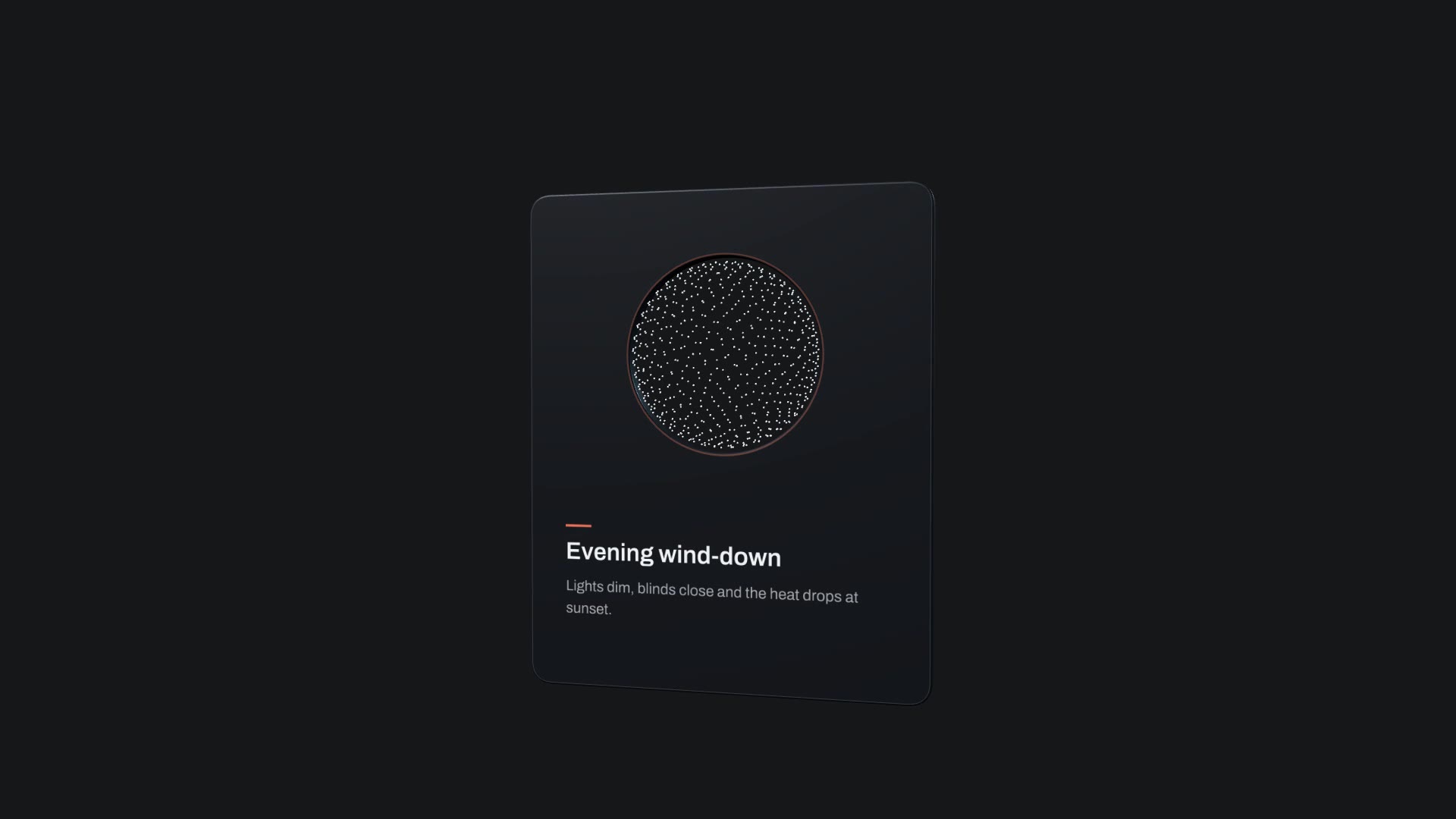
Orbit Card is a free, open-source HyperFrames block. A dark card with a round window frames a spinning dot sphere; it enters, floats, orbits the sphere and exits on camera motion exported from Blender. Ask your agent:
Make an orbit card for our new feature: title "Evening wind-down", description "Lights dim, blinds close and the heat drops at sunset.", accent #E8735A.It renders a 10-second 1920×1080 MP4. Render it once per feature with new variables and join the clips.
For a list in one shot, the Cuboid Card Carousel puts up to twelve cards on a 3D wave. For a weekly update with voice-over and captions, use Changelog Video.