Every Premium video Skill, one plan. Cancel anytime.See plans
Solenne · 1:1

Rendered by this Skill

Changelog Video v1.0.0

Turn a weekly changelog into a branded square video: animated UI mocks act out each change, with voice-over and captions.

No ratings yet 0 downloads
Format
Video · 1:1
Length
0:18

Free Free with an account

Sign in to download

Paste this into your agent. It connects the CLI if needed, then installs the Skill.

A free Skill that turns a changelog or release-notes Markdown file into a 45 to 60 second square video. It cuts the list down to a few themes, mocks the actual UI acting out each change, writes a two-layer script for voice-over and captions, and builds a HyperFrames project on a fixed scaffold with brand fonts, a background loop and music.

Updated Nov 2, 2026

What you get

  • A 45 to 60 second 1080×1080 changelog video
  • Animated UI mocks for each change, with captions
  • A reusable scaffold so every week looks consistent

Good fit

  • Weekly or monthly release videos
  • SaaS and app update posts
  • Developer tools and open-source projects

Not for

  • One-off launch films with a big creative concept
  • Changelogs with no visual changes at all

About this Skill

You say

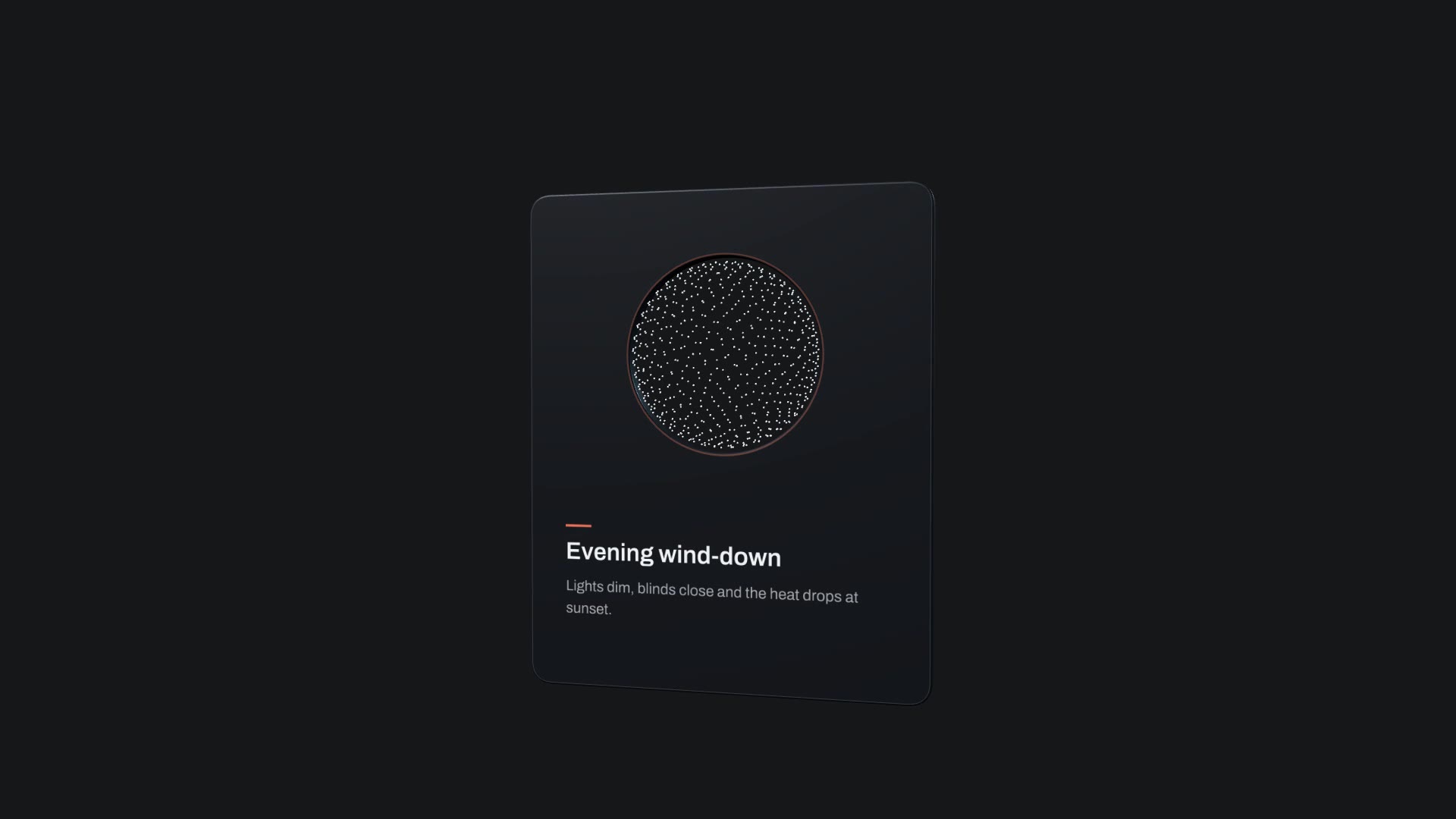
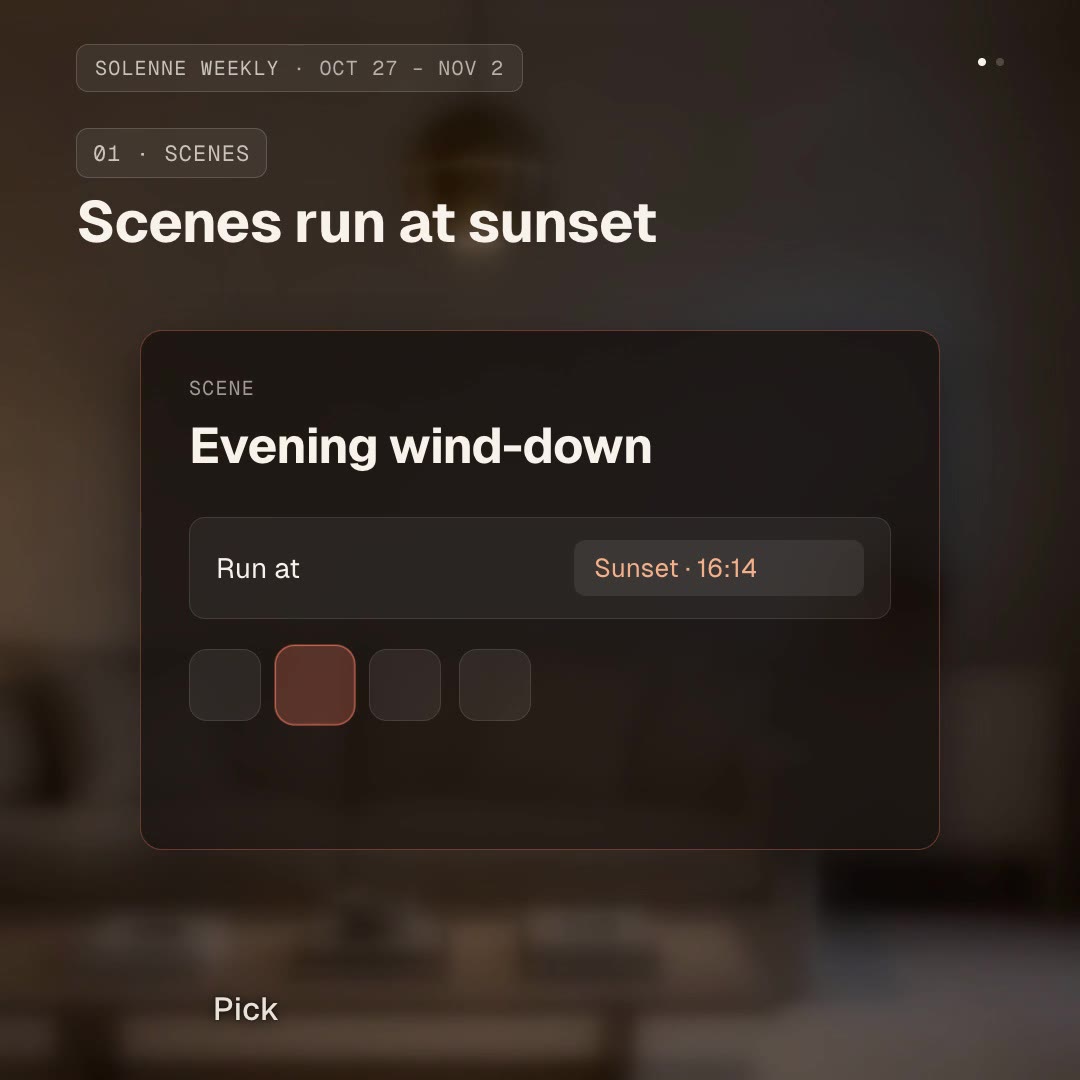
/changelog-video Turn this week's changelog into a square changelog video for our smart-home app: themes are scenes that run at sunset and a weekly energy report. Use our coral accent.

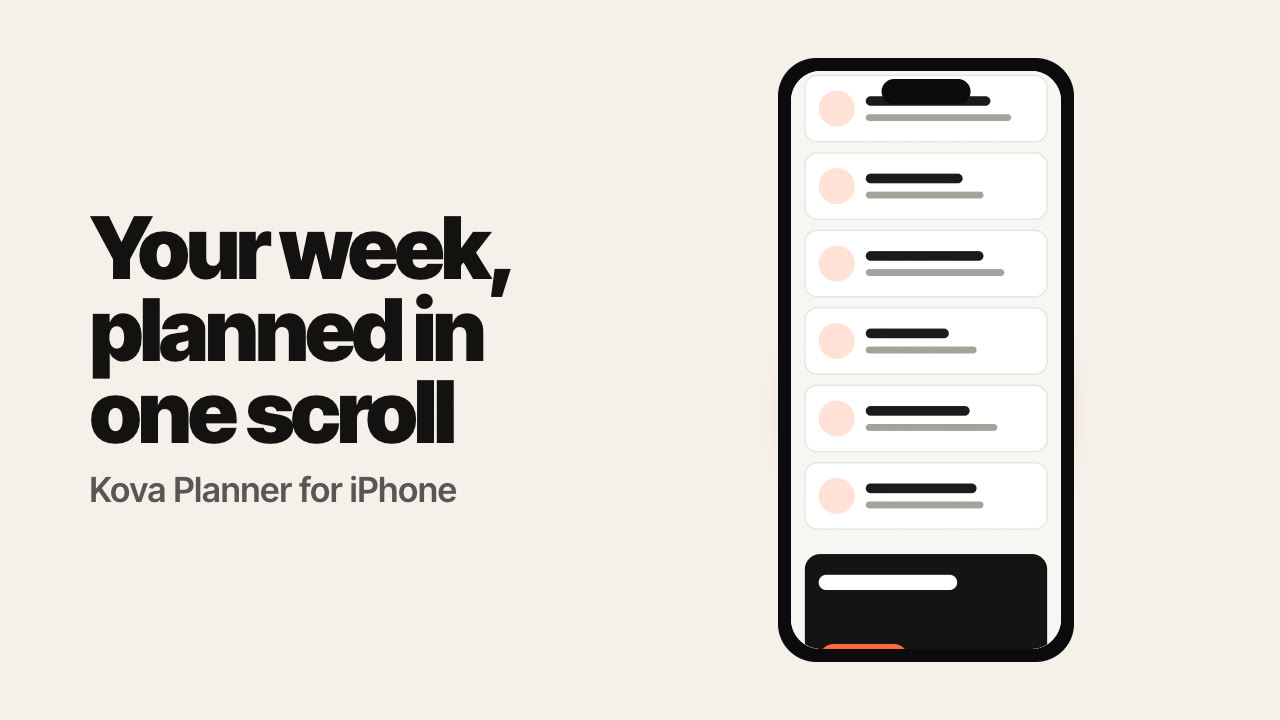
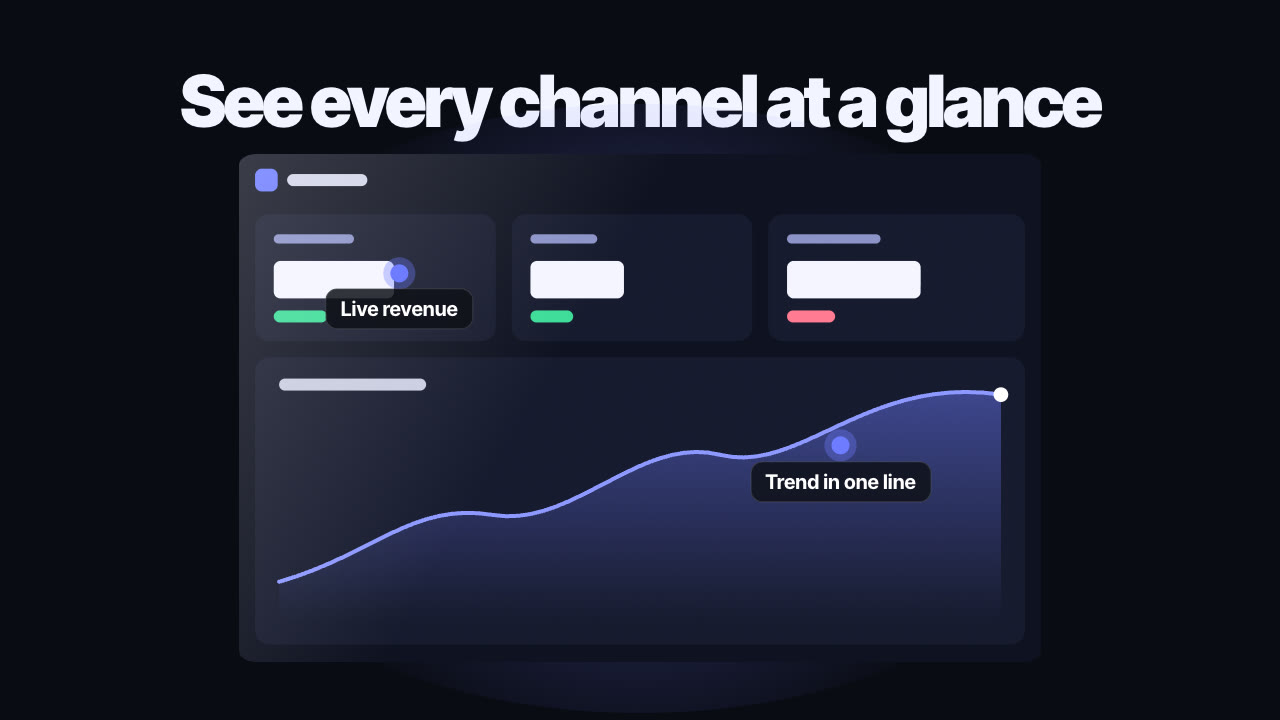
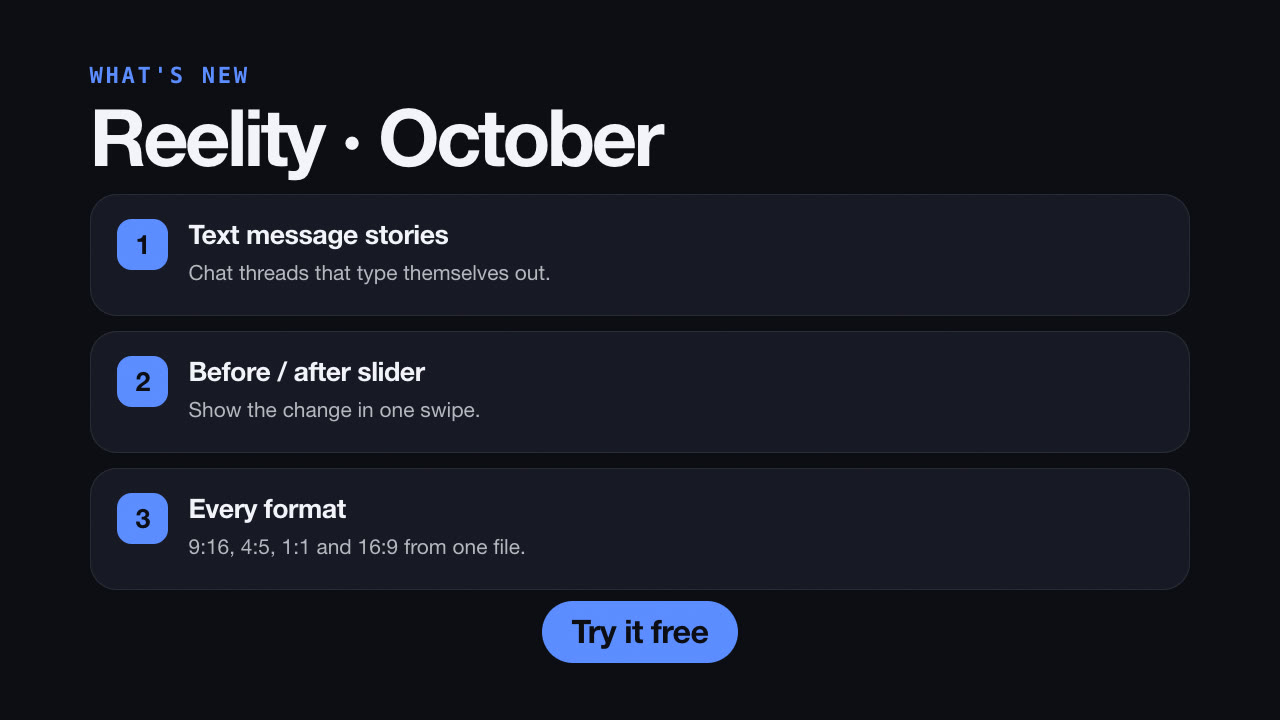
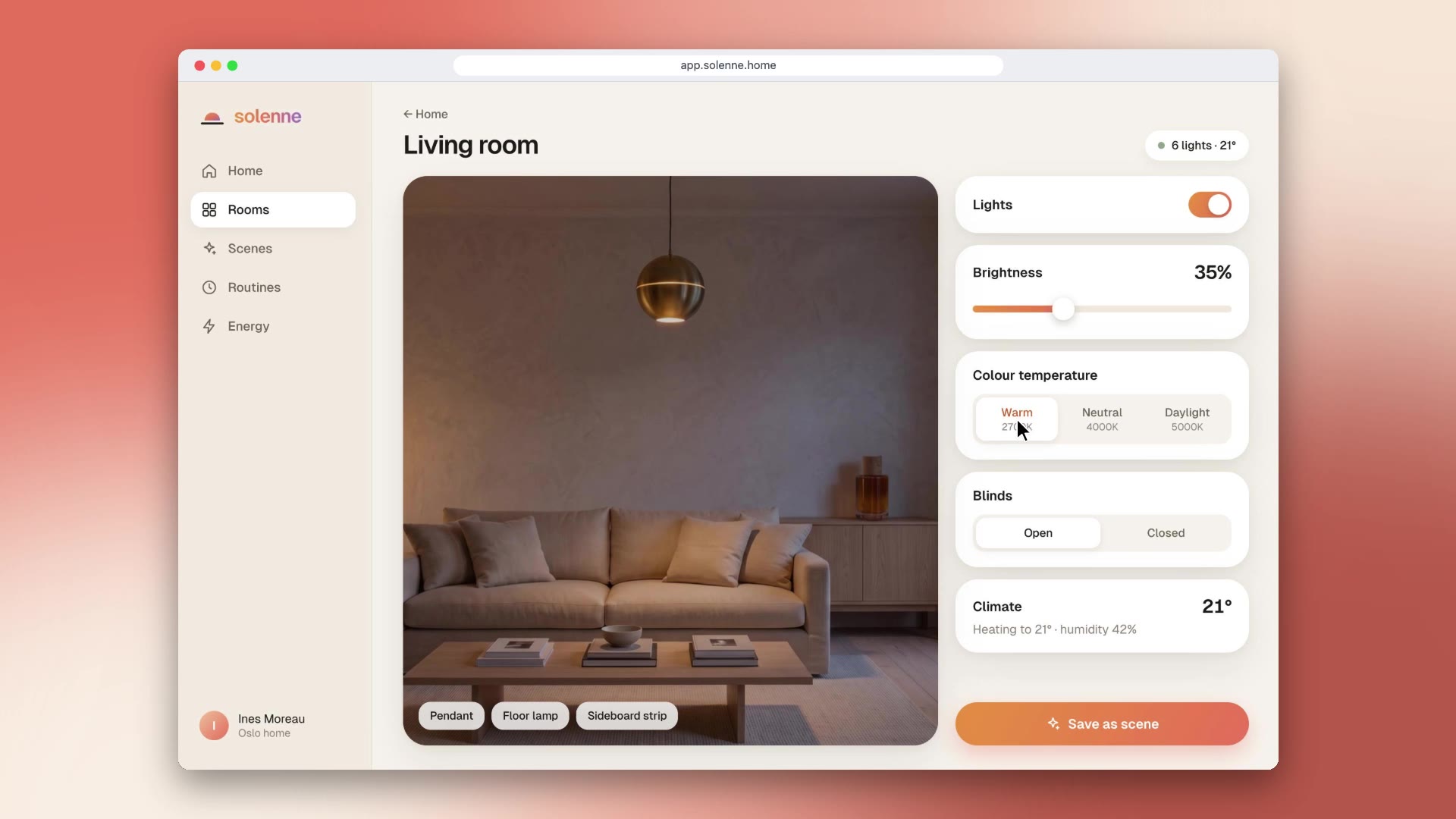
Release notes nobody reads become a video people watch. Changelog Video takes your weekly changelog, keeps the few changes that matter, and shows each one as an animated mock of the real interface doing the new thing, never as bullet points. It writes the voice-over, keeps captions in standard spelling, and builds everything on one scaffold so every week looks like the same show.

How it works

  1. Cut: it reads the changelog, keeps three or four themes and at most three items each, ordered from headline feature to fixes.
  2. Route: each theme gets a visual: a mock of your UI, an analogue, a terminal, or a checklist as the last resort.
  3. Script: it writes spoken and display versions of every line, so terms read correctly aloud and appear correctly in captions.
  4. Voice: it records the voice-over with word timings (HeyGen's TTS in the original setup, or any tool that returns timestamps).
  5. Build: it fills the master scaffold scene by scene, places the caption rail and checks frames before rendering.

Tips

  • Feed it the raw changelog; the editing is its job.
  • Replace the bundled background loop and music with your brand's.
  • Keep one accent colour moment per scene; it is what makes each change pop.
  • The square format suits LinkedIn, X and Discord; ask for 16:9 if it goes on YouTube.

Open source

This Skill is part of the HyperFrames repository. Made by HeyGen and the HyperFrames contributors (heygen-com/hyperframes) and shared under the Apache License 2.0. Reelity replaced its commercial fonts with the open-source Geist and Geist Mono and added a background loop and a CC0 music track, because the repository keeps those files in Git LFS.

What you need before you start

You bring
Your changelog as Markdown, your brand colours and, for voice-over, a text-to-speech tool that returns word timings.
Dependencies
Node.js 22 or newer — required · FFmpeg — required
Outside costs
None for HyperFrames. The original voice-over step uses HeyGen's text-to-speech, which needs a HeyGen account; you can use another voice tool instead.
Last tested
v1.0.0 —

User reviews

No reviews yet. Install the Skill and be the first to rate it.

FAQ

Do I need HeyGen?

The original Skill records the voice-over with HeyGen's text-to-speech. Any tool that gives you an MP3 and word timestamps works, and it can also make a captions-and-music version with no voice.

Can it use my fonts?

Yes. The package uses the open-source Geist family; swap the files in assets/fonts and the names in the scaffold for your brand fonts.

Why is it free?

It is an open-source Skill by HeyGen and the HyperFrames contributors. We list it as it is, with a sample made by running it on one of our house brands, Solenne.
Guides

How to make a feature highlight video for your app launchA launch video works best one feature at a time. How to give each feature its own short 3D moment with the free Orbit Card block.How to caption short videos so they read on muteMost feed video is watched on mute. A simple model for captions that read well without covering the picture, and how to apply it with the free Captions Overlay Skill.How to turn your changelog into a weekly videoRelease notes get skimmed; a 45-second video gets watched. How to make a weekly changelog video that shows each change instead of listing it, with the free Changelog Video Skill.

Similar Skills

View all