Free
Rendered by this Skill
One feature card enters, orbits a spinning dot sphere on a smooth Blender camera path and exits, all in 10 seconds.
Free Free with an account
Paste this into your agent. It connects the CLI if needed, then installs the Skill.
A free HyperFrames block that turns one product feature into a 3D moment. A dark card with a circular cut-out frames a dot sphere; it enters from the right, floats, makes a full orbit around the sphere and exits left, on camera motion exported from Blender. The feature title, description, accent colour and orbit angle are variables.
Updated Nov 2, 2026
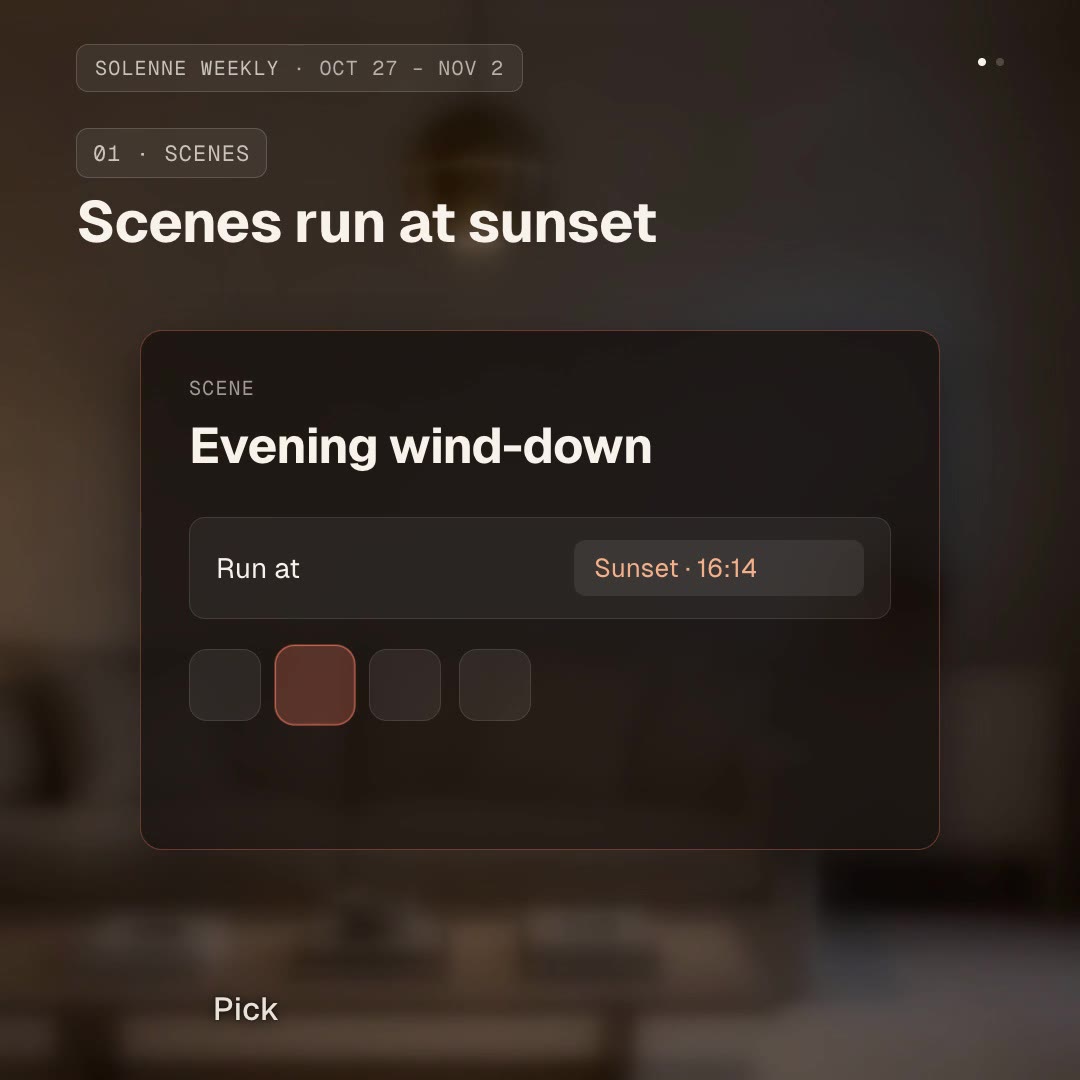
/orbit-card Make an orbit card for our smart-home app's new feature: title "Evening wind-down", description "Lights dim, blinds close and the heat drops at sunset.", accent #E8735A.
Every feature deserves its own moment. Orbit Card puts one feature on a single card: a title, one sentence and an accent line, around a round window that frames a spinning sphere of dots. The camera path comes from a Blender rig, so the entry, the float, the full orbit and the exit feel shot rather than animated by hand.
npx hyperframes render.This is a HyperFrames registry block. Made by HeyGen and the HyperFrames contributors (heygen-com/hyperframes) and shared under the Apache License 2.0. The download is the block with its assets, ready to render; HyperFrames itself runs from npm.
No reviews yet. Install the Skill and be the first to rate it.
Not as it ships: the card holds a title and a sentence around the sphere. Your agent can edit the HTML to add an image, but the block is designed for short text.
Render the block once per feature with different variables and cut the clips together; each one starts and ends empty, so they join cleanly.
It is an open-source Skill by HeyGen and the HyperFrames contributors. We list it as it is, with a sample made by running it on one of our house brands, Solenne.