免費
guide
AI agents can now direct motion design, not just fill templates. What separates a showreel-grade piece from a template, and how to get one with the free Motion Reel Skill.
2026年11月3日 · 閱讀約 1 分鐘
這篇指南暫未提供你的語言版本,因此以英文顯示。
Template videos all look alike because they are alike. The pieces that stop the scroll feel directed: a clear look, type that moves with intent, cuts on the beat and contrast between stillness and speed. An agent can do that if it is told how a motion designer thinks.
| Habit | Why it works |
|---|---|
| A beat grid | Every cut and impact lands on the music, so the piece feels tight |
| No plain fades | Overshoot, masks, staggers and camera moves give each move a reason |
| Contrast | Fast, then still, then a burst; constant speed is noise |
| A real design system | One palette and one type pairing, chosen for the brand |
| Checked frames | Peak frames are pulled from the actual render and fixed before delivery |
Motion Reel is a free, open-source Skill by Sunwood AI Labs. From a theme and your assets it designs the look and copy, builds a HyperFrames project on a 120 BPM beat grid and renders a 15-second 1920×1080 video. Ask:
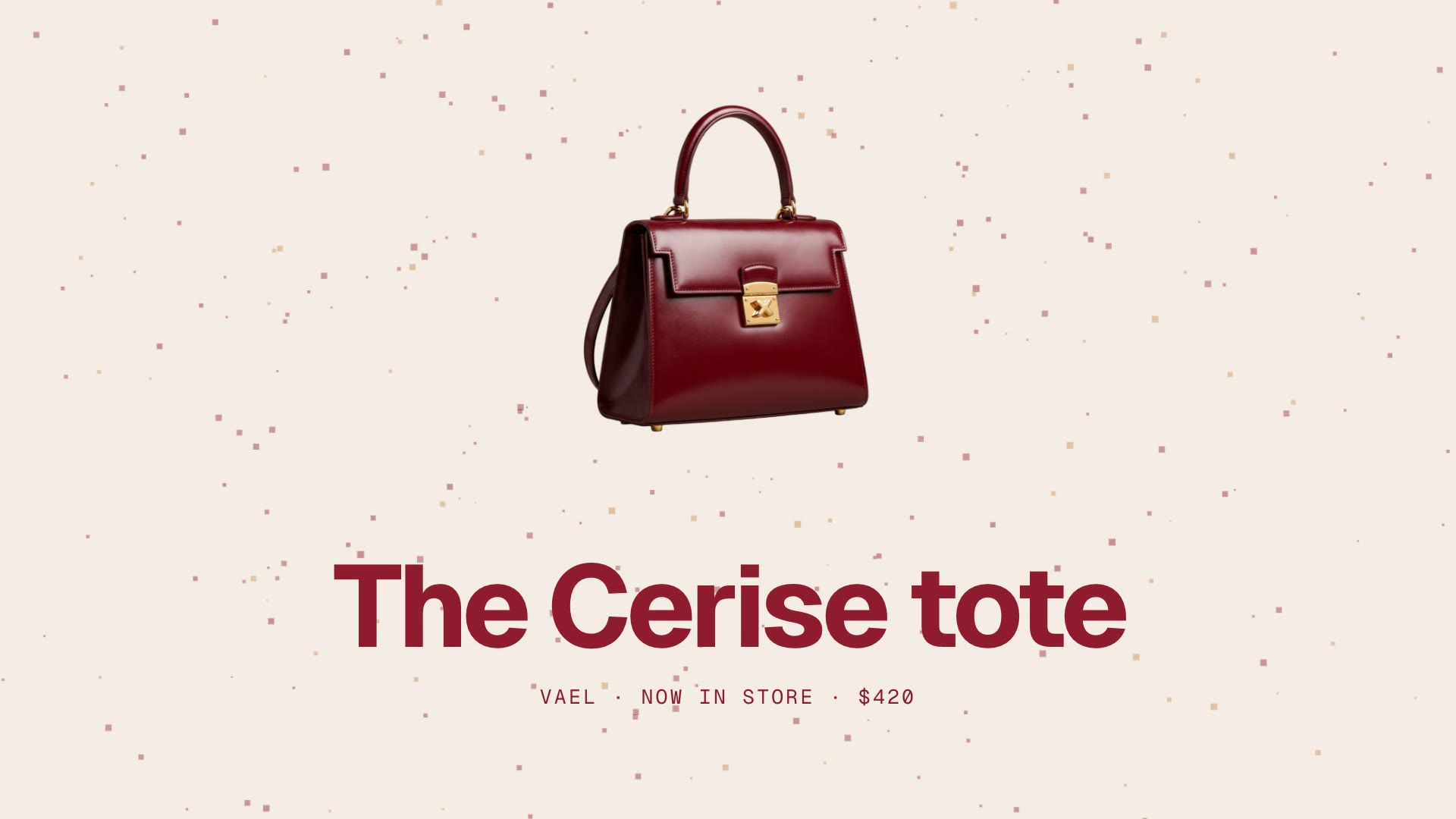
Make a 15-second motion reel for our handbag, the Vael Cerise tote: bag.png is the cut-out. Fashion-week mood, wine red and cream.Everything runs on HyperFrames, GSAP and plain HTML, so there is no paid licence. The original is in Japanese; our download is an English translation.
If the reel has a voice-over, caption it with Captions Overlay. For a quick list of products, a Cuboid Card Carousel makes a good insert.