無料
guide
Release notes get skimmed; a 45-second video gets watched. How to make a weekly changelog video that shows each change instead of listing it, with the free Changelog Video Skill.
2026年11月3日 · 約1分で読めます
このガイドはまだお使いの言語に対応していないため、英語で表示しています。
A changelog is the most honest marketing a product has: proof that it gets better every week. Almost nobody reads it. A short, consistent weekly video turns the same content into something people watch and share.
| Habit | Why it works |
|---|---|
| Cut hard | Three or four themes, at most three items each; the full list stays in the notes |
| Show, don't list | Mock the real UI doing the new thing instead of showing bullet points |
| Same show every week | One scaffold, one look, one length, so viewers know what they're getting |
| Readable captions | Many watch on mute; captions use standard spelling even when the voice spells terms out |
| One accent moment per scene | A single colour pop points at the change |
Changelog Video is a free, open-source Skill from the HyperFrames project. Give it the changelog file:
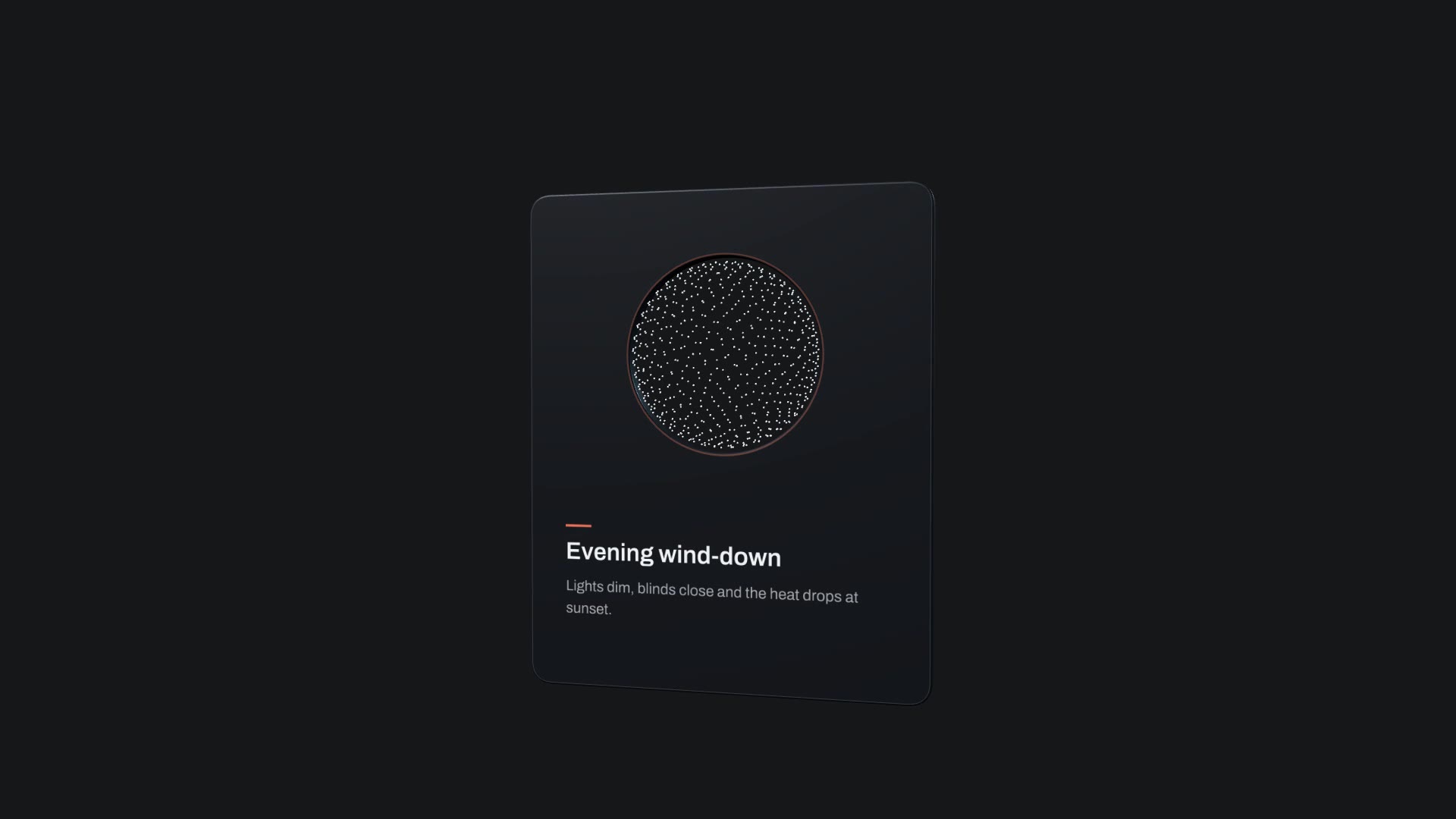
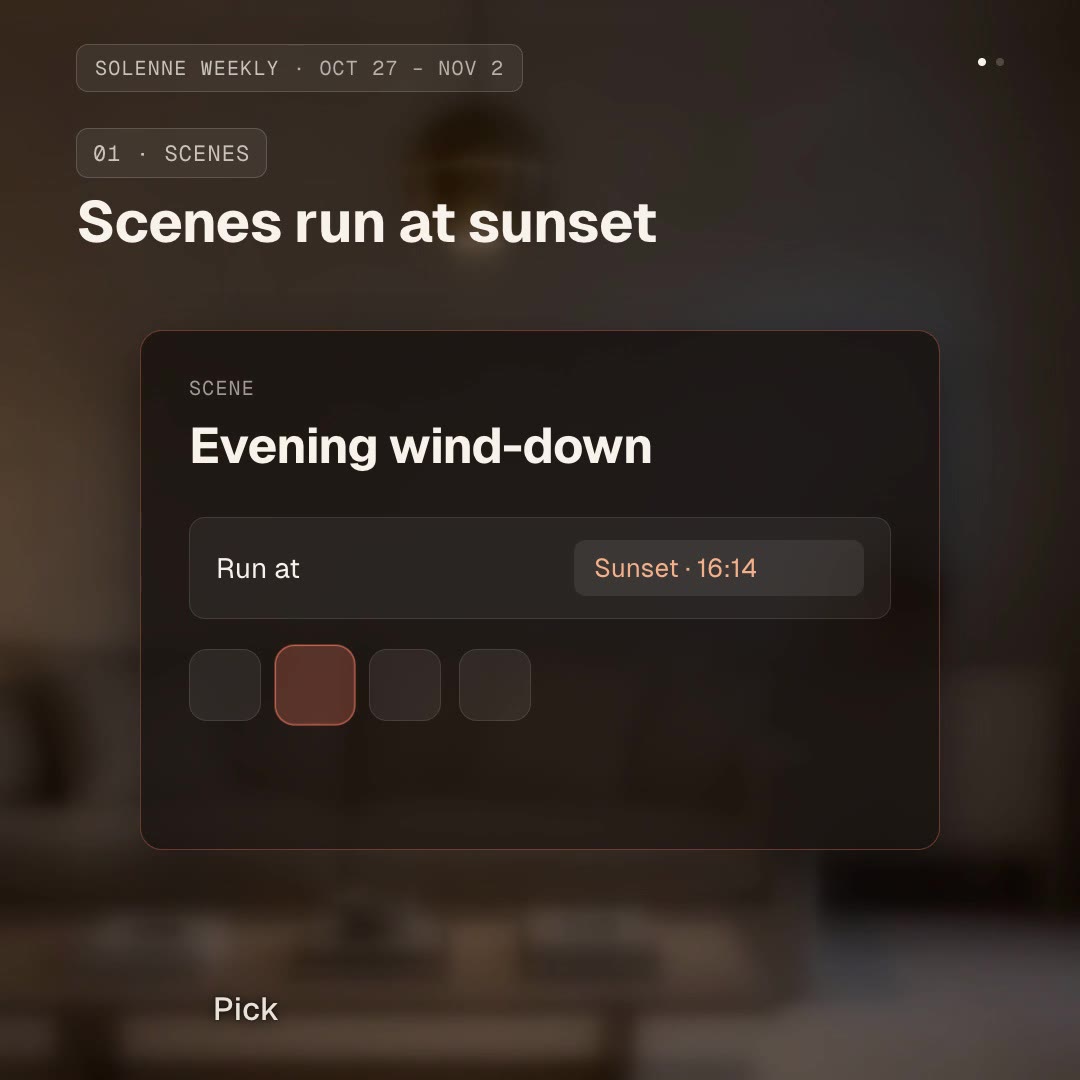
Turn this week's changelog into a square changelog video for our smart-home app. Themes: scenes that run at sunset and a weekly energy report. Use our coral accent.It picks the themes, writes a script with spoken and caption versions, records a voice-over with word timings and builds the video on its master scaffold. Our download swaps the original commercial fonts for the open-source Geist and adds a background loop and CC0 music.
Its caption rules come from Captions Overlay. For a single feature launch instead of a weekly recap, use an Orbit Feature Card.