무료
guide
A notification is proof that your product did something. How to animate a macOS-style banner over a screen recording, free, with the Desktop Notification block.
2026년 11월 3일 · 1분 분량
이 가이드는 아직 해당 언어로 제공되지 않아 영어로 표시됩니다.
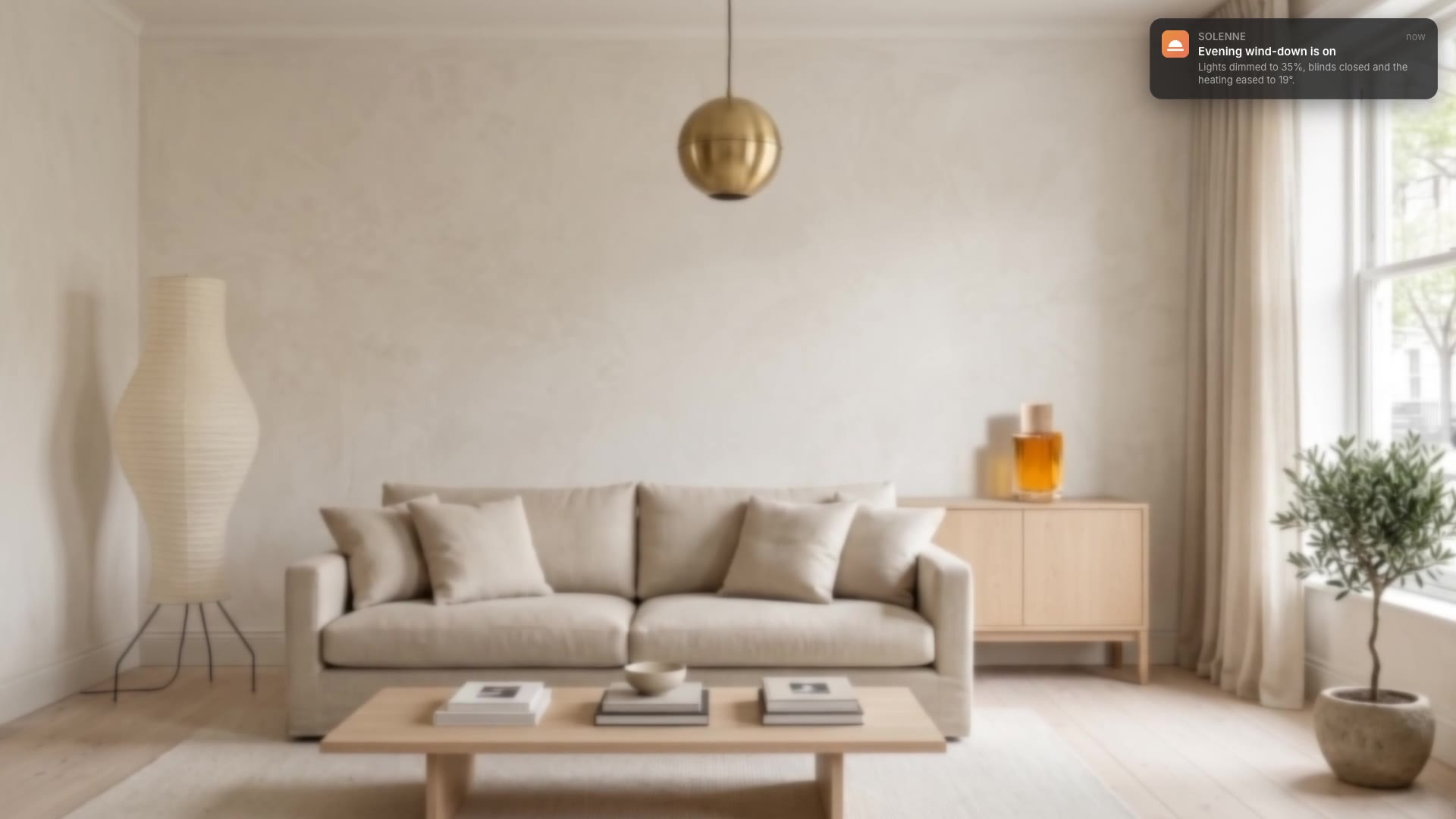
In a product demo, the moment of value is often invisible: something finished in the background. A desktop notification makes it visible, with your app icon, a clear title and a one-line result.
| Habit | Why it works |
|---|---|
| Title as a result | "Evening wind-down is on" beats "Scenes feature" |
| One line of detail | Say what changed, with a number if you can |
| Your real icon | A square app icon makes it believable |
| Over the real screen | Lay it on your screen recording or wallpaper |
| Short and timely | Five seconds, at the moment it happens |
Desktop Notification is a free, open-source HyperFrames block. An animated macOS-style notification banner slides in with your app icon, a title and a message, then slides away. Ask your agent:
Make a desktop notification from Solenne: "Evening wind-down is on", "Lights dimmed to 35%, blinds closed and the heating eased to 19°".It renders a 5-second notification with a transparent background.
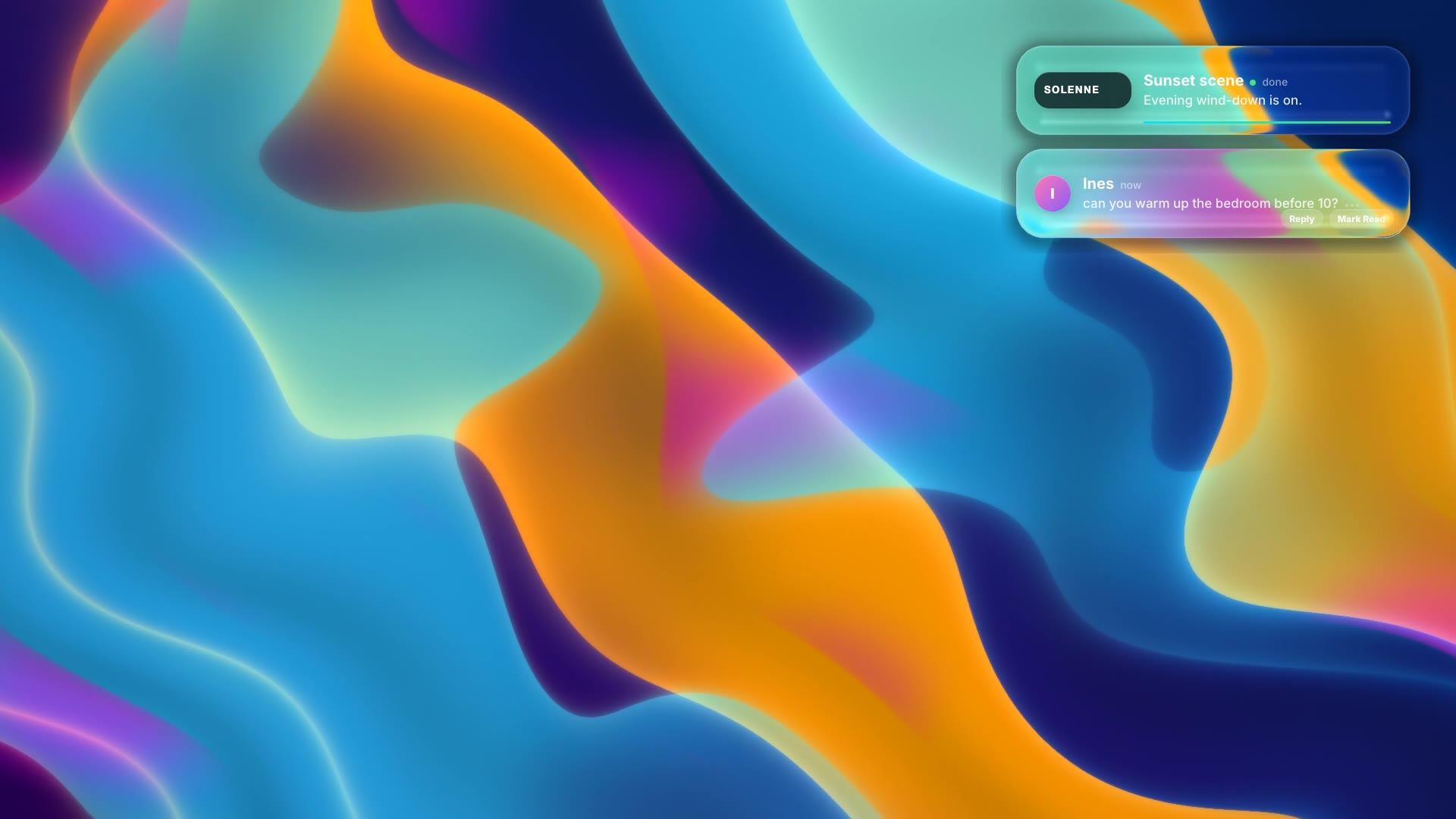
For another take on the same idea, see Liquid Glass Notifications.