Free
Rendered by this Skill
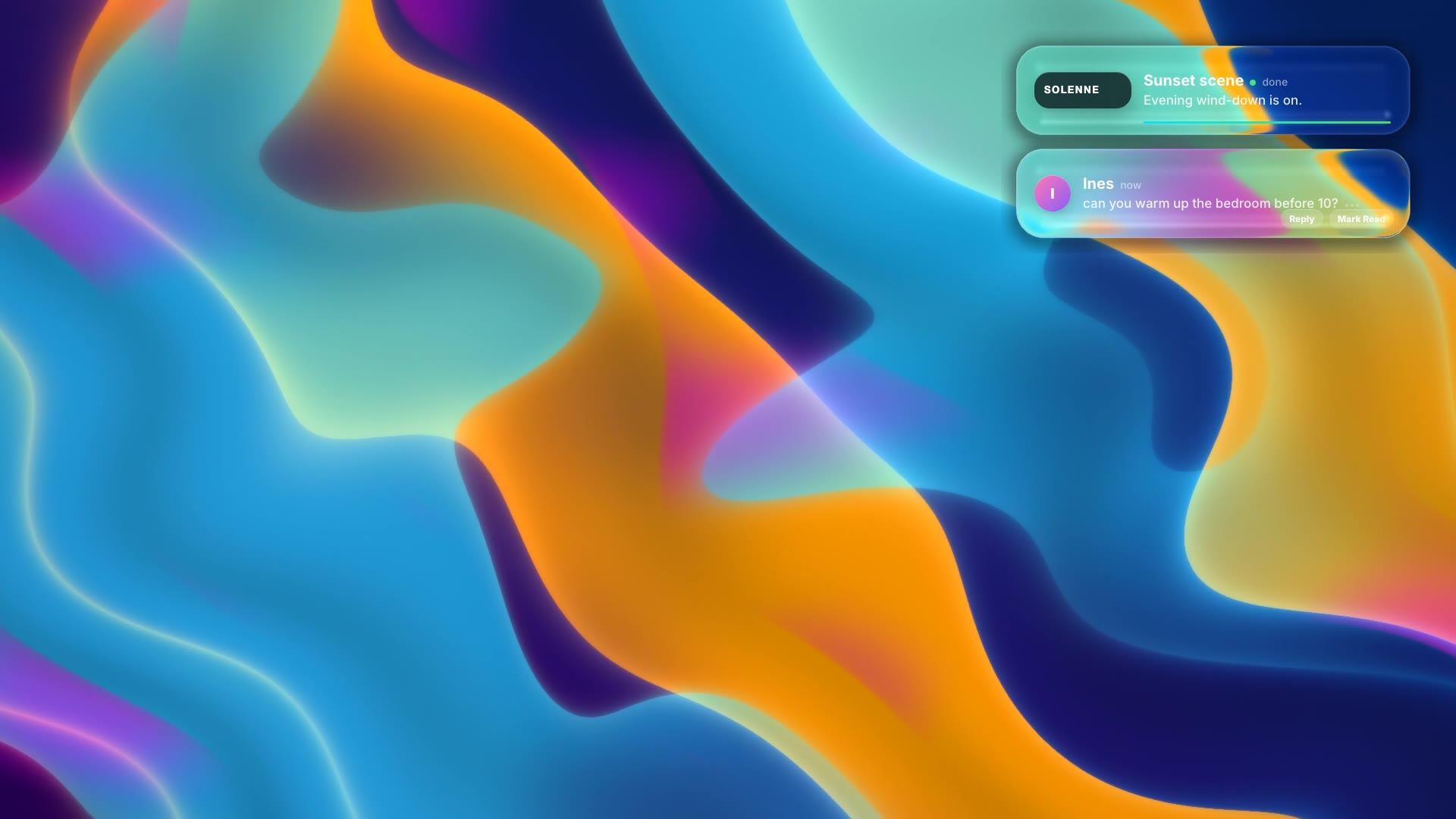
An animated macOS-style notification banner slides in with your app icon, a title and a message, then slides away.
Free Free with an account
Paste this into your agent. It connects the CLI if needed, then installs the Skill.
A free HyperFrames block for a 5-second desktop notification. A frosted banner with your app icon, app name, title and one-line message slides in at the top right, holds and slides out. The text and icon are edited in the HTML; the background is transparent so it sits over a screen recording or wallpaper.
Updated Nov 3, 2026
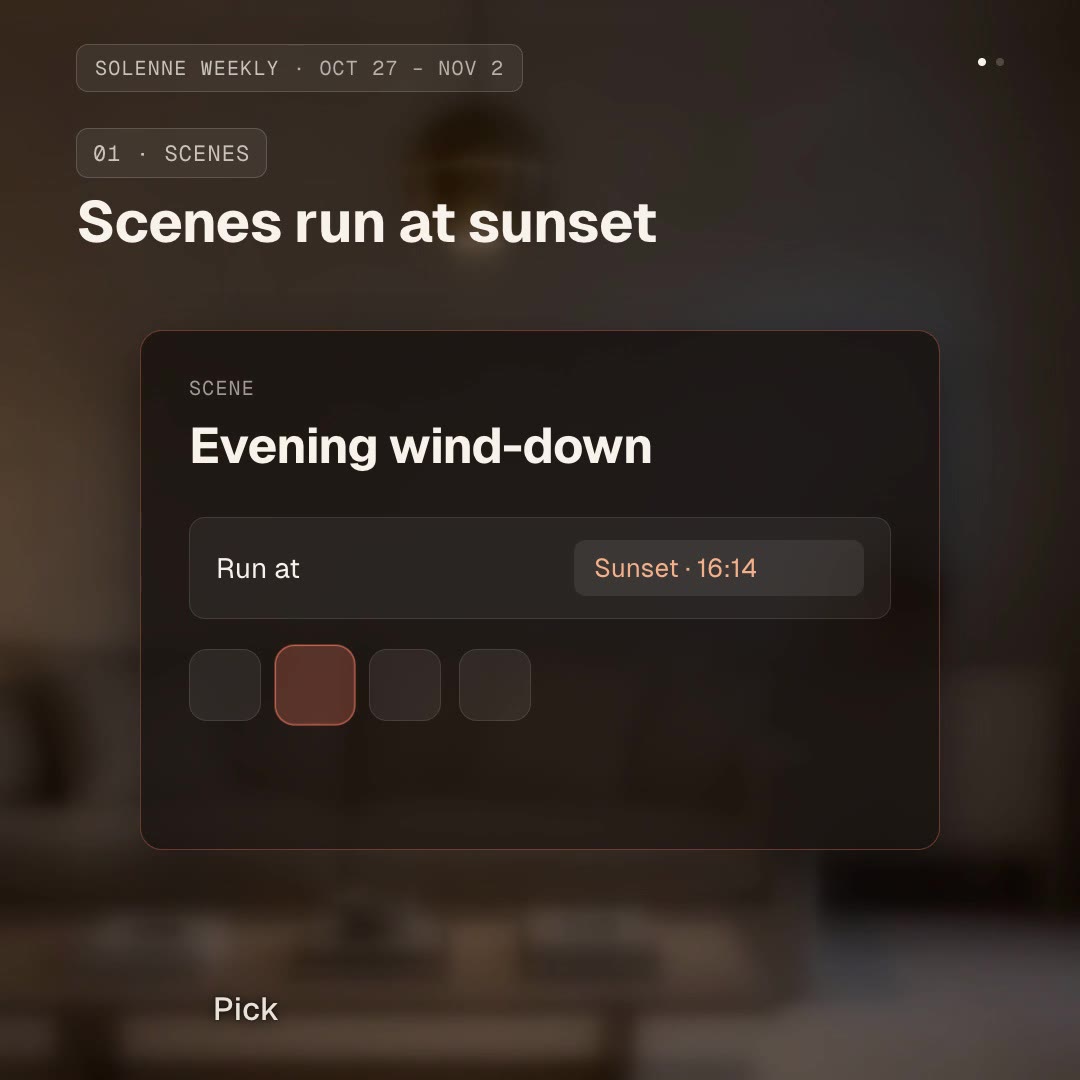
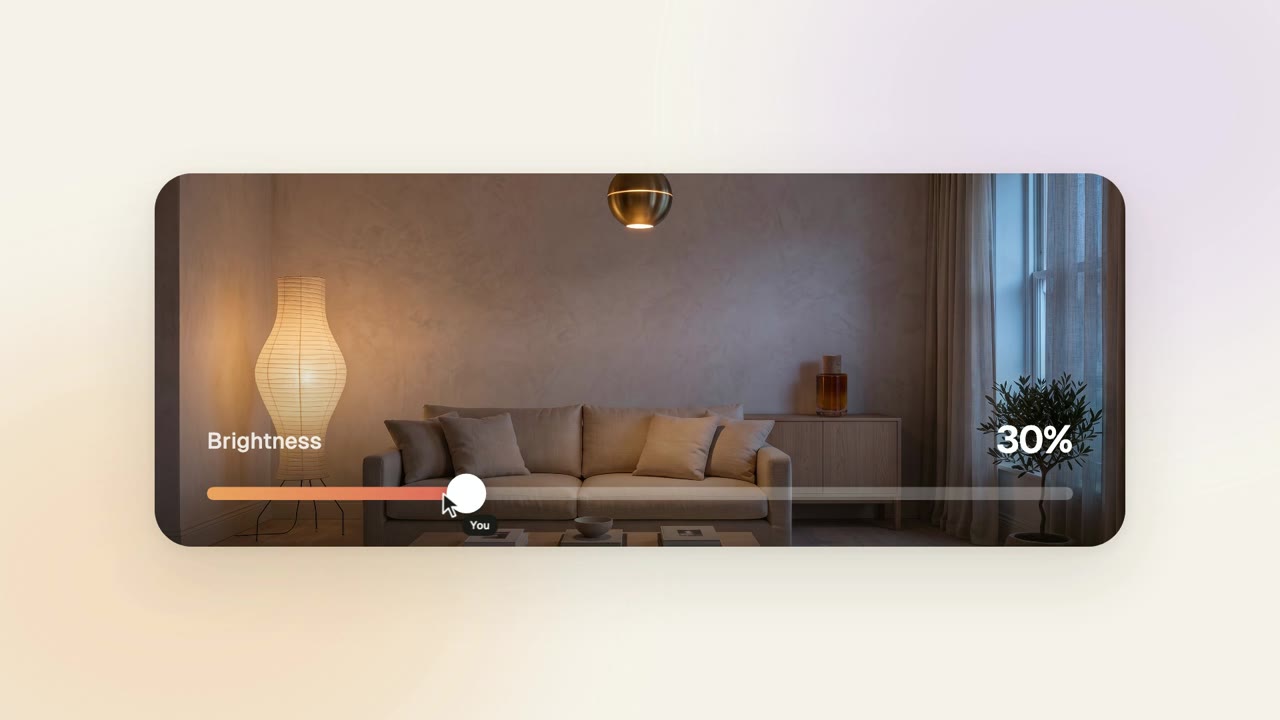
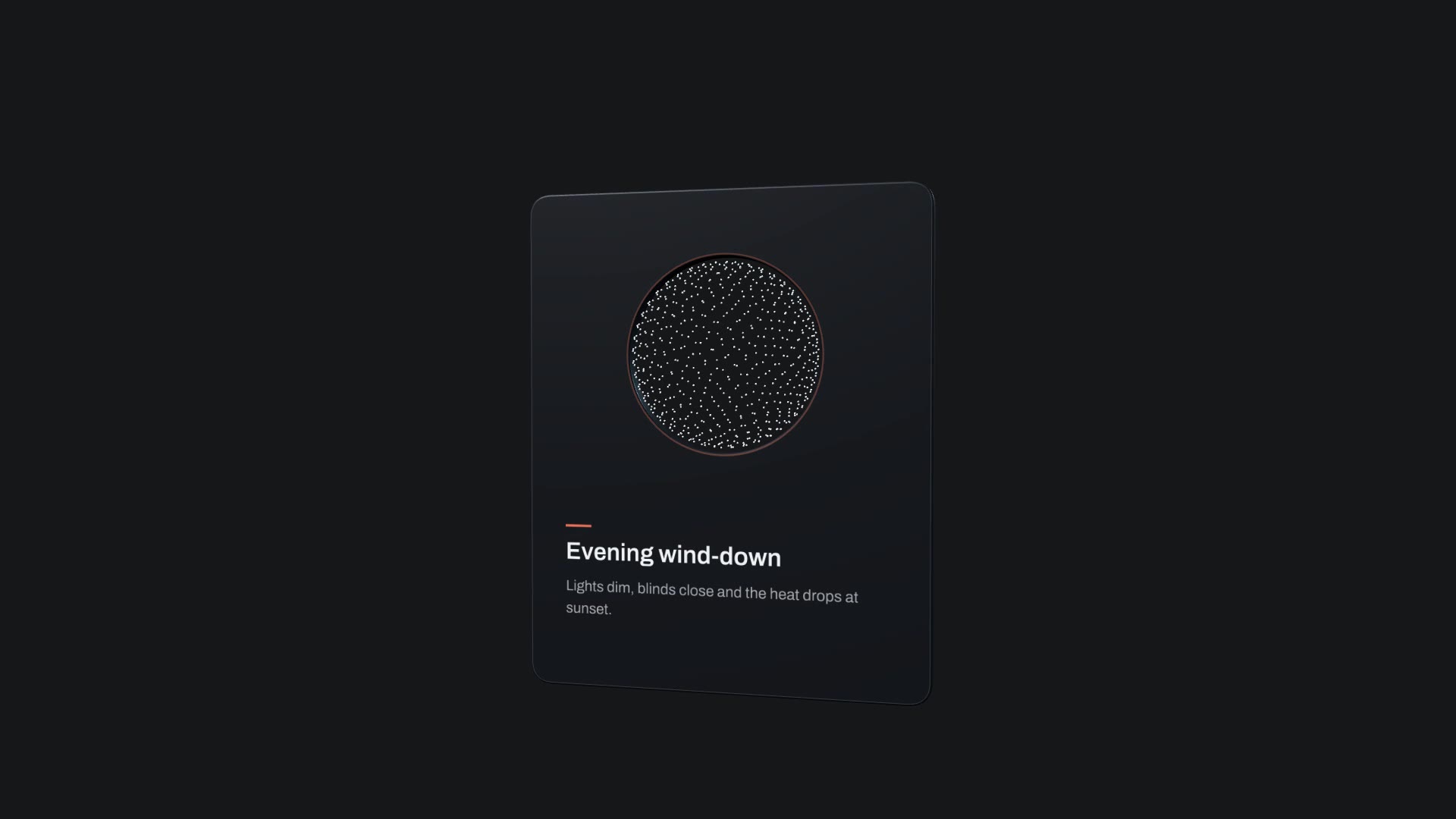
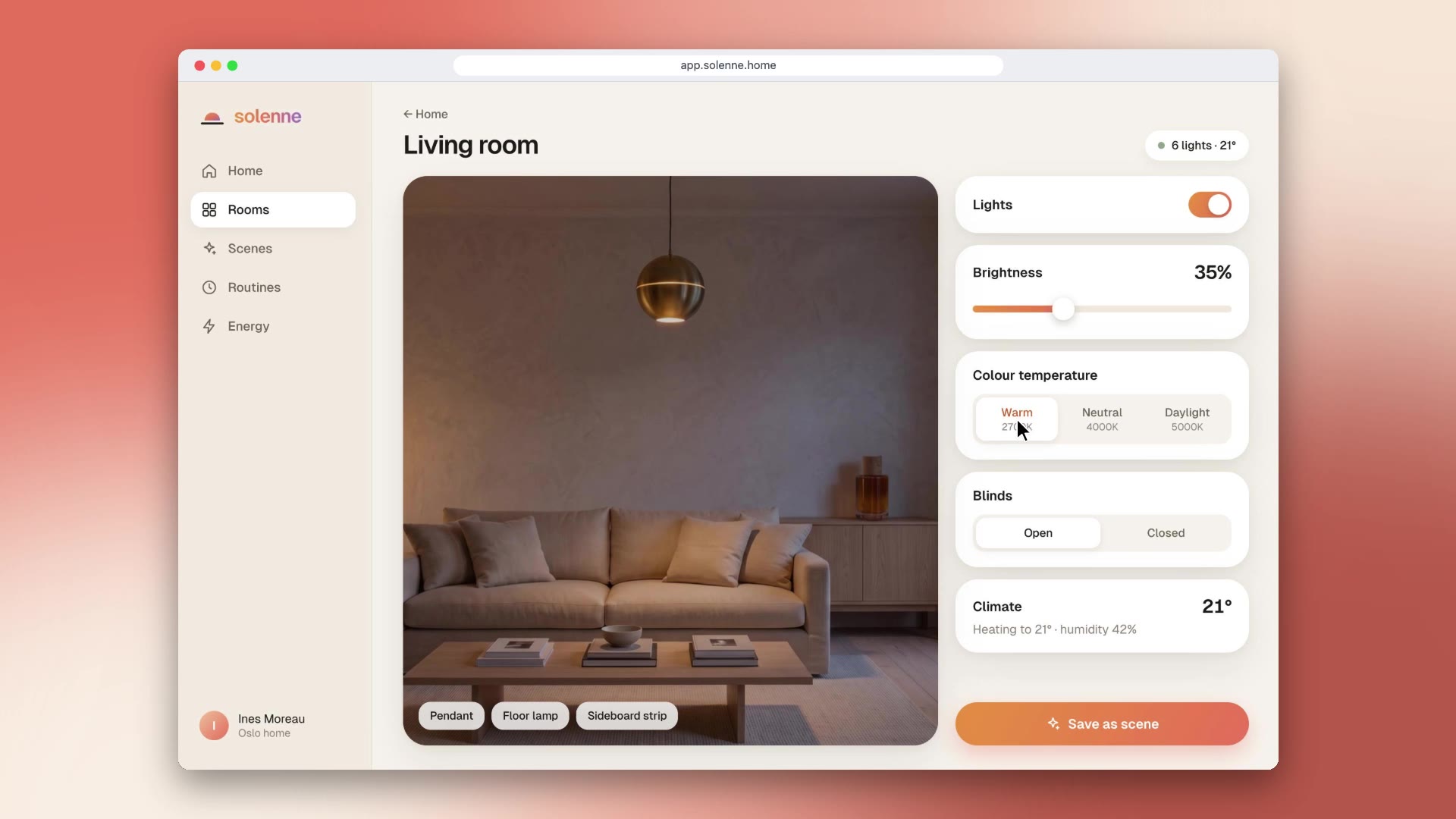
/macos-notification Make a desktop notification from Solenne: title "Evening wind-down is on", message "Lights dimmed to 35%, blinds closed and the heating eased to 19°", over our living room photo.
A desktop notification is the quickest way to show that your product just did something. Desktop Notification animates one in the familiar macOS style over your screen recording or wallpaper: "Evening wind-down is on", "Payment received", "Your export is ready".
npx hyperframes render, checks a few frames and renders the final MP4.This is a block from the HyperFrames registry, made by HeyGen and the HyperFrames contributors (heygen-com/hyperframes) and shared under the Apache License 2.0. The download is the block with its assets and a SKILL.md written by Reelity, so your agent knows how to fill and render it; HyperFrames itself runs from npm.
No reviews yet. Install the Skill and be the first to rate it.
Render it once per notification and stack the clips in your edit, or ask your agent to duplicate the banner in the HTML.
No. It shows your own app icon and name in a macOS-style banner.
It is an open-source HyperFrames block by HeyGen and the HyperFrames contributors. We list it as it is, with a SKILL.md so your agent can use it and a sample made with one of our house brands, Solenne.