Free
guide
Four ways to turn Claude Opus 5.5 into a video maker, compared on setup, tokens, consistency and what each is best for.
Oct 27, 2026 · 3 min read
Claude Opus 5.5 makes video by writing code that a browser renders frame by frame (how that works). There are four common ways to set that up. They all end in an MP4; they differ in how much you build yourself, how many tokens each video takes, and how repeatable the result is.
| From scratch | Remotion | HyperFrames | A video Skill | |
|---|---|---|---|---|
| What the model writes | Everything: animation, capture, encoding | React components | HTML compositions | Only the copy and a small JSON file |
| Setup | None up front, debugging later | A Node project with Remotion | The HyperFrames tooling | One install command |
| Tokens per video | High | Medium | Medium | Low |
| Same input → same video | Not across sessions | Yes | Yes | Yes |
| Best for | Experiments, one-offs, unusual ideas | Developers building a video product | HTML-first motion design | Repeatable marketing formats |
You ask, and the model builds the whole pipeline: an HTML animation, a script that drives a headless browser, frame capture, and an FFmpeg command. It's impressive and very flexible — and that's also the cost. Each new session re-decides fonts, timing, frame capture and encoding settings, so results vary, and long sessions use a lot of tokens and plan usage. Great for exploring an idea; tiring for the fifth version of the same ad.
Remotion lets you write videos as React components and render them with its CLI. Opus 5.5 is very good at React, so it's a natural fit for developers who already live in that stack. You maintain a project, its dependencies and the composition code. Check Remotion's licence terms for company use. We compare it with HyperFrames in more depth in Remotion vs HyperFrames for agent-made video.
HyperFrames renders plain HTML compositions to video, which suits a model that writes HTML and CSS fluently. It sits between from-scratch and Remotion: a ready renderer, with the scene design still up to the model each time.
A Skill packages a finished format — template, renderer, validator and instructions — into a folder the agent reads. The model doesn't design a video system; it writes the copy, fills in a small JSON file and runs a renderer that already works. That means:
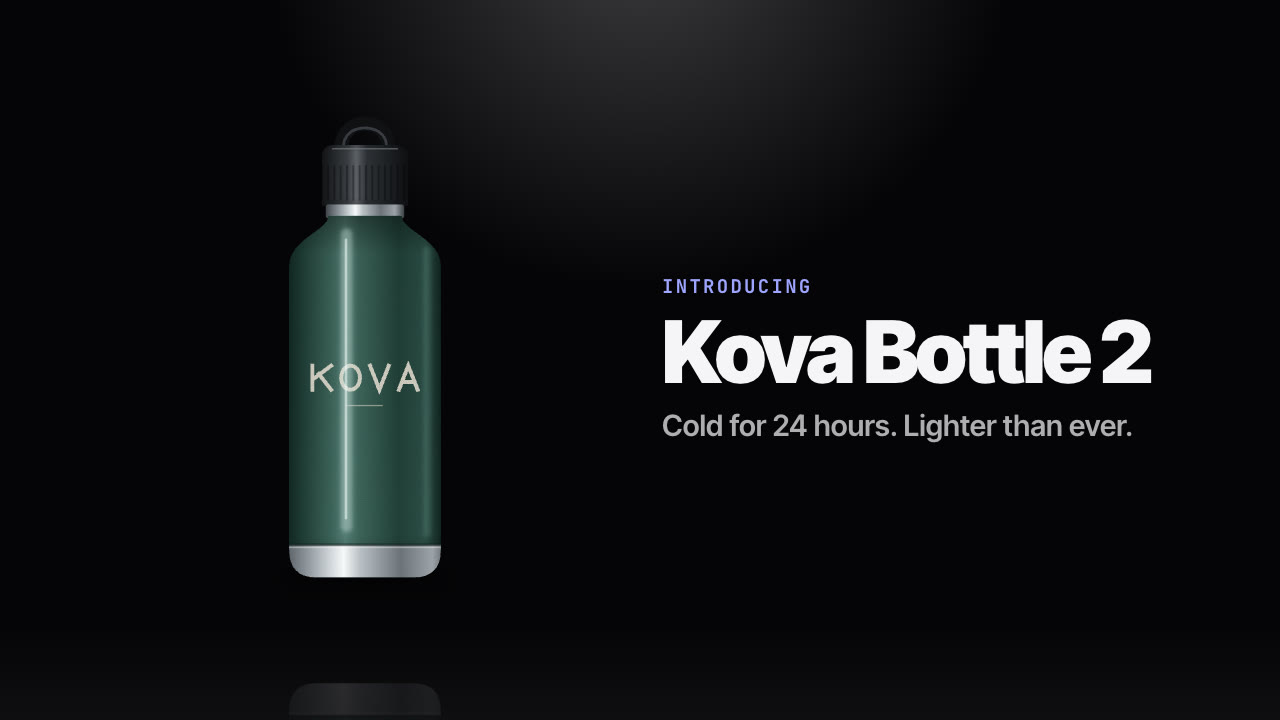
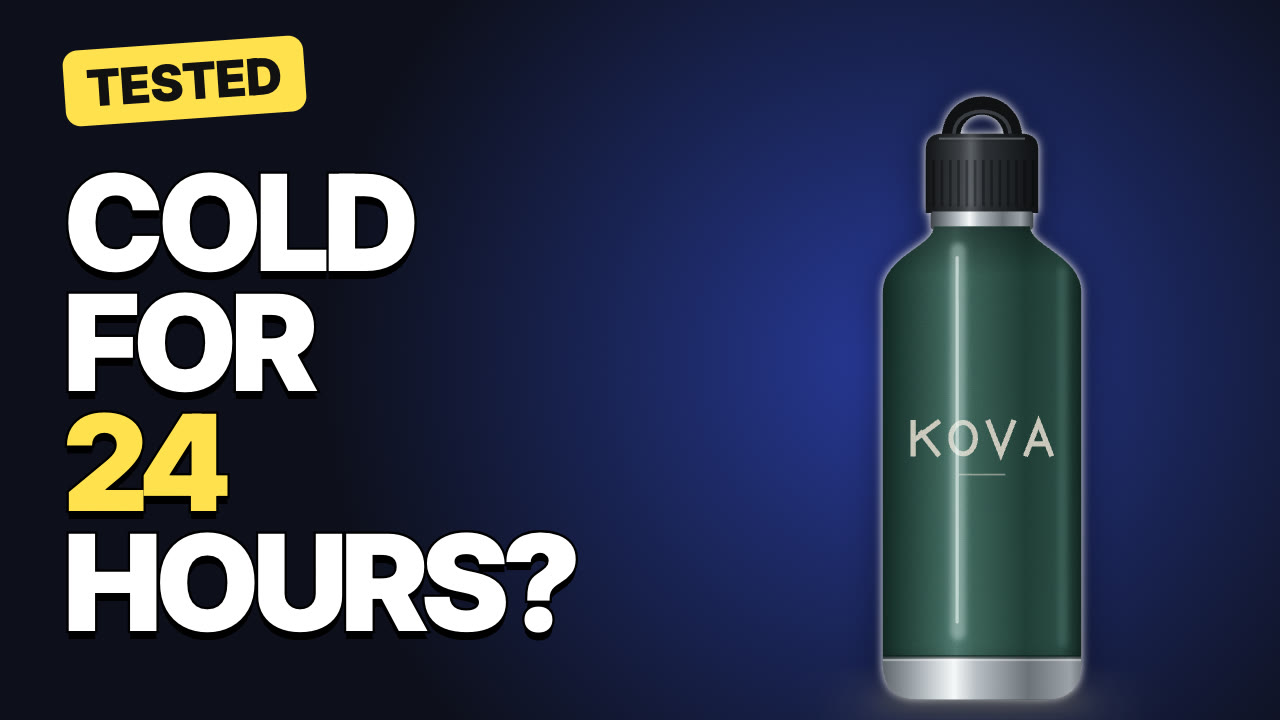
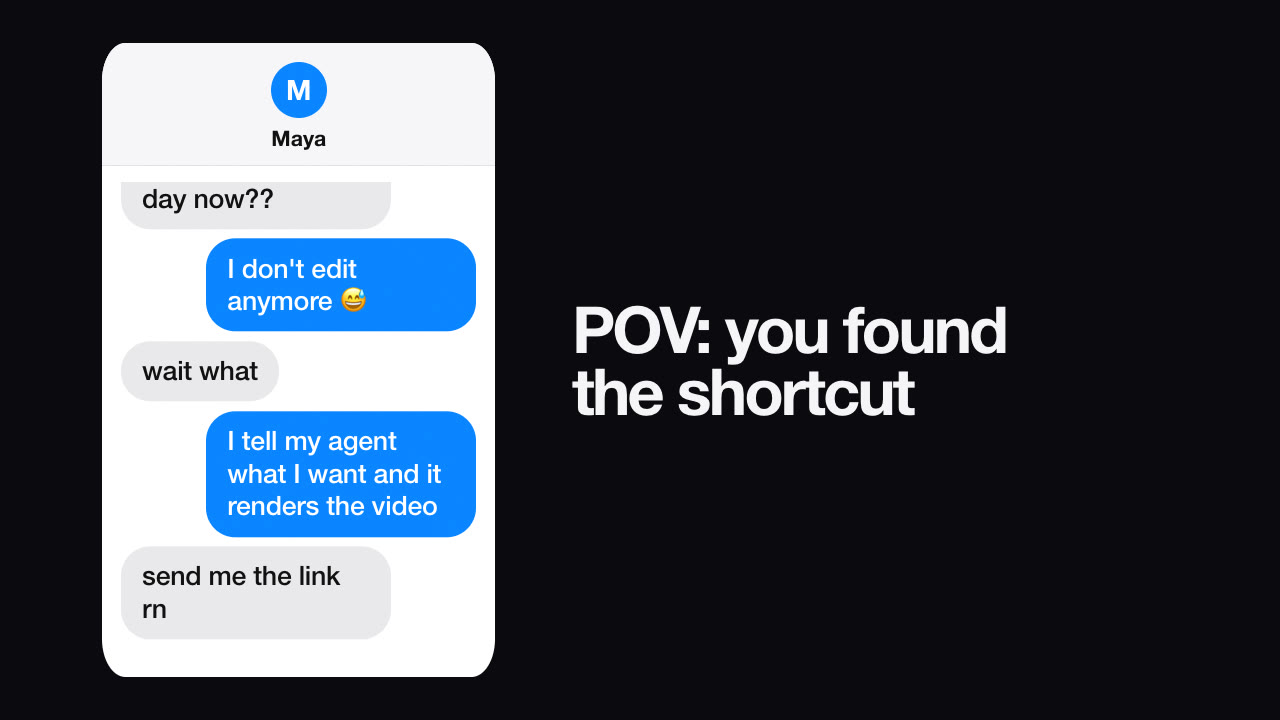
Reelity's Skills use this approach with deterministic HTML templates, headless Chrome and FFmpeg, all running on your machine. There are 20 free video Skills — from text-message stories to product reveals and YouTube thumbnails.
These aren't exclusive. Many teams start from scratch to find a look, then package it as a Skill so every later video takes minutes. If you want to try the Skill route now, the step-by-step tutorial takes about five minutes.