Free
guide
Write a short holiday message and use a folded card reveal to turn it into a nine-second video for your customers.
Nov 13, 2026 · 1 min read
An animated Christmas greeting has two reading moments. On the cover, the audience sees who sent the card. After it opens, the message and signature get their own time on screen. For a short brand video, use that pacing to make the greeting feel personal.
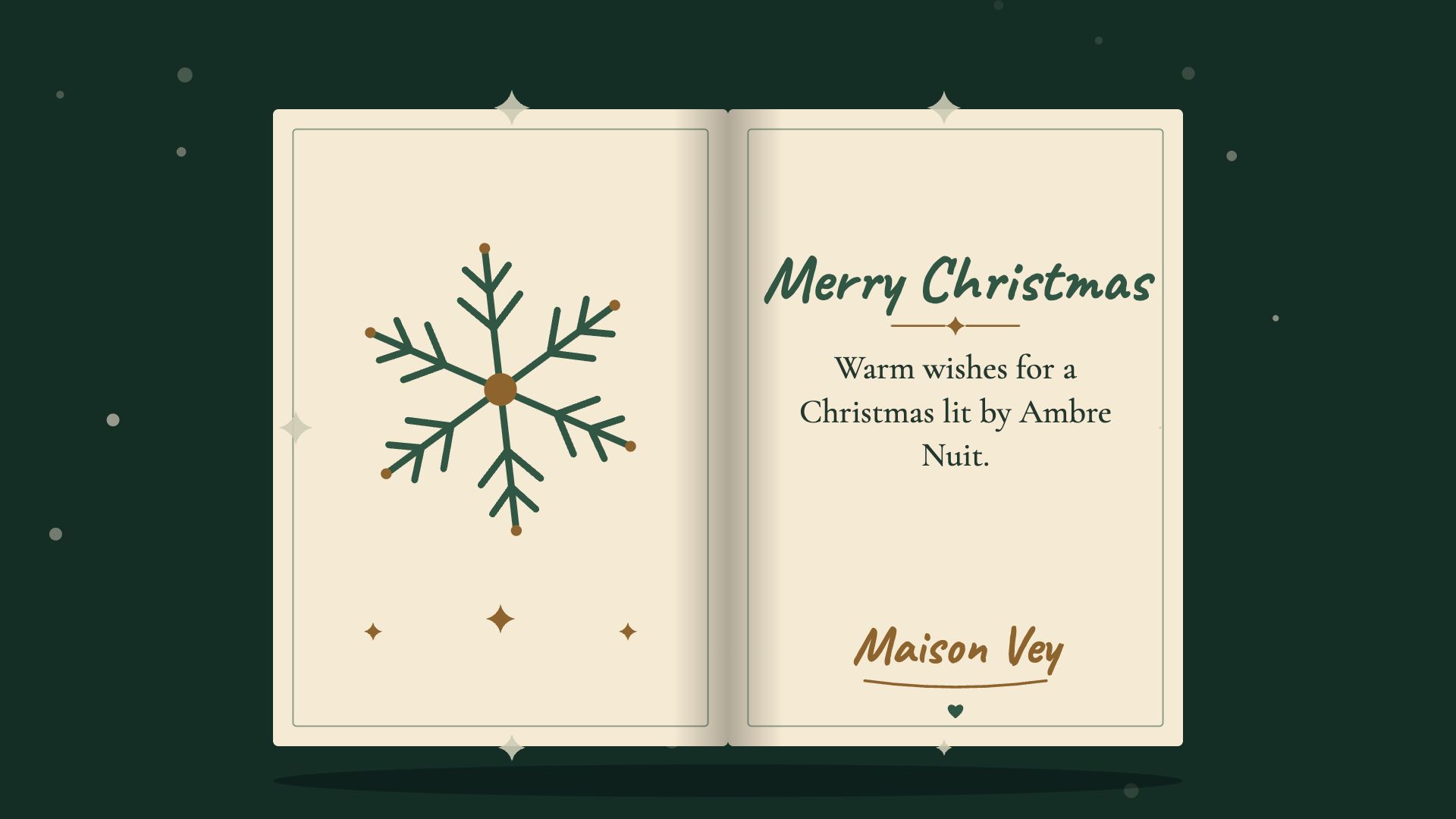
Put the brand name or a short line on the cover. Save the holiday greeting for the inside, followed by one sentence and a sign-off. A candle studio could use its name on the cover and sign off with “Wishing you a warm and peaceful Christmas.” If you mention a seasonal product, keep it in the message so the greeting can still be read on a phone.
Pick one holiday cue such as falling snow or a string of lights, then choose a paper color and an ink with enough contrast. Dark evergreen and warm cream work well together. Watch the last two seconds in a narrow window. Shorten the message if it wraps unevenly, and check that the cover also reads before the fold starts to move.
Use a landscape MP4 for web and social placements that accept 16:9. Export a still from the open card for the email thumbnail and link that image to the video. Play it muted once to check that the greeting works through typography and timing alone.
Install Animated Christmas Greeting Card to edit the copy, colors and motif and render locally. See the Maison Vey sample and its editable brief.