Free
guide
A hand-written title, a red underline and numbered steps that write themselves — the simplest explainer format. How to write the steps and render it with Claude Opus 5.5.
Oct 27, 2026 · 2 min read
Whiteboard explainers have been around for years because they work: hand-drawn text feels approachable, and watching words appear one step at a time makes a process easy to follow. You don't need an illustrator or a doodle app to make a short one — a title and three steps is enough.
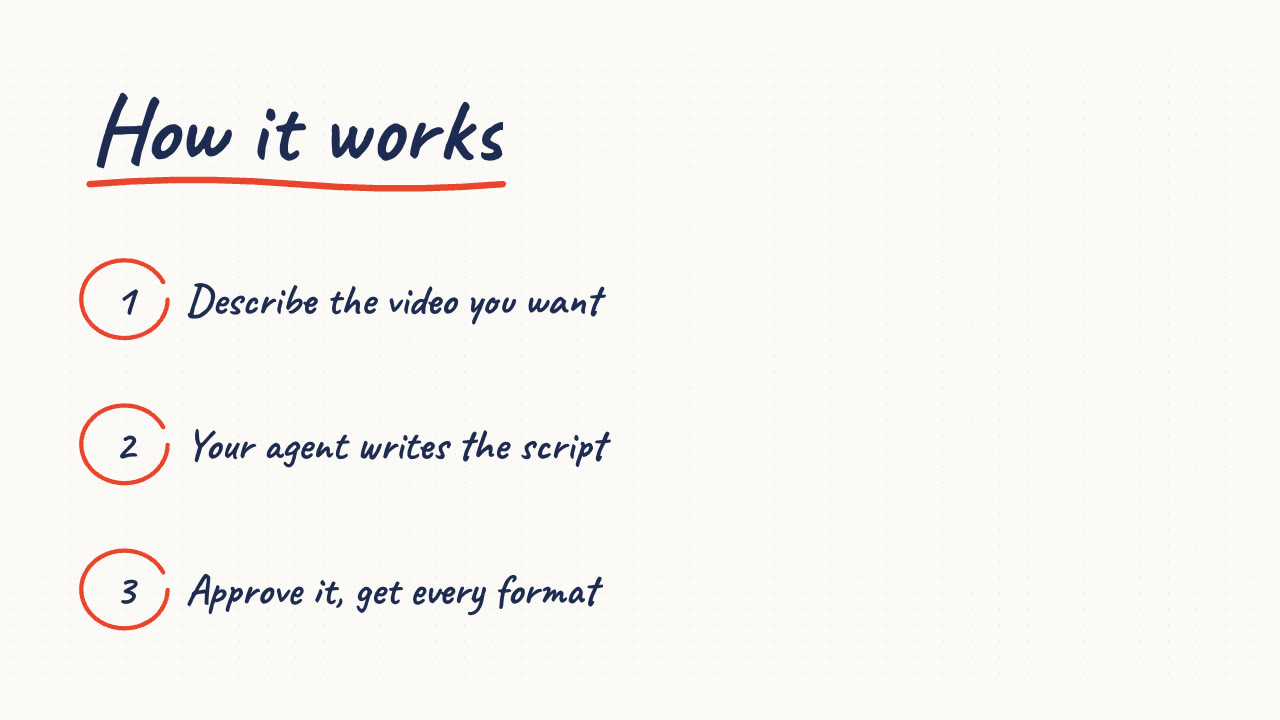
On a dotted whiteboard, the title writes itself and gets a hand-drawn red underline. Then each step appears in turn: its number is circled in red ink and the text is written out. Three steps take about seven seconds.
The free Sketch Steps Skill renders this locally:
Make a whiteboard explainer titled "How it works" with three steps: connect your store, pick a template, publish everywhere.
Your agent writes the steps for your approval and renders MP4s in every ratio. For a list format instead of steps, see the notes app video; for the bigger picture, read how Opus 5.5 makes videos.
Can I change the ink colour? Yes — the ink, the accent for circles and underline, and the board colour.
Can I add drawings? This Skill focuses on text and numbers so it renders reliably in any language.