Free
guide
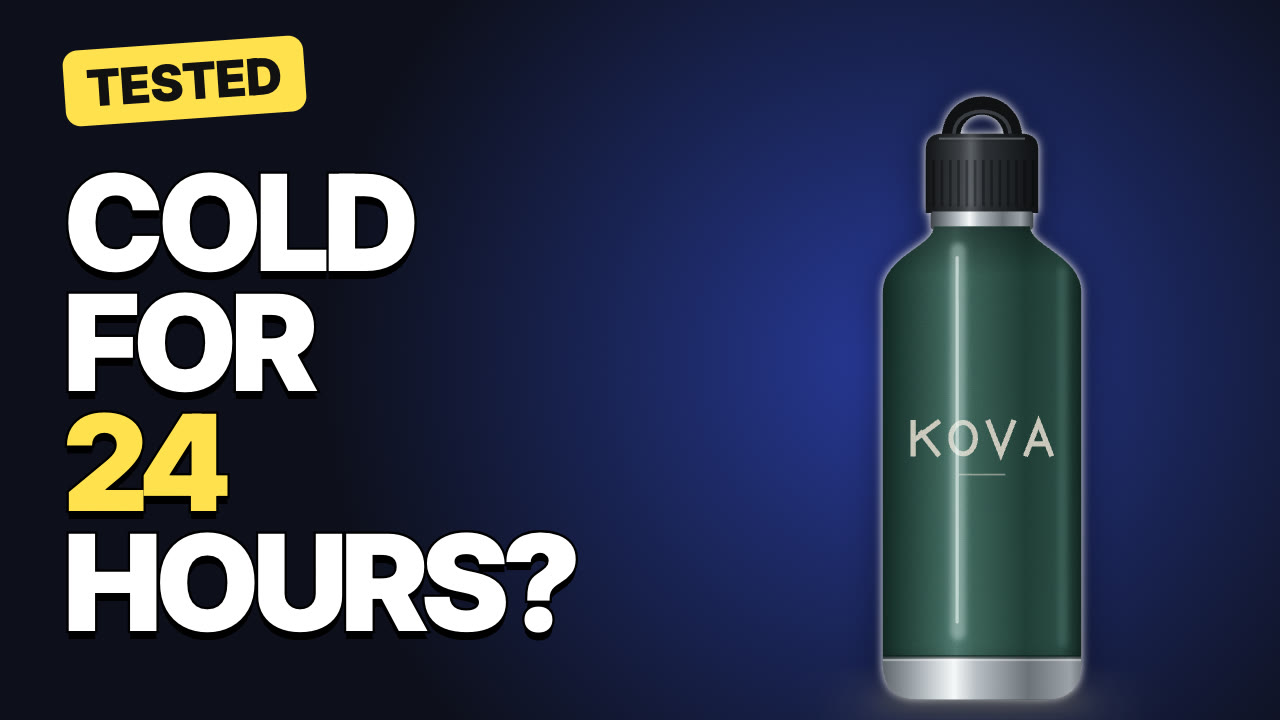
Big outlined words, one highlighted keyword and a cut-out subject — the high-contrast thumbnail style. Size rules, design tips, YouTube's policy on misleading thumbnails, and how to render one with Claude Opus 5.5.
Oct 27, 2026 · 2 min read
Your thumbnail and title are what people decide on before they ever see your video. The style that dominates YouTube is simple: two to four huge words with a thick outline, one keyword in a contrasting colour, a cut-out subject on one side and a glowing background. Here's how to make one — and how to make it consistently, so every thumbnail on your channel looks like it belongs.
Check the details on YouTube's own thumbnail help page.
YouTube's policies prohibit thumbnails that mislead viewers about the content — and misleading thumbnails lose viewers fast anyway. Only show what the video actually delivers: if the thumbnail asks "Cold for 24 hours?", the video should test it.
The free Thumbnail Maker Skill renders the thumbnail as a PNG on your machine:
Make a YouTube thumbnail that says "Cold for 24 hours?" with "24" highlighted, bottle.png and a "TESTED" tag. PNG at 1280×720.
Your agent confirms the words, validates the image and renders the PNG in seconds — make three variations and pick the strongest. It can also render a three-second animated version of the same design for Shorts or an intro. More on how this works: Claude Opus 5.5 video generation.
Can I use my own photo? Yes. A cut-out PNG with a transparent background gives the classic look.
Can I test thumbnails? Render several variations from the same file and use YouTube Studio's thumbnail testing where it's available to your channel.