Grátis
guide
Device b-roll makes any app look shipped. How to render a 3D phone with a liquid-glass home screen and your app on it, free, with the 3D Phone Home Screen block.
3 de nov. de 2026 · 1 min de leitura
Este guia ainda não está disponível no seu idioma, por isso aparece em inglês.
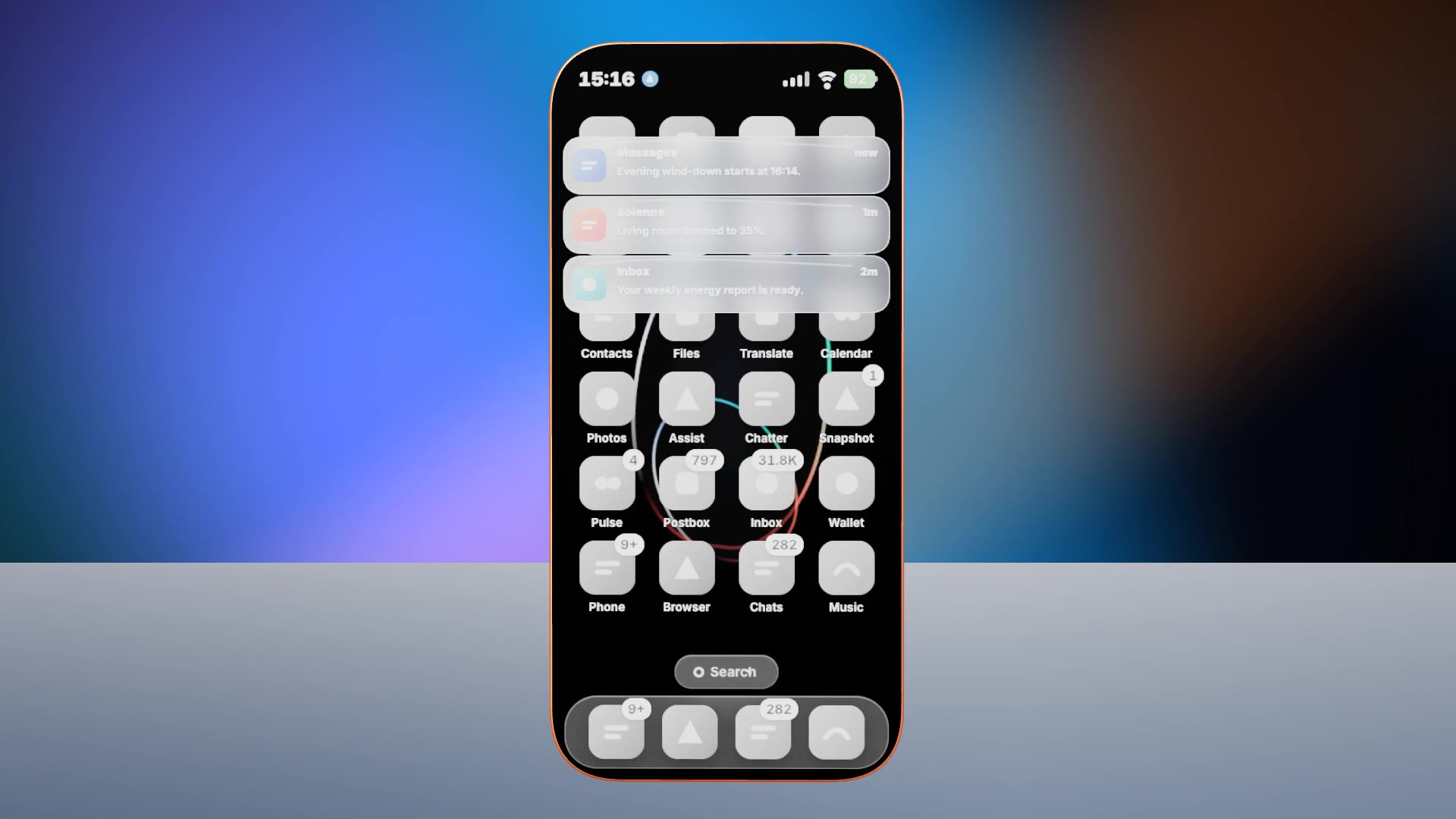
Launch films and landing pages need shots of the product on a device. A real 3D phone with a current home screen, your notifications and your page gives you that shot without a studio.
| Habit | Why it works |
|---|---|
| Your content on screen | Notifications and page text from your app |
| Neutral or own icons | Do not show other companies' app icons |
| One clear moment | A notification, then your app opening |
| Studio light | The 3D lighting sells the realism |
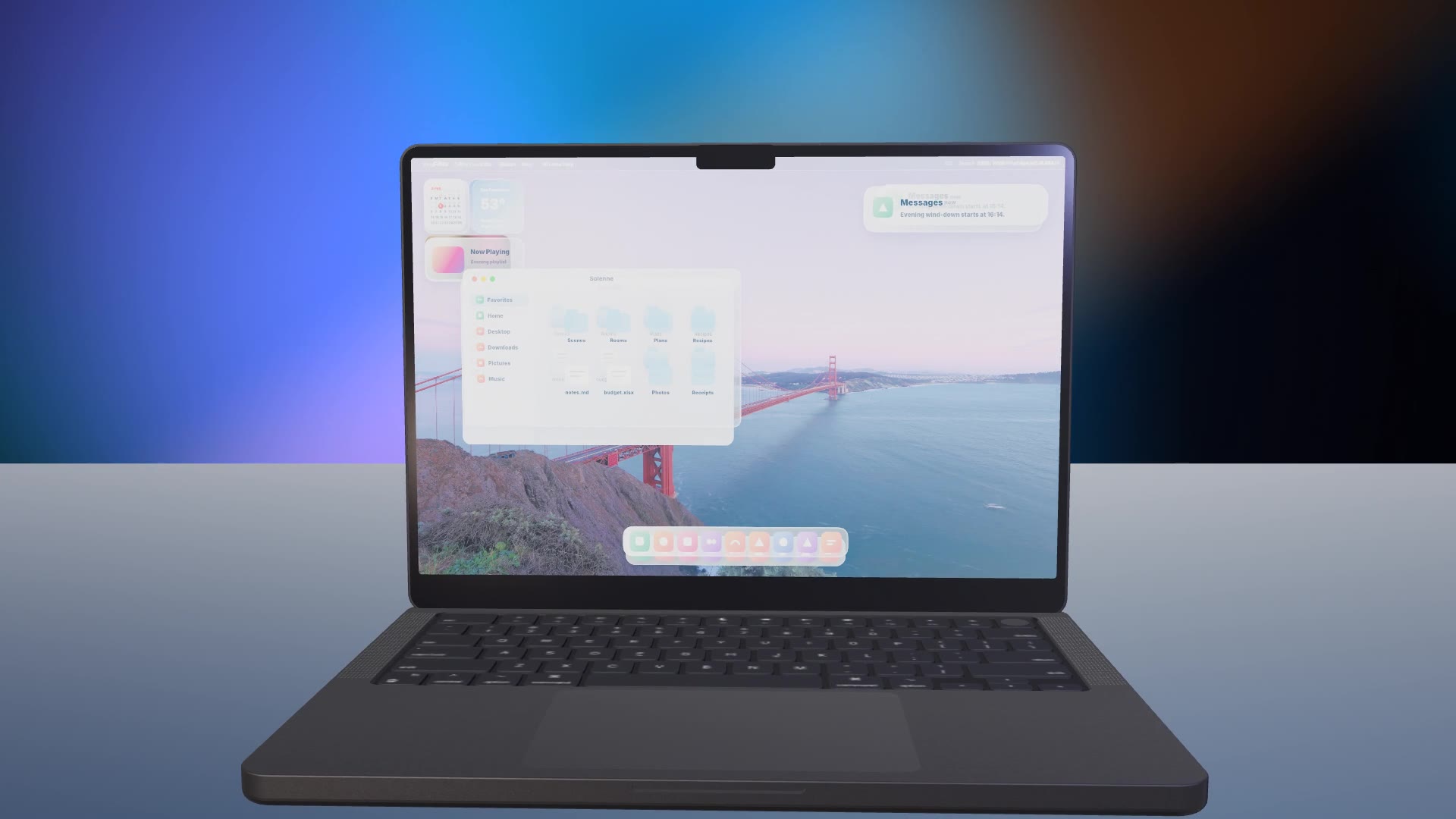
| Pair with the laptop | Cut to the laptop version for desktop features |
3D Phone Home Screen is a free, open-source HyperFrames block. A 3D phone turns in a soft studio with a liquid-glass home screen, live notifications and your web app on screen. Ask your agent:
Make a 3D phone home screen for Solenne with its evening notifications and the "Your home, on cue" page.It renders a 15-second 1920×1080 MP4.
For another take on the same idea, see 3D Laptop Desktop.