Grátis
guide
A launch video works best one feature at a time. How to give each feature its own short 3D moment with the free Orbit Card block.
3 de nov. de 2026 · 1 min de leitura
Este guia ainda não está disponível no seu idioma, por isso aparece em inglês.
Launch videos often try to show everything and end up showing nothing. Viewers remember one feature per moment. A short card per feature, cut together, beats a crowded screen recording.
| Habit | Why it works |
|---|---|
| One feature per card | The viewer reads one idea and keeps it |
| A name, not a description | "Evening wind-down" sticks; "Automated multi-device scheduling" does not |
| One sentence of benefit | What it does for the user, under twelve words |
| Motion with weight | A smooth camera move makes a simple card feel premium |
| Clean in and out | Each clip starts and ends empty, so a list of them cuts together |
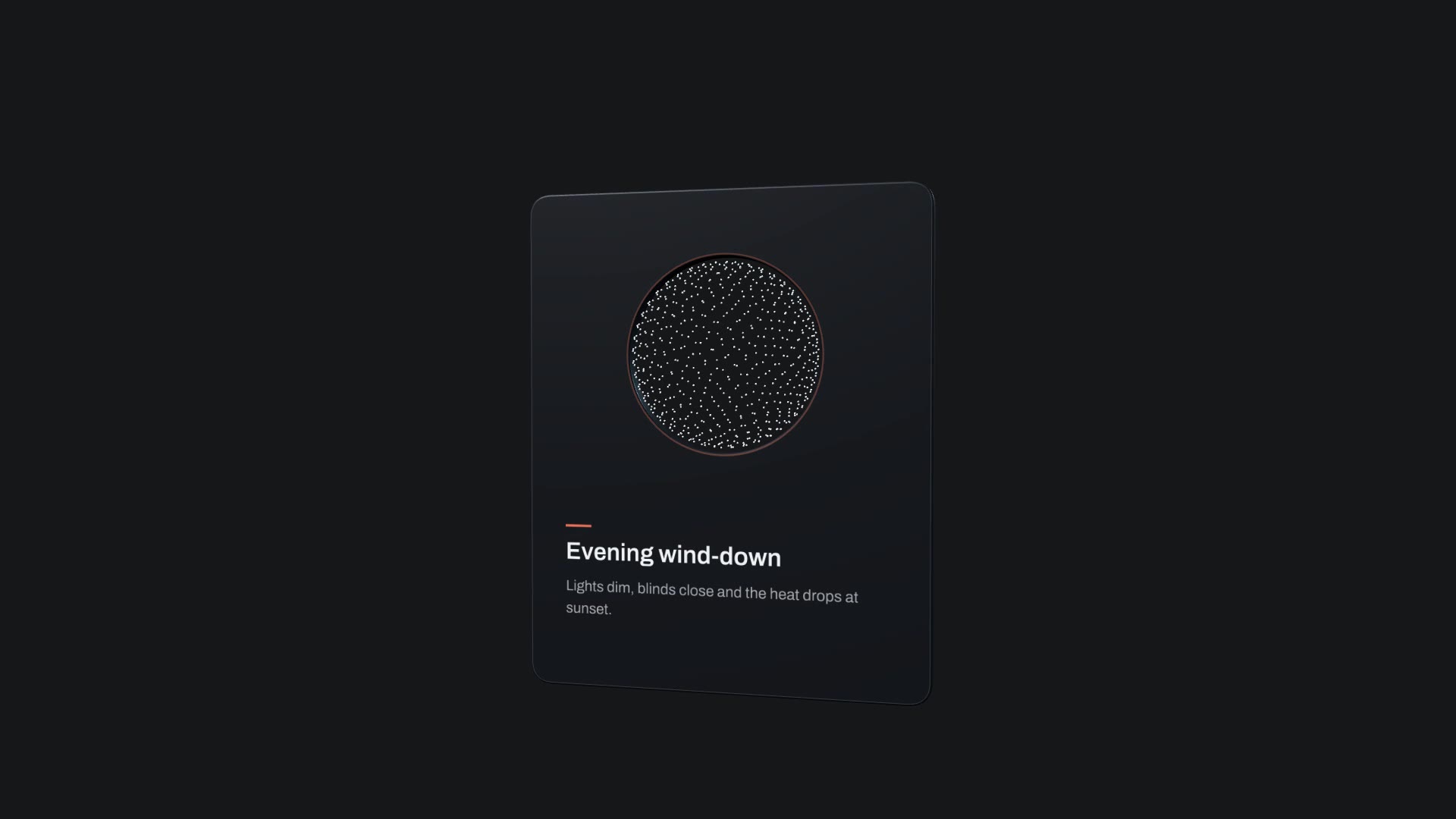
Orbit Card is a free, open-source HyperFrames block. A dark card with a round window frames a spinning dot sphere; it enters, floats, orbits the sphere and exits on camera motion exported from Blender. Ask your agent:
Make an orbit card for our new feature: title "Evening wind-down", description "Lights dim, blinds close and the heat drops at sunset.", accent #E8735A.It renders a 10-second 1920×1080 MP4. Render it once per feature with new variables and join the clips.
For a list in one shot, the Cuboid Card Carousel puts up to twelve cards on a 3D wave. For a weekly update with voice-over and captions, use Changelog Video.