Grátis
guide
AI agents can now direct motion design, not just fill templates. What separates a showreel-grade piece from a template, and how to get one with the free Motion Reel Skill.
3 de nov. de 2026 · 1 min de leitura
Este guia ainda não está disponível no seu idioma, por isso aparece em inglês.
Template videos all look alike because they are alike. The pieces that stop the scroll feel directed: a clear look, type that moves with intent, cuts on the beat and contrast between stillness and speed. An agent can do that if it is told how a motion designer thinks.
| Habit | Why it works |
|---|---|
| A beat grid | Every cut and impact lands on the music, so the piece feels tight |
| No plain fades | Overshoot, masks, staggers and camera moves give each move a reason |
| Contrast | Fast, then still, then a burst; constant speed is noise |
| A real design system | One palette and one type pairing, chosen for the brand |
| Checked frames | Peak frames are pulled from the actual render and fixed before delivery |
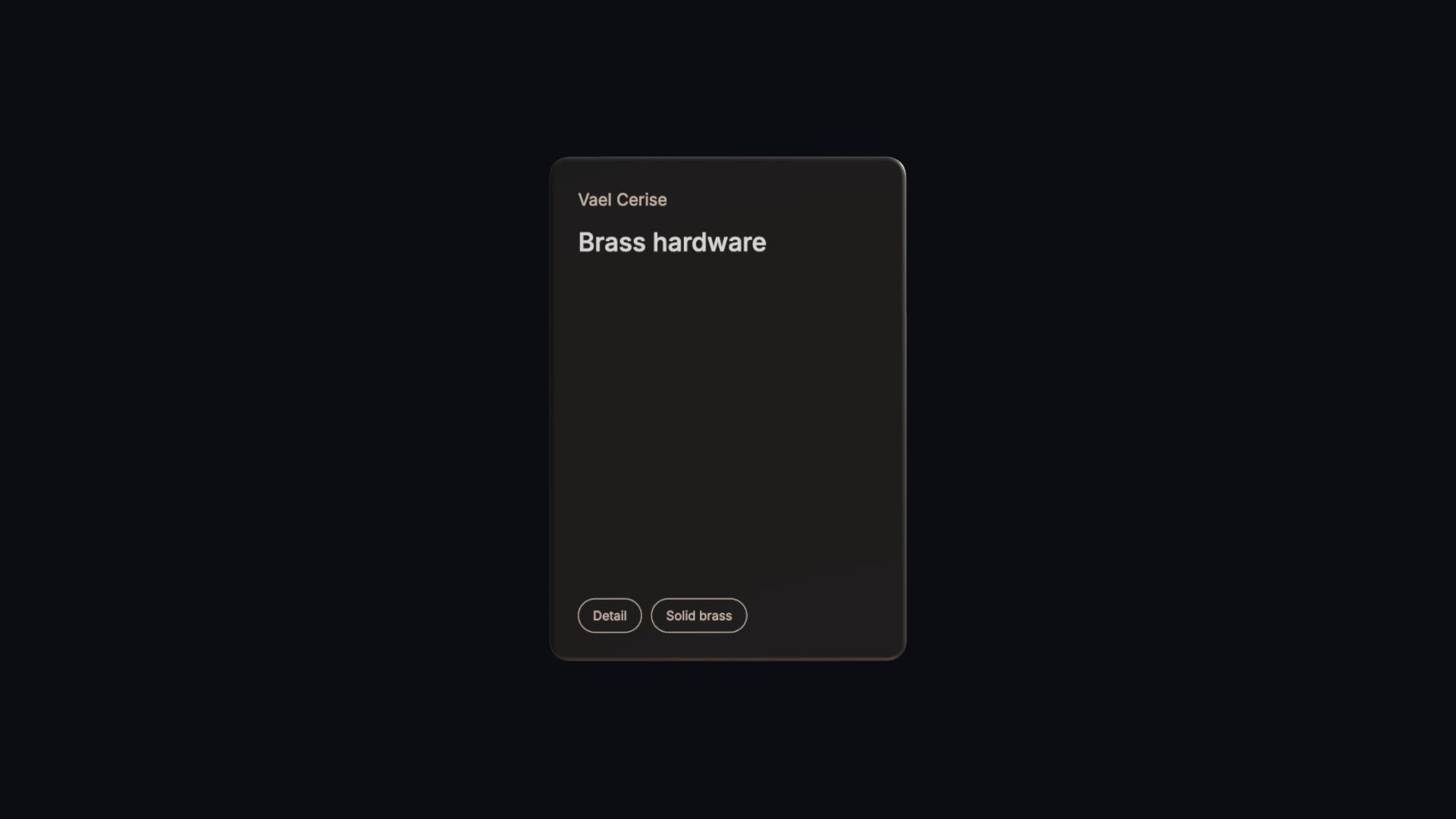
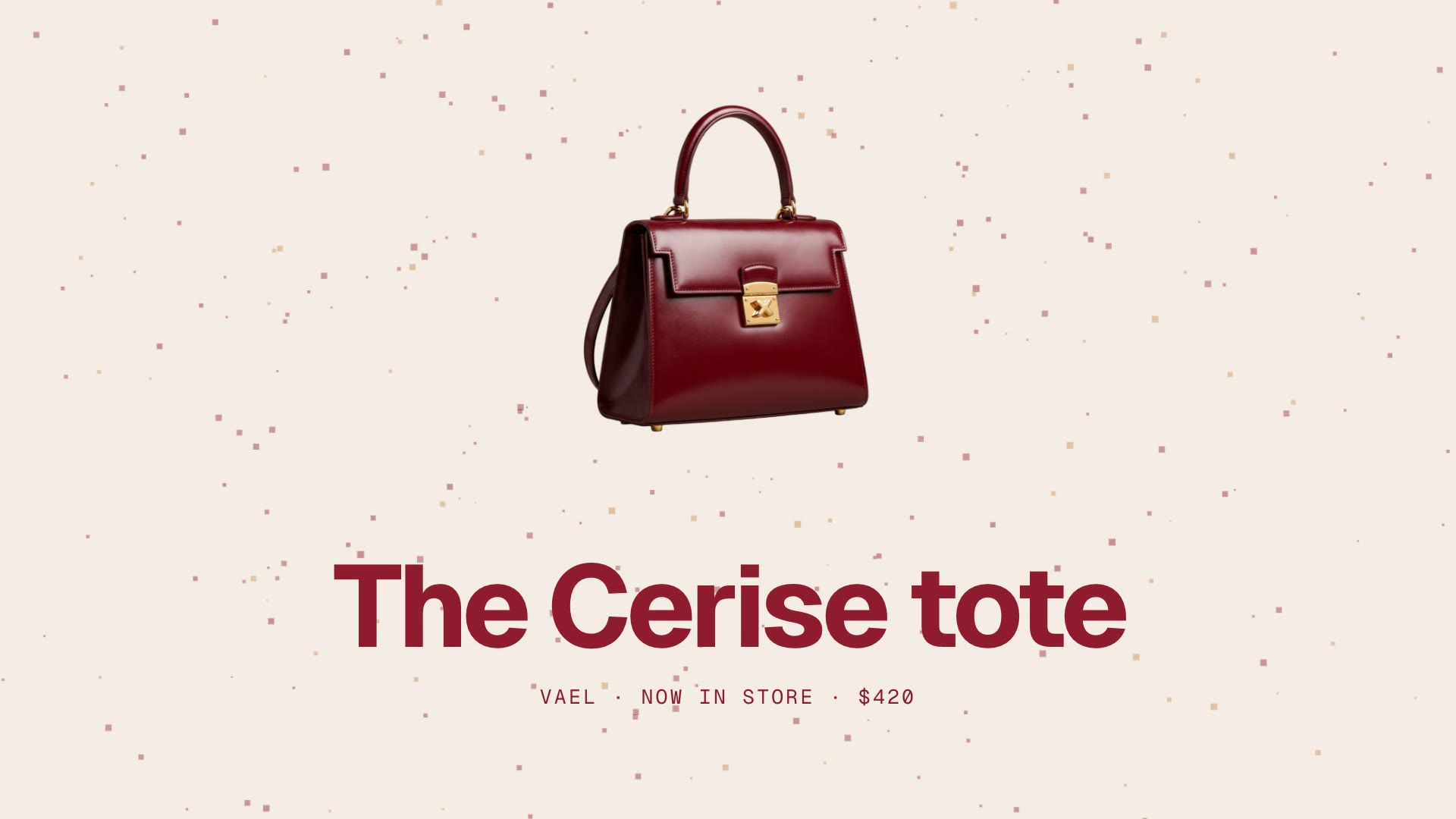
Motion Reel is a free, open-source Skill by Sunwood AI Labs. From a theme and your assets it designs the look and copy, builds a HyperFrames project on a 120 BPM beat grid and renders a 15-second 1920×1080 video. Ask:
Make a 15-second motion reel for our handbag, the Vael Cerise tote: bag.png is the cut-out. Fashion-week mood, wine red and cream.Everything runs on HyperFrames, GSAP and plain HTML, so there is no paid licence. The original is in Japanese; our download is an English translation.
If the reel has a voice-over, caption it with Captions Overlay. For a quick list of products, a Cuboid Card Carousel makes a good insert.