Free
guide
Carousels are the native format for drops, lists and line-ups. How to turn a list into a lit 3D card wave with the free Cuboid Card Carousel block.
Nov 3, 2026 · 1 min read
Every drop, roadmap and line-up is a list. On social, a flat list scrolls past. Put the same items on physical-looking cards that move together and one of them steps forward, and the list becomes a moment.
| Habit | Why it works |
|---|---|
| Few words per card | A category, a short title, two small tags; the motion does the rest |
| Real light and shadow | Bevels and soft shadows make cards feel like objects |
| One hero | The card that breaks out is the one viewers remember; pick it on purpose |
| A loopable length | Around seven seconds loops cleanly in a feed |
| Consistent tags | Status and price, or date and place, in the same order on every card |
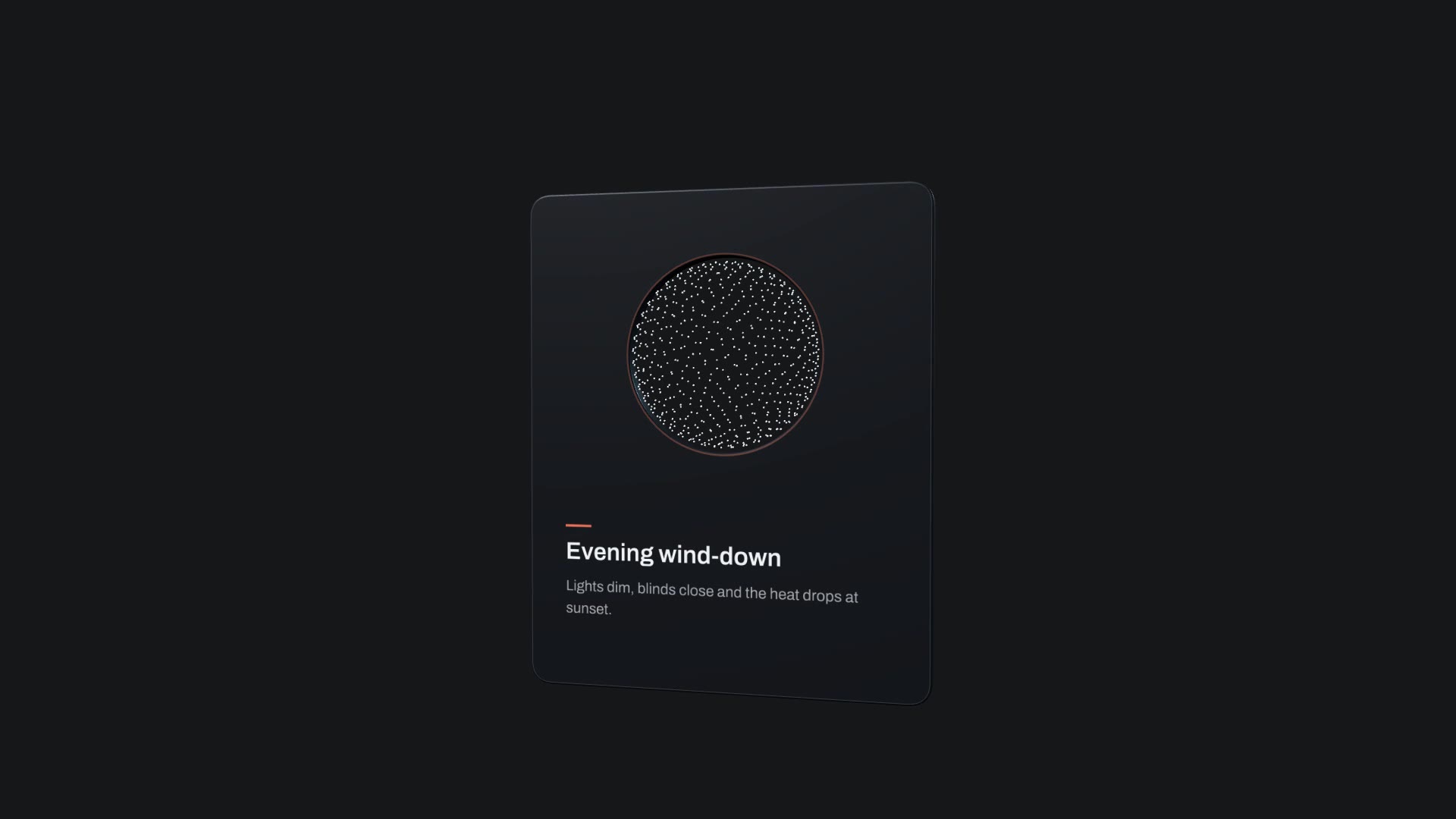
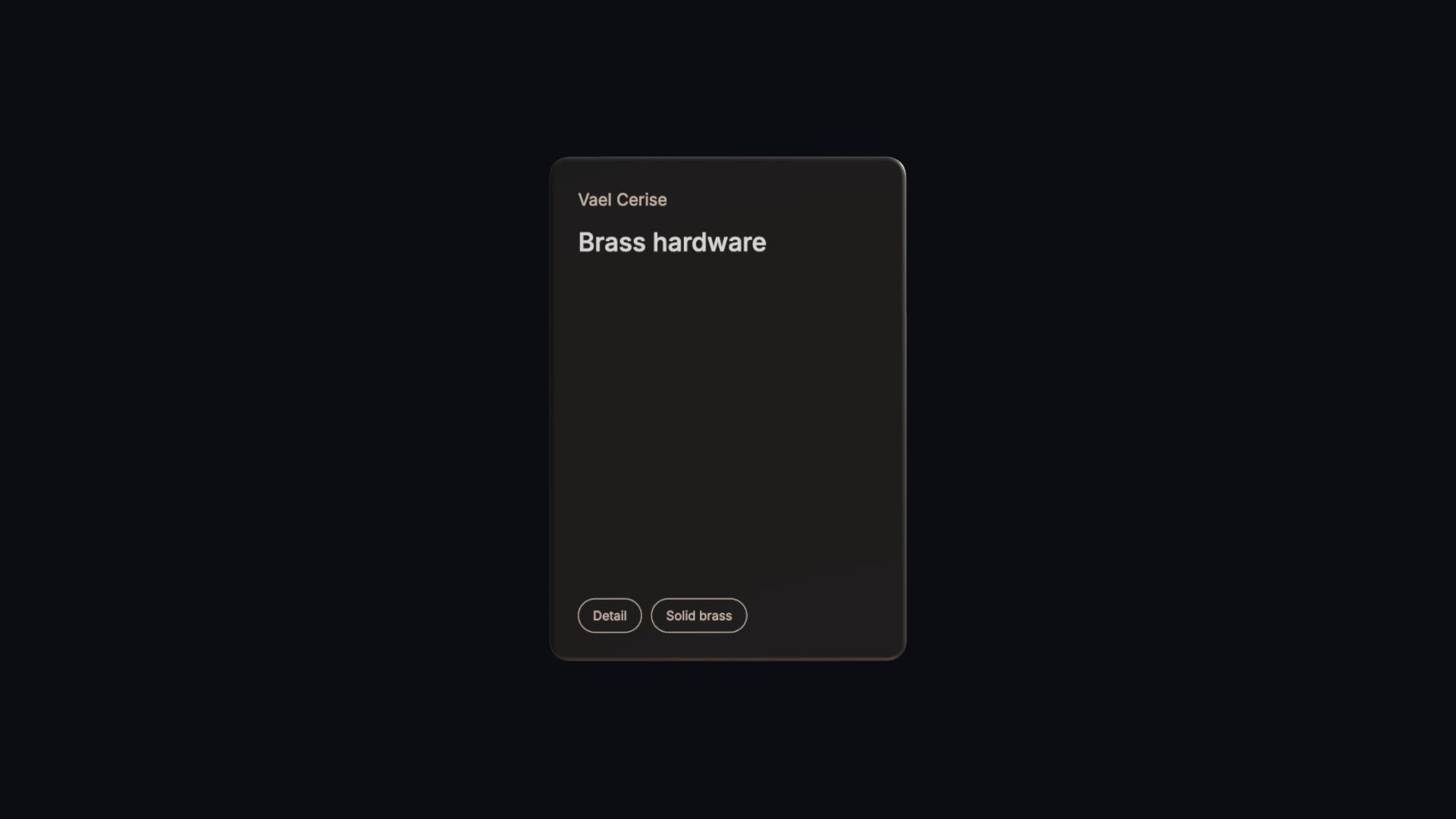
Cuboid Card Carousel is a free, open-source HyperFrames block. Up to twelve bevelled cards ride a travelling wave past a handheld-style camera; the hero card lifts out, tumbles and settles facing you. Ask your agent:
Make a cuboid carousel for our handbag drop with eight cards: category "Vael Cerise", titles such as "Cherry leather tote" and "Brass hardware", pills for stock and price. End on "The Cerise tote is here".Cards go in as one JSON list, and size, bevel, materials, lights and camera are variables.
Follow the carousel with a single Orbit Feature Card on the hero item, or build a full product teaser around it with Motion Reel.