Every Premium video Skill, one plan. Cancel anytime.See plans
Maison Vey · 16:9

Rendered by this Skill

Extruded 3D Logo Sting v1.0.1

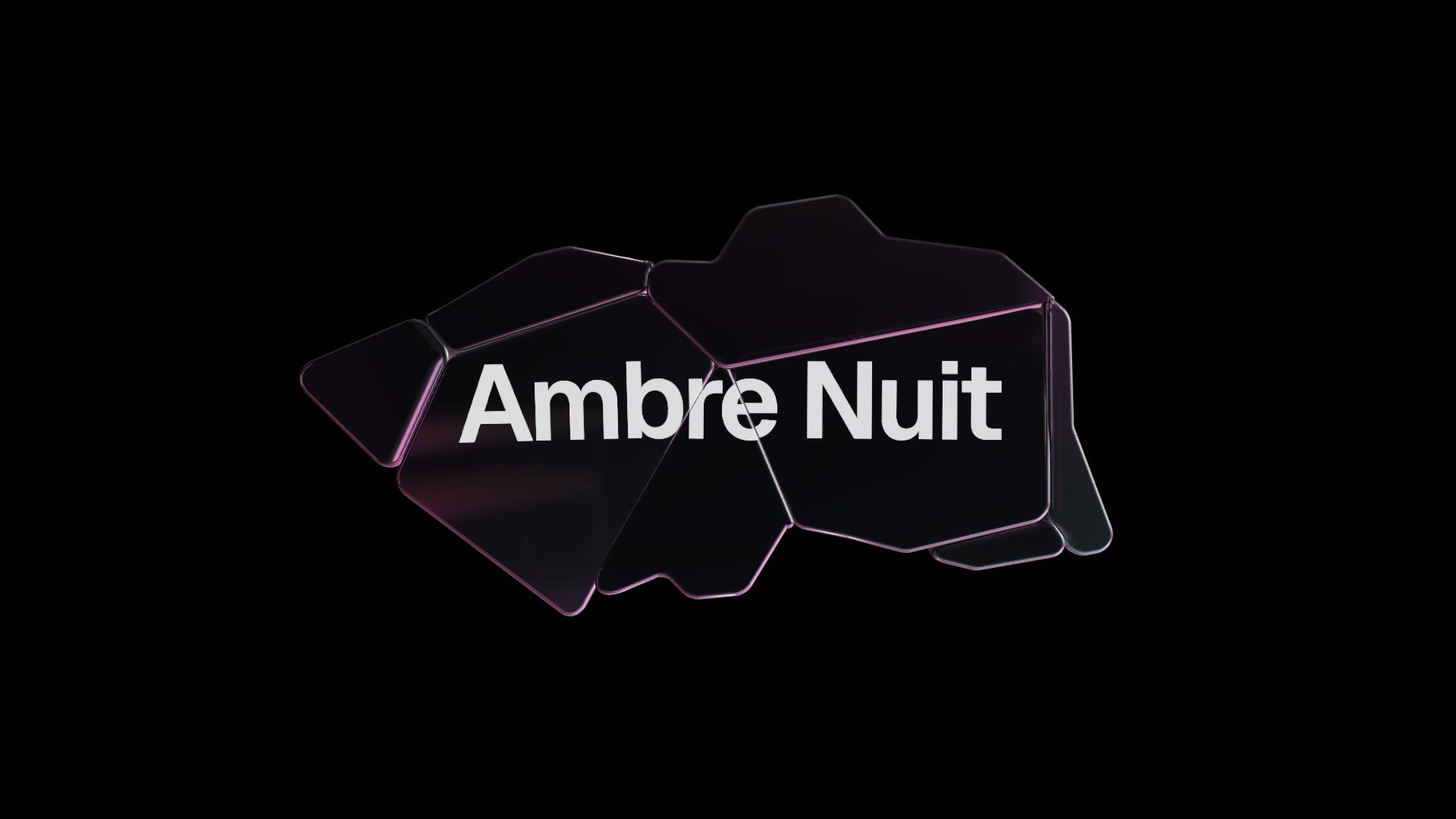
Bevelled 3D letters flip up one by one, the word swings so light runs across the bevels, then settles above your tagline.

No ratings yet 0 downloads
Format
Video · 16:9
Length
0:05

Free Free with an account

Sign in to download

Paste this into your agent. It connects the CLI if needed, then installs the Skill.

A free HyperFrames block for a 5-second logo sting. Your word is extruded into bevelled 3D letters that flip up in turn; the word swings so a rim light runs across the edges, then settles with a tagline beneath it. The word, tagline, finish (chrome, gold or matte clay), rim colour and background are variables.

Updated Nov 3, 2026

What you get

  • A 5-second 1920×1080 MP4 logo sting
  • Real 3D bevelled letters in chrome, gold or matte clay
  • Variables for the word, tagline, finish and colours

Good fit

  • Intros and outros for brand and product videos
  • Short words, initials and wordmarks
  • Launch countdowns and bumpers

Not for

  • Logos that are pictures rather than words
  • Long brand names

About this Skill

You say

/extruded-logo Make an extruded logo sting for Maison Vey: the word "VEY" in gold, tagline "Ambre Nuit, the new eau de parfum", on a warm near-black background.

A logo sting should take five seconds and feel expensive. Extruded 3D Logo builds your word as real bevelled letters, flips them up one at a time and swings the word so the light catches every edge, then holds it over your tagline for the end of a video or the start of the next one.

How it works

  1. Ask: tell your agent the word, a tagline and the finish: chrome, gold or matte clay.
  2. Fill: it writes your copy and colours into the block's variables, keeping text close to the length the layout was made for.
  3. Render: it renders a draft with npx hyperframes render, checks a few frames and renders the final MP4.
  4. Reuse: the variables live in one small JSON file, so the next version is one more render.

Tips

  • Three to five letters look boldest; longer words, up to eight letters, shrink to fit the frame.
  • Gold on a warm near-black reads as luxury; matte clay feels friendly.
  • Keep the tagline under about 40 characters.
  • Use it as an intro, an outro or a bumper between sections.

Open source

This is a block from the HyperFrames registry, made by HeyGen and the HyperFrames contributors (heygen-com/hyperframes) and shared under the Apache License 2.0. The download is the block with its assets and a SKILL.md written by Reelity, so your agent knows how to fill and render it; HyperFrames itself runs from npm.

What you need before you start

You bring
A short word or wordmark, a tagline and your preferred finish.
Dependencies
Node.js 22 or newer — required · FFmpeg — required
Outside costs
None. HyperFrames is free and open source and renders on your own machine.
Last tested
v1.0.1 —

User reviews

No reviews yet. Install the Skill and be the first to rate it.

FAQ

Can it use my logo file?

It builds the letters from a font, so it works with a word rather than an image. For an SVG logo, use the Frost Logo Orbit block.

Which words work best?

Three to five letters look boldest. Words of up to eight letters shrink to fit the frame, and every letter, digit and common symbol renders cleanly in 3D.

Why is it free?

It is an open-source HyperFrames block by HeyGen and the HyperFrames contributors. We list it as it is, with a SKILL.md so your agent can use it and a sample made with one of our house brands, Maison Vey.
Guides

How to make a 3D text logo sting in five secondsA short, polished logo sting makes every video look finished. How to make one from your wordmark, in chrome, gold or clay, with the free Extruded 3D Logo block.How to make a variable font text animationVariable fonts let letters change weight smoothly, and that makes beautiful motion. How to run a wave of weight through your headline, free, with the Weight Wave Type block.

Similar Skills

View all