Every Premium video Skill, one plan. Cancel anytime.See plans
Vael · 16:9

Rendered by this Skill

Weight Wave Type v1.0.0

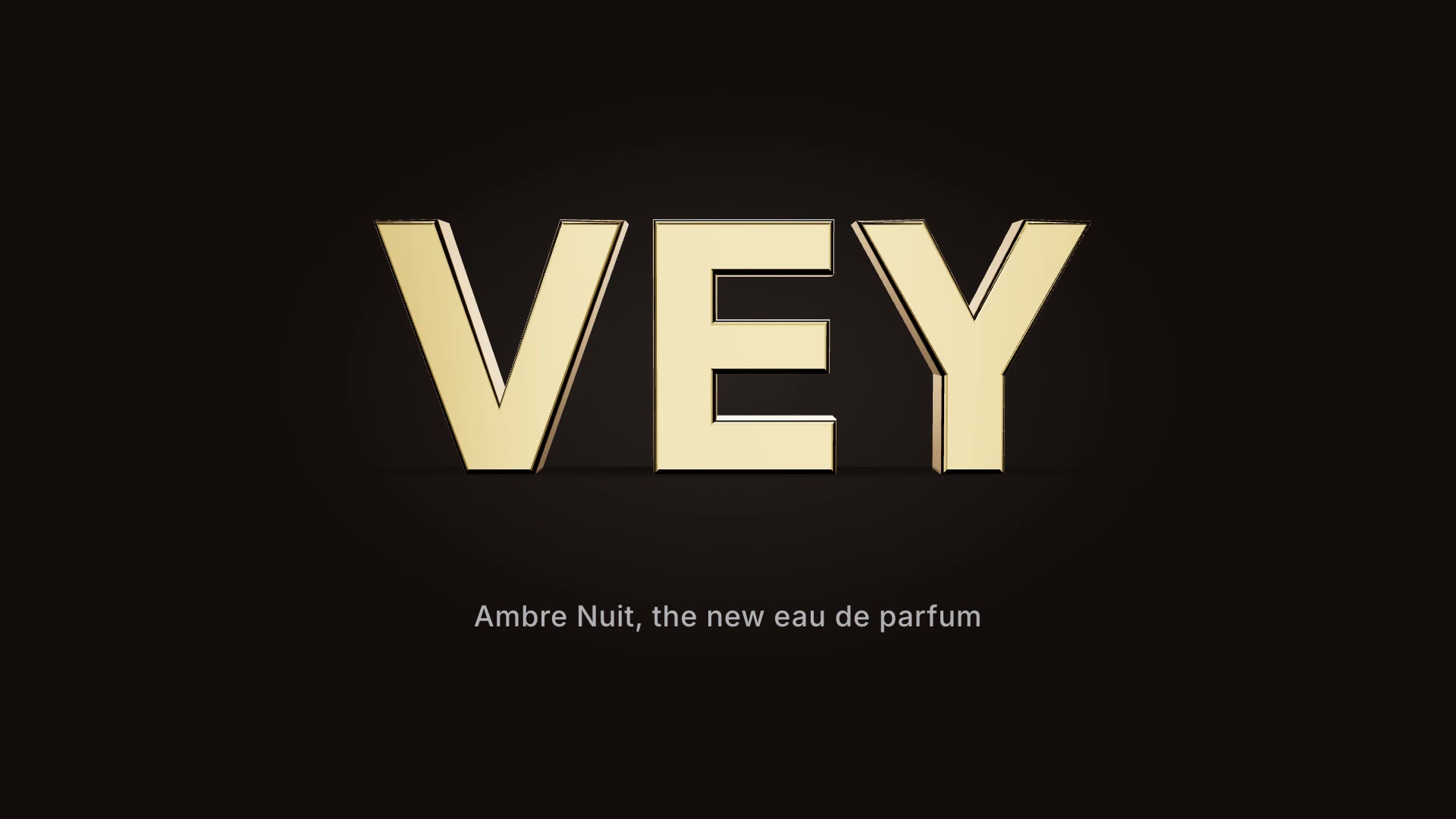
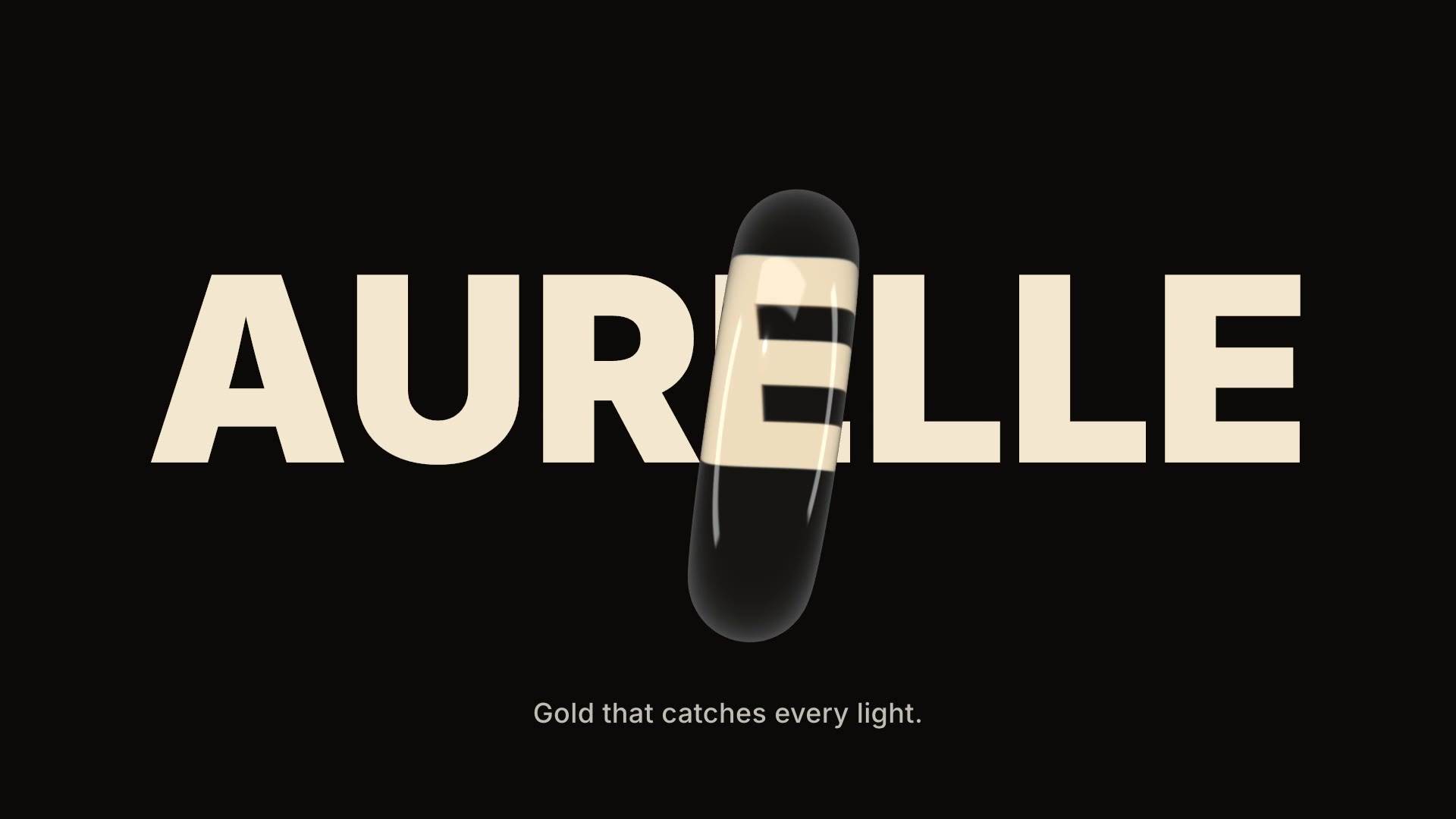
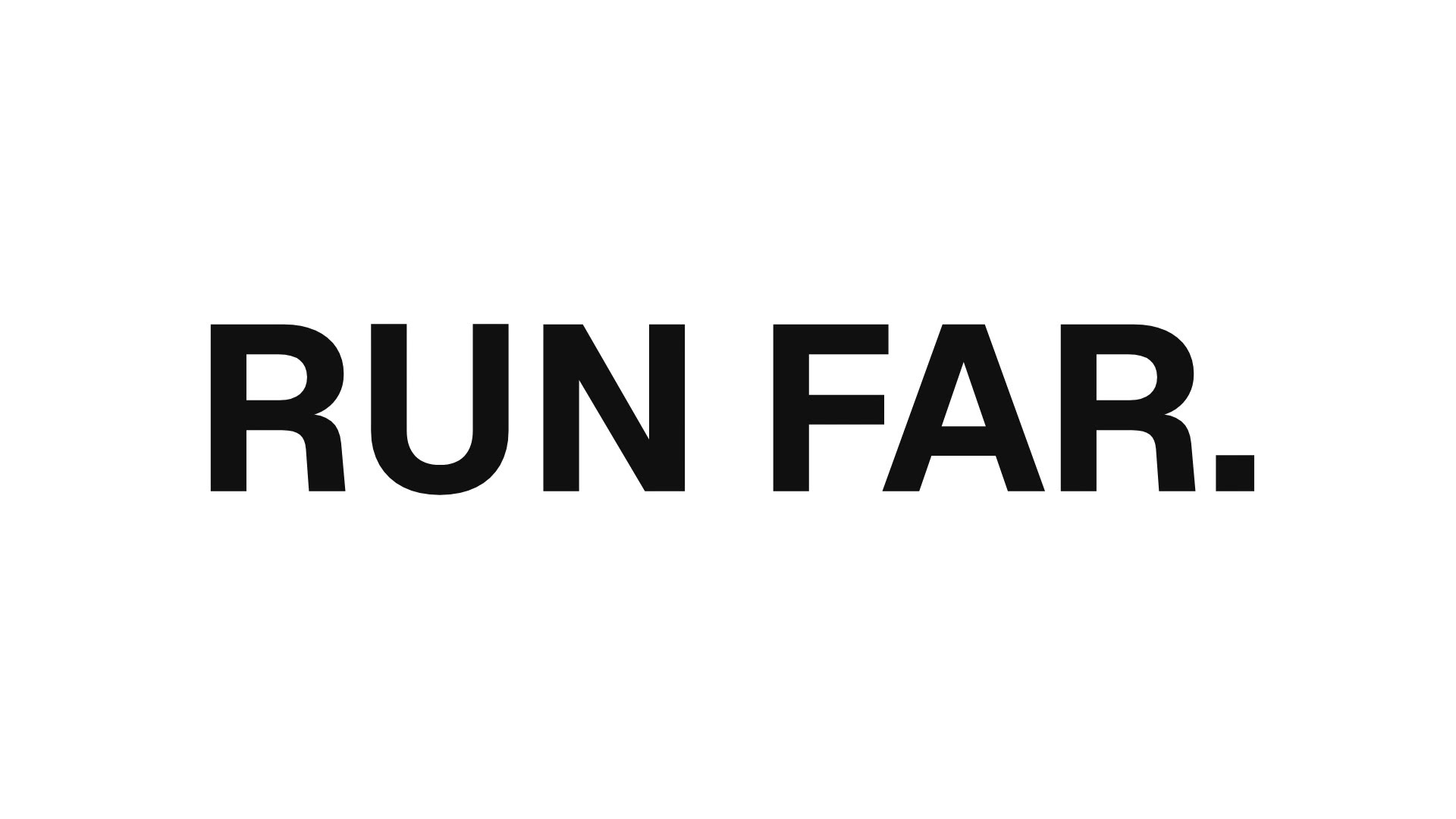
A crest of bold weight rolls along your headline, each letter swelling from light to heavy and back as the wave passes.

No ratings yet 0 downloads
Format
Video · 16:9
Length
0:06

Free Free with an account

Sign in to download

Paste this into your agent. It connects the CLI if needed, then installs the Skill.

A free HyperFrames block for 6 seconds of kinetic type. Your headline is set in a variable font; a wave of weight travels along it so each character swells from light to black and relaxes again, with an optional slant. Text, colours, weight range, crest width, sweep speed, slant and direction are variables.

Updated Nov 3, 2026

What you get

  • A 6-second 1920×1080 MP4 kinetic title
  • A wave of variable-font weight rolling through the letters
  • Variables for text, colours, weights, crest, speed, slant and direction

Good fit

  • Fashion and lifestyle titles
  • Looping social posts
  • Section titles in longer edits

Not for

  • Long sentences
  • Brands that must use their own non-variable font

About this Skill

You say

/weight-wave Make a weight wave title "CERISE BY VAEL" in off-white on wine red.

Sometimes the type is the whole show. Weight Wave Type runs a crest of thickness along your headline, so the letters breathe from light to bold one after another. It is calm enough for a fashion title and lively enough for a social loop, and it needs nothing but words.

How it works

  1. Ask: tell your agent the headline, two colours and how bold and fast the wave should be.
  2. Fill: it writes your copy and colours into the block's variables, keeping text close to the length the layout was made for.
  3. Render: it renders a draft with npx hyperframes render, checks a few frames and renders the final MP4.
  4. Reuse: the variables live in one small JSON file, so the next version is one more render.

Tips

  • Two to four short words read best on one line.
  • A strong colour background with an off-white type looks editorial.
  • Lower the sweep speed for a slower, more luxurious breath.
  • Set the slant to 0 for upright letters.

Open source

This is a block from the HyperFrames registry, made by HeyGen and the HyperFrames contributors (heygen-com/hyperframes) and shared under the Apache License 2.0. The download is the block with its assets and a SKILL.md written by Reelity, so your agent knows how to fill and render it; HyperFrames itself runs from npm.

What you need before you start

You bring
A short headline and two colours.
Dependencies
Node.js 22 or newer — required · FFmpeg — required
Outside costs
None. HyperFrames is free and open source and renders on your own machine.
Last tested
v1.0.0 —

User reviews

No reviews yet. Install the Skill and be the first to rate it.

FAQ

Can I use my brand font?

The effect needs a variable font with a weight axis. The block ships with Recursive (open source); another variable font can be swapped in.

Can the wave go right to left?

Yes. Direction is a variable, along with the weight range and speed.

Why is it free?

It is an open-source HyperFrames block by HeyGen and the HyperFrames contributors. We list it as it is, with a SKILL.md so your agent can use it and a sample made with one of our house brands, Vael.
Guides

How to make a variable font text animationVariable fonts let letters change weight smoothly, and that makes beautiful motion. How to run a wave of weight through your headline, free, with the Weight Wave Type block.

Similar Skills

View all